Q1
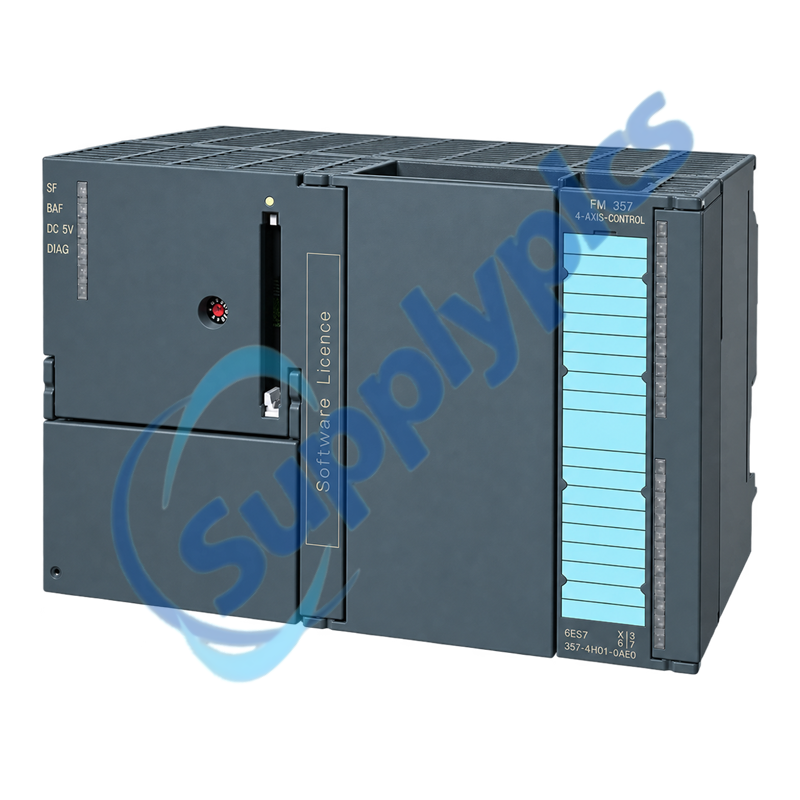
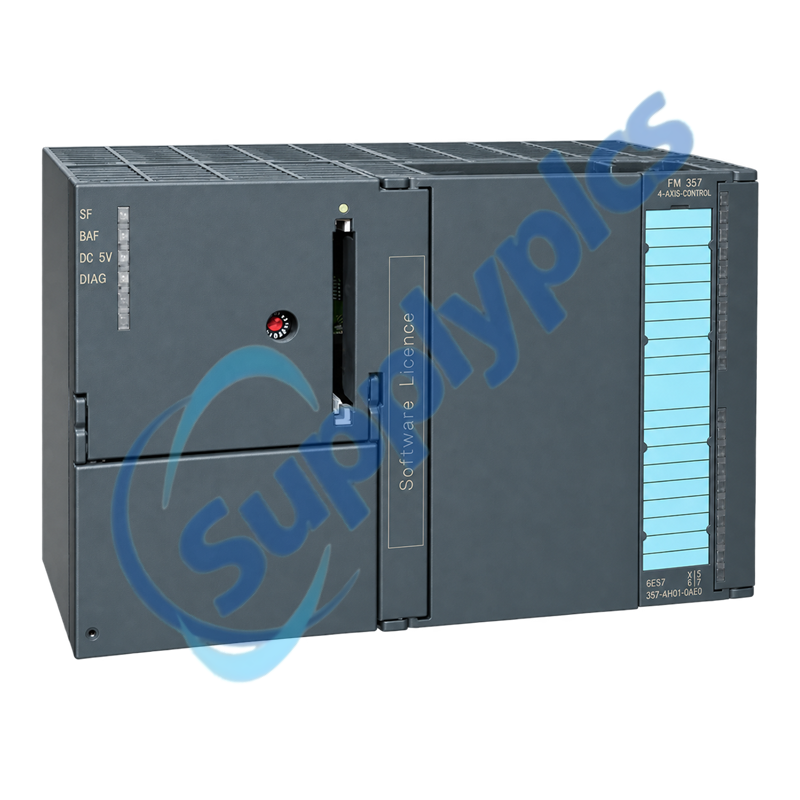
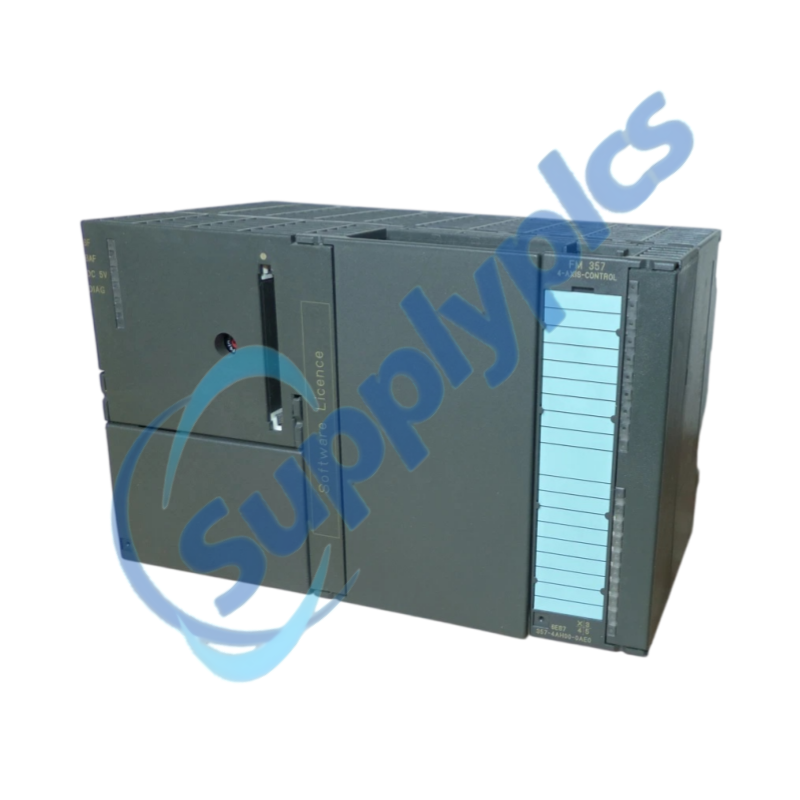
How should I verify that 6ES7357-4AH01-0AE0 matches my installed motion-control system?
Compare the exact hardware number, firmware memory card, FM 357-2 function level, S7-300 CPU, STEP 7 configuration, drive interfaces, encoder types and axis count before ordering.
Q2
What should I back up before replacing 6ES7357-4AH01-0AE0?
Archive the STEP 7 project, FM machine data, motion programs, tool and offset data, technology blocks and diagnostics. Record the coded memory card, axis wiring, drive settings and encoder assignments.
Q3
Why can an axis connected to 6ES7357-4AH01-0AE0 remain disabled after startup?
Check NC-READY and safety-chain status, drive enable, emergency stop, axis machine data, encoder feedback and active alarms. Confirm that the correct firmware and project were restored.
Q4
What should I inspect when 6ES7357-4AH01-0AE0 reports an encoder or following-error fault?
Verify encoder supply, signal type, cable shielding, connector seating, measuring-circuit assignment, scaling and mechanical motion. Compare actual feedback with commanded direction at a safe test speed.
Q5
How should I commission 6ES7357-4AH01-0AE0 after hardware replacement?
Use the approved maintenance procedure, restore the matched firmware and project, verify each axis without load where possible, then test referencing, limits, positioning and interpolation before full-speed operation.
Q6
Which details should I provide when requesting a replacement 6ES7357-4AH01-0AE0?
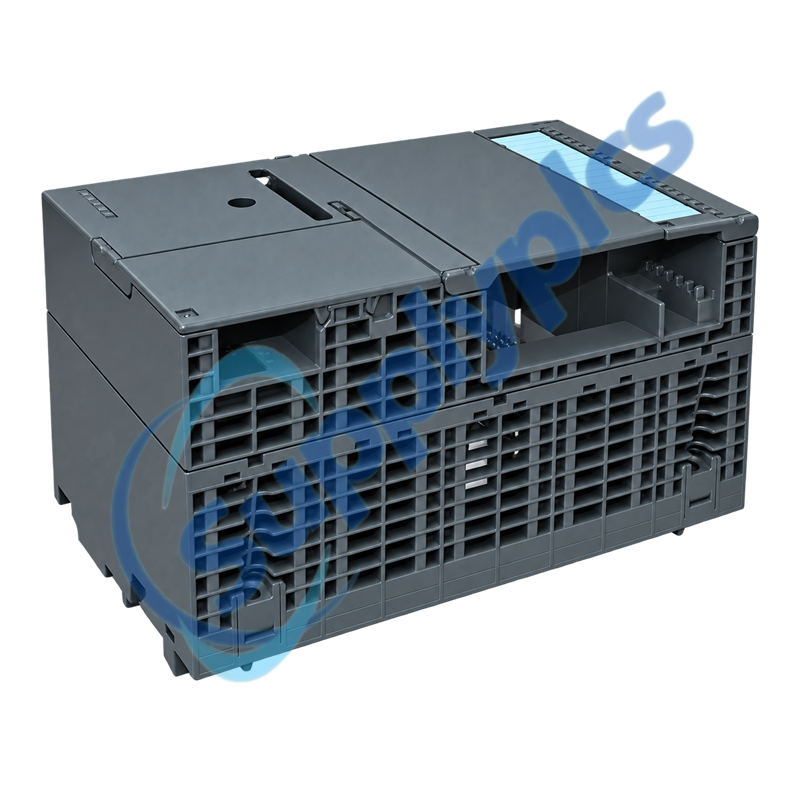
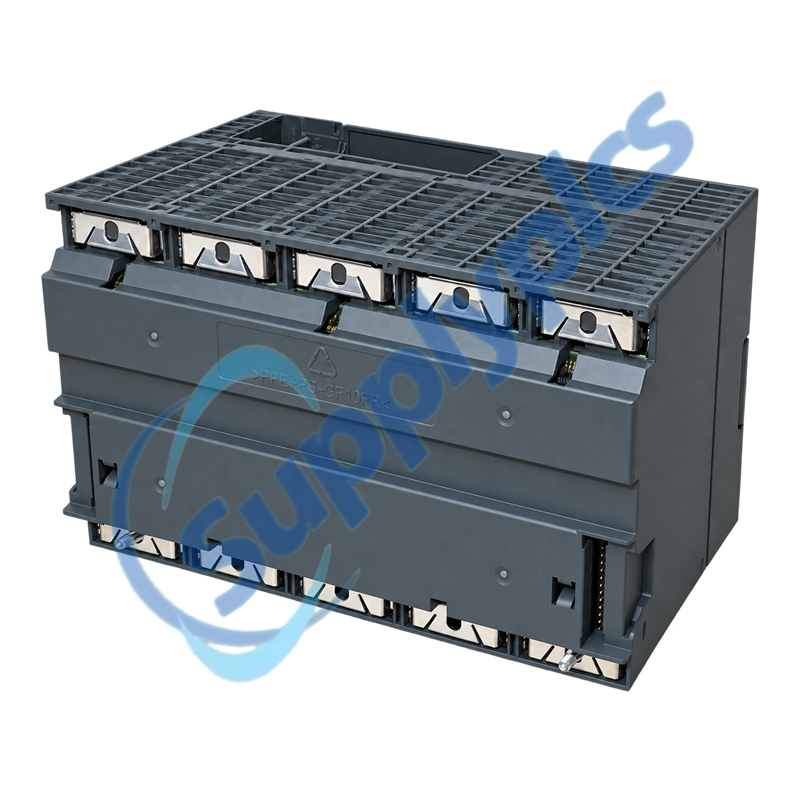
Provide the full order number, hardware revision, firmware card and version, S7-300 CPU, drive and encoder types, configured axes, STEP 7 version, project-backup status and connector photos.

 EN
EN