Get a Free Quote

Our representative will contact you soon.
Email
Name
Mobile
Company Name
Message
0/1000
siemens 6fm1470 3ca25 wf 470c color video display module-0

SIEMENS

Home >  Products >  SIEMENS

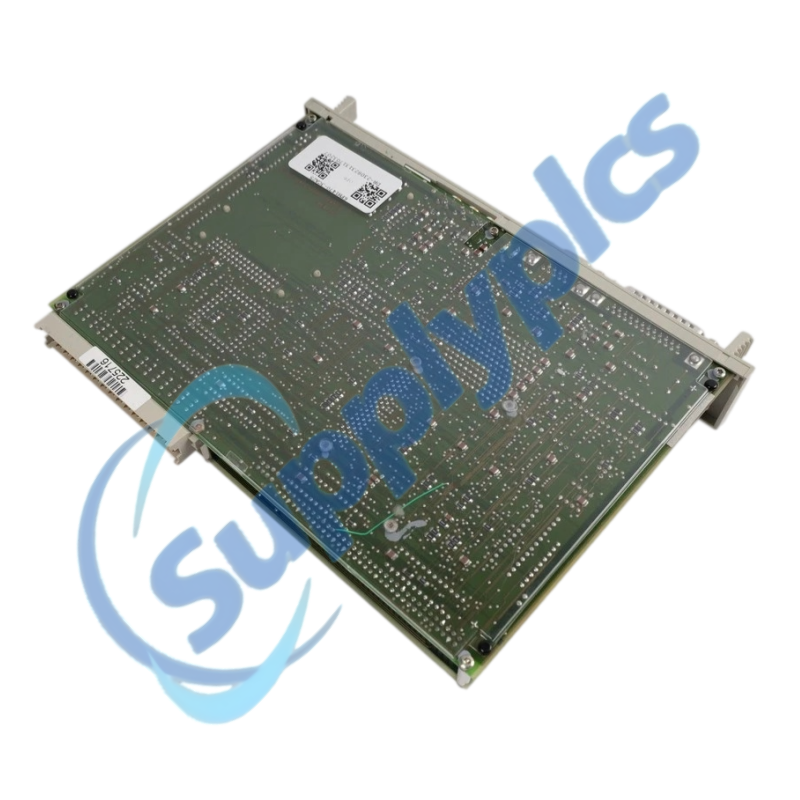
Siemens 6FM1470-3CA25 WF 470C Color Video Display Module

Product Name: WF 470C Color Video Display Module
Brand Name: Siemens
Model Number: 6FM1470-3CA25
Place of Origin: Germany
Warranty: 12 Months
Whatsapp: +86 18020776782
Appurtenance:
  • Overview
  • Configuration
  • Connectivity
  • Specifications
  • Commercial Term
  • Contact info
  • FAQ
  • Other Products
  • Recommended Products
Legacy SIMATIC S5 process visualization with color graphics, multilingual text and machine diagnostics
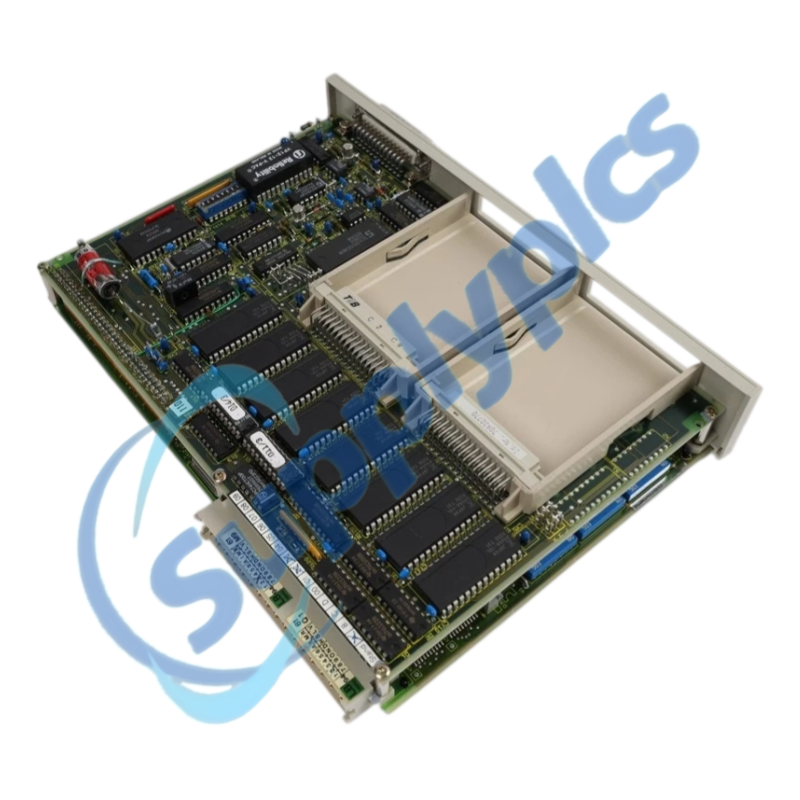
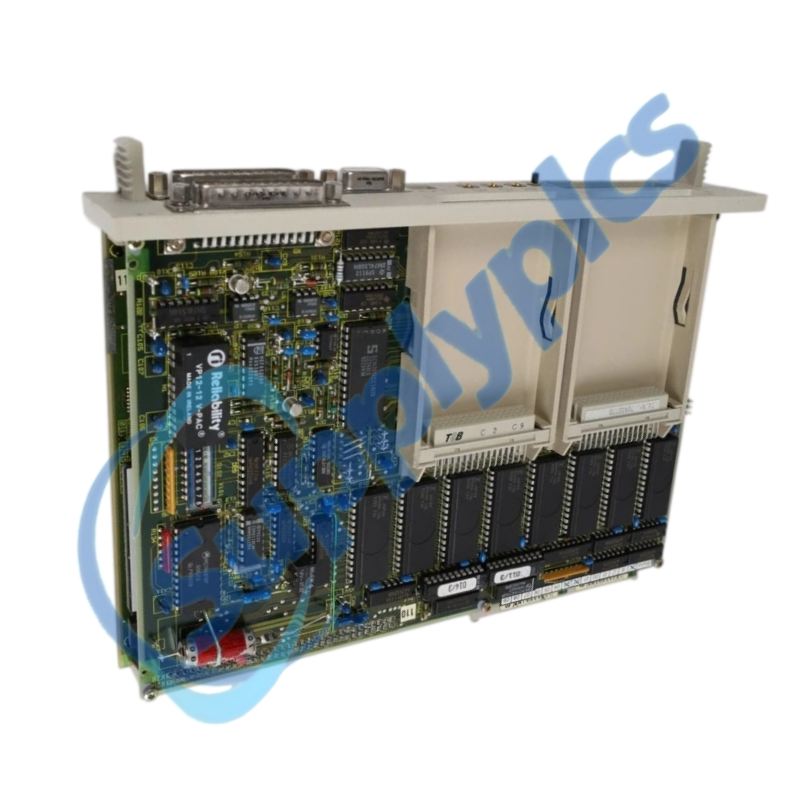
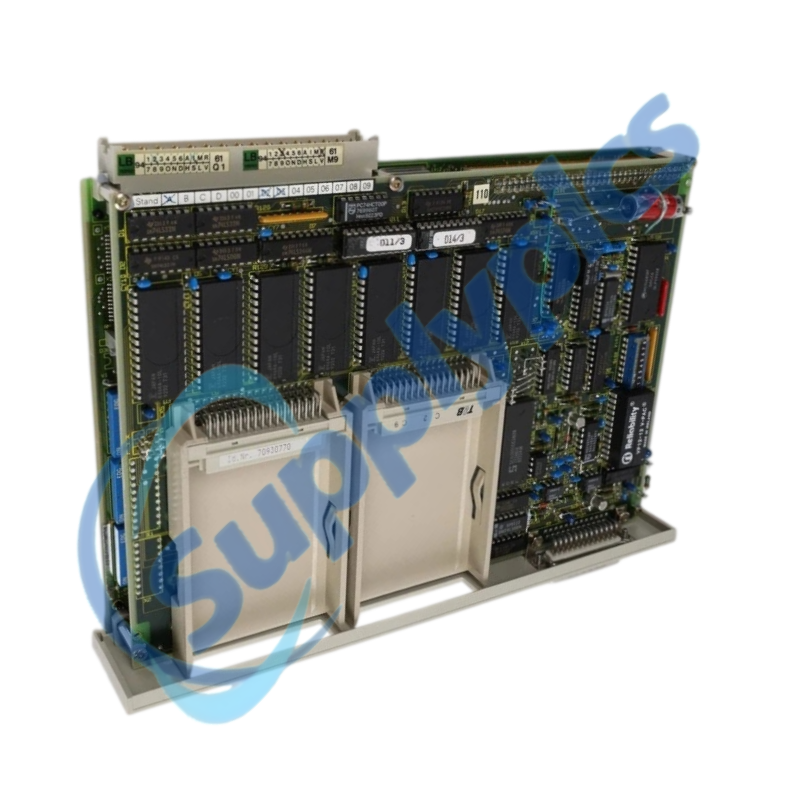
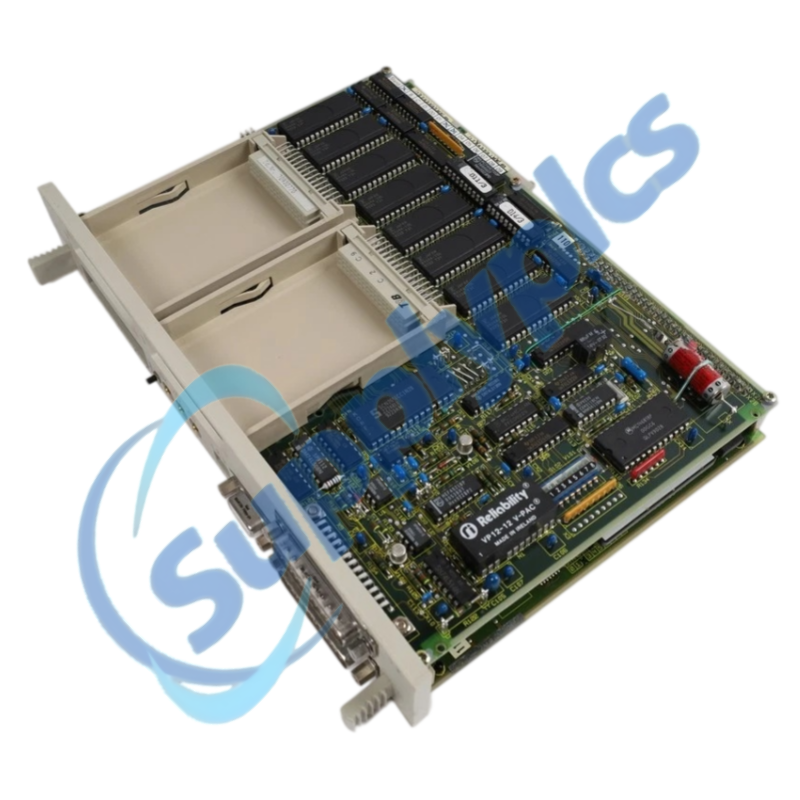
The Siemens WF 470C display module combines color process-picture generation, three memory-submodule slots, a second serial interface and 64 KB of internal RAM for established SIMATIC S5 machine visualization systems.
Before you order: Confirm the complete 6FM1470-3CA25 order number, WF 470C hardware revision, monitor interface, memory submodules, serial connections and the availability of the original visualization data before ordering a replacement.

Configuration

6FM1470-3CA25 is a legacy WF 470C color display module used to construct, store and display process pictures, operating states, fault messages and diagnostic information for SIMATIC S5 machinery.
A replacement must preserve the installed memory submodules and the original engineering data. The connected color monitor, PLC interface, serial devices and language files should be documented before the existing module is removed.
Configuration and programming
The visualization project is the key service asset for a WF 470C replacement.
Project archive
Secure the original process pictures, symbols, text fields, language files, alarm definitions and sequence-monitoring configuration.
Memory submodules
Record every installed submodule, slot position and label before moving hardware to the replacement unit.
Acceptance test
Verify every screen, language, alarm, acknowledgement and diagnostic view against the machine test plan.

Connectivity

Check all PLC, monitor and serial links before attributing a display fault to the module.
PLC interface
Confirm the SIMATIC S5 rack position, bus connection and the machine-specific data exchange with the WF 470C.
Display path
Verify the connected color monitor, cable type, connector seating and required video timing.
Serial devices
Document printer or supervisory-computer parameters on the second serial interface before replacement.

Specifications

Product type designation
WF 470C color video display module
Order number
6FM1470-3CA25
Automation family
SIMATIC S5 intelligent peripheral system
Display output
Color process pictures, text fields, bar graphs and diagnostic views
Memory
64 KB internal RAM
Memory expansion
Three slots for memory submodules
Serial communication
Second serial interface for printer or supervisory computer connection
Supported languages
German, English, French and Russian
Engineering platform
WF 470 project engineering with supported Siemens programming devices
Primary use
Machine visualization, alarm display, sequence monitoring and service diagnostics
System status
Legacy product for installed-base service
Replacement requirement
Original project and memory-submodule contents must be preserved

Commercial Term

Quotation
Current price and availability
Payment
T/T or agreed terms
Lead time
Confirmed with quotation
Shipping
DHL, FedEx, UPS or agreed freight
Warranty
12 months

Contact info

FAQ

Q1
How should I verify that 6FM1470-3CA25 matches the WF 470C installed in my machine?
Compare the complete order number, hardware revision, color-display variant, memory-submodule slots, serial connections and the connected monitor. Confirm that the original WF 470 project is available before ordering.
Q2
What should I back up before replacing 6FM1470-3CA25?
Secure the original engineering project, language files, alarm and sequence definitions, process pictures and any transferable memory-submodule contents. Photograph all module slots, labels and connectors before removal.
Q3
Why can 6FM1470-3CA25 power up while the connected monitor remains blank?
Check the monitor power and input selection, video cable and connector seating, then verify that the correct memory submodules and project data are installed. Review rack and PLC diagnostics before replacing hardware.
Q4
What should I check when 6FM1470-3CA25 displays incorrect text or missing process values?
Confirm the selected language data, project version, PLC data mapping and memory-submodule contents. Compare the machine program and WF 470 project with the last validated backup.
Q5
How should I troubleshoot the serial interface of 6FM1470-3CA25?
Record the connected device, cable pinout, transmission parameters and handshake method. Test the cable and partner device independently, then verify the configured printer or supervisory-computer settings.
Q6
Which information should I provide when requesting 6FM1470-3CA25 for a service replacement?
Provide the exact order number, hardware revision, monitor type, rack and PLC type, memory-submodule details, serial-device use, project-backup status and clear photos of the front, label and connectors.

Other Products

517-0147-04C 04-21-956029
VM-114H 2XINPUT
El-805u-d-868-500m
7000-5234-1, 4000-4175-2
9377-FB
RLED-CR
Wrt-822B
805U-D El-805u-d-868-500m
AUD50A100D 1636F
4TKNX IP20
TVAC10100
9377FB
JMG 4TKNX IP20
MR-1824 / PR-735
MP204
V130-J-R34
PT100 ICP11J0450000
1GK-00006
RO8 8-1.4 C29F
SA7-701008-2 2-000009V3
EMG125-B24 2947996
ICP-EZM2 ICP-EZV2-ENF
ABB 2CDG110079R0011
ABB 1SAP450600R0001
T-ASH-G2-200
CPM51 CPM-52-A5V5-I4O2R2-AD
IP20
GE 517-0147-04C 04-21-956029
RR1A01AEB00
125720-01 3500/32

Get a Free Quote

Our representative will contact you soon.
Email
Name
Mobile
Company Name
Message
0/1000

Get a Free Quote

Our representative will contact you soon.
Email
Name
Mobile
Company Name
Message
0/1000