Q1
How should I plan the network zones before installing 6GK5632-2GS00-2AC2?
Do not connect the security appliance to production until the network zones and permitted flows are approved. Identify the protected assets, trusted and untrusted interfaces, allowed services, routing paths and administrative hosts. Convert that approved design into the minimum firewall and NAT rules before connecting the appliance to production.
Q2
What should I back up before replacing 6GK5632-2GS00-2AC2?
Stop the replacement if the reviewed security configuration and certificate material are not recoverable. Export the reviewed configuration and record firmware, interface addresses, VLANs, routes, firewall rules, NAT mappings, certificates, users, SINEMA Remote Connect settings, SFP types and cable destinations.
Q3
Why can traffic stop after 6GK5632-2GS00-2AC2 is inserted between two working network segments?
Traffic usually stops because a zone, route, firewall direction or NAT mapping does not match the approved design. Check interface-zone assignment, IP addressing, subnet masks, routes, firewall direction, NAT rules and link media. Use packet-filter and system logs to identify the first blocked or misrouted flow before broadening any rule.
Q4
How should I verify an optical link on 6GK5632-2GS00-2AC2 before commissioning?
Do not commission the optical path until both ends use a supported and matching SFP and fiber specification. Confirm the supported SFP type, fiber mode, wavelength, transmit and receive pairing, connector cleanliness and partner-port settings. Then review port diagnostics and error counters with the intended production cable path.
Q5
What should I check when the SINEMA Remote Connect tunnel for 6GK5632-2GS00-2AC2 does not establish?
A failed SINEMA Remote Connect tunnel is most often caused by time, name resolution, routing, certificates or outbound policy. Verify time synchronization, DNS and default route, certificates, OpenVPN profile, outbound firewall policy and reachability to the SINEMA RC server. Review system and audit logs without disabling unrelated protections.
Q6
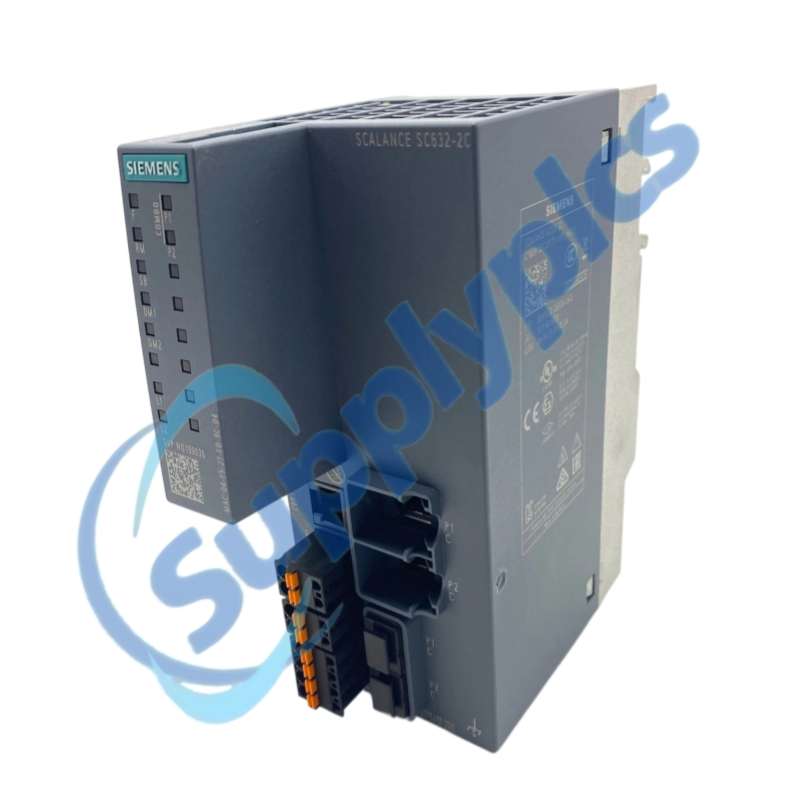
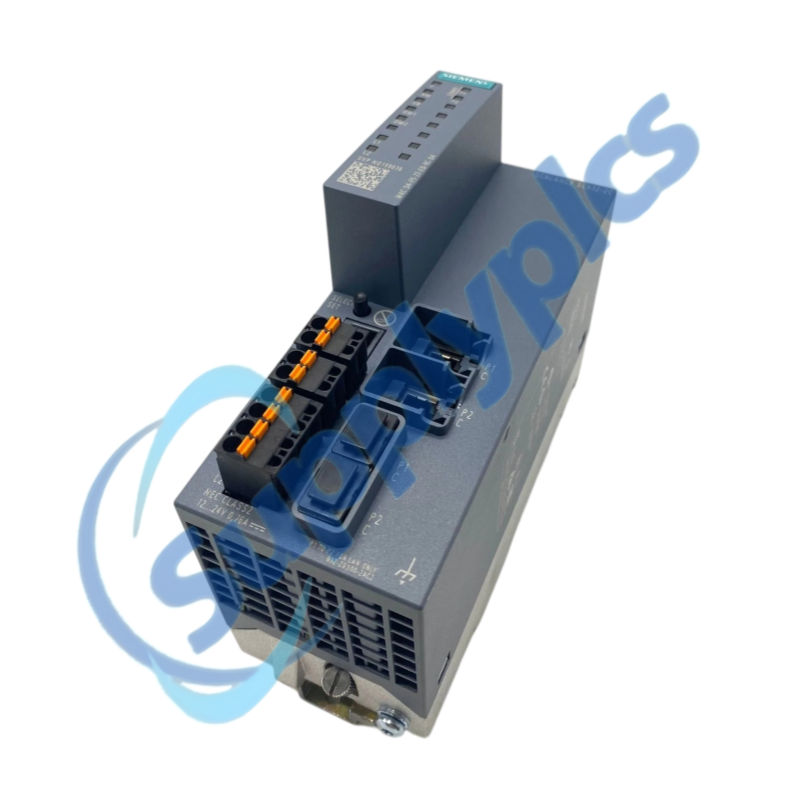
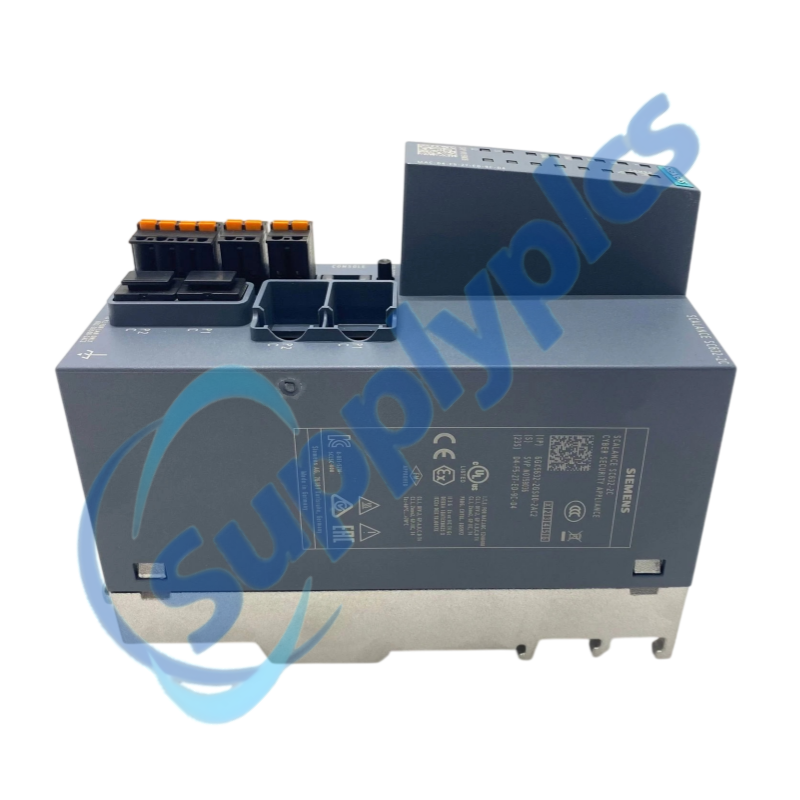
Which details should I provide when requesting 6GK5632-2GS00-2AC2 for a retrofit?
A retrofit quotation requires the network and security context, not only the order number. Provide the exact order number, firmware, network-zone diagram, copper or SFP media, supply arrangement, required routing and NAT functions, SINEMA RC use and clear photos of the label and connectors.

 EN
EN