Get a Free Quote

Our representative will contact you soon.
Email
Name
Mobile
Company Name
Message
0/1000
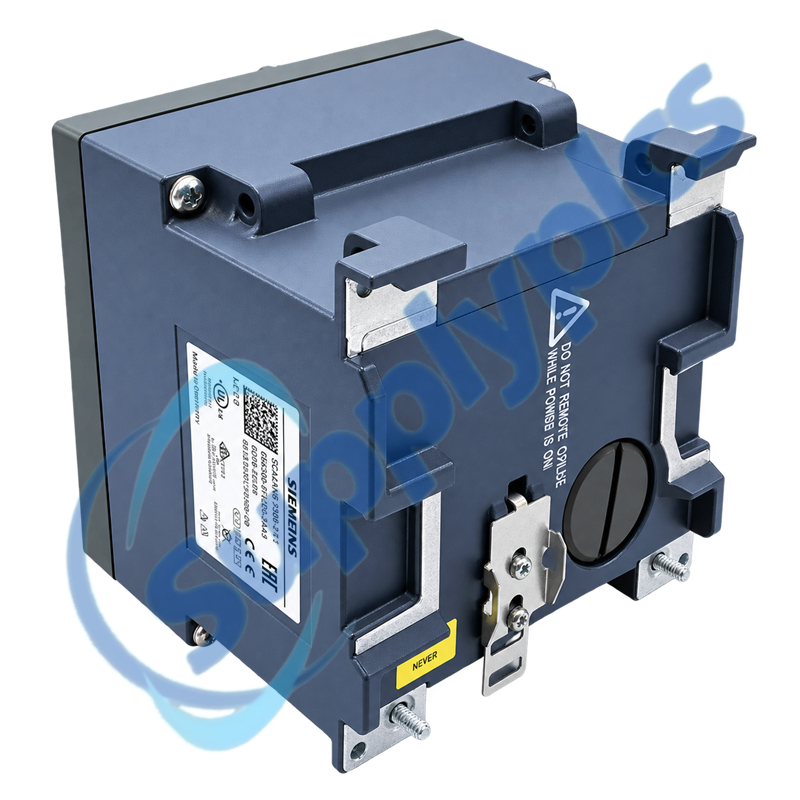
siemens 6gk5308 2fl00 2aa3 scalance x308 2 managed industrial ethernet switch-0

SIEMENS

Home >  Products >  SIEMENS

Siemens 6GK5308-2FL00-2AA3 SCALANCE X308-2 Managed Industrial Ethernet Switch

Product Name: SCALANCE X308-2 Managed Industrial Ethernet Switch
Brand Name: Siemens
Model Number: 6GK5308-2FL00-2AA3
Place of Origin: Germany
Warranty: 12 Months
Whatsapp: +86 18020776782
Appurtenance:
  • Overview
  • Commercial Term
  • Specifications
  • Contact info
  • Description
  • Function
  • About Company
  • FAQ
  • Other Products
  • Recommended Products
Managed Copper and Optical Connectivity for Industrial Networks

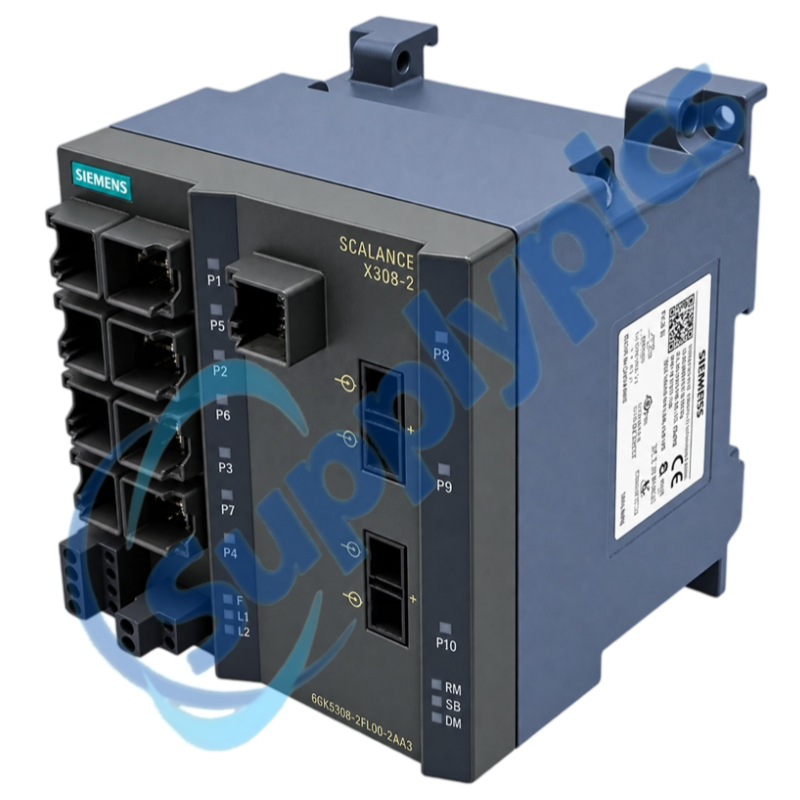
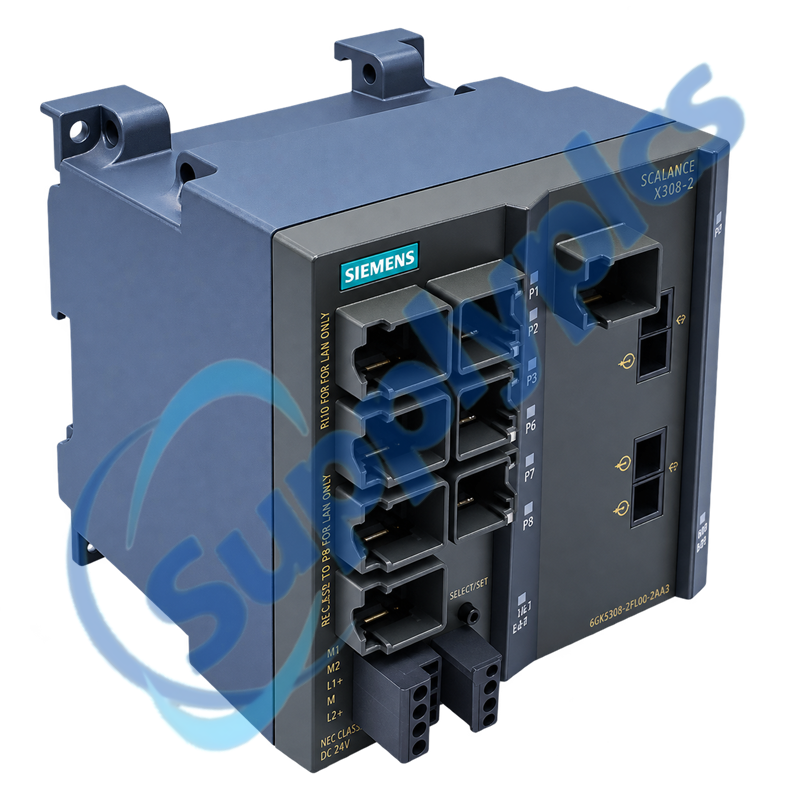
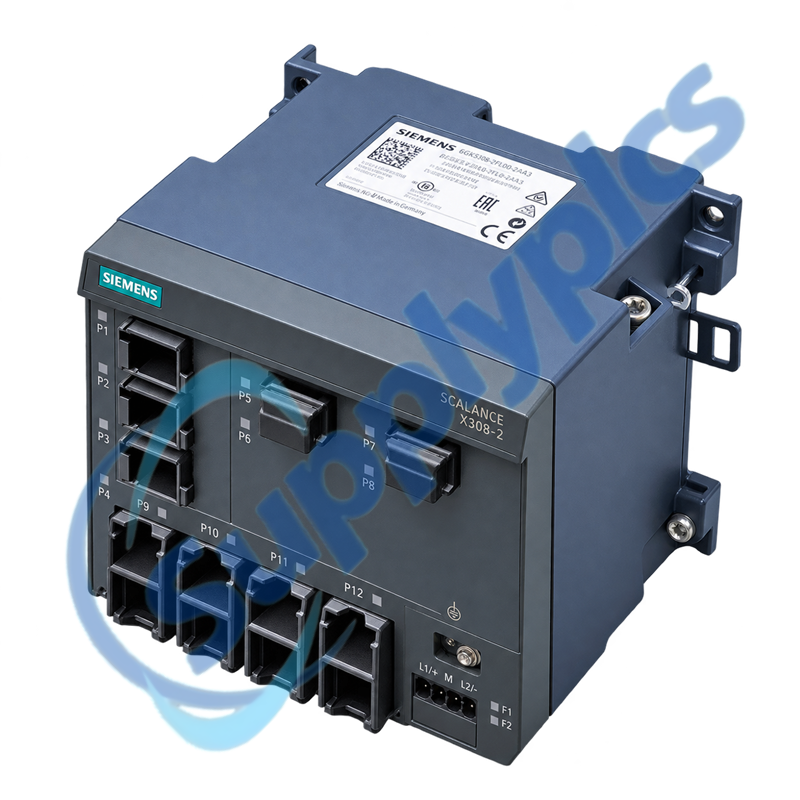
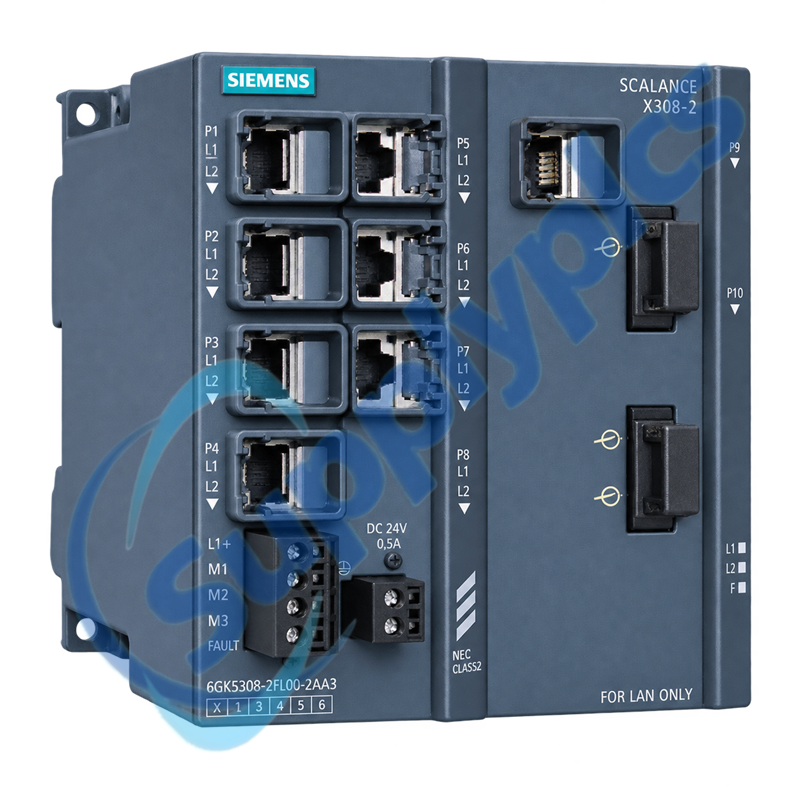
Siemens 6GK5308-2FL00-2AA3 is a SCALANCE X308-2 managed industrial Ethernet switch combining copper access ports with Gigabit SC optical uplinks.

Use the exact Siemens order number 6GK5308-2FL00-2AA3 when matching an installed unit, project or service spare.

Commercial Term

QUOTATION PAYMENT LEAD TIME SHIPPING WARRANTY
Current price and availability
T/T or agreed terms
Confirmed with the quotation
DHL, FedEx, UPS or agreed freight
12 months

Specifications

Technical parameter Value
Product type designation
SCALANCE X308-2
Article number
6GK5308-2FL00-2AA3
Device class
Managed PLUS Industrial Ethernet switch
Optical interfaces
2 × 1000 Mbps SC ports
Gigabit copper interface
1 × 10/100/1000 Mbps RJ45 port
Fast Ethernet copper interfaces
7 × 10/100 Mbps RJ45 ports
PRP compatibility reference
From firmware V3.7.0
Manufacturer
Siemens

Contact info

Description

6GK5308-2FL00-2AA3 combines seven 10/100 Mbps copper access ports, one 10/100/1000 Mbps copper port and two Gigabit SC optical ports in a managed SCALANCE X308-2 platform. This port mix helps connect cabinet devices while carrying traffic across an optical backbone.

The managed functions of 6GK5308-2FL00-2AA3 support controlled network commissioning and diagnostics rather than an unmanaged plug-and-play replacement. Existing VLAN, redundancy, port and firmware records should be retained before an installed switch is exchanged.

Function

Mixed-media switching
Connect copper field devices to a managed optical network backbone.
Managed diagnostics
Use port status and configuration data to isolate link and traffic faults.
PRP system use
Siemens lists the X308-2 as PRP-compatible from firmware V3.7.0.
Configuration continuity
Preserve the installed port roles and managed network settings during service work.

About Company

SupplyPLCs supports global industrial automation sourcing with exact-model review, product-condition confirmation and responsive quotation service.

Share the complete order number, installed-system context and destination with our team. We will coordinate availability, shipment options and the documentation available for the requested product.

FAQ

Q1. Can 6GK5308-2FL00-2AA3 join a PRP installation that already uses Siemens network redundancy?
Answer: Conditionally yes. Siemens lists the SCALANCE X308-2 as PRP-compatible from firmware V3.7.0, so commissioning should stop until the installed firmware and PRP topology are confirmed.
Q2. Why can an optical uplink remain inactive after 6GK5308-2FL00-2AA3 is installed in an existing cabinet?
Answer: Begin with the two SC Gigabit paths: match the installed fiber type and transmit/receive pairing, clean the connectors and read the port status. If both local and partner ports remain down, isolate the fiber path before changing switch configuration.
Q3. How should I preserve the port map when replacing an installed switch with 6GK5308-2FL00-2AA3?
Answer: Treat the seven Fast Ethernet ports, the Gigabit copper port and the two SC optical ports as distinct roles. Copy the documented cable destinations and managed settings before moving any cable, then restore one network segment at a time.
Q4. What should an engineer do if 6GK5308-2FL00-2AA3 passes link traffic but the automation cell still loses communication?
Answer: Use the managed port counters and event information to identify the affected segment first. Compare VLAN and redundancy settings with the saved project, and stop broad configuration changes if the fault is limited to one partner or cable path.
Q5. When is 6GK5308-2FL00-2AA3 the wrong choice for a planned optical backbone connection?
Answer: Do not proceed when the required optical medium, distance or connector does not match the two SC Gigabit interfaces. Select the exact SCALANCE optical variant only after the link budget and fiber specification are established.
Q6. Which configuration records make commissioning 6GK5308-2FL00-2AA3 safer after a maintenance exchange?
Answer: Retain the firmware version, management address, VLAN membership, redundancy role and port assignments. These records let the engineer restore network behavior without treating a managed switch as an unmanaged cable replacement.

Other Products

XF830A
SDI-OE-S
NA200T IZMX-RP16A-200
LFI520
4100LR12
SC200-00
SCD2200-RTU PS-22
IC200MDD844F
IC200MDL650L
ABB 1SDH001000R0505-B0821
BS6151 01 SP01
ZBRN2
FGR-002
AMAX-2241
8530D-I
THS710
105S-1
SC42-EP08
AMAX-2241/PMA
ADAP-KOOL
eWONx005CD
CH-LMD1
SP-0108-H2
ABB 2CDG110137R0011
IMD-IM20 / IM20DEMO
Abb 3BSE038226R1
SWH-4200
ABE7 P16T334
81672-01
LP/ 557-180-203

Get a Free Quote

Our representative will contact you soon.
Email
Name
Mobile
Company Name
Message
0/1000

Get a Free Quote

Our representative will contact you soon.
Email
Name
Mobile
Company Name
Message
0/1000