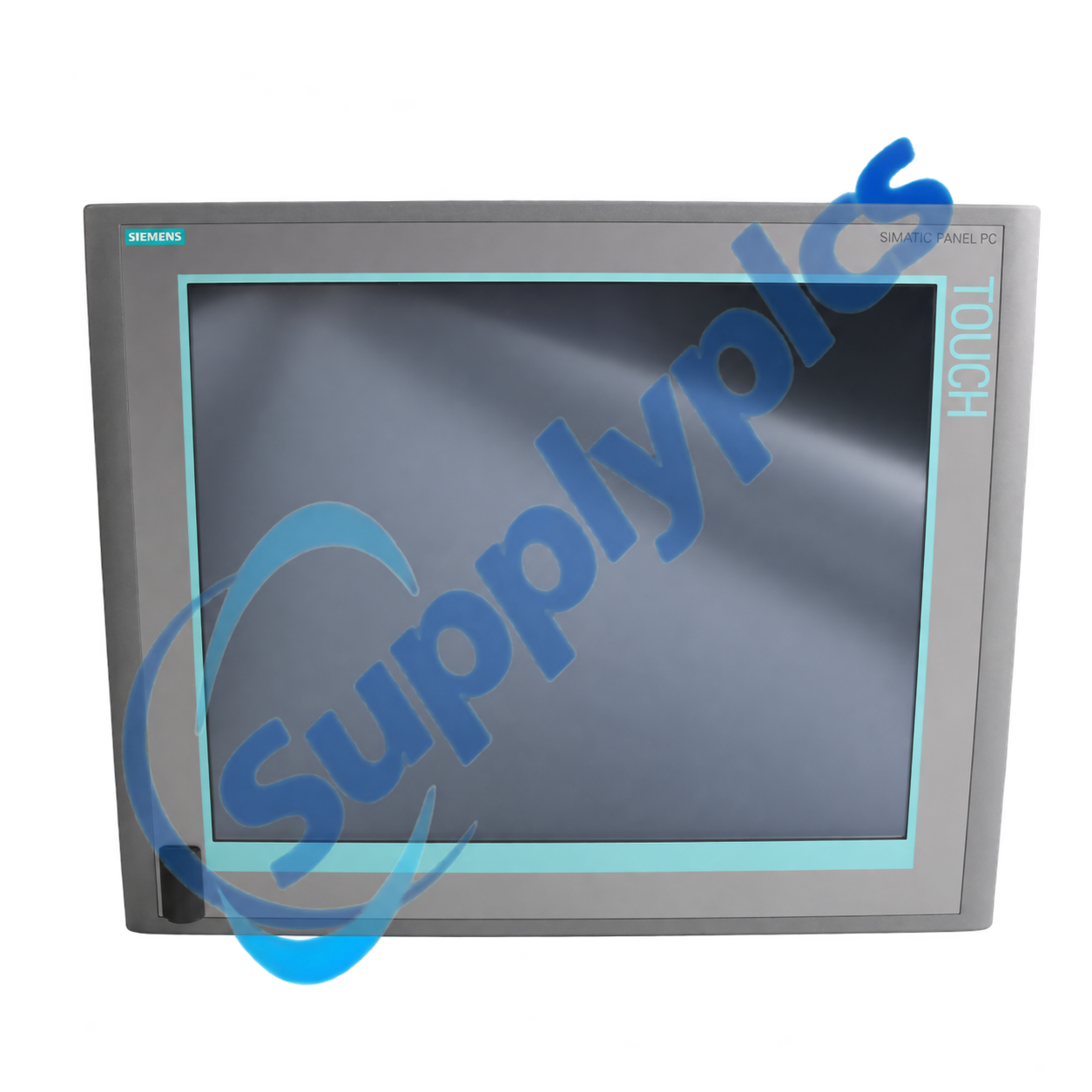
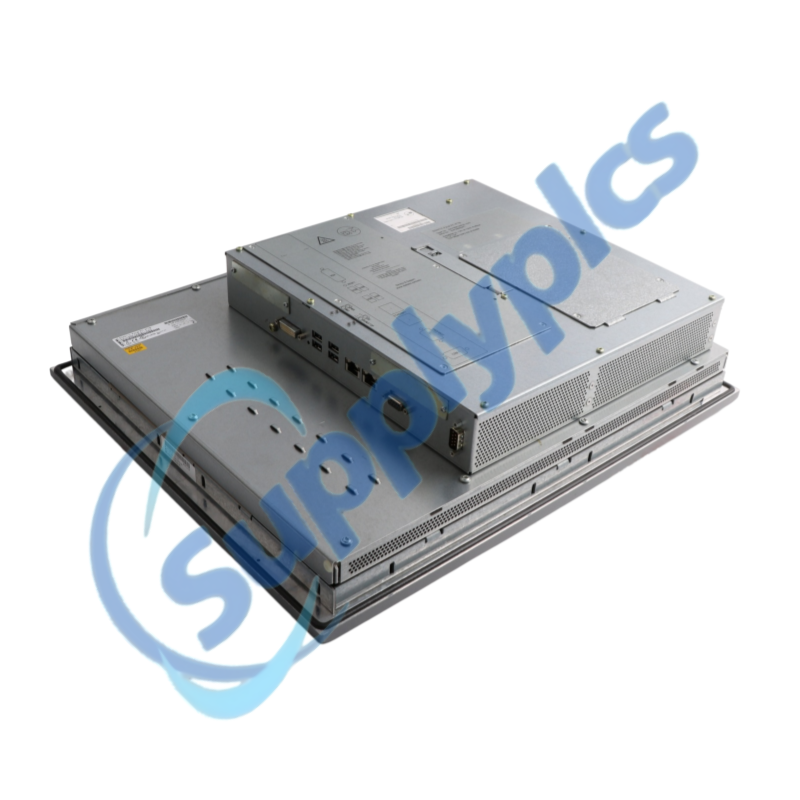
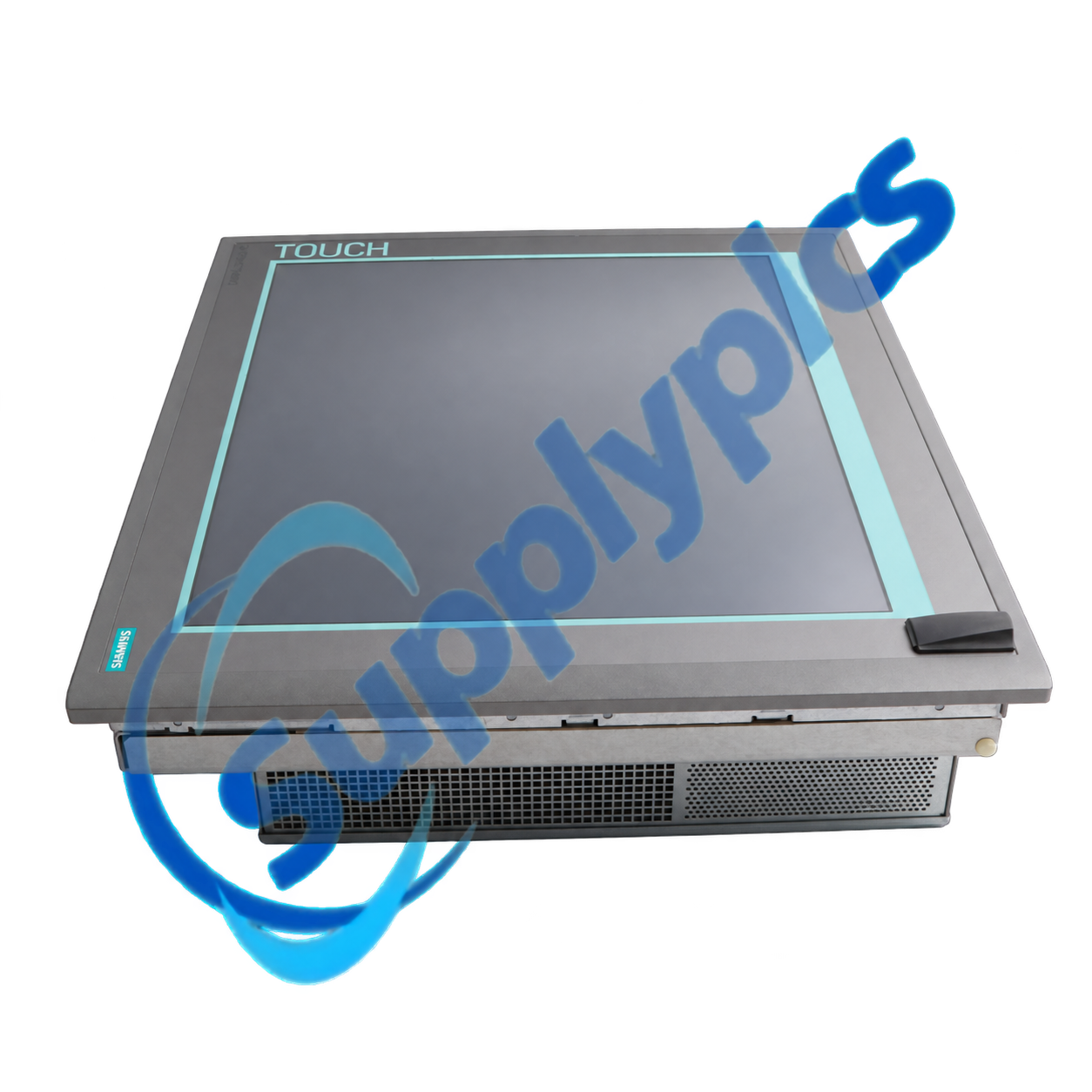
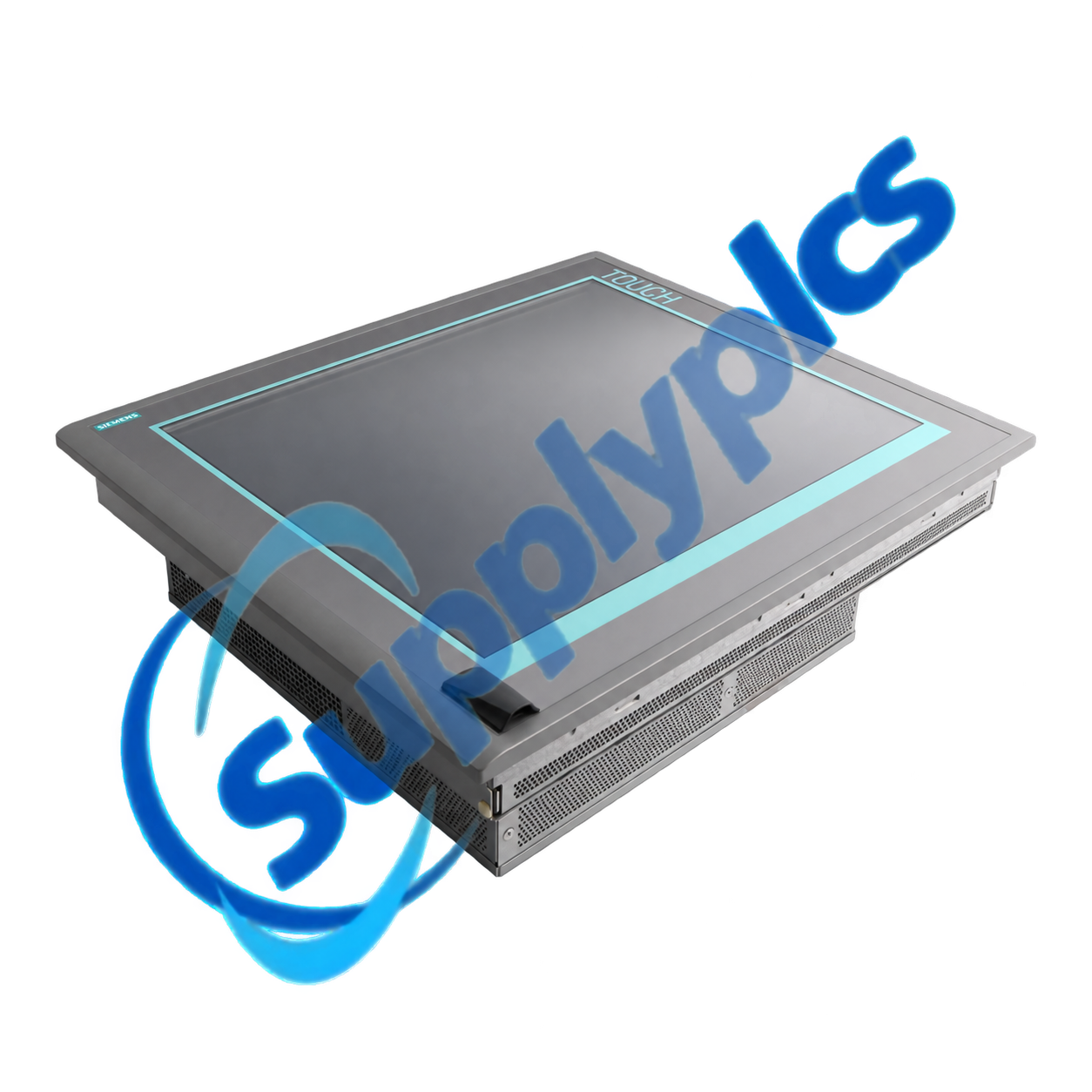
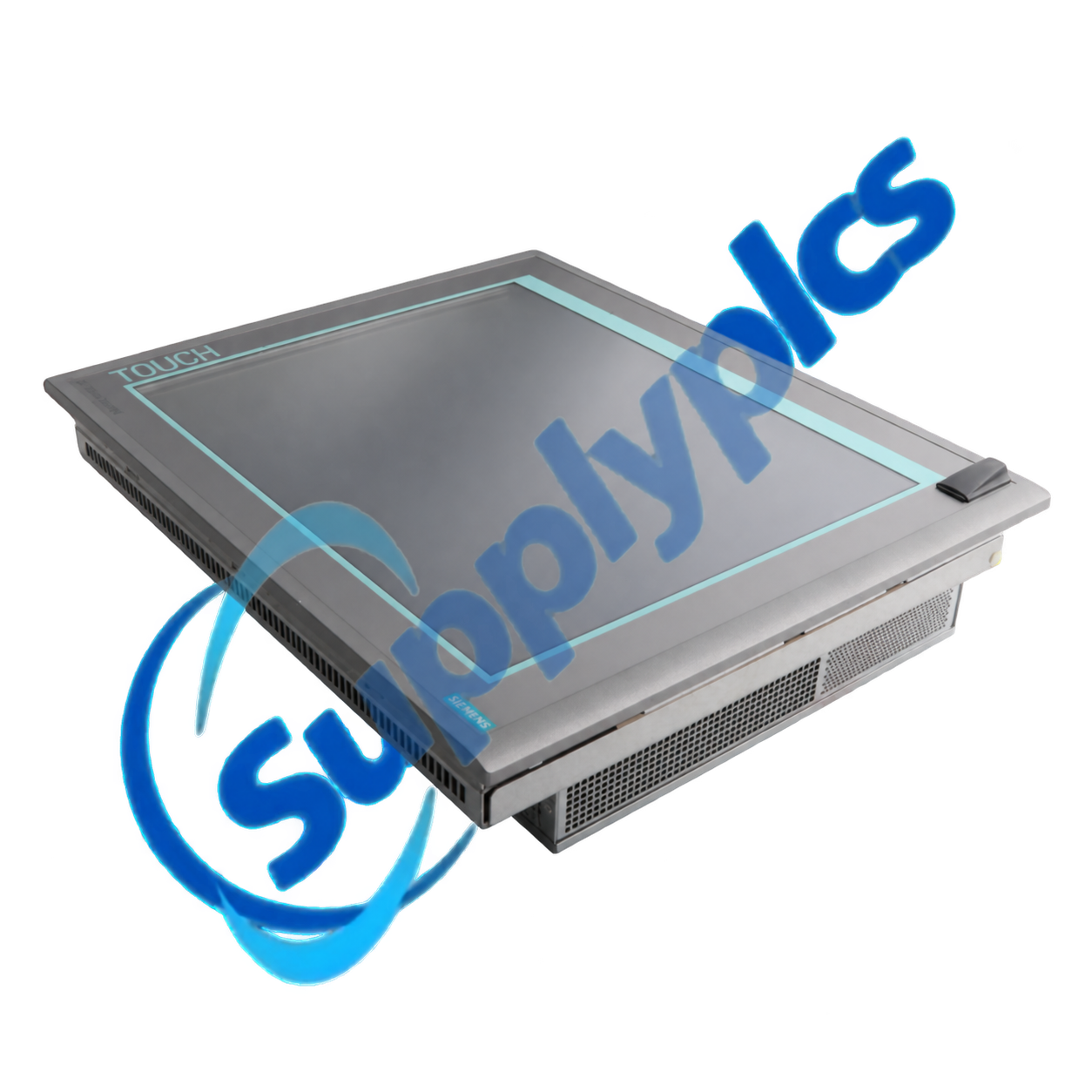
Siemens 6AV7882-0CA20-6CA0 is a SIMATIC IPC277E panel PC with a 12-inch analog-resistive touch display at 1280 x 800 pixels. The configured unit uses an Intel Celeron N2807 processor, 4 GB RAM and a 240 GB SSD.
It provides two Gigabit Ethernet interfaces, DisplayPort, USB 3.0 and USB 2.0 ports, a selectable serial interface and CFast support. The installed operating system is Windows 7 Ultimate SP1 64-bit MUI, so software and license recovery must be planned before replacement.
| Item | Details |
|---|---|
|
Quotation
|
Contact us for current price and availability
|
|
Payment
|
T/T and other agreed terms
|
|
Lead time
|
Confirmed with the quotation
|
|
Shipping
|
DHL, FedEx, UPS or agreed freight service
|
|
Warranty
|
12 months
|
| Technical parameter | Value |
|---|---|
|
Product type designation
|
SIMATIC IPC277E
|
|
Article number
|
6AV7882-0CA20-6CA0
|
|
Display
|
12-inch TFT touch, 1280 x 800 pixels
|
|
Touch technology
|
Analog resistive
|
|
Processor
|
Intel Celeron N2807
|
|
Configured memory
|
4 GB DDR3L
|
|
Configured storage
|
240 GB SSD
|
|
Industrial Ethernet
|
Two Gigabit Ethernet interfaces
|
|
Other interfaces
|
DisplayPort, one USB 3.0, three USB 2.0 and selectable serial COM1
|
|
Removable storage
|
One CFast slot
|
|
Operating system
|
Windows 7 Ultimate SP1, 64-bit MUI
|
|
Supply and protection
|
24 V DC; IP65 front and IP20 rear
|
| CONTACT |
Jim Pei
|
|---|
The IPC277E provides embedded PC capability and touch operation in a compact machine panel. The selected interface set supports plant Ethernet, external display, service peripherals, serial devices and removable CFast media.
When replacing a legacy panel PC, confirm the configured processor, memory and storage as well as Windows activation, application licenses, drivers and machine communication settings. A tested disk image is the safest starting point for controlled recovery.
SupplyPLCs supports industrial automation buyers, maintenance teams and system integrators with model-specific sourcing and documentation assistance. Each quotation is checked against the complete order number, requested condition and destination requirements.
To reduce compatibility risk, send clear nameplate photos, installed hardware and software information, machine documentation and the required delivery date. These details help compare the requested item with available stock or a suitable successor before shipment.
Q1. How do I verify that 6AV7882-0CA20-6CA0 matches my existing IPC277E configuration before purchase?
Answer: Compare the full order number, processor, RAM, SSD, Windows edition, Ethernet and serial options, display size, panel cutout and 24 V supply. Record BIOS and application settings from the operating unit.
Q2. What should I preserve before replacing 6AV7882-0CA20-6CA0 on a machine that still runs?
Answer: Create and test a full storage image, export HMI or machine projects and licenses, record adapter addresses and serial parameters, and keep the original SSD untouched until the replacement completes a controlled production test.
Q3. What should I check if the touch input on 6AV7882-0CA20-6CA0 is offset or intermittent?
Answer: Inspect the overlay and panel mounting pressure, clean the screen, run the approved calibration, verify touch drivers and review whether heat or vibration changes the fault before arranging hardware replacement.
Q4. How can I diagnose Ethernet, USB or serial communication problems on 6AV7882-0CA20-6CA0?
Answer: Check BIOS settings, Windows drivers, port power, cables and device assignments; compare IP and COM parameters with the backup; and test each interface with a known-good device while the machine is safely isolated.
Q5. What can cause 6AV7882-0CA20-6CA0 to freeze or restart after the machine warms up?
Answer: Check the 24 V supply under load, cabinet ventilation, heat-sink contamination, SSD health and Windows event logs. Also disconnect nonessential peripherals temporarily to isolate power or driver faults.
Q6. Which records should I send when requesting a replacement for 6AV7882-0CA20-6CA0?
Answer: Provide nameplate and rear-interface photos, BIOS and Windows information, storage-image and license status, application software, network and serial use, panel opening, required condition and delivery deadline.
|
TS-919B1
|
STR350
|
SSR-3F/BL
|
|
RTI T2i
|
QUINT-UPS
|
NBB2-8GM30-E2-0.5M-V
|
|
ABB 3BSE008516R1 AI810
|
SLMO24N-S30810-Q2168-X400-1
|
CDK154 H-7PCRD0893
|
|
TC303-3A2DPMS
|
3PH-BUS
|
CJ1W-DRM21
|
|
M7410E1002
|
TT-MJC-7.5M/25FT-MC-BLK
|
QSNE-4A-D
|
|
ADAM-5051D
|
ADV151-P10
|
BMXCPS3500
|
|
2CDG 110 062 R0011
|
ABB 1SBL241001R8410 A26-30-10
|
1756-TBCH/A
|
|
ABB TB521-ETH / 1SAP112100R0270
|
ABL7 RE2410
|
CP5005
|
|
7KT0310
|
SL-R11
|
BT-F411/1N
|
|
BK3150
|
MTN649325
|
6120 U-102-500 GJB0006120A0065
|
 EN
EN