 EN
EN

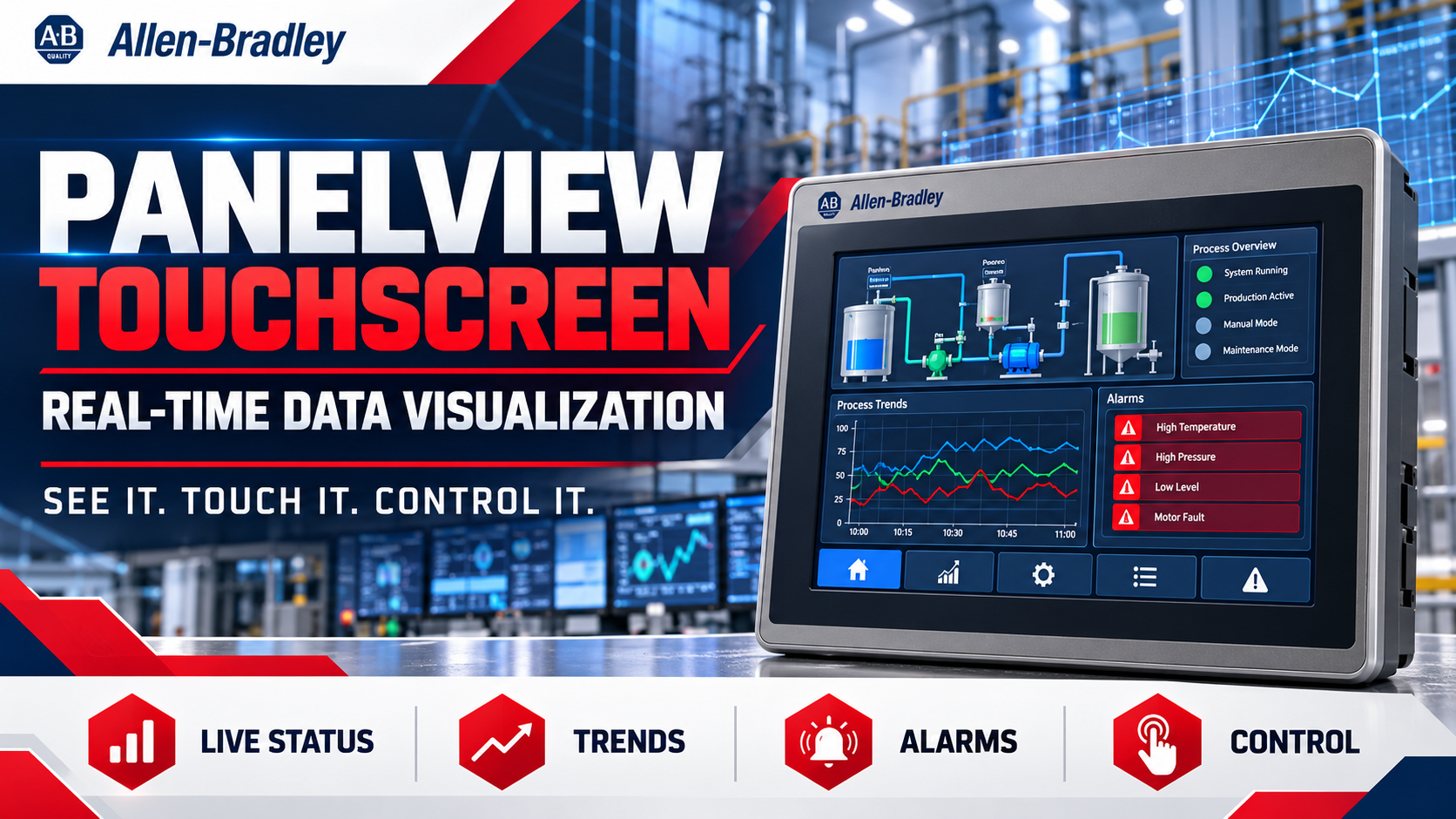
The Panel View Touchscreen is an essential tool for visualizing real-time data in industrial automation environments. By facilitating instant access to operational metrics, these touchscreens enhance decision-making processes for manufacturing and engineering professionals. Buyers often seek reliable components that not only meet quality standards but also integrate seamlessly into existing systems. This article will cover how the Panel View Touchscreen supports real-time data visualization, helping you make informed purchasing decisions.
How PanelView Touchscreen Enhances Real-Time Data Visualization?
The Panel View Touchscreen est descriptus ut interfaciem intuitivam praebet, qua utentes processus industriales in tempore reali observare et regere possunt. Haec facultas ad operatores est maxime necessaria, qui celeriter ad mutationes in machinarum functione vel productionis effectibus respondere debent. Cum proprietatibus ut displayes personalizabiles et fluxus datorum in tempore reali, panel view touchscreen immediatam visibilitatem statuum operationum permittit, ideoque productivitatem augent. Praeterea, hae touchscreenae varia protocolla communicationis adiuvant, quae integrationem cum latissimo ambitu instrumentorum et systematum faciunt. Haec flexibilitas significat fabricantes suos interfaces utentes ita adaptare posse, ut data maxime pertinentia pro suis particularibus applicationibus ostendant. Visualizatio in tempore reali, quam Panel View Touchscreen praebet, non solum efficaciam operationalem meliorat, sed etiam ad servandos normas de securitate et qualitate iuvat.
Eligens Opportunum PanelView Touchscreen pro Tuis Necessitatibus Applicationis
Selecting the appropriate Panel View Touchscreen involves understanding your specific application requirements. Key factors to consider include screen size, resolution, and the types of inputs and outputs needed for your machinery. For instance, larger screens may be beneficial in environments where multiple data points must be monitored simultaneously, while higher resolution screens provide clearer visibility of detailed metrics. Additionally, consider the touch technology—resistive versus capacitive—based on your working environment. Resistive hmi display touch screen are often more suitable for industrial settings where gloves may be worn, while capacitive screens provide a more responsive user experience for general applications. Understanding these nuances will ensure that you choose a Panel View Touchscreen that not only fits your operational needs but also enhances user interaction.
Key Specifications of PanelView Touchscreen for Optimal Performance
When evaluating Panel View Touchscreens, you should focus on several key specifications:
Magnitudo Tabulae et Resolutio : Larger screens with higher resolutions enable better visibility and interaction.
Velocitas Processoris : A faster processor allows for smoother operation and quicker response times, especially during high-demand situations.
Memory and Storage : Adequate RAM and storage are necessary for running complex applications and storing historical data for analysis.
Ambitus Temperatura operandi : Ensure the touchscreen can operate effectively in your specific environment, as extreme temperatures can affect performance.
Optiones Coniunctionis : Check for compatibility with existing systems, including Ethernet, USB, and serial connections.
Each of these specifications plays a vital role in the touchscreen's performance and suitability for your specific application. Buyers should ensure that these specifications align with their operational requirements to avoid potential issues down the line.
Where to Source Reliable PanelView Touchscreen Components Wholesale?
Sourcing reliable Panel View Touchscreen components requires careful consideration of your suppliers. Look for distributors who specialize in industrial automation parts, like Supplyplcs, that offer brand-new original components. This is especially important given the challenges in sourcing high-quality spare parts in the industry.
When evaluating suppliers, consider their reputation, customer service, and the breadth of their product offerings. Ensure that they can provide necessary certifications and quality assurance documentation for the products they sell. Additionally, inquire about lead times, minimum order quantities (MOQ), and whether they offer customization options to meet your specific needs.
Installation Guidance for Effective Use of PanelView Touchscreens
Proper installation of the Panel View Touchscreen is critical for optimal performance. Here are some key considerations:
Locus : Elige un locum quod minimizat expositionem ad extremas conditiones ambientales, ut humiditas excessiva vel calor, quae functionem impediunt.
Montatio : Certifica te touchscreen secure fixatum esse, ut damnum durante operatione praeveniatur. Sequere directivas fabricantis pro fixatione, ut stabilitas garantur.
Conductus et Coniunctio : Repetite inspicite omnes conductus et coniunctiones, ut errores communicationis evitentur. Praecipue cura de terrae connexione et scutum, ut interventus minuantur.
Configuratio per software : Post installationem, configura parametres software secundum tuas necessitates operationales. Hoc potest includere personalizationem interfaciei usoris et constitutionem alarmorum et notificationum.
Per haec directiva installationis observata, tuum Panel View maximam vitam et praestantiam obtinet hMI industrialis cum pano tactili , ut efficaciter tuas necessitates operationales impleat.
In summa, intellegere quomodo Pane lView Touchscreen real-time data visualization subministrat, una cum considerationibus de electione, specificatis, quaerendis, et installatione, emptores B2B instruit scientia qua opus est ut rectas emptiones faciant. Per concentrationem in his principalibus regionibus, efficacitatem operativam tuam augere potes et integrationem huius technologiae in processus industriales tuos feliciter confirmare.
Index Rerum
- How PanelView Touchscreen Enhances Real-Time Data Visualization?
- Eligens Opportunum PanelView Touchscreen pro Tuis Necessitatibus Applicationis
- Key Specifications of PanelView Touchscreen for Optimal Performance
- Where to Source Reliable PanelView Touchscreen Components Wholesale?
- Installation Guidance for Effective Use of PanelView Touchscreens