Accipe Aestimationem Gratuitam

Legatus noster te mox contactabit.
Epistula electronica
Nomen
Mobilis
Nomen societatis
Nuntius
0/1000

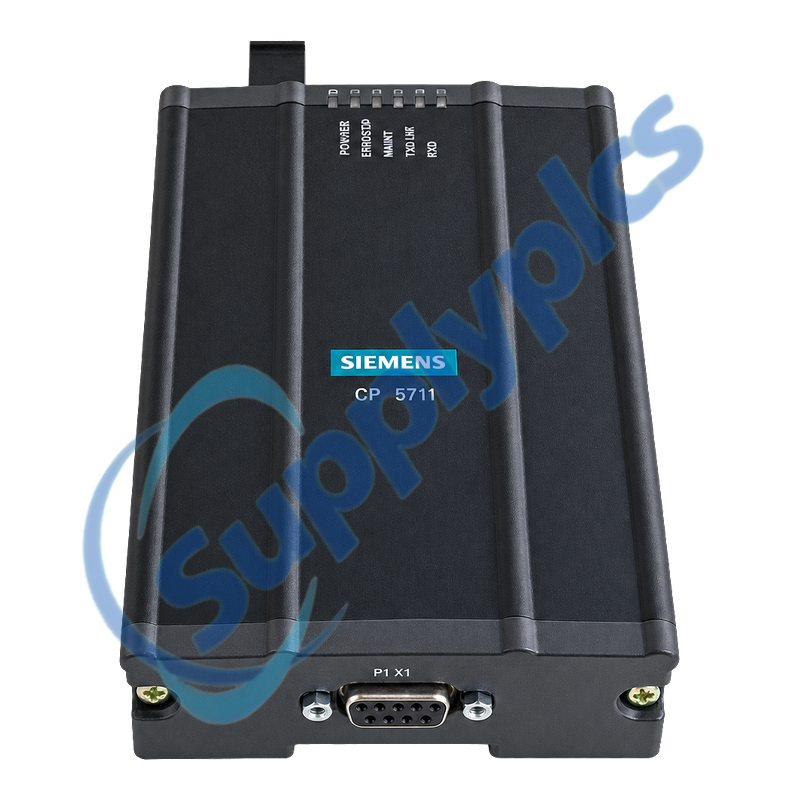
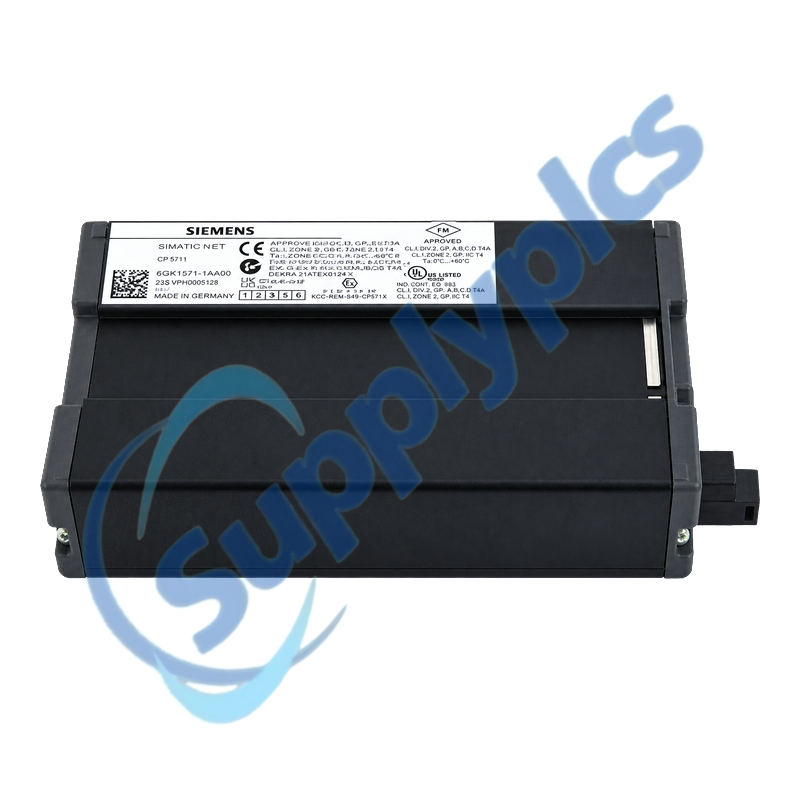
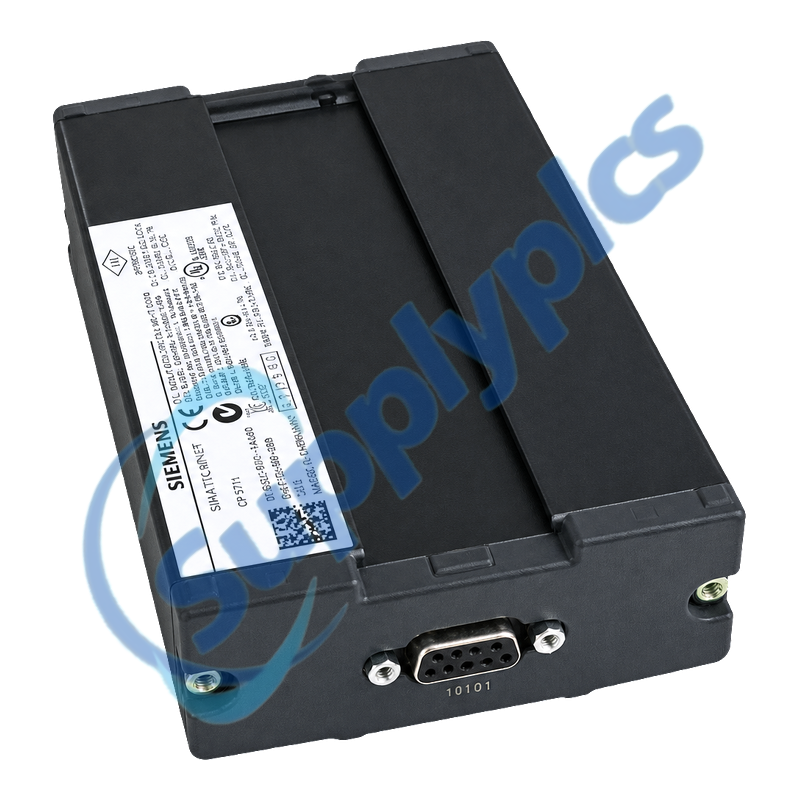
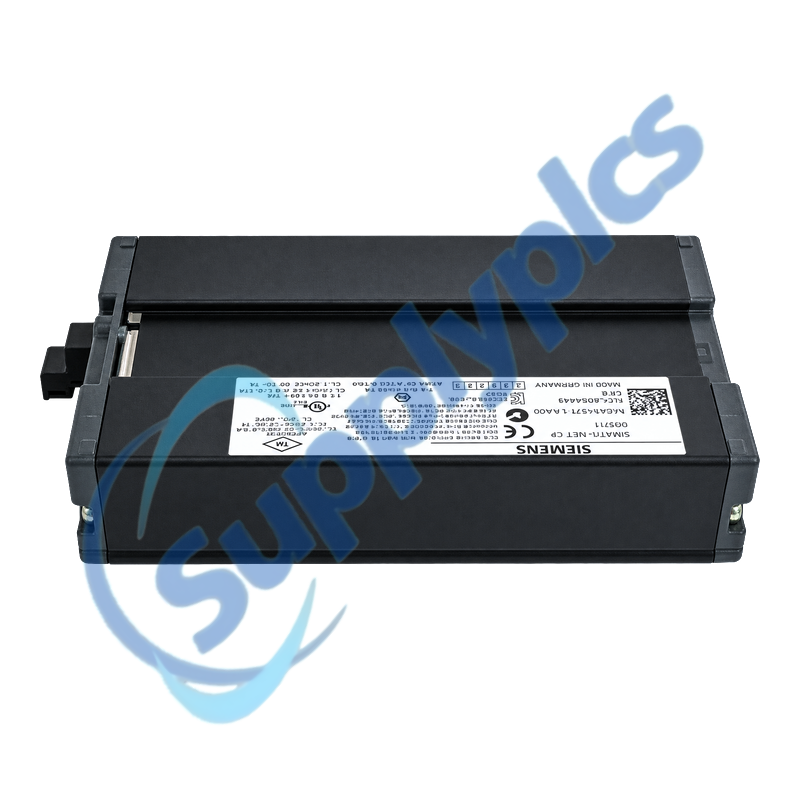
Siemens 6GK1571-1AA00 SIMATIC NET CP 5711 USB Adapter

Nomen producti: Adaptador SIMATIC NET CP 5711 USB pro PROFIBUS/MPI
Nomen Marcae: Siemens
Numerus Modeli: 6GK1571-1AA00
Locus Originis: Germania
Garantia: 12 Mensis
Whatsapp: +86 18020776782
Inscriptio electronica: [email protected]
Appurtenance:
  • Conspectus
  • Conectivitas PG/PC
  • DESCRIPTIO
  • Comisionamento in situ
  • Specificationes
  • Commercial Term
  • INFORMATIO CONTACTUS
  • Quaestiones Frequentes
  • Other Products
  • Producta commendata
Adaptador de serviciu USB 2.0 pro connecter un dispositiu de programmatio o un notebook a PROFIBUS o MPI
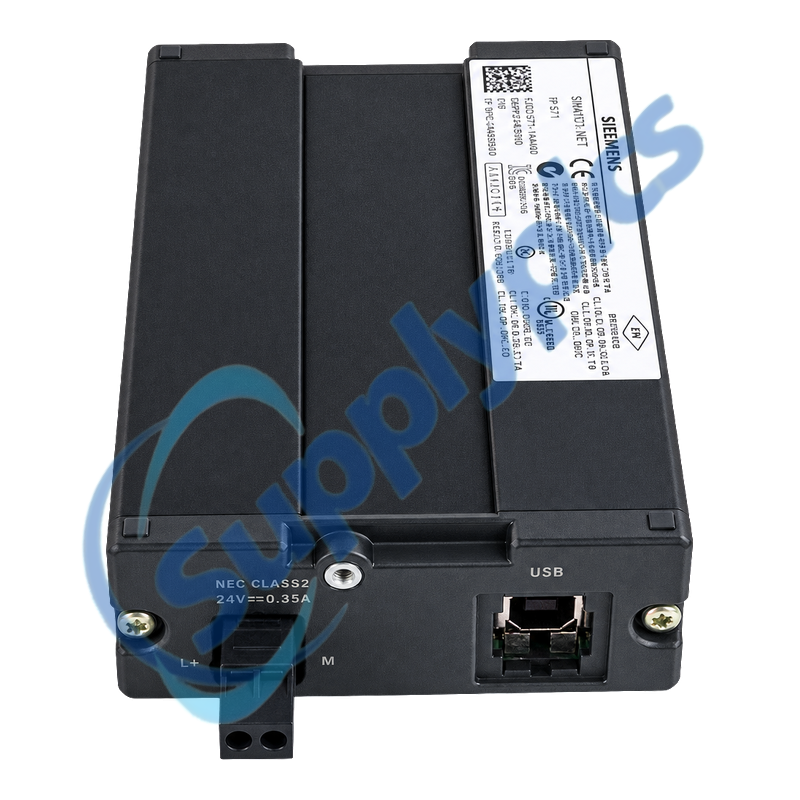
Le CP 5711 provide un interfacie USB 2.0 Standard-B e un interfacie isolat RS485 Sub-D de 9 pinos pro travallos de serviciu PROFIBUS o MPI. Il supporta velocitates PROFIBUS ab 9,6 kbit/s usque ad 12 Mbit/s e include un cable USB de 2 m.
Control del station de ingenieria: Confirmar le systema operative supportat, le driver de SIMATIC NET o STEP 7, le cable USB e le fonte de potentia, le connector MPI o PROFIBUS, le adresse de bus, le velocitate de transmission e le termination ante de usar le adaptador pro comisionamento o recuperation.

Conectivitas PG/PC

Verificar prime le station e le driver; le adaptador non pote stabilir un session de bus si Windows o le software de ingenieria non possede correctemente le interfacie.
Supporto del driver
Confirmar que le pacchetto installate de SIMATIC NET o STEP 7 supporta le CP 5711 e le systema operative del computator de ingenieria.
USB Connection
Use the mechanically secured Standard-B cable and a stable powered USB port; check device status before opening the PLC project.
Punctum Accessus
Select the correct PG/PC interface for PROFIBUS or MPI and record the local adapter address and expected bus rate.

DESCRIPTIO

6GK1571-1AA00 is the CP 5711 mobile engineering adapter for service access to PROFIBUS and MPI networks. It is powered from a suitable USB port at 5 V DC or from an optional isolated 24 V DC supply.
A failed online connection can come from the PC driver, USB power, interface selection, bus connector, address or termination. Test these layers separately and avoid changing PLC communication parameters until the physical and driver states are confirmed.

Comisionamento in situ

Keep the existing fieldbus running while the service adapter is introduced as a new node with a unique address and correct termination.
Conector Bus
Inspect the 9-pin Sub-D connector, shield and termination; connect at a permitted service point without disturbing the trunk.
Node settings
Utere adreſſa locali non uſa, et adaequa uelocitatem transmissionis MPI aut PROFIBUS ante initium ſcanneſcis in linea.
Stabilitas Potentiae
Si potestas USB eſt inſufficiens aut inſtabilis, utere fonte 24 V DC iſolato approbato intra ambitum ſpecificatum 18 ad 30 V.

Specificationes

Designatio generis producti
SIMATIC NET CP 5711
Numerus ordinis
6GK1571-1AA00
PC Interface
USB 2.0 Standard-B cum interblocco mechanico
Interfacs bus campi
Unus iſolatus RS485 9-pin Sub-D
Réseaux pris en charge
PROFIBUS et MPI
PROFIBUS Rate
9,6 kbit/s ad 12 Mbit/s
Alimentatio USB
5 V DC; maximum 0.5 A
Suppletio optativa
24 V DC, 18 ad 30 V; maximum 0.3 A
Ammissio Potentiae
Circa 2.5 W
Temperatura operativa
0 ĝis 60 gradoj C
Protection / humidity
IP20; up to 85% relative humidity, non-condensing
Accessoriolum inclusum
2 m USB cable

Commercial Term

Praeoffertio
Pretium praesens et disponibilitas
Solutio
T/T aut condicionibus conventis
Tempus praecedens
Confirmatum cum citatione
Navigatio
DHL, FedEx, UPS aut oneribus conventis
Garantia
12 Mensis

INFORMATIO CONTACTUS

Quaestiones Frequentes

Q1
How can I confirm that 6GK1571-1AA00 is supported by my engineering laptop?
Check the operating system and the installed SIMATIC NET or STEP 7 version for CP 5711 support. Confirm that the USB driver loads correctly and that the CP 5711 interface is available in the PG/PC access-point settings.
Q2
Why can Windows fail to detect 6GK1571-1AA00 when the USB cable is connected?
Inspect the Standard-B cable and mechanical lock, try a known stable powered USB port and check whether the adapter requires its optional 24 V supply. Then review Device Manager and reinstall only the approved Siemens driver package.
Q3
Why can 6GK1571-1AA00 be detected by the PC but not reach an MPI or PROFIBUS station?
Select the correct PG/PC interface, use an unused local address and match the active bus rate. Inspect the Sub-D connector, shield, termination and service-point wiring before changing PLC parameters.
Q4
When should I use the optional 24 V supply with 6GK1571-1AA00?
Use an approved isolated 18 to 30 V DC supply when the USB port cannot provide stable power or the service setup requires independent supply. Verify polarity and remain within the specified current limits before connecting the fieldbus.
Q5
How should I diagnose intermittent online access through 6GK1571-1AA00?
Check USB power stability, cable strain, Sub-D seating, shield continuity, termination and bus error behavior. Compare the problem at another service point and record whether the fault follows the adapter, cable, laptop or network segment.
Q6
What should be included with 6GK1571-1AA00 for a field service kit?
Include the supplied 2 m USB cable, the approved driver installation package, a verified PROFIBUS or MPI connector, an optional isolated 24 V source and a record of the plant bus addresses and rates. Test the kit before the outage.

Other Products

421-442
ExBox-Y/S-CT
MERLIN-SE:STC
M150/10-14-10
FS-BLIND-COM
LEM-3
ABB PSM0004 2RCA025059A0001N
PSM0004 2RCA025059A0001Q
RSN-QC0FH
3180021-04 GP2501-SC11
3007A
9150/20-11-10
EXFS-L300
T02-3101-000
Dba-ea43/A10rh
C2IR-8
PGD1RH0F00
BRX-8146
G33928-V3215-L1
ABB 1SBL371001R8111 A63-30-11
759493-000
LL-NMIS-204G-SFP
HMC-G03-V12
DPM-PGD3V 744745-003
W28102J022A
OCMP/16-3/16-3 OCM1240 rev40 PCI8-LX
EYV-00009
FT410DB-SSTSA
700-HN125
Epxpns101-Abac

Accipe Aestimationem Gratuitam

Legatus noster te mox contactabit.
Epistula electronica
Nomen
Mobilis
Nomen societatis
Nuntius
0/1000

Accipe Aestimationem Gratuitam

Legatus noster te mox contactabit.
Epistula electronica
Nomen
Mobilis
Nomen societatis
Nuntius
0/1000