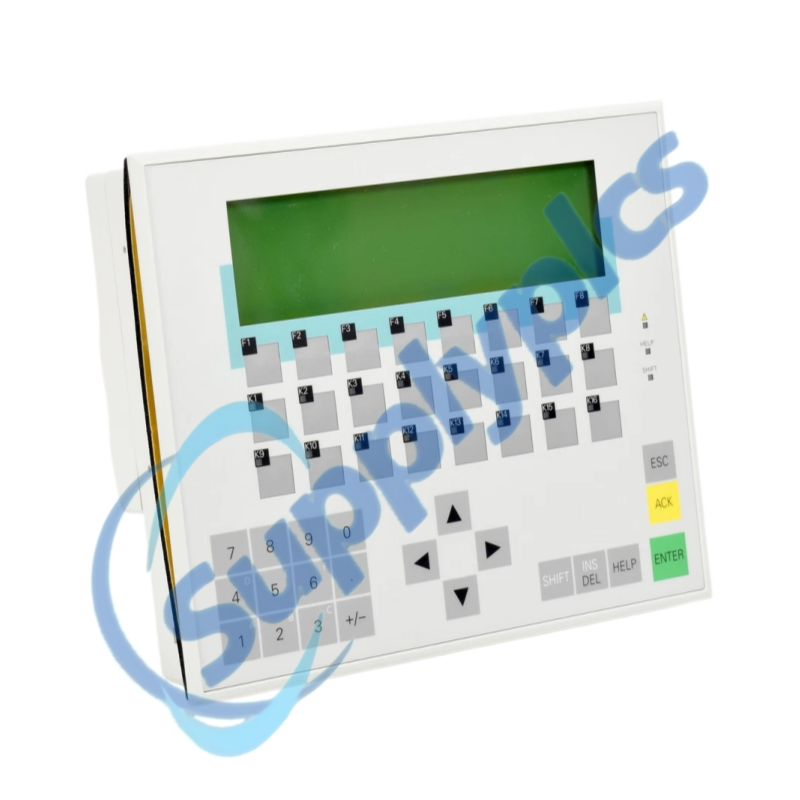
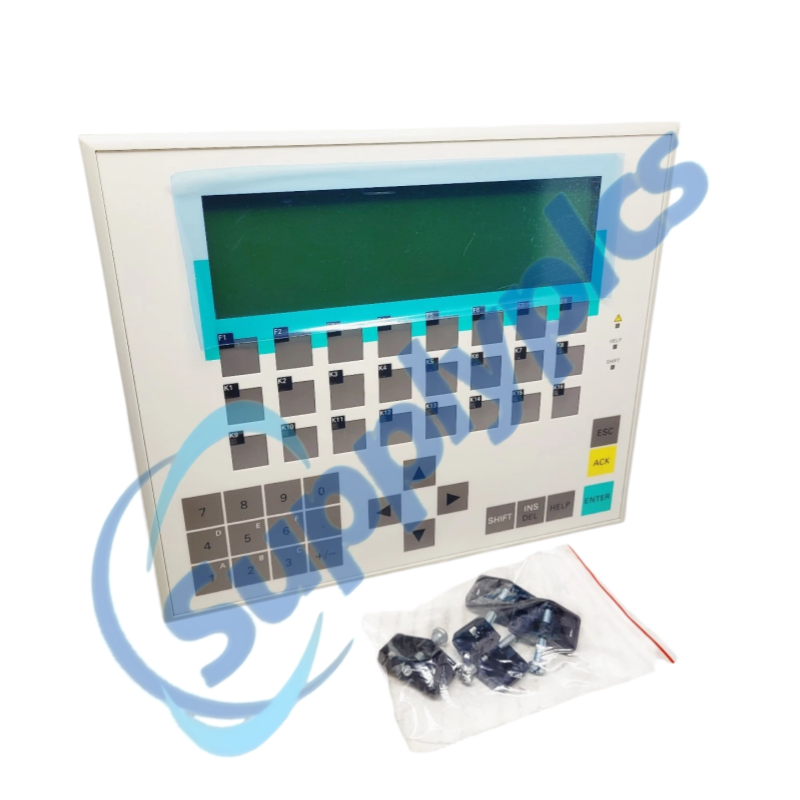
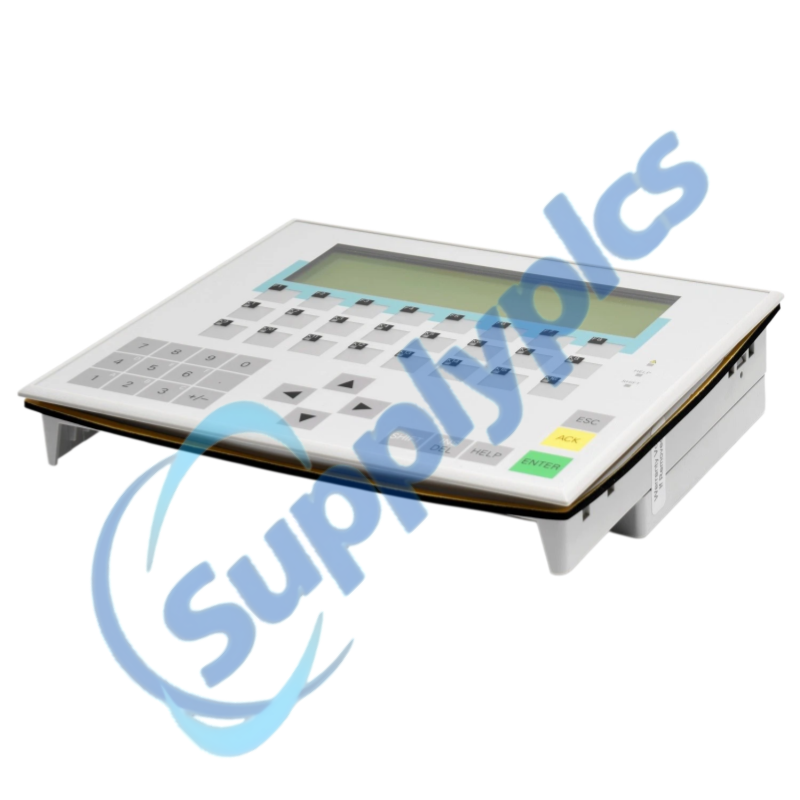
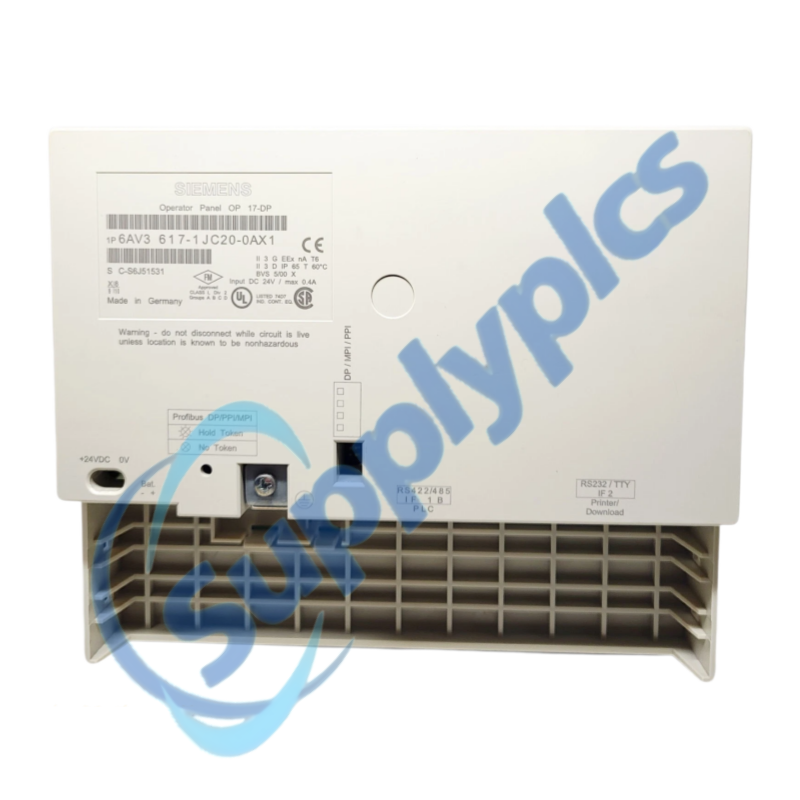
Siemens 6AV3617-1JC20-0AX1 is a SIMATIC OP17/DP operator panel for legacy machine operation and process visualization. Its LED-backlit LC display supports 4 x 20 or 8 x 40 characters and its PROFIBUS DP interface operates at up to 1.5 Mbaud.
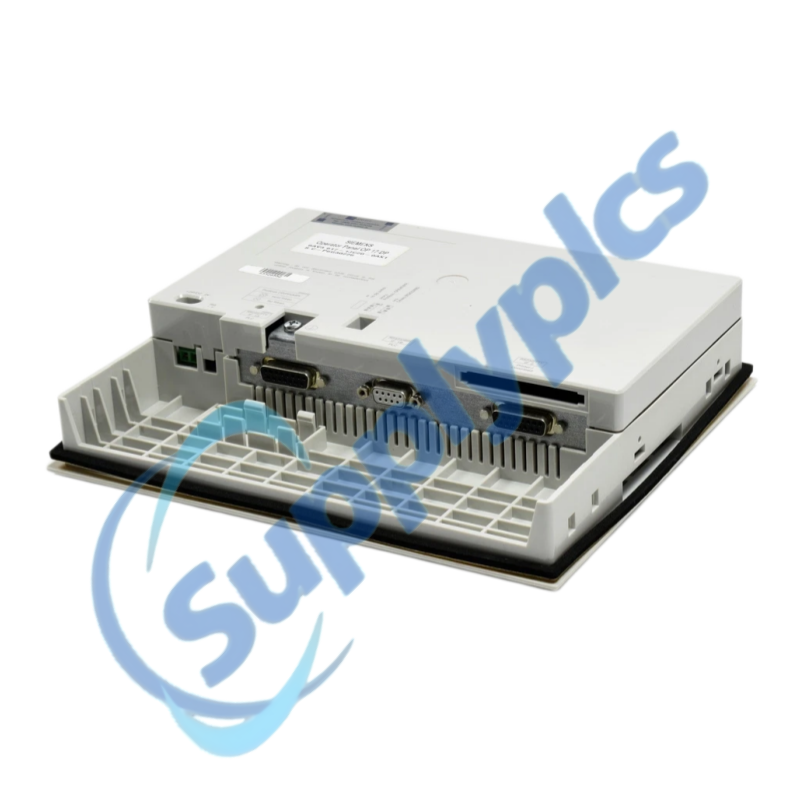
This discontinued panel is used with established SIMATIC S7 and M7 installations. Before replacement, confirm the complete order number, network parameters, project backup and physical connector layout from the installed unit.
| Item | Details |
|---|---|
|
Quotation
|
Contact us for current price and availability
|
|
Payment
|
T/T and other agreed terms
|
|
Lead time
|
Confirmed with the quotation
|
|
Shipping
|
DHL, FedEx, UPS or agreed freight service
|
|
Warranty
|
12 months
|
| Technical parameter | Value |
|---|---|
|
Product type designation
|
SIMATIC OP17/DP
|
|
Article number
|
6AV3617-1JC20-0AX1
|
|
Display
|
LED-backlit LC display
|
|
Character display
|
4 x 20 or 8 x 40 characters
|
|
Communication
|
PROFIBUS DP
|
|
Maximum PROFIBUS rate
|
1.5 Mbaud
|
|
Supported systems
|
SIMATIC S7 and SIMATIC M7
|
|
Approvals
|
UL and CSA
|
|
Lifecycle
|
Discontinued legacy product
|
|
Recommended verification
|
Order number, project, bus address and cable layout
|
| CONTACT |
Jim Pei
|
|---|
The SIMATIC OP17/DP is a text-based operator interface designed for durable machine-level control. It gives operators direct access to messages, setpoints and process values without requiring a large graphical panel.
For replacement work, the installed project and PROFIBUS configuration are as important as the hardware. Record the current bus address, transmission rate, controller type and connector assignment before disconnecting the original panel.
SupplyPLCs supports industrial automation buyers, maintenance teams and system integrators with model-specific sourcing and documentation assistance. Each quotation is checked against the complete order number, requested condition and destination requirements.
To reduce compatibility risk, send clear nameplate photos, installed hardware and software information, machine documentation and the required delivery date. These details help compare the requested item with available stock or a suitable successor before shipment.
Q1. How should I verify that 6AV3617-1JC20-0AX1 can replace the OP17/DP already installed on my PROFIBUS network?
Answer: Compare the complete nameplate, the 1.5 Mbaud interface requirement, controller family, connector layout, supply wiring and panel cutout. Also confirm that the original operator project can be transferred to the replacement hardware.
Q2. What should I back up before removing 6AV3617-1JC20-0AX1 from a running machine?
Answer: Save the operator-panel project, record the PROFIBUS address and baud rate, export alarm and recipe data when the application allows it, and photograph every connector and grounding point before power is isolated.
Q3. How can I troubleshoot 6AV3617-1JC20-0AX1 when it powers up but does not communicate with the PLC?
Answer: Check the bus connector and termination at both ends, verify the panel address and 1.5 Mbaud setting, inspect the shield connection, and compare the configured controller driver with the original project before replacing hardware.
Q4. What should I inspect if the display or keys on 6AV3617-1JC20-0AX1 respond intermittently?
Answer: Measure the supply under load, inspect the grounding and front seal, check keypad and display connectors, and note whether vibration or temperature changes the symptom. Preserve the project before arranging repair or exchange.
Q5. How do I commission 6AV3617-1JC20-0AX1 after installing a replacement panel?
Answer: Apply the verified supply, transfer the approved project, restore the network address, test message acknowledgement and data entry, then confirm communication with the PLC while the machine remains in a safe service state.
Q6. Which details should I provide when sourcing 6AV3617-1JC20-0AX1 for a legacy production line?
Answer: Send a clear nameplate photo, the current project software information, controller type, PROFIBUS settings, required condition, destination and delivery deadline so compatibility can be checked before quotation.
|
EPX-41D4CH
|
SPR-S8EZ
|
ABB 6220-0-0117 SU-F-1.0.1
|
|
IOM3721
|
TSP-090-124EX
|
NBB2-8GM30-E2-0.5M-V1
|
|
PB256-1210CML
|
ADAM-5017H
|
ETU27
|
|
3HE04324AAAA02 IP9IACPEAA
|
EER39100
|
XF823A
|
|
TSXDEY08D2
|
OPTO22 / SNAP-PS5
|
K1400 EN60669-2-1
|
|
LC-204
|
PM554-TA0 ABB 1TNE968900R0100
|
SR-508
|
|
M/P960.1 DC30V
|
SBD4D-01
|
A1L5LPK / C
|
|
TSXSCY21601
|
SBD4D-06
|
XS821-22
|
|
LC-203
|
AP9631
|
USB32DVIPRO
|
|
CAN-16DO
|
CHS1060-A000CR
|
CAB-HDMI-PHD12XS
|
 EN
EN