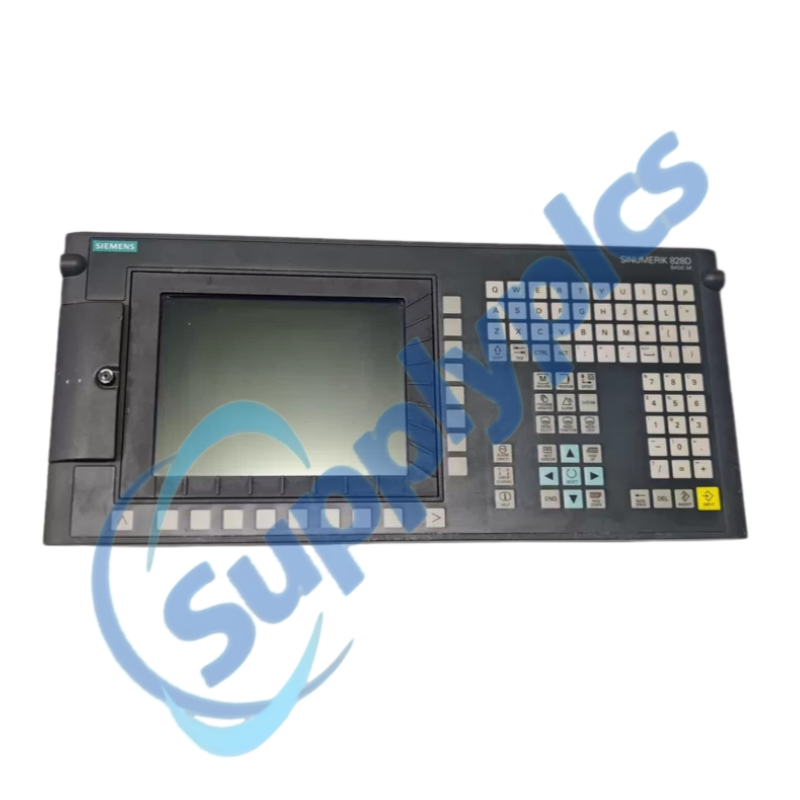
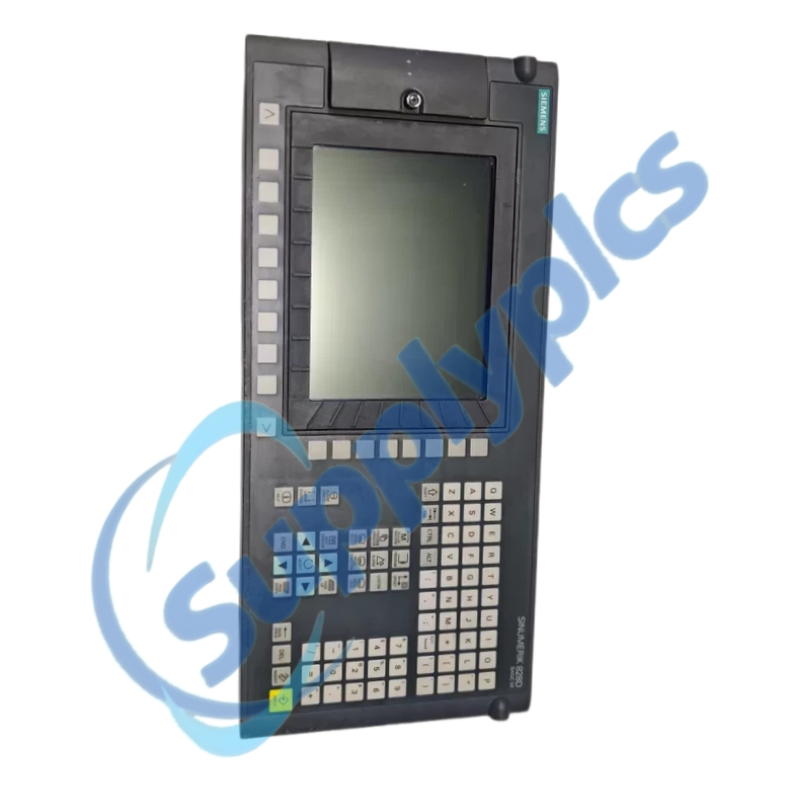
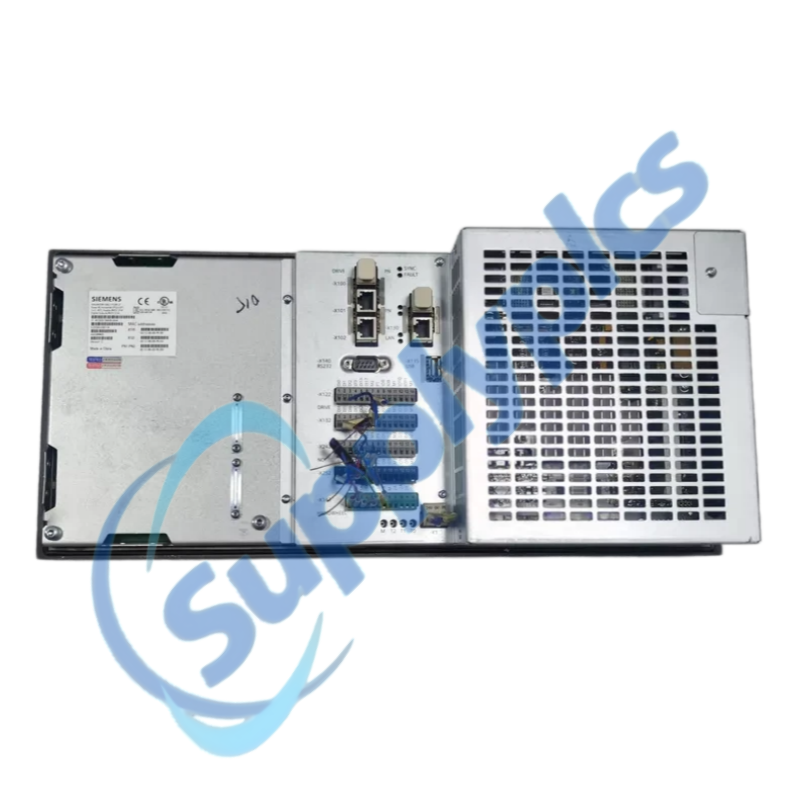
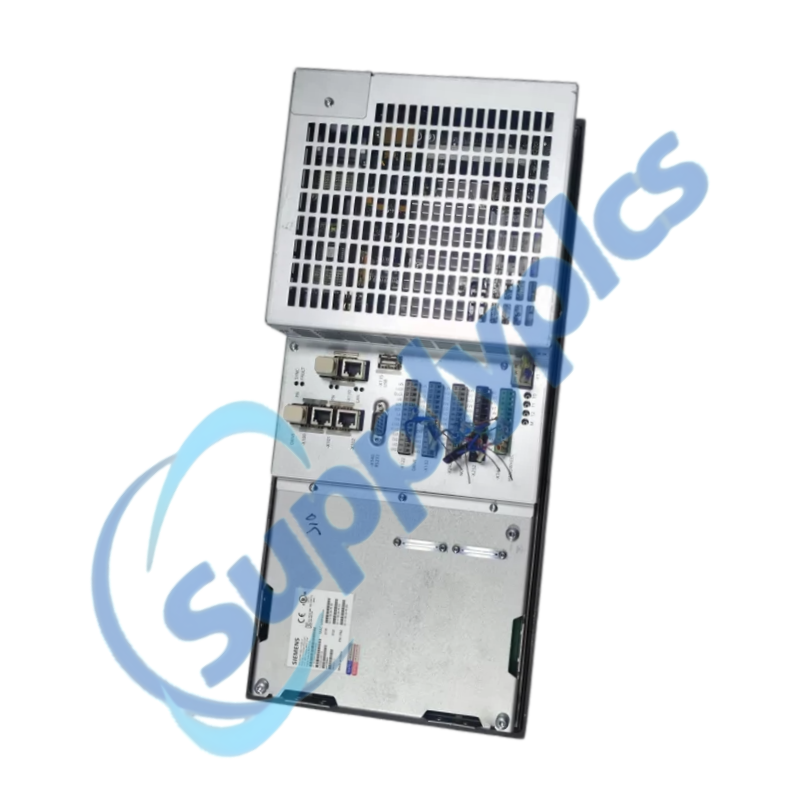
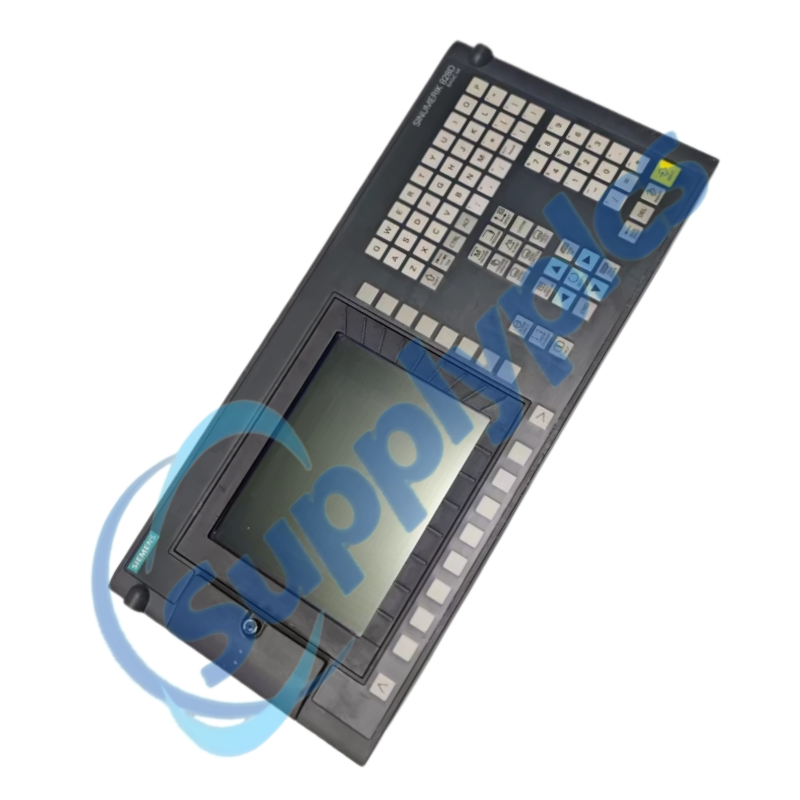
Siemens 6FC5370-3AM20-0AA0 is SINUMERIK 828D Basic M CNC hardware with a horizontal PPU 241.2 operator panel. It combines operator access and CNC control functions in a compact machine-mounted unit.
For a reliable replacement, compare the installed PPU order number, mounting orientation, CNC commissioning archive, drive topology, software version and licensing before the original unit is removed.
The PPU 241.2 is the machine-facing control and operating component of a SINUMERIK 828D Basic M installation. Its horizontal arrangement is intended for machine designs that integrate the screen and keyboard directly into the operator station.
Replacement work must preserve the complete commissioning archive, drive parameters, PLC program, tool and machine data, network settings and licenses. A hardware match alone does not guarantee that a machine will return to production without the original software information.
SupplyPLCs supports industrial automation buyers, maintenance teams and system integrators with model-specific sourcing and documentation assistance. Each quotation is checked against the complete order number, requested condition and destination requirements.
To reduce compatibility risk, send clear nameplate photos, installed hardware and software information, machine documentation and the required delivery date. These details help compare the requested item with available stock or a suitable successor before shipment.
Q1. How should I verify that 6FC5370-3AM20-0AA0 matches the PPU installed on my machine before purchase?
Answer: Compare the complete order number, horizontal panel arrangement, machine type, CNC and PLC software versions, SINAMICS drive topology, option licenses and connector layout against the existing documentation and commissioning archive.
Q2. What should I back up before replacing 6FC5370-3AM20-0AA0 on a working SINUMERIK 828D machine?
Answer: Create and verify a complete commissioning archive containing CNC, PLC, drive, tool, offset, machine and network data. Record software versions and licenses, then confirm that the archive can be read before disconnecting the original unit.
Q3. What should I check if 6FC5370-3AM20-0AA0 powers up but the machine does not become ready?
Answer: Review CNC, PLC and drive alarms, verify the 24 V DC supply under load, check DRIVE-CLiQ and PROFINET connections, and compare the restored archive and machine options with the previous configuration before changing hardware.
Q4. How can I troubleshoot lost drive or PLC communication after installing 6FC5370-3AM20-0AA0?
Answer: Confirm cable seating and shielding, device names and addresses, drive topology, firmware compatibility and the transferred commissioning archive. Test with the machine in a safe service state and document every active alarm.
Q5. Which mechanical checks are required when fitting 6FC5370-3AM20-0AA0 into an existing operator station?
Answer: Verify the horizontal cutout, rear clearance, cabinet ventilation, front seal and protective flap. Do not force the panel into a distorted opening, because poor sealing or mechanical stress can cause later display and keypad faults.
Q6. Which details should I provide when requesting a replacement quote for 6FC5370-3AM20-0AA0?
Answer: Send the PPU nameplate, machine builder and type, software and firmware versions, commissioning-archive status, option licenses, observed fault, required condition, destination and delivery deadline.
 EN
EN