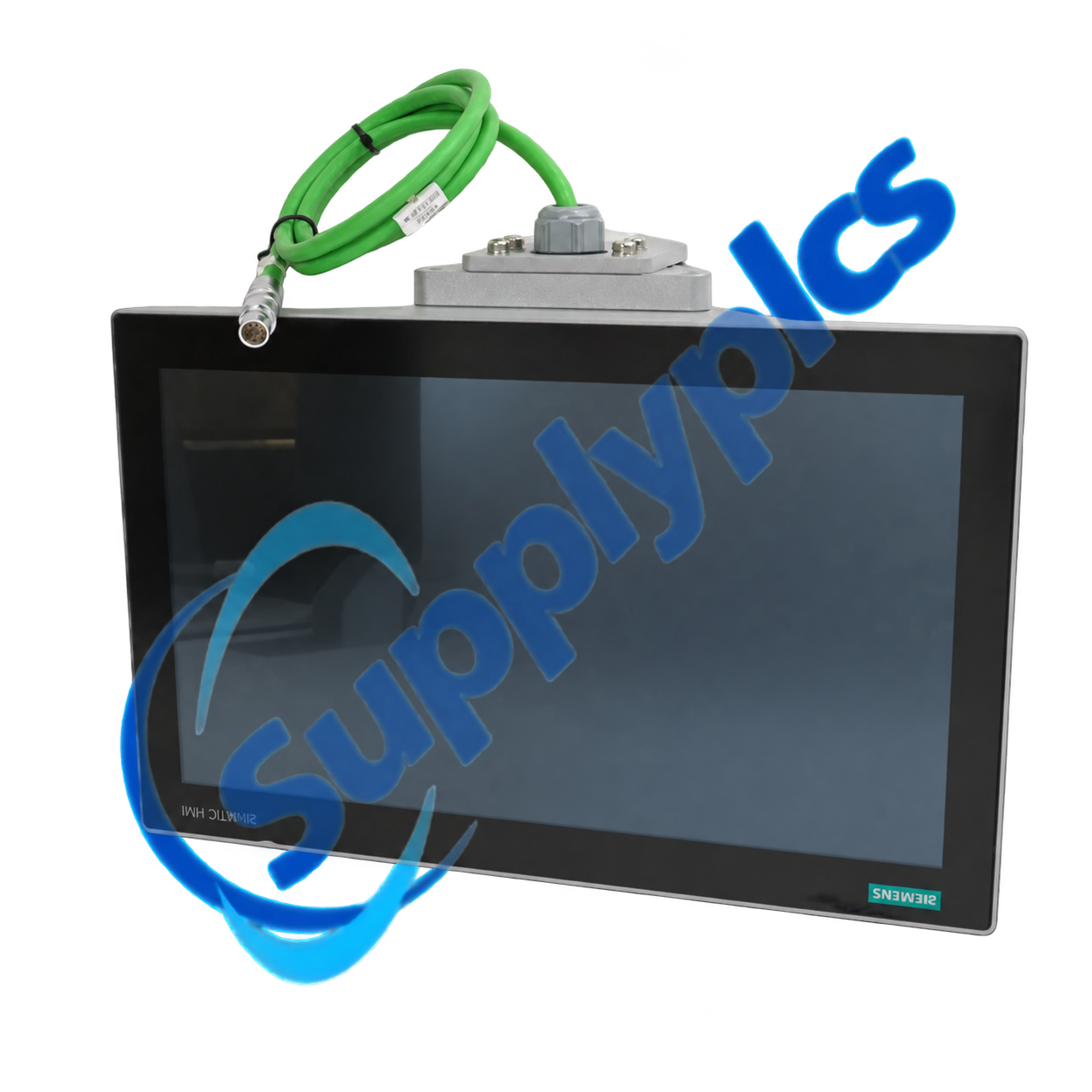
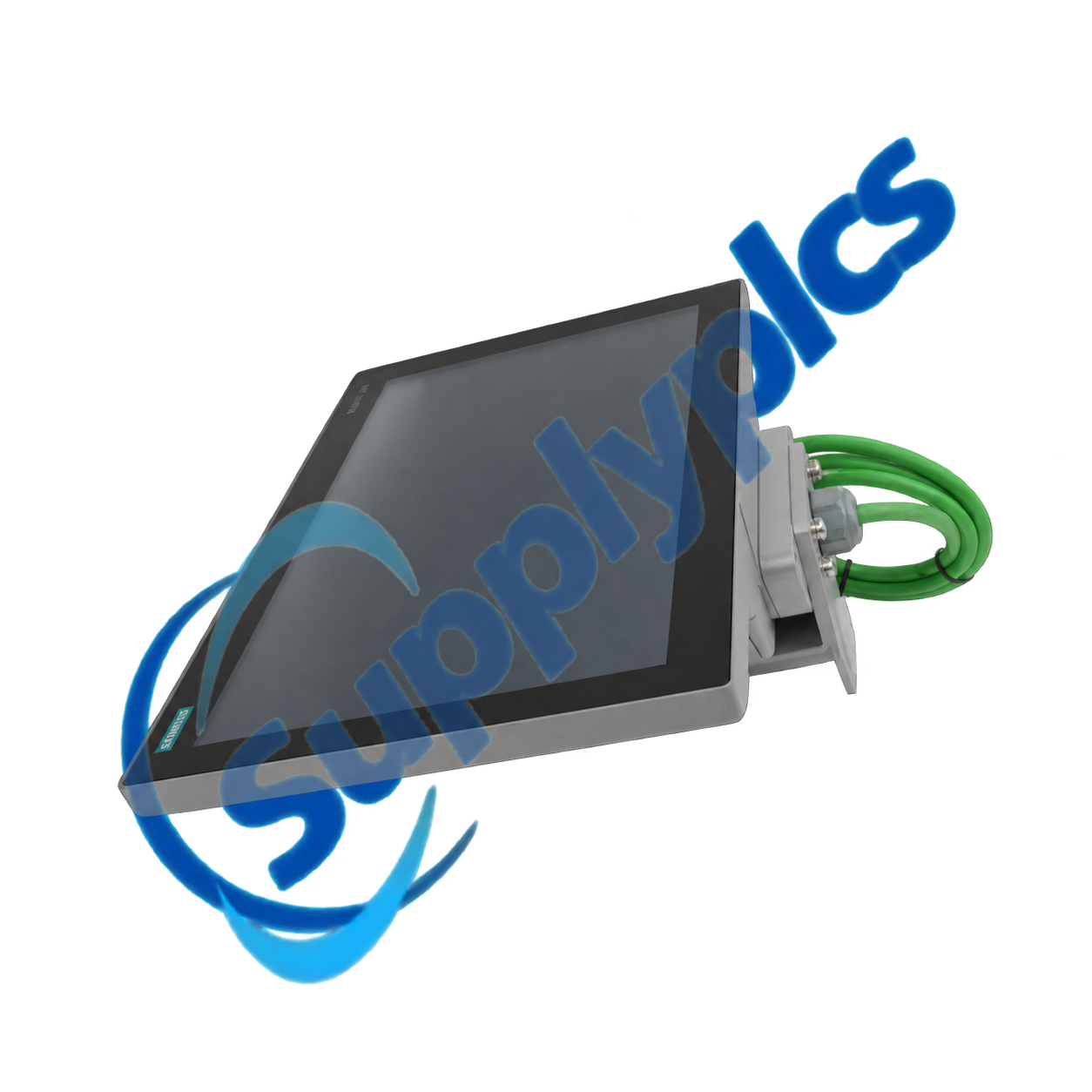
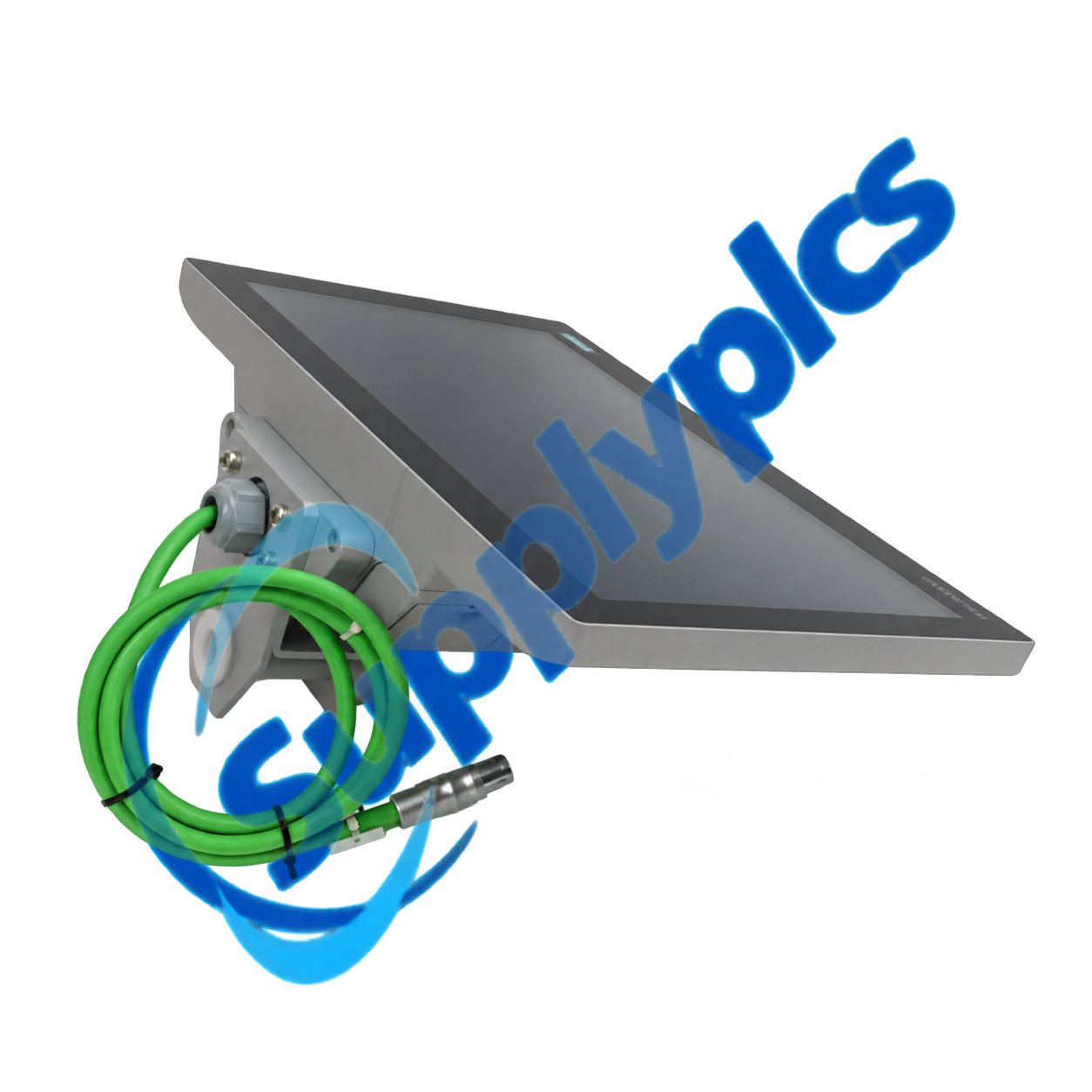
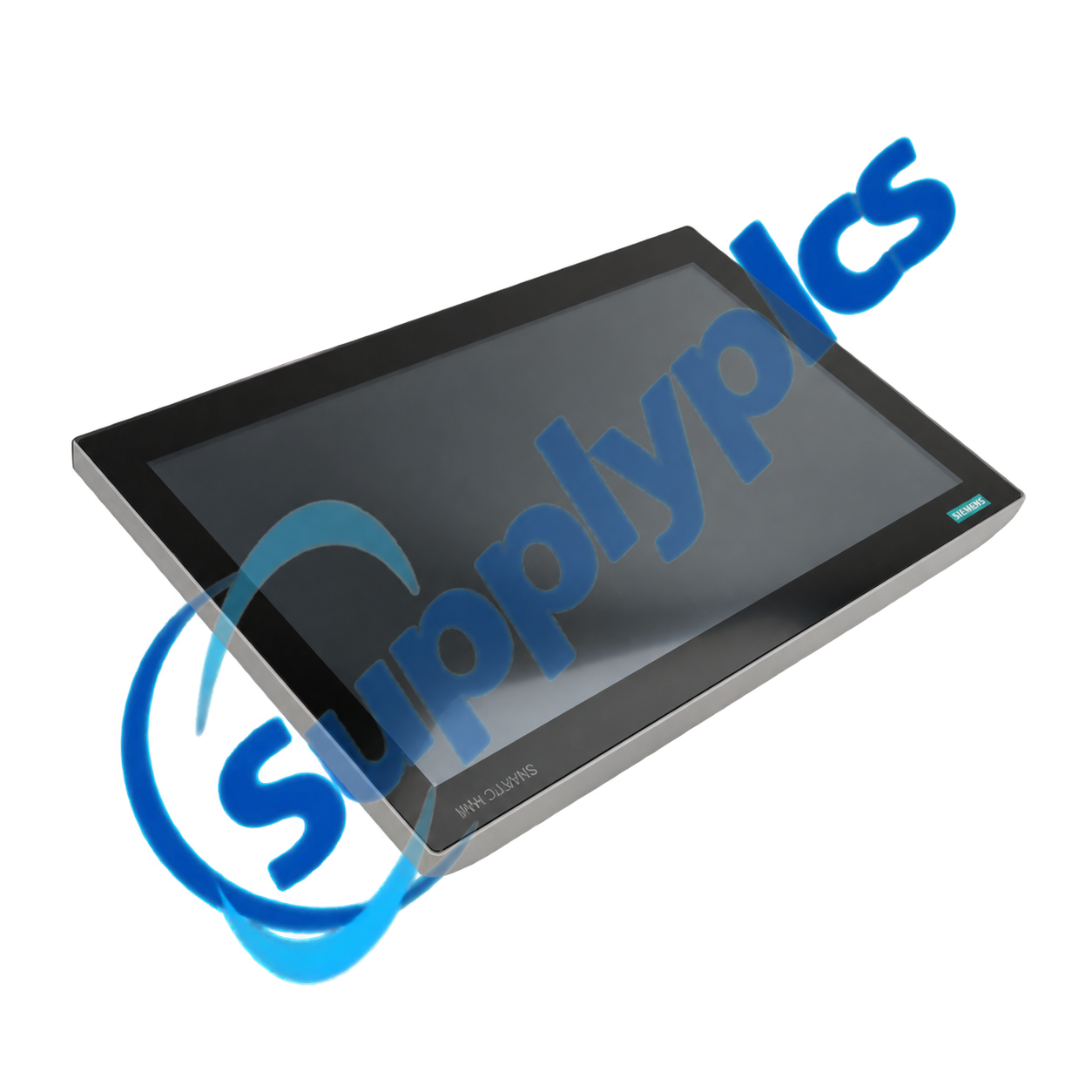
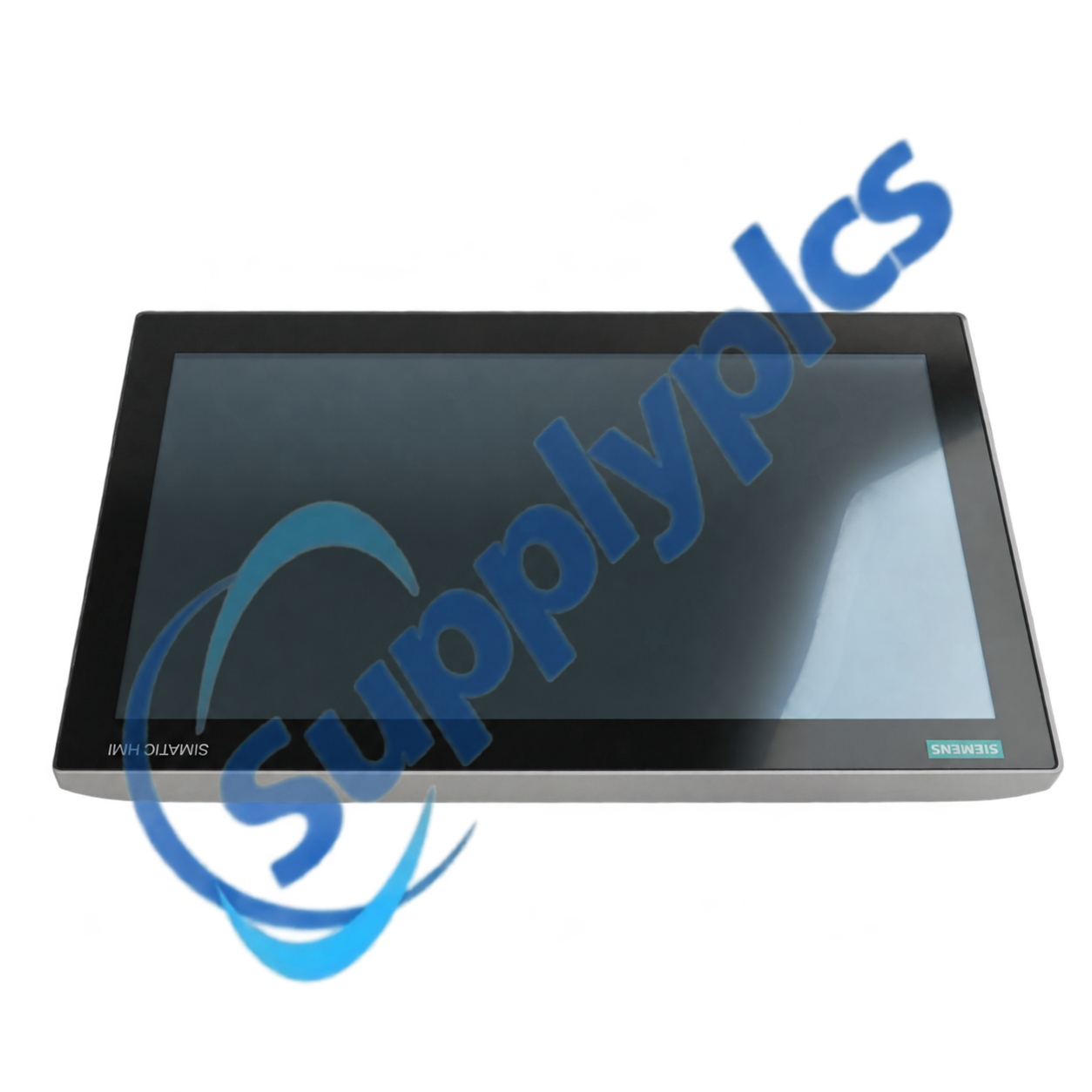
Siemens 6AV7241-5BC07-0JA0 is a SIMATIC IPC477E panel PC with a 15.6-inch analog-resistive touch display at 1280 x 800 pixels. This configured unit uses a Core i5-6442EQ processor, 16 GB RAM and a 320 GB SATA hard disk.
The configuration includes three Gigabit Ethernet interfaces, front and rear USB connectivity, DisplayPort outputs, Windows 10 IoT Enterprise 2016 LTSB 64-bit and a 24 V DC industrial power supply. Confirm the exact hardware image before replacement.
| Item | Details |
|---|---|
|
Quotation
|
Contact us for current price and availability
|
|
Payment
|
T/T and other agreed terms
|
|
Lead time
|
Confirmed with the quotation
|
|
Shipping
|
DHL, FedEx, UPS or agreed freight service
|
|
Warranty
|
12 months
|
| Technical parameter | Value |
|---|---|
|
Product type designation
|
SIMATIC IPC477E
|
|
Article number
|
6AV7241-5BC07-0JA0
|
|
Display
|
15.6-inch TFT touch, 1280 x 800 pixels
|
|
Touch technology
|
Analog resistive
|
|
Processor
|
Intel Core i5-6442EQ
|
|
Configured memory
|
16 GB DDR4
|
|
Configured storage
|
320 GB SATA hard disk
|
|
Industrial Ethernet
|
Three Gigabit Ethernet interfaces
|
|
Other interfaces
|
Four rear USB, front USB and two DisplayPort outputs
|
|
Operating system
|
Windows 10 IoT Enterprise 2016 LTSB, 64-bit
|
|
Protection
|
IP65 front; IP20 rear
|
|
Supply
|
24 V DC industrial power supply
|
| CONTACT |
Jim Pei
|
|---|
The IPC477E combines a panel-mounted industrial display with embedded PC processing for visualization, machine applications and local data handling. Its multi-port Ethernet arrangement supports segmented machine, plant and service networks where the application architecture requires them.
A replacement must match more than the screen size. Verify processor option, installed memory, storage type, operating-system edition and license, interface population, application software and panel cutout before creating a recovery image or installing the unit.
SupplyPLCs supports industrial automation buyers, maintenance teams and system integrators with model-specific sourcing and documentation assistance. Each quotation is checked against the complete order number, requested condition and destination requirements.
To reduce compatibility risk, send clear nameplate photos, installed hardware and software information, machine documentation and the required delivery date. These details help compare the requested item with available stock or a suitable successor before shipment.
Q1. How should I verify that 6AV7241-5BC07-0JA0 matches the panel PC already installed on my machine?
Answer: Compare the complete order number, processor, RAM, storage, Windows edition, Ethernet and USB configuration, panel opening and power supply. Capture the current BIOS and application settings before ordering.
Q2. What should I back up before replacing 6AV7241-5BC07-0JA0 on a production machine?
Answer: Create a verified full-disk image, export application projects and licenses, record network addresses and BIOS settings, and save machine-specific certificates or drivers. Keep the original drive unchanged until the replacement passes testing.
Q3. What can I check if the touch screen on 6AV7241-5BC07-0JA0 is inaccurate or stops responding?
Answer: Clean the surface, check for a damaged overlay or excessive mounting pressure, run the approved touch calibration, inspect touch drivers and cable seating, and compare the response outside the application before replacing the panel.
Q4. How can I troubleshoot network or USB devices that are not detected by 6AV7241-5BC07-0JA0?
Answer: Verify BIOS enablement, Windows drivers, port power and cable condition; compare IP settings and adapter assignments with the backup; and test one known-good device at a time while the machine is safely isolated.
Q5. What should I inspect if 6AV7241-5BC07-0JA0 restarts during high cabinet temperature or load?
Answer: Measure the 24 V supply during the event, inspect grounding, ventilation and heat-sink airflow, review Windows event logs and storage health, and confirm that cabinet temperature remains within the approved range.
Q6. Which information should I provide when sourcing 6AV7241-5BC07-0JA0 for a discontinued installation?
Answer: Send the nameplate, front and rear photos, BIOS and Windows details, storage image status, application and license requirements, connector use, panel cutout, required condition and delivery deadline.
|
RMF-112D 408200.60
|
NBB2-8GM30-E2-0.5M-V1 119737
|
QUINT-UPS/24DC/24DC/10
|
|
3BSE008516R1
|
EN60669-2-1
|
C25A1B
|
|
M/P960.1 KNX
|
A1L5LPK
|
MTL 5573
|
|
SBD4D -06
|
WAGO 787-885
|
3HE09327AARA01 ROHS6/6-40/85C
|
|
802371 IQ8QUAD
|
MTL5544S
|
ABB ATS010
|
|
XSL-31-427-YL-BK
|
CX-100-XP
|
153-5555-449
|
|
QMI3472 CU0210404-01 39Y9306 4GB
|
040528
|
PCG2611 FX-PCG2611-0
|
|
K35131SCW
|
W7752E2004
|
3HE04324AAAA02
|
|
2GIG-CO3-345
|
WVC210
|
REF 2424
|
|
A3863-66501
|
S4-34895
|
ABB 1TNE968900R0100 PM554
|
 EN
EN