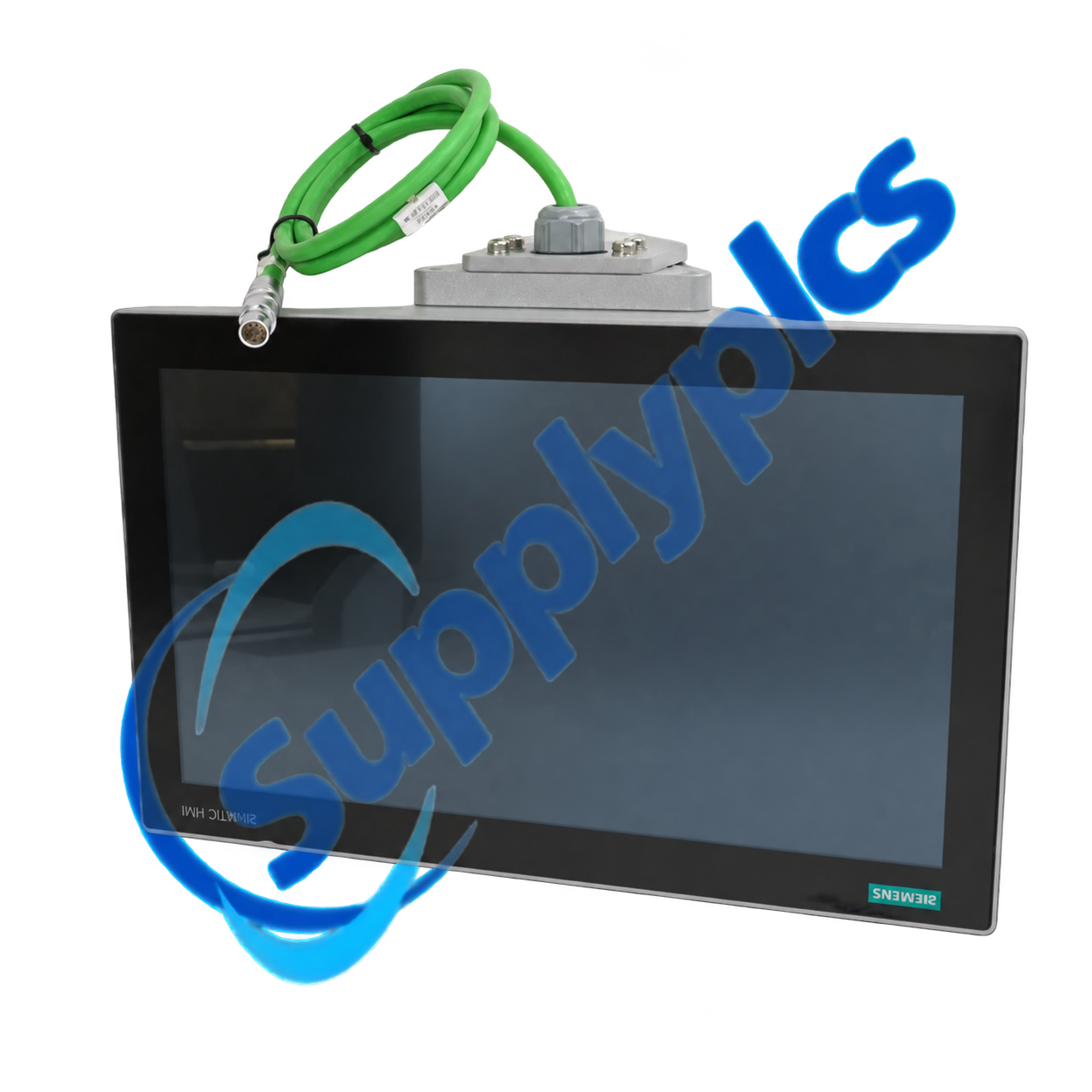
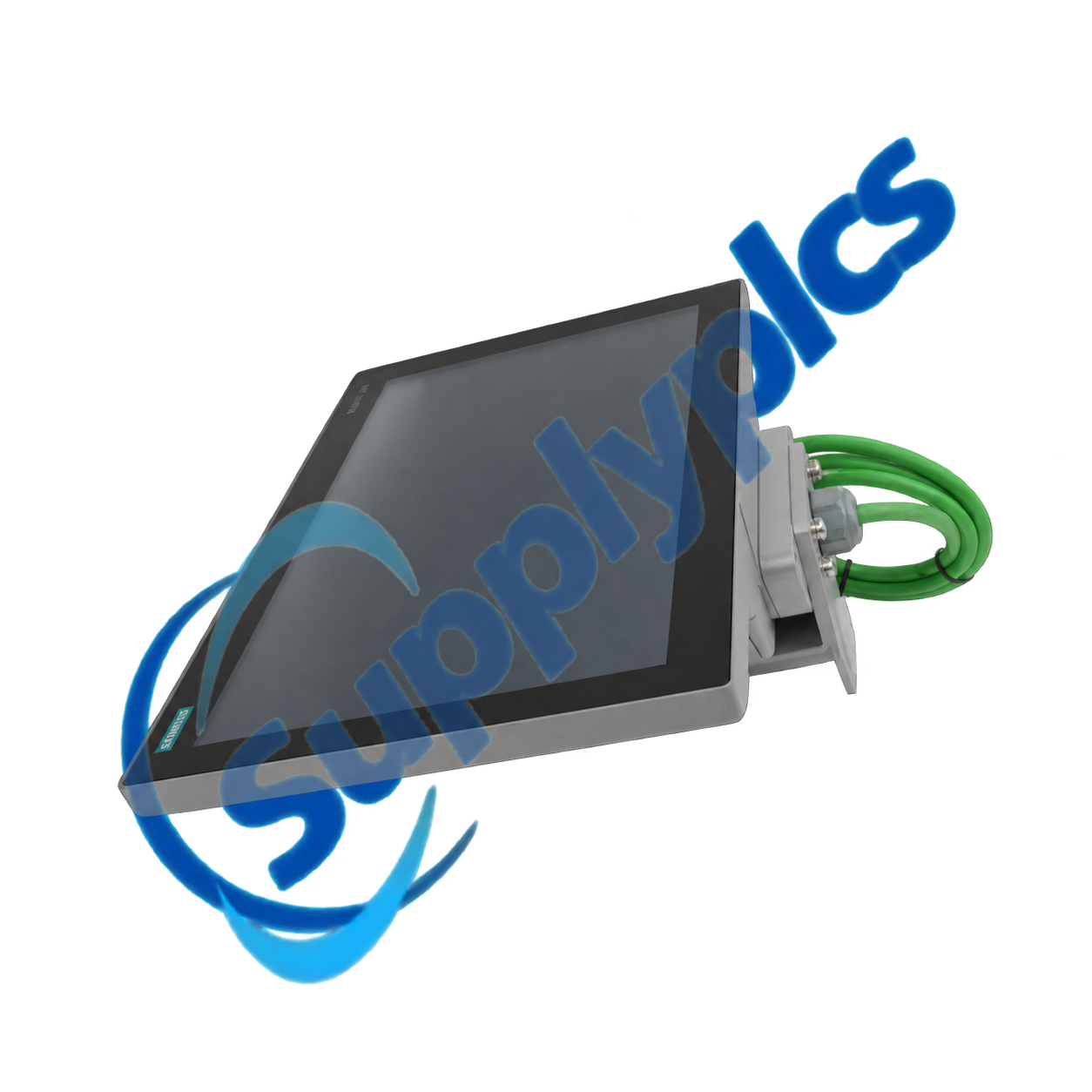
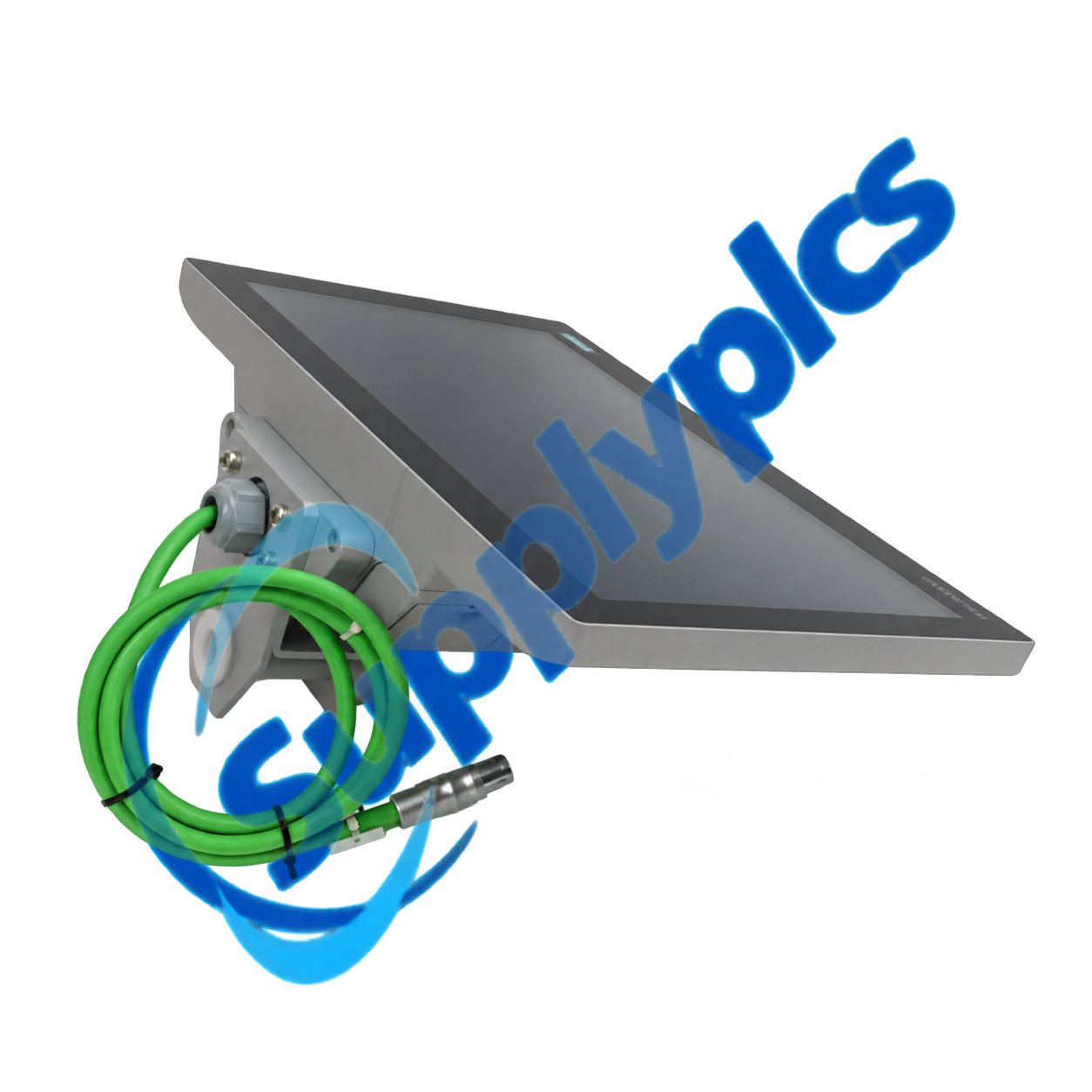
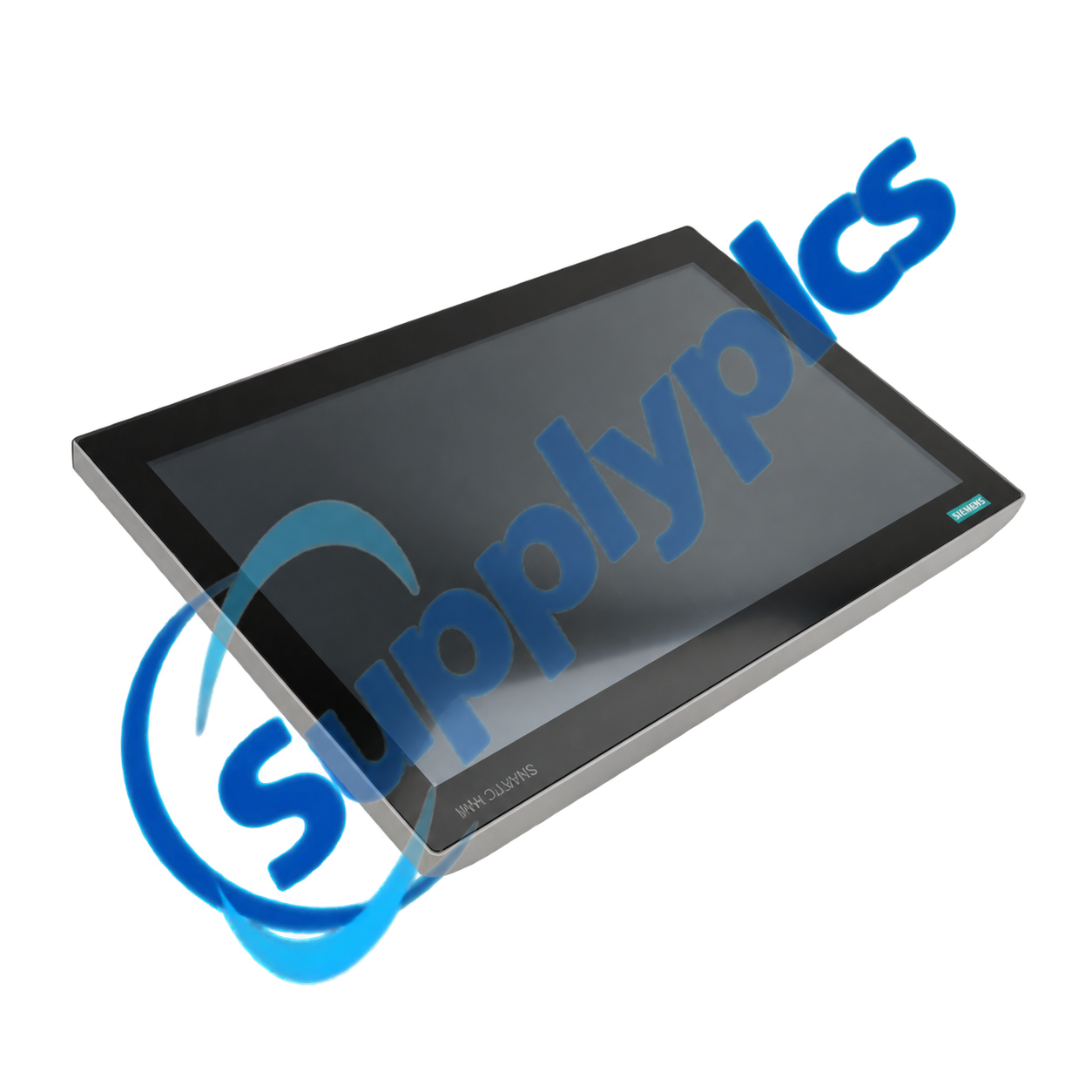
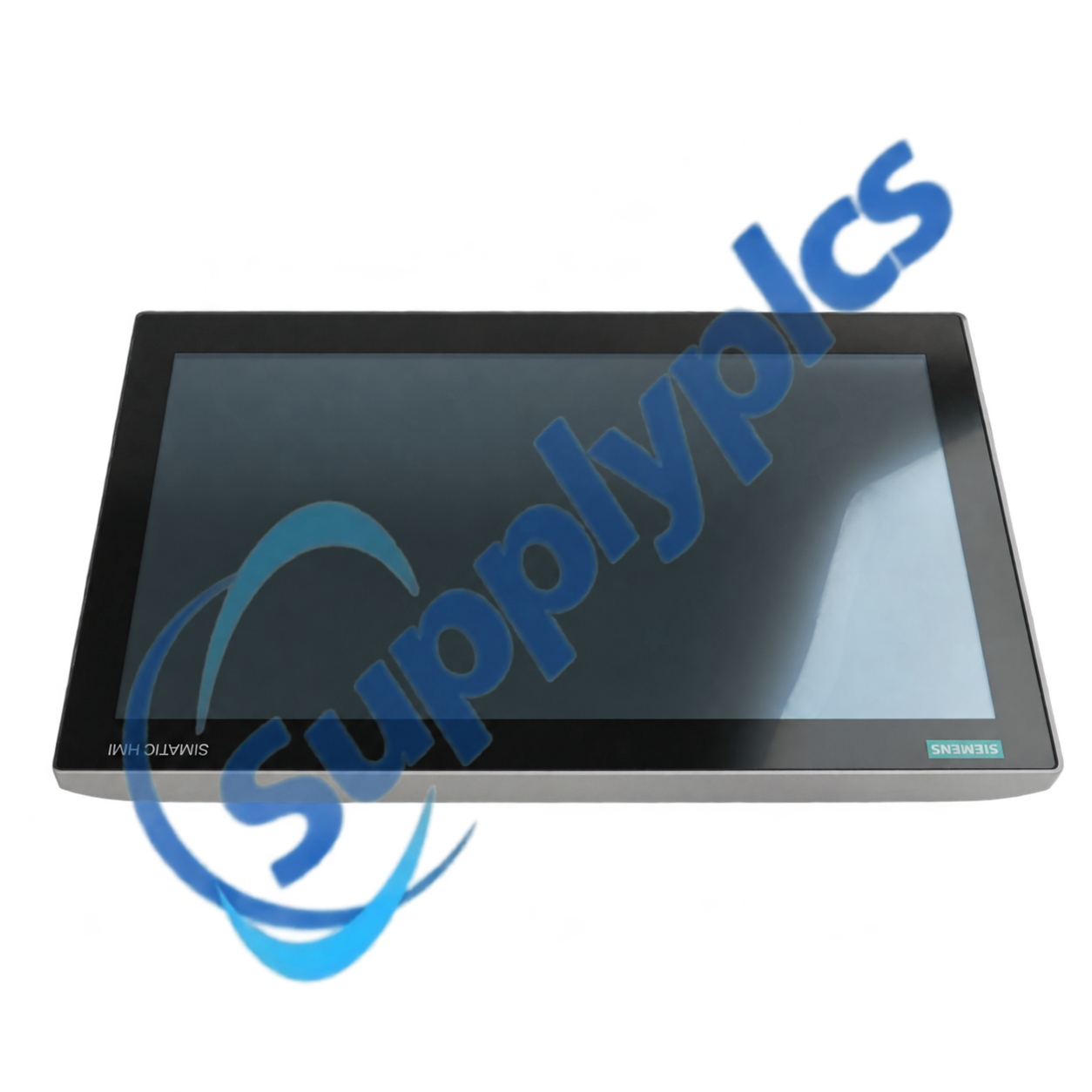
Siemens 6AV7241-5BC07-0JA0 est un ordinateur de panneau SIMATIC IPC477E avec écran tactile analogique-résistif de 15,6 pouces, résolution 1280 × 800 pixels. Cette unité configurée utilise un processeur Core i5-6442EQ, 16 Go de mémoire vive et un disque dur SATA de 320 Go.
La configuration comprend trois interfaces Ethernet Gigabit, des connexions USB avant et arrière, des sorties DisplayPort, Windows 10 IoT Enterprise 2016 LTSB 64 bits et une alimentation industrielle CC 24 V. Vérifiez l’image exacte du matériel avant remplacement.
| Elementum | Detalia |
|---|---|
|
Praeoffertio
|
Contact us for current price and availability
|
|
Solutio
|
T/T and other agreed terms
|
|
Tempus praecedens
|
Confirmed with the quotation
|
|
Transvectio
|
DHL, FedEx, UPS or agreed freight service
|
|
Garantia
|
12 Mensis
|
| Parameter Technicus | Valor |
|---|---|
|
Designatio generis producti
|
SIMATIC IPC477E
|
|
Numerus Articuli
|
6AV7241-5BC07-0JA0
|
|
Display
|
Écran tactile TFT 15,6 pouces, 1280 × 800 pixels
|
|
Tactilis Technologia
|
Analogica resistiva
|
|
Processor
|
Intel Core i5-6442EQ
|
|
Mémoire configurée
|
16 Go DDR4
|
|
Stockage configuré
|
disco dur SATA de 320 GB
|
|
Ethernet Industriale
|
Tres interface Ethernet Gigabit
|
|
Alii Interfusus
|
Quatre ports USB arrière, un port USB avant et deux sorties DisplayPort
|
|
Systema operativum
|
Windows 10 IoT Enterprise 2016 LTSB, 64-bit
|
|
Protection
|
IP65 anterior; IP20 posterior
|
|
Copia
|
industriale suppeditatio potentiae 24 V DC
|
| Contact |
Iimus Pei
|
|---|
L’IPC477E associe un afficheur industriel monté en panneau à un traitement PC embarqué pour la visualisation, les applications machines et le traitement local des données. Son agencement Ethernet multiport prend en charge des réseaux segmentés de machines, d’installations et de services là où l’architecture applicative l’exige.
A replacement must match more than the screen size. Verify processor option, installed memory, storage type, operating-system edition and license, interface population, application software and panel cutout before creating a recovery image or installing the unit.
SupplyPLCs supports industrial automation buyers, maintenance teams and system integrators with model-specific sourcing and documentation assistance. Each quotation is checked against the complete order number, requested condition and destination requirements.
Ad diminuendum periculum incompatibilitatis, mitte photographias claras tabulae nominis, informationes de hardware et software iam installatis, documenta machinae et diem postulatam ad quam mittendum est. Haec particularia adiuvant ut comparatur res postulata cum rebus iam in stock vel cum successore idoneo antequam mittatur.
Q1. Quomodo verificare possum ut 6AV7241-5BC07-0JA0 conveniat cum panel PC iam installato in mea machina?
Responsum: Compara numerum ordinis integrum, processorem, RAM, spatium memoriae, editionem Windows, configurationem Ethernet et USB, aperturam tabulae et alimentationem electricam. Capta sunt praesentia parametra BIOS et applicationis antequam ordo datur.
Q2. Quid servare oportet antequam 6AV7241-5BC07-0JA0 substituitur in machina productionis?
Responsum: Crea imaginem integram disci verificatam, exporta projecta applicationum et licentias, annota adresses retis et parametra BIOS, et serva certificata aut drivers specifica machinae. Serva discum originalem immutatum usque dum substitutum testibus superavit.
Q3. Quid inspicere possum si schermum tactilis in 6AV7241-5BC07-0JA0 imprecisus est aut desinit respondere?
Responsum: Clean the surface, check for a damaged overlay or excessive mounting pressure, run the approved touch calibration, inspect touch drivers and cable seating, and compare the response outside the application before replacing the panel.
Q4. How can I troubleshoot network or USB devices that are not detected by 6AV7241-5BC07-0JA0?
Responsum: Verify BIOS enablement, Windows drivers, port power and cable condition; compare IP settings and adapter assignments with the backup; and test one known-good device at a time while the machine is safely isolated.
Q5. What should I inspect if 6AV7241-5BC07-0JA0 restarts during high cabinet temperature or load?
Responsum: Measure the 24 V supply during the event, inspect grounding, ventilation and heat-sink airflow, review Windows event logs and storage health, and confirm that cabinet temperature remains within the approved range.
Q6. Which information should I provide when sourcing 6AV7241-5BC07-0JA0 for a discontinued installation?
Responsum: Mitte den Typenschild, Fotos von vorne und hinten, BIOS- und Windows-Details, Status des Speicherabbilds, Anwendungs- und Lizenzanforderungen, Steckerverwendung, Ausschnitt der Frontplatte, erforderlichen Zustand und Lieferfrist.
|
RMF-112D 408200.60
|
NBB2-8GM30-E2-0.5M-V1 119737
|
QUINT-UPS/24DC/24DC/10
|
|
3BSE008516R1
|
EN60669-2-1
|
C25A1B
|
|
M/P960.1 KNX
|
A1L5LPK
|
MTL 5573
|
|
SBD4D -06
|
WAGO 787-885
|
3HE09327AARA01 ROHS6/6-40/85C
|
|
802371 IQ8QUAD
|
MTL5544S
|
ABB ATS010
|
|
XSL-31-427-YL-BK
|
CX-100-XP
|
153-5555-449
|
|
QMI3472 CU0210404-01 39Y9306 4GB
|
040528
|
PCG2611 Fx-pcg2611-0
|
|
K35131SCW
|
W7752E2004
|
3HE04324AAAA02
|
|
2GIG-CO3-345
|
WVC210
|
REF 2424
|
|
A3863-66501
|
S4-34895
|
ABB 1TNE968900R0100 PM554
|
 EN
EN