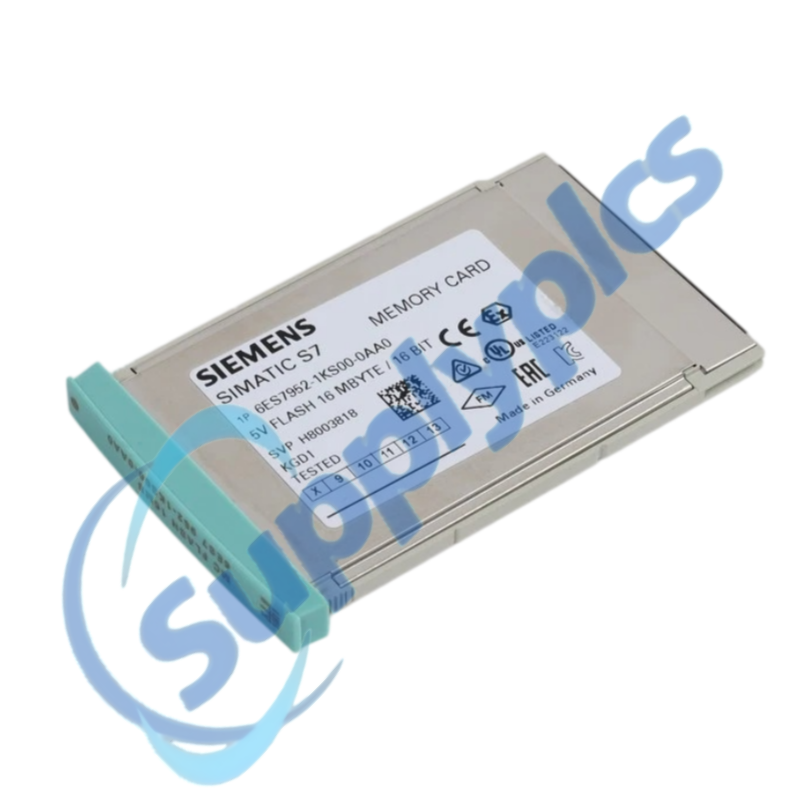
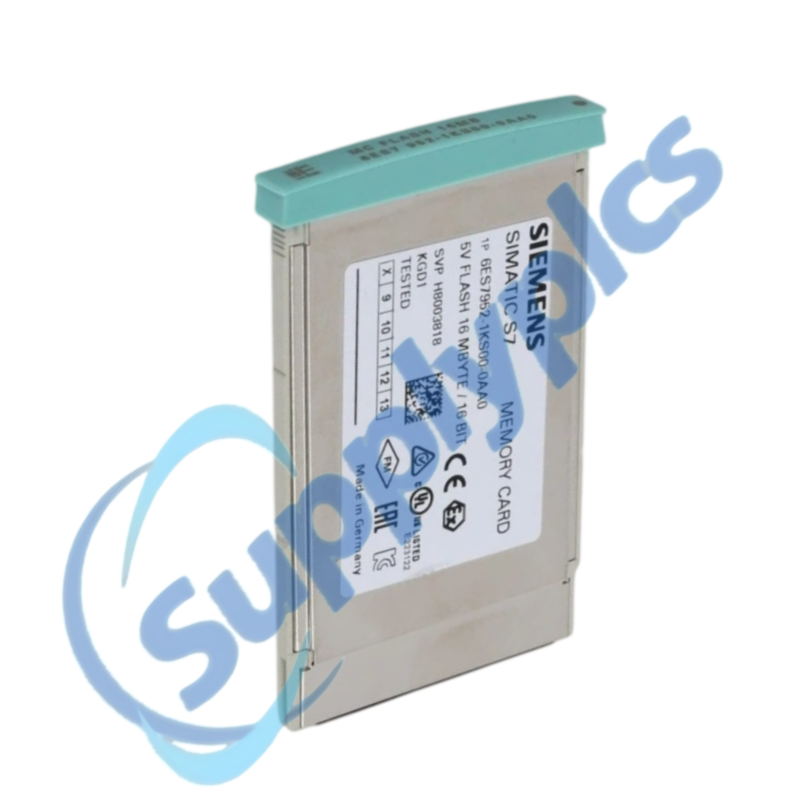
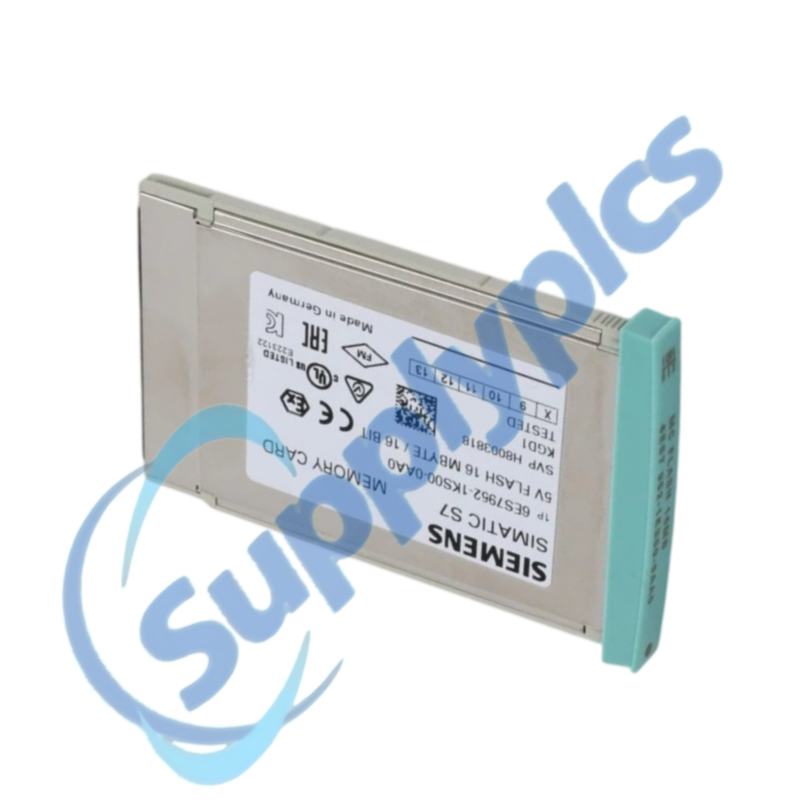
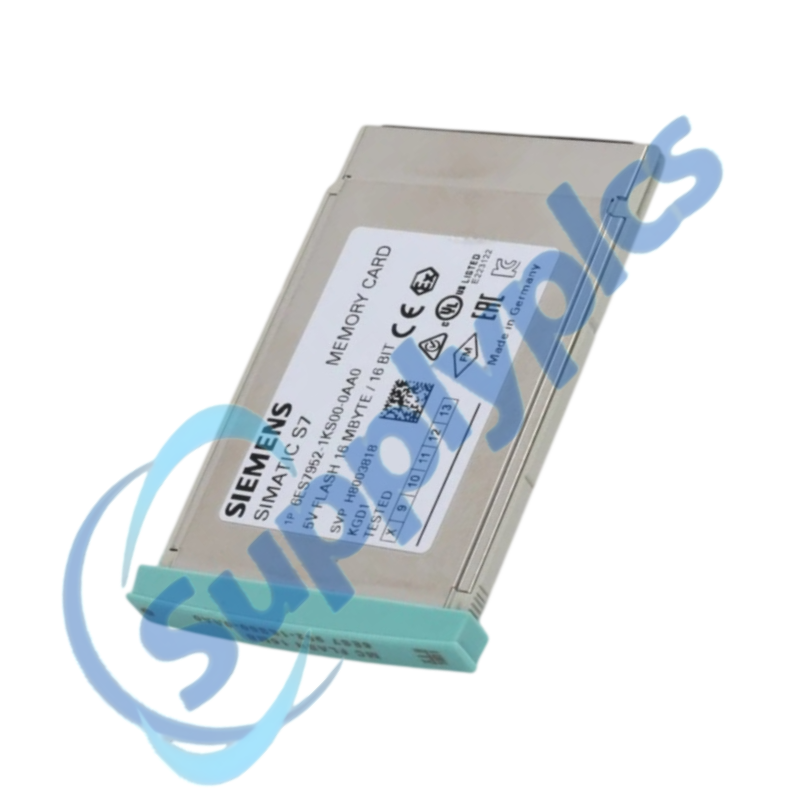
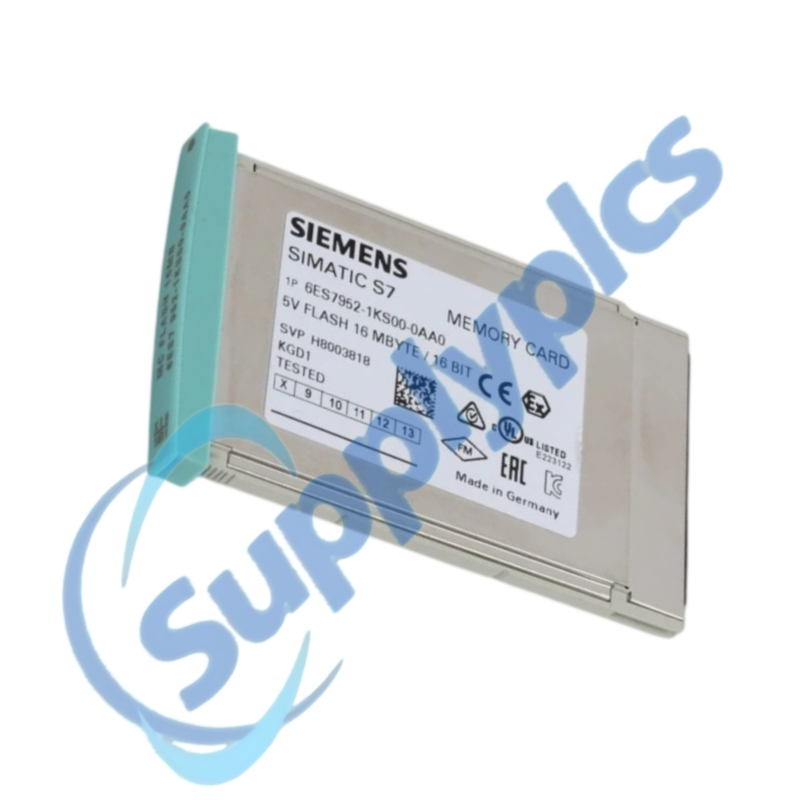
Q1 How can I confirm that 6ES7952-1KS00-0AA0 is the correct spare for an installed S7-400 CPU?
Compare the complete card and CPU order numbers, CPU firmware and the project memory requirement. Check the Siemens CPU manual for supported card types before purchase.
Q2 What should I preserve before removing 6ES7952-1KS00-0AA0 from a running machine?
Create and open a verified STEP 7 project archive, record CPU diagnostics and memory settings, and label the original card. Keep that card as the recovery baseline until the new setup is tested.
Q3 Why might an S7-400 CPU not start after 6ES7952-1KS00-0AA0 is replaced?
Check card seating, CPU compatibility and diagnostic LEDs, then compare the loaded program with the validated archive. Do not erase or reformat the original card while investigating.
Q4 Quomodo ingeniorum oportet programmatem incompatibilem tractare quae 6ES7952-1KS00-0AA0 involvit?
Suspende operationem automaticam tuto, compara archivum offline et programmam CPU online, et confirma configurationem hardware et blocos datorum. Recarrega solum versionem approbatam secundum processum plantae pro mutationibus.
Q5 Num 6ES7952-1KS00-0AA0 potest copiari absque inspectione controlleris destinatarii?
Ne existimes imaginem copiatam sufficere. Verifica supportum cartae, postulatum memoriae, firmware CPU, configurationem hardware et parametra licentiae vel protectionis pro systemate destinatario.
Q6 Quae informationes procuratio mittere debet cum 6ES7952-1KS00-0AA0 postulat?
Praebeto numerum ordinis exactum, modellem CPU et firmware, titulum actualem cartae, conditionem requisitam, destinatum et utrum aequipe servitii habet projectum reservatum verificatum.


 EN
EN