Preserve the program medium before an S7-400 service change
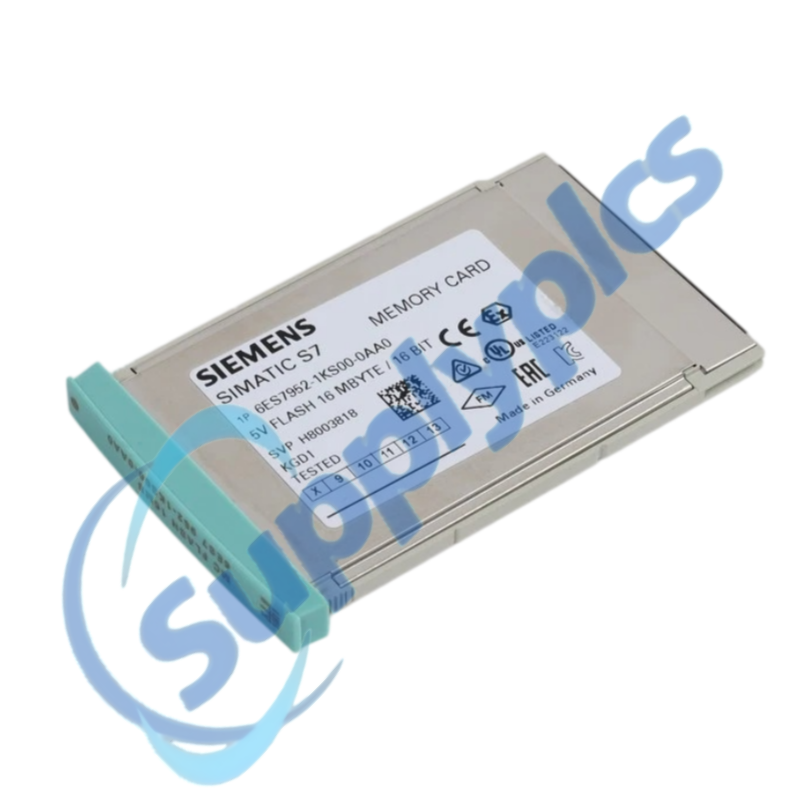
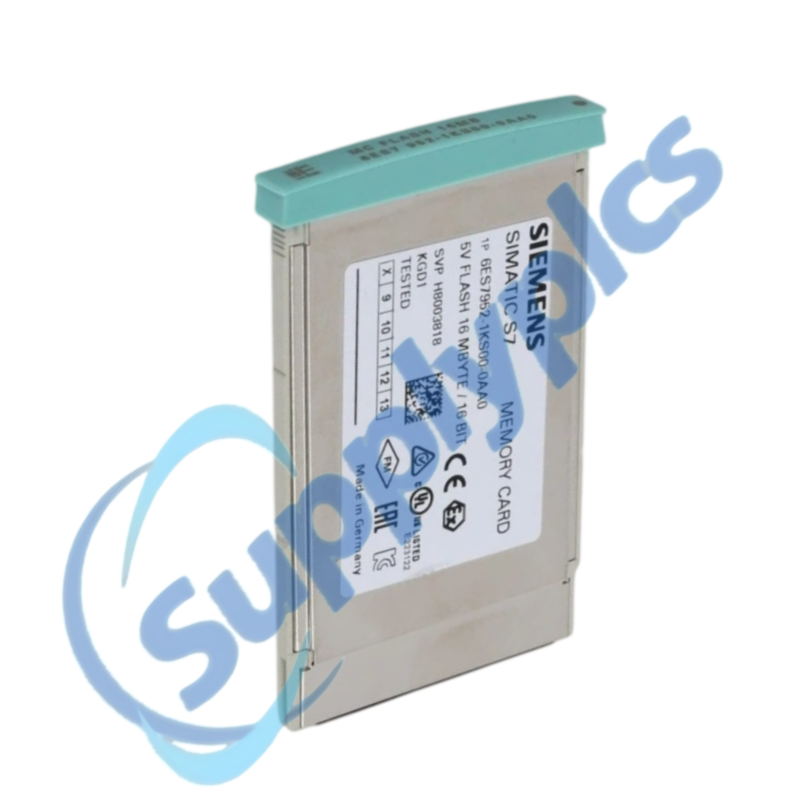
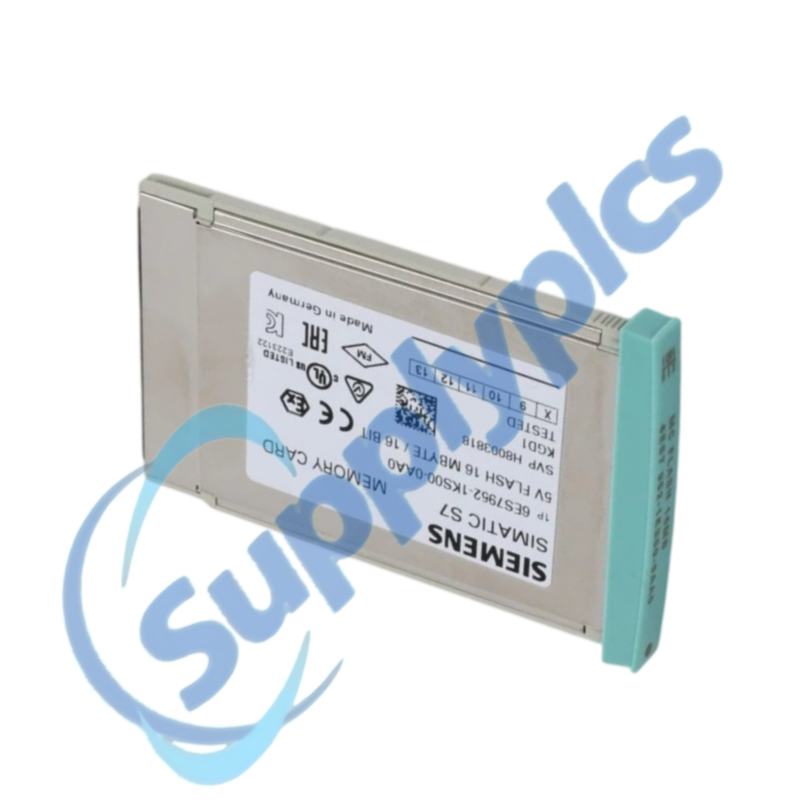
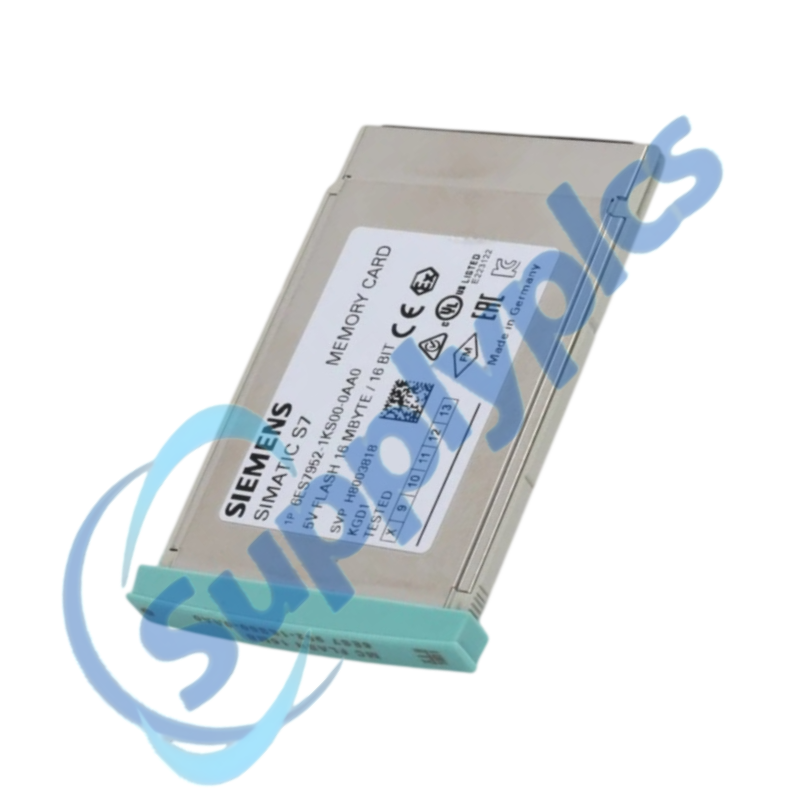
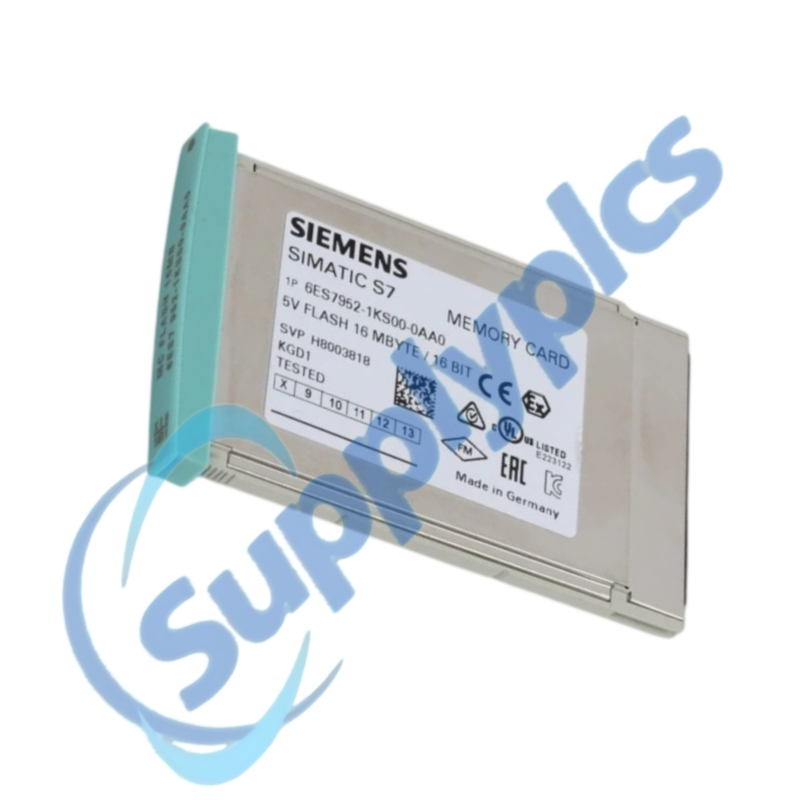
A long-design 5 V Flash EPROM memory card with 16 MB capacity for the SIMATIC S7-400 control family.
Verify first: Match the CPU, card format and archived project before exchanging media. Do not overwrite the only working card.
Description
Siemens lists this exact order number as a long-design SIMATIC S7 memory card for S7-400 CPUs. Its Flash EPROM technology retains the stored program without a battery-backed RAM workflow.
For maintenance, treat the card as part of the machine configuration. Record the CPU order number and firmware, make a verified project backup, and preserve the original card until the replacement starts and the machine is tested.
Service workflow
01Identify
Read the CPU and card nameplates, firmware and installed project version.
02Back up
Archive the current controller project and verify that the archive can be opened.
03Protect
Keep the original card untouched while preparing the replacement media.
04Commission
Follow the Siemens CPU procedure, then check startup, diagnostics and machine operation.
SupplyPLCs support
SupplyPLCs coordinates exact-model sourcing, condition checks and global delivery for industrial automation spares. Share the complete order number, installed-system context and destination so the quotation reflects the actual application.
Q1How can I confirm that 6ES7952-1KS00-0AA0 is the correct spare for an installed S7-400 CPU?
Compare the complete card and CPU order numbers, CPU firmware and the project memory requirement. Check the Siemens CPU manual for supported card types before purchase.
Q2What should I preserve before removing 6ES7952-1KS00-0AA0 from a running machine?
Create and open a verified STEP 7 project archive, record CPU diagnostics and memory settings, and label the original card. Keep that card as the recovery baseline until the new setup is tested.
Q3Why might an S7-400 CPU not start after 6ES7952-1KS00-0AA0 is replaced?
Check card seating, CPU compatibility and diagnostic LEDs, then compare the loaded program with the validated archive. Do not erase or reformat the original card while investigating.
Q4How should an engineer handle a program mismatch involving 6ES7952-1KS00-0AA0?
Stop automatic operation safely, compare the offline archive and online CPU program, and confirm hardware configuration and data blocks. Reload only an approved version under the plant change-control process.
Q5Can 6ES7952-1KS00-0AA0 be copied without checking the target controller?
Do not assume a copied image is sufficient. Verify card support, memory demand, CPU firmware, hardware configuration and licensing or protection settings for the target system.
Q6What information should procurement send when requesting 6ES7952-1KS00-0AA0?
Provide the exact order number, CPU model and firmware, current card label, required condition, destination and whether the service team has a verified project backup.

 EN
EN