 EN
EN

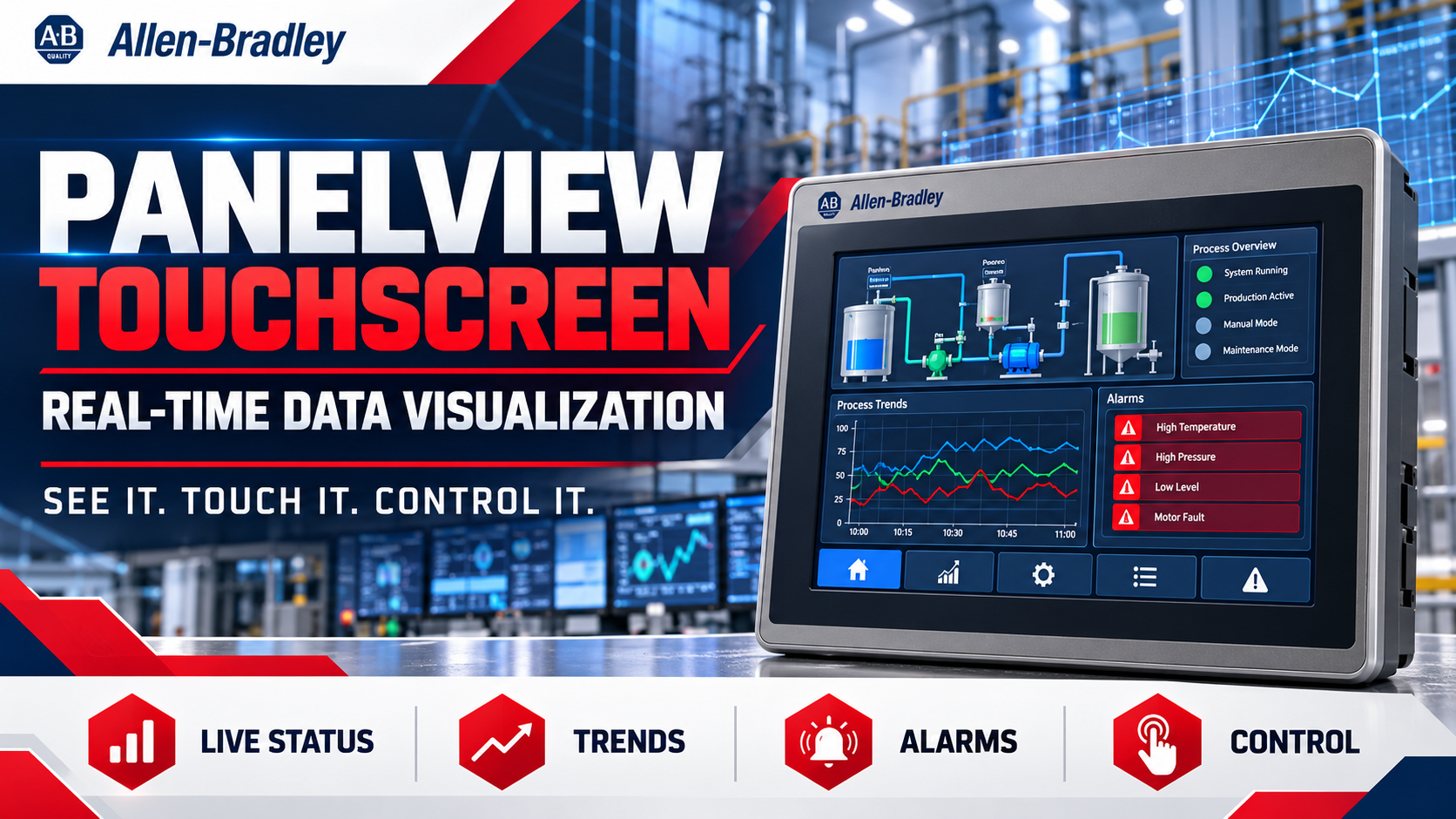
The Panel View Touchscreen is an essential tool for visualizing real-time data in industrial automation environments. By facilitating instant access to operational metrics, these touchscreens enhance decision-making processes for manufacturing and engineering professionals. Buyers often seek reliable components that not only meet quality standards but also integrate seamlessly into existing systems. This article will cover how the Panel View Touchscreen supports real-time data visualization, helping you make informed purchasing decisions.
How PanelView Touchscreen Enhances Real-Time Data Visualization?
The Panel View Touchscreen is designed to provide an intuitive interface that allows users to monitor and control industrial processes in real time. This capability is crucial for operators who need to respond swiftly to changes in machinery performance or production outputs. With features such as customizable displays and real-time data streaming, the panel view touchscreen allows for immediate visibility into operational statuses, thereby enhancing productivity. Moreover, these touchscreens support various communication protocols, enabling integration with a wide range of devices and systems. This flexibility means that manufacturers can tailor their user interfaces to display the most relevant data for their specific applications. The real-time visualization provided by the Panel View Touchscreen not only improves operational efficiency but also aids in maintaining compliance with safety and quality standards.
Choosing the Right PanelView Touchscreen for Your Application Needs
Selecting the appropriate Panel View Touchscreen involves understanding your specific application requirements. Key factors to consider include screen size, resolution, and the types of inputs and outputs needed for your machinery. For instance, larger screens may be beneficial in environments where multiple data points must be monitored simultaneously, while higher resolution screens provide clearer visibility of detailed metrics. Additionally, consider the touch technology resistive versus capacitive based on your working environment. Resistive hmi display touch screen are often more suitable for industrial settings where gloves may be worn, while capacitive screens provide a more responsive user experience for general applications. Understanding these nuances will ensure that you choose a Panel View Touchscreen that not only fits your operational needs but also enhances user interaction.
Key Specifications of PanelView Touchscreen for Optimal Performance
When evaluating Panel View Touchscreens, you should focus on several key specifications:
Screen Size and Resolution: Larger screens with higher resolutions enable better visibility and interaction.
Processor Speed: A faster processor allows for smoother operation and quicker response times, especially during high-demand situations.
Memory and Storage: Adequate RAM and storage are necessary for running complex applications and storing historical data for analysis.
Operating Temperature Range: Ensure the touchscreen can operate effectively in your specific environment, as extreme temperatures can affect performance.
Connectivity Options: Check for compatibility with existing systems, including Ethernet, USB, and serial connections.
Each of these specifications plays a vital role in the touchscreen's performance and suitability for your specific application. Buyers should ensure that these specifications align with their operational requirements to avoid potential issues down the line.
Where to Source Reliable PanelView Touchscreen Components Wholesale?
Sourcing reliable Panel View Touchscreen components requires careful consideration of your suppliers. Look for distributors who specialize in industrial automation parts, like Supplyplcs, that offer brand-new original components. This is especially important given the challenges in sourcing high-quality spare parts in the industry.
When evaluating suppliers, consider their reputation, customer service, and the breadth of their product offerings. Ensure that they can provide necessary certifications and quality assurance documentation for the products they sell. Additionally, inquire about lead times, minimum order quantities (MOQ), and whether they offer customization options to meet your specific needs.
Installation Guidance for Effective Use of PanelView Touchscreens
Proper installation of the Panel View Touchscreen is critical for optimal performance. Here are some key considerations:
Location: Choose a location that minimizes exposure to extreme environmental conditions, such as excessive moisture or heat, which can impair functionality.
Mounting: Ensure the touchscreen is securely mounted to prevent damage during operation. Follow the manufacturer’s guidelines for mounting to guarantee stability.
Wiring and Connectivity: Double-check all wiring and connections to avoid communication errors. Pay special attention to grounding and shielding to minimize interference.
Software Configuration: After installation, configure the software settings according to your operational requirements. This may include customizing the user interface and setting up alarms and notifications.
By adhering to these installation guidelines, you can maximize the lifespan and performance of your Panel View industrial touch screen hmi, ensuring it meets your operational demands effectively.
In summary, understanding how the Pane lView Touchscreen supports real-time data visualization, along with the considerations for selection, specifications, sourcing, and installation, equips B2B buyers with the knowledge needed to make informed purchasing decisions. By focusing on these key areas, you can enhance your operational efficiency and ensure the successful integration of this technology into your industrial processes.
Table of Contents
- How PanelView Touchscreen Enhances Real-Time Data Visualization?
- Choosing the Right PanelView Touchscreen for Your Application Needs
- Key Specifications of PanelView Touchscreen for Optimal Performance
- Where to Source Reliable PanelView Touchscreen Components Wholesale?
- Installation Guidance for Effective Use of PanelView Touchscreens