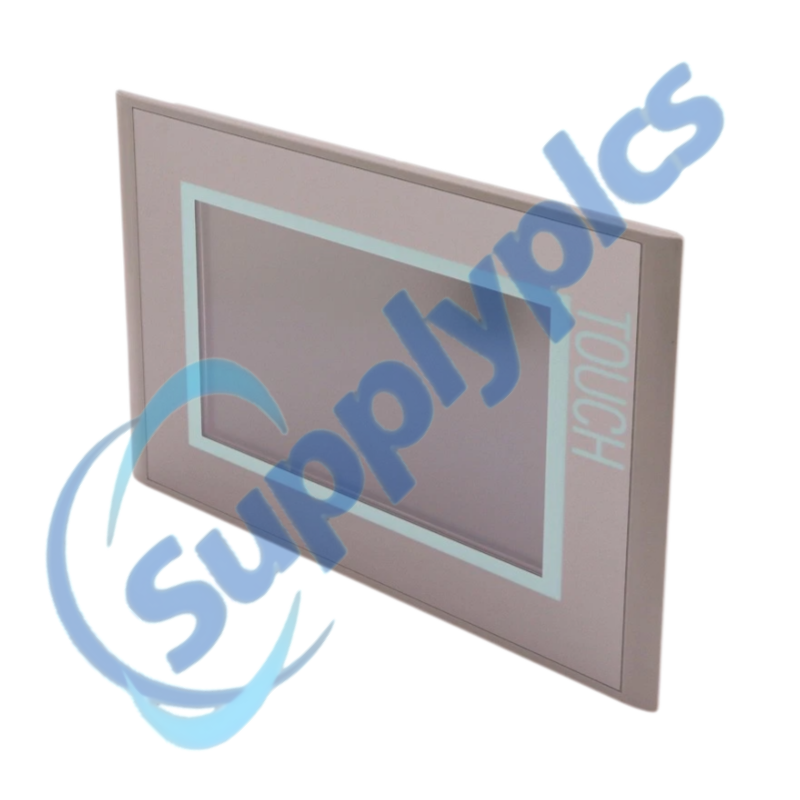
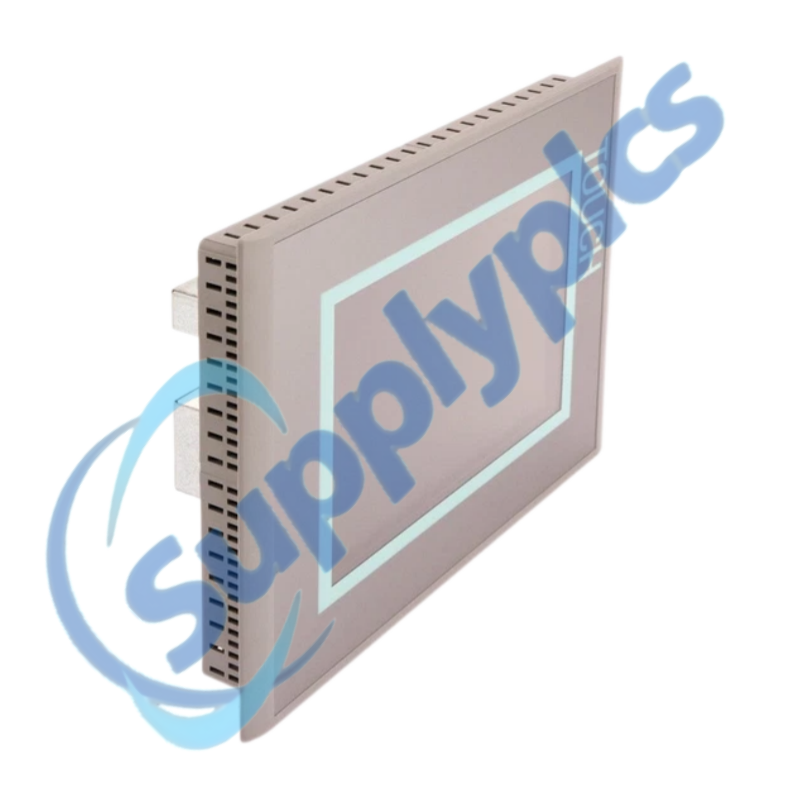
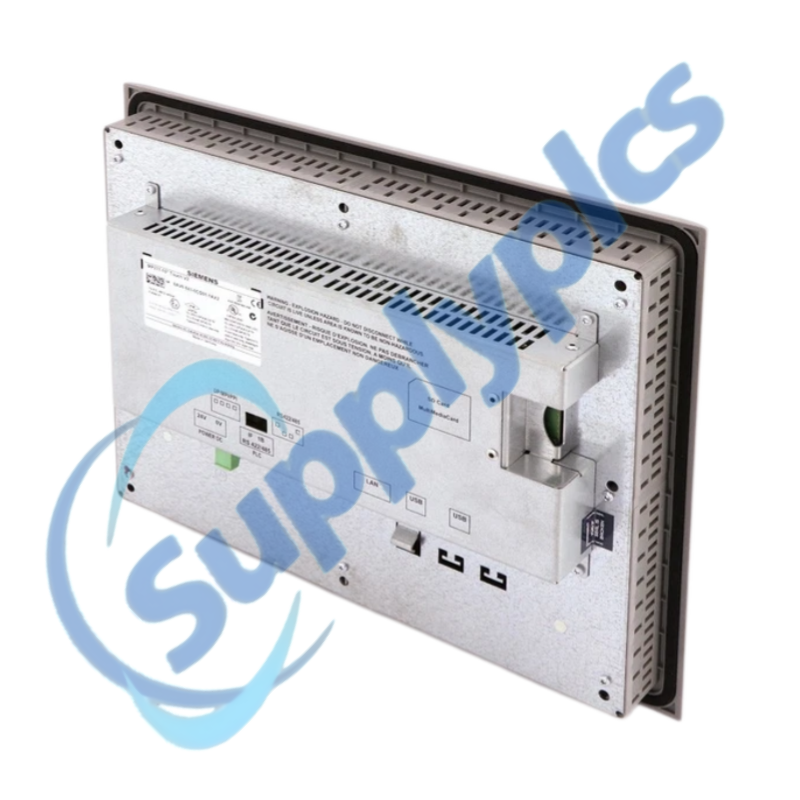
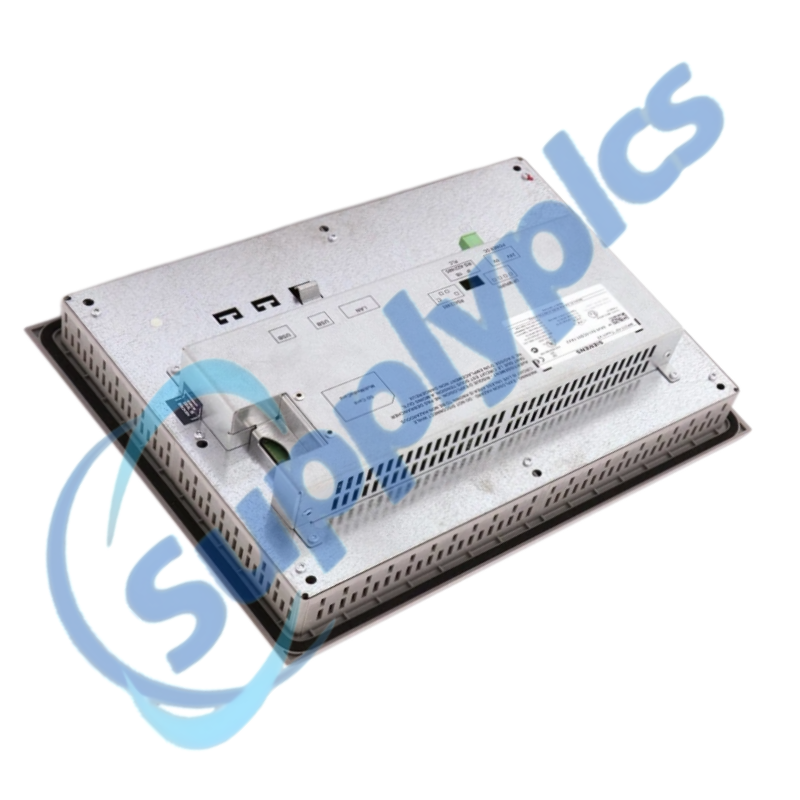
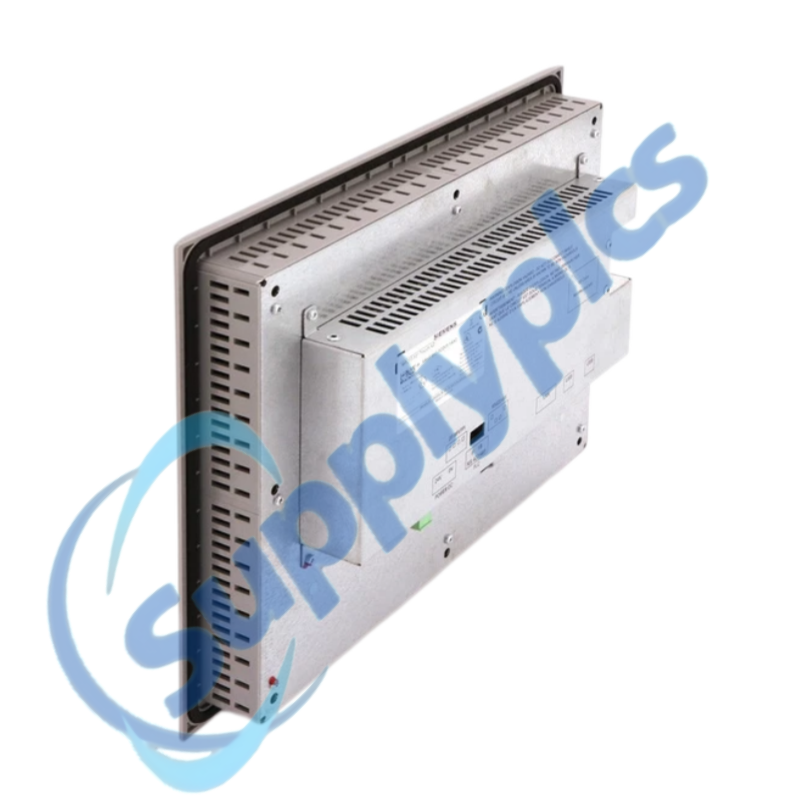
Product Name: SIMATIC HMI MP 277 10-inch Touch Multi Panel
Brand Name: Siemens
Model Number: 6AV6643-0CD01-1AX2
Place of Origin: Germany
Warranty: 12 Months
Whatsapp: +86 18020776782
Email: [email protected]

Siemens 6AV6643-0CD01-1AX2 is a SIMATIC HMI MP 277 10-inch touch-operated multi panel for industrial visualization, alarm handling and machine operation.
The panel combines a 10.4-inch VGA display, analog resistive touch input, user memory and multiple industrial communication interfaces. Replacement requires a verified HMI project, compatible engineering software and matching firmware.
| CONTACT | Jim Pei | [email protected] | +86 180 2077 6782 |
This MP 277 provides touch-based process control and visualization for installed machines that use legacy SIMATIC HMI engineering environments.
The panel exchanges process data with the PLC, displays operating screens and alarms, and stores the configured HMI runtime application.
SupplyPLCs supplies industrial automation and control components for maintenance, replacement and project support.
Q1. How can I verify that 6AV6643-0CD01-1AX2 will run my existing HMI project?
Answer: Check the archived project version, panel device selection, firmware and engineering software. Confirm that the project compiles without conversion errors and that all fonts, scripts, communication drivers and licenses are supported.
Q2. What should I check if 6AV6643-0CD01-1AX2 starts but remains on the transfer or boot screen?
Answer: Verify the 24 V DC supply, storage and startup settings, then confirm that a valid runtime project is installed. Check the transfer channel and cable before attempting a controlled download from the approved engineering station.
Q3. How should I troubleshoot touch points that drift on 6AV6643-0CD01-1AX2?
Answer: Clean the front surface, make sure the enclosure is not twisting the bezel, and run the panel touch calibration. If the problem returns with heat or vibration, document the conditions and inspect the front assembly before replacement.
Q4. What should I inspect when 6AV6643-0CD01-1AX2 loses communication with a PROFINET or PROFIBUS PLC?
Answer: Check the selected driver, device address, IP or PROFIBUS station number, cable and connector, PLC state and HMI connection settings. Compare diagnostics with the last working project before editing network parameters.
Q5. What data should I save before replacing 6AV6643-0CD01-1AX2?
Answer: Create an approved panel backup and preserve the editable HMI project, recipes, user data, passwords and licenses where applicable. Record firmware, network settings, serial parameters and connector wiring.
Q6. Can the related AX1 version directly replace 6AV6643-0CD01-1AX2?
Answer: The mechanical appearance is not enough. Compare hardware revision, supported firmware, engineering-software level and project compatibility, then validate the converted project and communication offline before machine installation.
| RCDT320 | VS2048BN | N3510TA-M |
| AFP23407 FP2-Y64T | XSA-C0573 | 1765-PA75R |
| DC-9204 | AAI835-H00 | IR33S0EN00 |
| 3286-20 | RMF-112D | 803374.EX O2T TQ8QUAD |
| 60-258-22 | PG4945 | QMI3472 CU0210404-01 39Y9306 |
| BMUD30-C2 | PS-R3 203-426-1180 | CP-DSKCH-7925G |
| SAC7X00-4000CR | EY-RC302F011 | KJ3242X1-BA1 12P2471X042 |
| ABB AI561 1TNE968902R1101 | CU1128-0000 | QUINT-UPS / 24DC / 24DC / 10 / 2320225 |
| ABB 1SAP112100R0270 TB521-ETH | EC-600 | 7XV5650-0BA00/BB RS485-FO |
| 70124109 KFD2-STC5-Ex1 | ABB STD-420E 6584-500 | QBE2003-P16 |
 EN
EN