Get a Free Quote

Our representative will contact you soon.
Email
Name
Mobile
Company Name
Message
0/1000
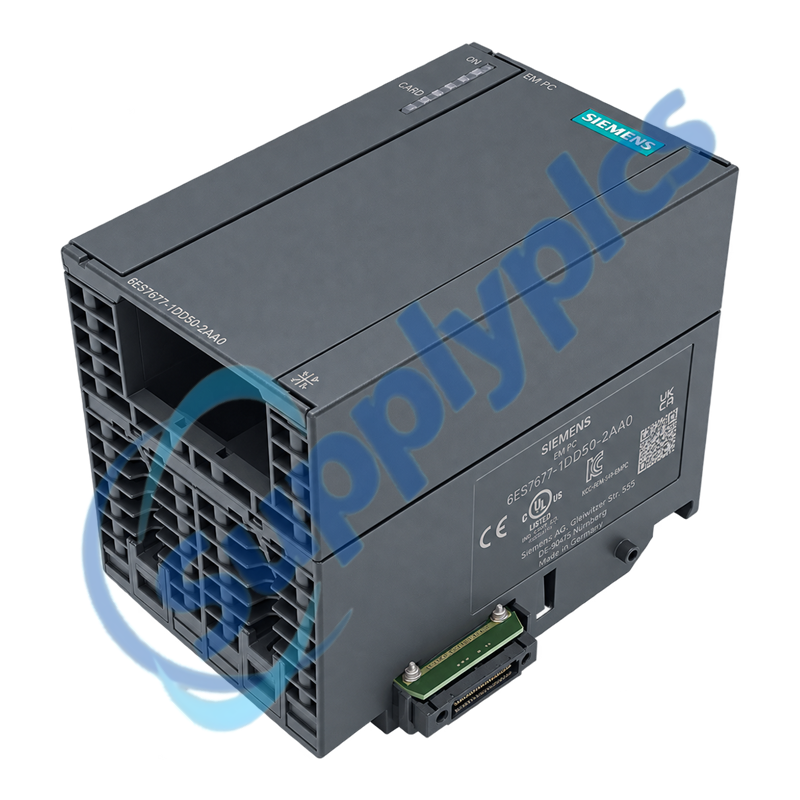
siemens 6es7677 1dd50 2aa0 simatic s7 mec em pc expansion module-0

SIEMENS

Home >  Products >  SIEMENS

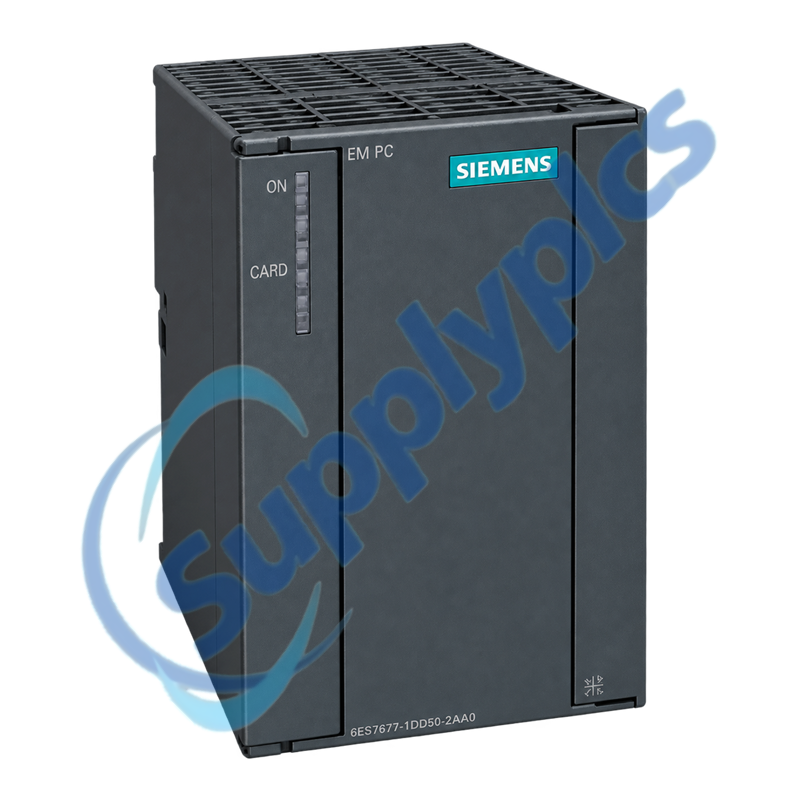
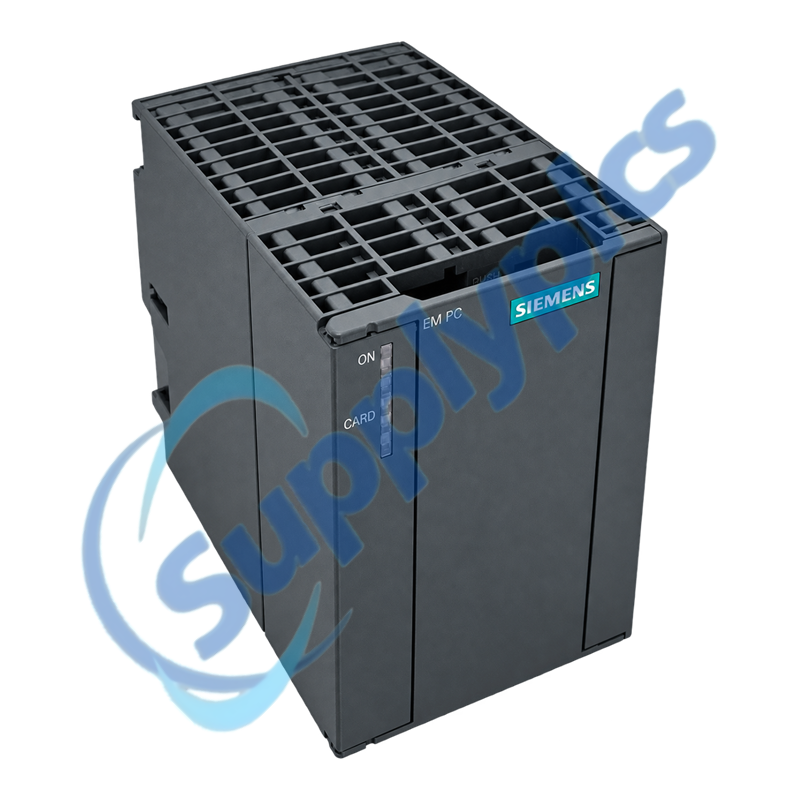
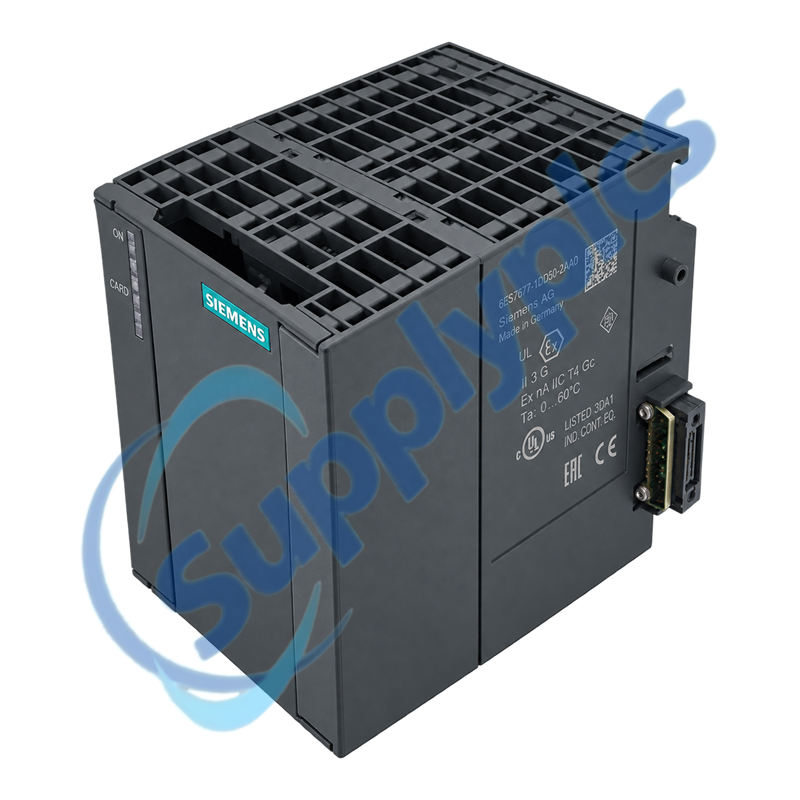
Siemens 6ES7677-1DD50-2AA0 SIMATIC S7-mEC EM PC Expansion Module

Product Name: SIMATIC S7-mEC EM PC Expansion Module
Brand Name: Siemens
Model Number: 6ES7677-1DD50-2AA0
Place of Origin: Germany
Warranty: 12 Months
Whatsapp: +86 18020776782
Appurtenance:
  • Overview
  • Description
  • Compatibility & Interoperability
  • Installation & Integration
  • Specifications
  • Commercial Term
  • Contact info
  • FAQ
  • Other Products
  • Recommended Products
PC-interface expansion for the SIMATIC S7 modular Embedded Controller platform
The EM PC module adds DVI-I graphics, RS232, two USB 2.0 ports, Gigabit Ethernet and CompactFlash and SD/MMC storage locations to an S7-mEC system for local operation, monitoring and PC peripheral connection.
Interface check: Confirm the exact EM PC order number, S7-mEC controller and rack configuration, extension-bus position, DVI-I display path, serial and USB peripherals, Ethernet settings and removable storage media before replacement.

Description

6ES7677-1DD50-2AA0 is an expansion module for the SIMATIC S7 modular Embedded Controller family. It supplies standard PC interfaces and storage slots; it is not a standalone controller and must be installed in a supported S7-mEC configuration.
Before exchange, document every peripheral and storage medium, back up all accessible data and check whether the machine depends on a local monitor, serial device, USB accessory or the module Ethernet port. Preserve the original connector and media assignments.

Compatibility & Interoperability

The module must fit the S7-mEC extension-bus architecture and the installed peripheral set.
Controller platform
Confirm the S7-mEC controller variant, rack position and permitted expansion-module combination.
Display and serial devices
Record the DVI-I monitor or adapter, RS232 pinout and application communication settings.
Storage media
Identify the CompactFlash and SD/MMC cards, labels, capacity, contents and boot or application role.

Installation & Integration

Preserve peripheral assignments and avoid moving storage media until a recoverable backup is available.
Backup
Create verified images or file backups of removable media and record Ethernet and operating-system settings.
Module exchange
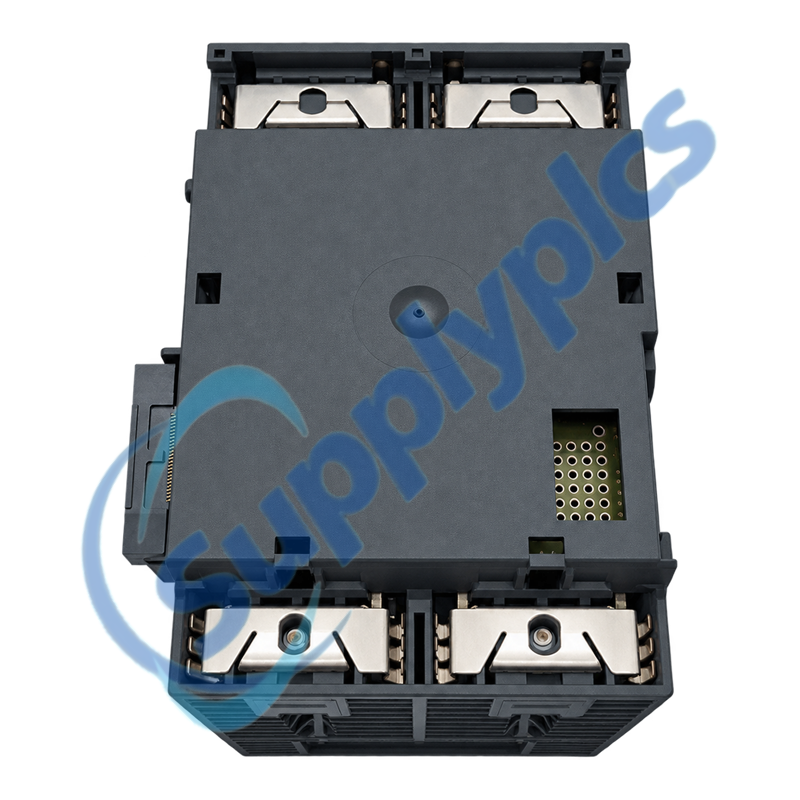
Isolate power, use ESD protection and inspect the extension-bus connector before seating the replacement.
Functional test
Verify local video, keyboard and mouse, serial devices, USB accessories, storage access and Ethernet communication.

Specifications

Product type designation
SIMATIC S7-mEC EM PC expansion module
Order number
6ES7677-1DD50-2AA0
Hardware version in official manual
01
Typical power loss
14 W from extension bus, including USB loads
Storage interfaces
One CompactFlash slot and one SD/MMC slot
Graphics interface
One DVI-I
Serial interface
One V.24 / RS232
USB interfaces
Two USB 2.0 high-speed ports, up to 500 mA each
Ethernet interface
Onboard RJ45, 10/100/1000 Mbit/s
Operating temperature
0 to +50 °C
Degree of protection
IP20
Dimensions / weight
80 × 125 × 115 mm; approximately 0.4 kg

Commercial Term

Quotation
Current price & availability
Payment
T/T or agreed terms
Lead time
Confirmed by quotation
Shipping
DHL, FedEx, UPS or freight
Warranty
12 months

Contact info

FAQ

Q01
How should I confirm that 6ES7677-1DD50-2AA0 matches the EM PC module in my S7-mEC system?
Compare the exact order number and hardware version, S7-mEC controller type, extension-bus position, DVI-I and RS232 use, USB peripherals, Ethernet connection and installed storage media.
Q02
What should I back up before replacing 6ES7677-1DD50-2AA0?
Create verified backups of the CompactFlash and SD/MMC media and record Ethernet settings, serial parameters, local display configuration, connected USB devices and every cable location.
Q03
Why can the monitor remain blank after 6ES7677-1DD50-2AA0 is replaced?
Check DVI-I cable and adapter type, monitor input and timing, extension-bus seating, controller startup and storage-media status. Test the monitor and cable separately before attributing the fault to the module.
Q04
What should I inspect when a USB or storage device connected to 6ES7677-1DD50-2AA0 is not detected?
Verify the port and media type, connector condition, USB load, card orientation and file-system state. Review operating-system device status and test with a known compatible device without altering the original media.
Q05
How should I troubleshoot Ethernet communication through 6ES7677-1DD50-2AA0?
Check link indication, RJ45 connector and cable, IP address, subnet and Windows network assignment. Confirm that the application is bound to the EM PC interface rather than an Embedded Controller interface.
Q06
Which information should I provide when requesting a replacement 6ES7677-1DD50-2AA0?
Provide the full order number, hardware version, S7-mEC controller type, rack and expansion layout, connected monitor and peripherals, storage-media details, Ethernet use and clear label and connector photographs.

Other Products

SPB-00154
MA1480B
29030
ABB CM589-PNIO 1SAP172900R0011
077092
ABB 3BSE020838R1 - DO840
1492-FB3C30
421-442
ExBox-Y/S-CT
MERLIN-SE:STC
M150/10-14-10
FS-BLIND-COM
LEM-3
ABB PSM0004 2RCA025059A0001N
PSM0004 2RCA025059A0001Q
RSN-QC0FH
3180021-04 GP2501-SC11
3007A
9150/20-11-10
EXFS-L300
T02-3101-000
DBA-EA43/A10RH
C2IR-8
PGD1RH0F00
BRX-8146
G33928-V3215-L1
ABB 1SBL371001R8111 A63-30-11
759493-000
LL-NMIS-204G-SFP
HMC-G03-V12

Get a Free Quote

Our representative will contact you soon.
Email
Name
Mobile
Company Name
Message
0/1000

Get a Free Quote

Our representative will contact you soon.
Email
Name
Mobile
Company Name
Message
0/1000