Get a Free Quote

Our representative will contact you soon.
Email
Name
Mobile
Company Name
Message
0/1000
siemens 6av2123 2mb03 0ax0 simatic hmi ktp1200 basic panel-0

SIEMENS

Home >  Products >  SIEMENS

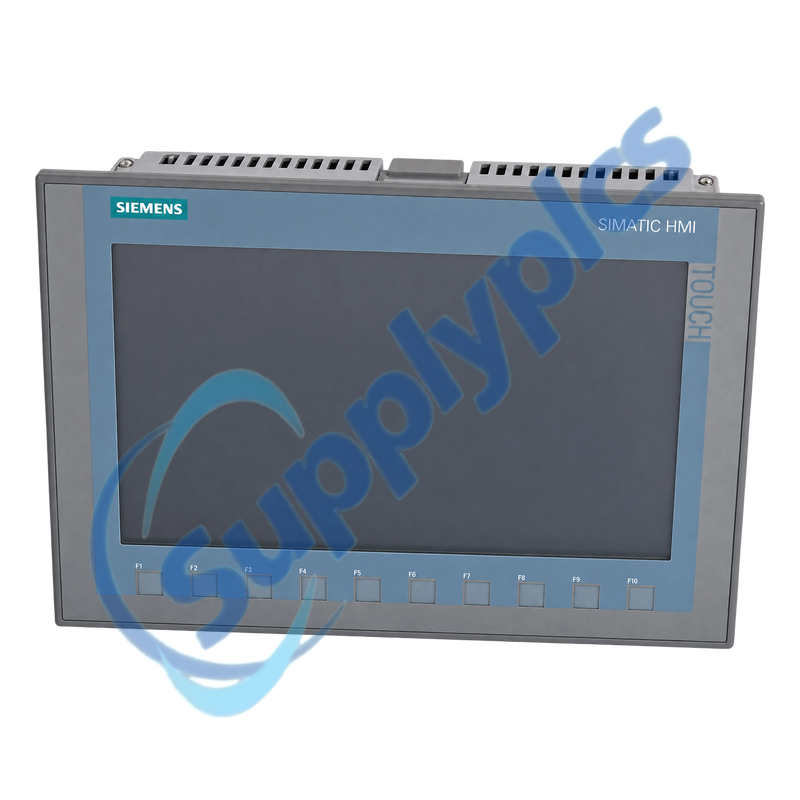
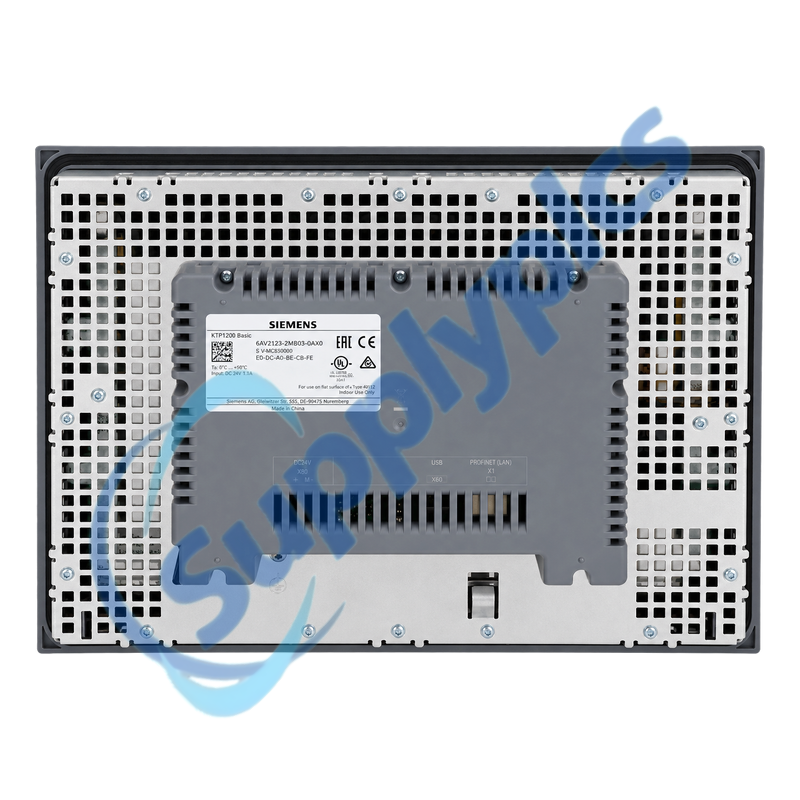
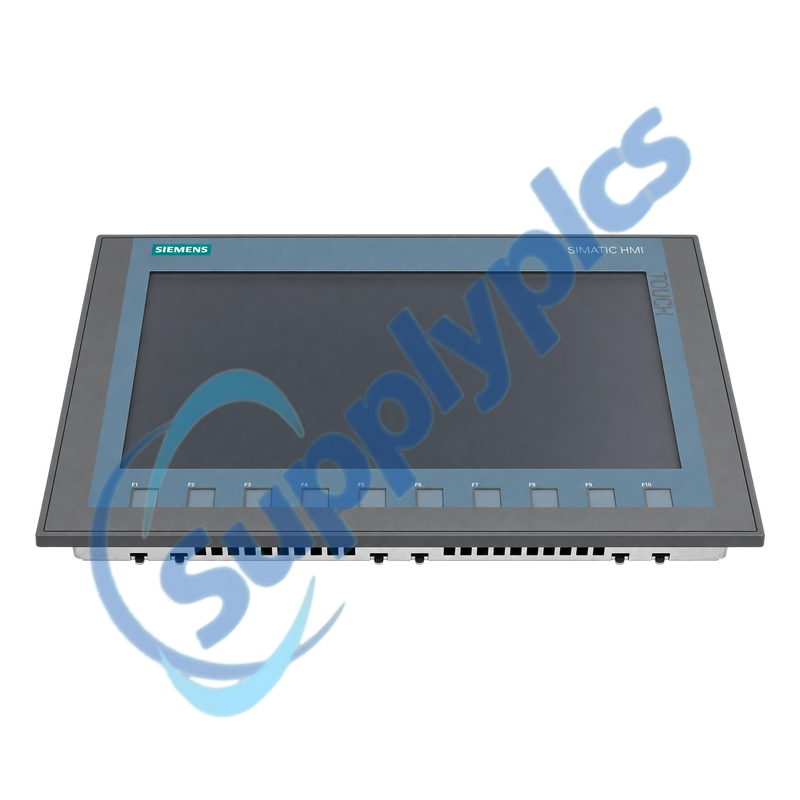
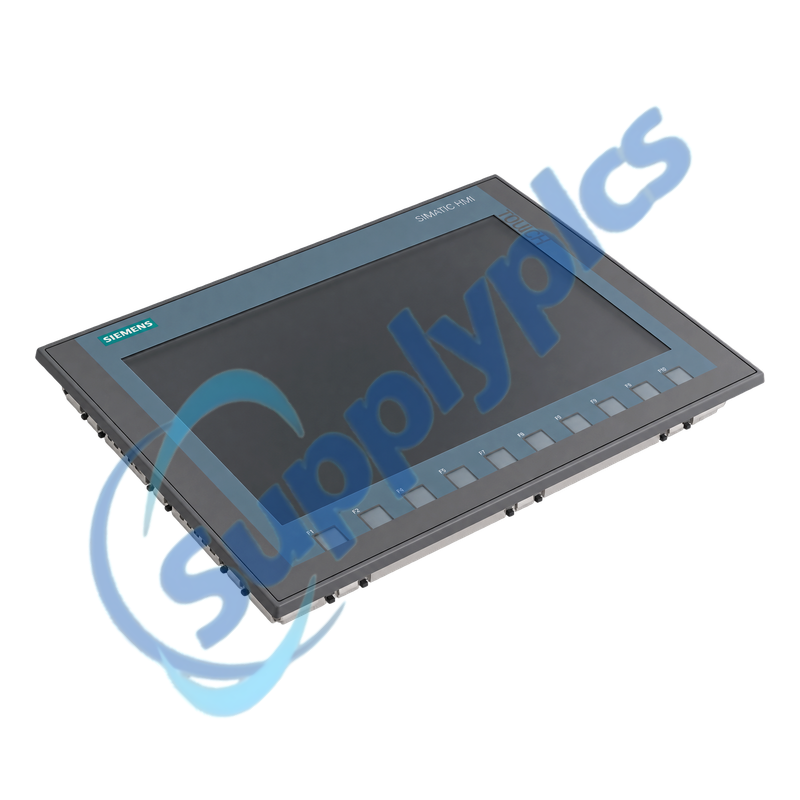
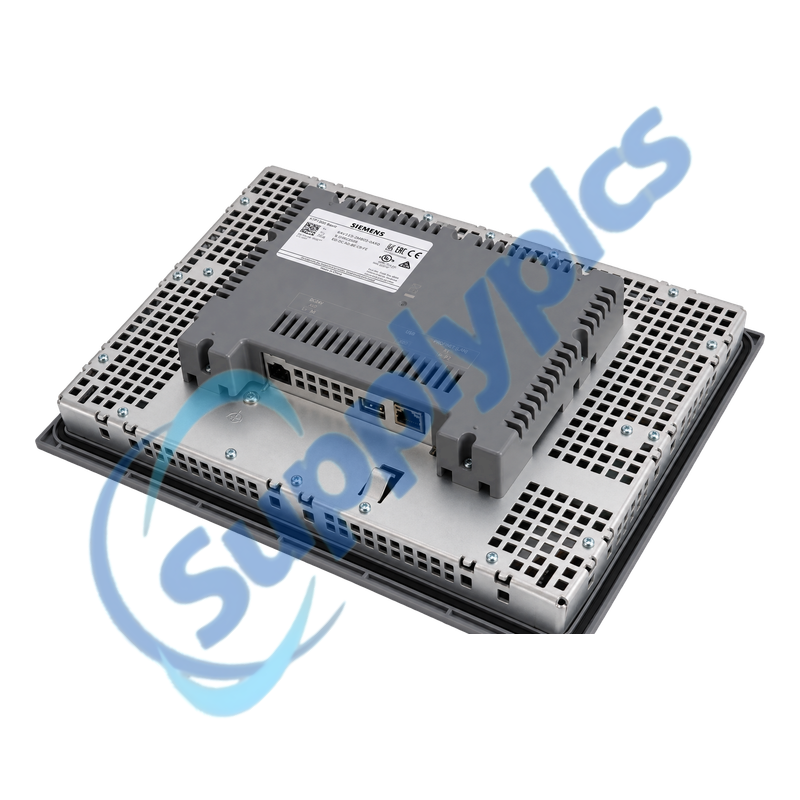
Siemens 6AV2123-2MB03-0AX0 SIMATIC HMI KTP1200 Basic Panel

Product Name: SIMATIC HMI KTP1200 Basic Color PN Panel
Brand Name: Siemens
Model Number: 6AV2123-2MB03-0AX0
Place of Origin: China
Warranty: 12 Months
Whatsapp: +86 18020776782
Appurtenance:
  • Overview
  • Project Migration
  • Description
  • Panel Commissioning
  • Specifications
  • Commercial Term
  • Contact info
  • FAQ
  • Other Products
  • Recommended Products
Twelve-inch key-and-touch Basic Panel with PROFINET, Ethernet project transfer and broad PLC connectivity
The KTP1200 Basic uses a 1280 x 800 TFT widescreen with 65,536 colors, ten function keys and an analog-resistive touchscreen. It provides one Industrial Ethernet interface and is configurable from WinCC Basic V13 or STEP 7 Basic V13.
Panel migration gate: Verify the TIA Portal and panel image version, PLC driver, PROFINET device name and IP address, project size, alarm and recipe data, user management, archive location, 24 V supply and mounting cutout before replacement.

Project Migration

Panel hardware, TIA Portal project and controller protocol must be checked as one migration package.
Engineering version
Open and compile the project with a supported TIA Portal version and confirm the exact KTP1200 Basic PN target.
Driver and network
Preserve the PLC driver, PROFINET device name, IP settings and every configured connection.
Runtime data
Export recipes, users and required archives separately when they are not contained in the engineering project.

Description

6AV2123-2MB03-0AX0 is the PROFINET KTP1200 Basic color panel. It is not the DP version and cannot be substituted into a PROFIBUS-only installation without changing the communication design.
A dependable panel exchange requires both the engineering project and operational data. Back up the project, recipes, user data and any USB archives, then commission communication and safety-related operator functions under controlled machine conditions.

Panel Commissioning

Verify power, sealing, transfer and controller communication before testing production controls.
Mechanical fit
Check the 310 x 221 mm cutout, mounting clips, gasket, permitted orientation and ventilation clearance.
Transfer path
Use Ethernet or approved external storage and confirm the panel image and project are compatible before transfer.
Functional test
Validate alarms, recipes, user rights, function keys, touch targets and every control command with the machine in a safe state.

Specifications

Product type designation KTP1200 Basic color PN
Order number 6AV2123-2MB03-0AX0
Display 12-inch TFT widescreen with LED backlight
Resolution / colors 1280 x 800 pixels; 65,536 colors
Operation Analog-resistive touch plus 10 function keys
Engineering WinCC Basic V13 / STEP 7 Basic V13 or higher
Network One Industrial Ethernet interface; PROFINET, TCP/IP, EtherNet/IP and Modbus TCP
User memory 10 MB
Supply / power 24 V DC; typical 12.2 W
Front / rear protection IP65 / IP20
Mounting cutout 310 x 221 mm
Dimensions / weight 330 x 245 x 54.9 mm; approx. 1.71 kg

Commercial Term

Quotation
Current price and availability
Payment
T/T or agreed terms
Lead time
Confirmed with quotation
Shipping
DHL, FedEx, UPS or agreed freight
Warranty
12 months

Contact info

FAQ

Q1
Can 6AV2123-2MB03-0AX0 replace a KTP1200 Basic DP panel without rewiring the network?
No. This model is the PROFINET PN version and has no PROFIBUS interface. Confirm the original order number and controller network; changing from DP to PN requires an engineered network and project migration.
Q2
What should I back up before replacing 6AV2123-2MB03-0AX0 on a production machine?
Save the TIA Portal project and panel backup, then export recipes, user data and required archives from the available storage path. Record the device name, IP address, PLC connection, firmware image and all function-key assignments.
Q3
Why can a restored project on 6AV2123-2MB03-0AX0 start without communicating with the PLC?
Check that the project targets the PN model, then verify the Ethernet cable, device name, IP and subnet, selected PLC driver and controller connection. Confirm the PLC permits the configured HMI connection before editing screens.
Q4
How should a panel-image mismatch on 6AV2123-2MB03-0AX0 be handled during download?
Use a TIA Portal version that supports the panel and follow the controlled operating-system update or restore procedure. Keep the original project and runtime-data backups because an image update can erase data on the panel.
Q5
What installation checks help preserve the IP65 front rating of 6AV2123-2MB03-0AX0?
Verify the 310 x 221 mm cutout, inspect and clean the gasket, seat the panel evenly and tighten the mounting clips uniformly. Keep rear wiring and ventilation within the documented enclosure and temperature limits.
Q6
How can touch or function-key problems on 6AV2123-2MB03-0AX0 be separated from project errors?
First use the panel control test and a known diagnostic screen to check touch alignment and each key. Then compare the configured event, tag and PLC acknowledgment while the machine is in a safe test mode.

Other Products

7400169-310
BIP-5000
HDSB00P1 HD6
ABB 6127/01-83-500
DPM-PGD3V 744745-003
NJS8477EN
apbt320
Bi40
DM-TX-4KZ-302-C
CM577-ETH-XC 1SAP370700R0001
UG-3-A4O
TA450SU-140 1SAZ611201R1008
5NCLPT-2E
SO816N.A001
4000P 54X209582
901-9648
VROM-160 D59B 74158
60-693-01
CS510
PCO3000AL0
ST-CE1075-2-U100-B
LFC7510
UFM-D05 1C334481
077092
N3532TA-ADBE-M
330130-045-00-05
RIA141X-EA
XFL824A
7000005-679
DM5240

Get a Free Quote

Our representative will contact you soon.
Email
Name
Mobile
Company Name
Message
0/1000

Get a Free Quote

Our representative will contact you soon.
Email
Name
Mobile
Company Name
Message
0/1000