Keep a legacy PROFIBUS operator station serviceable
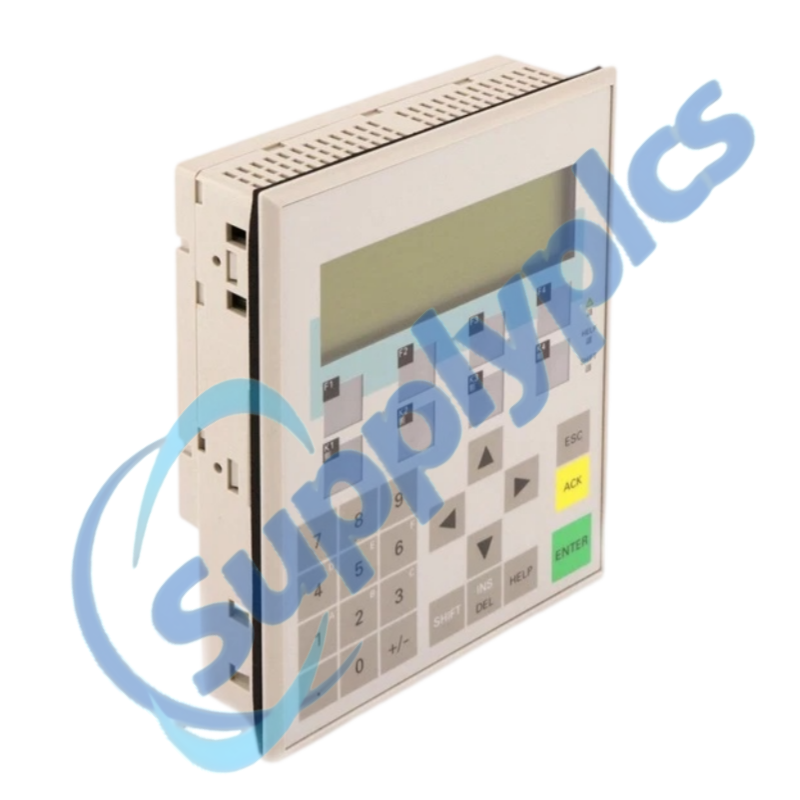
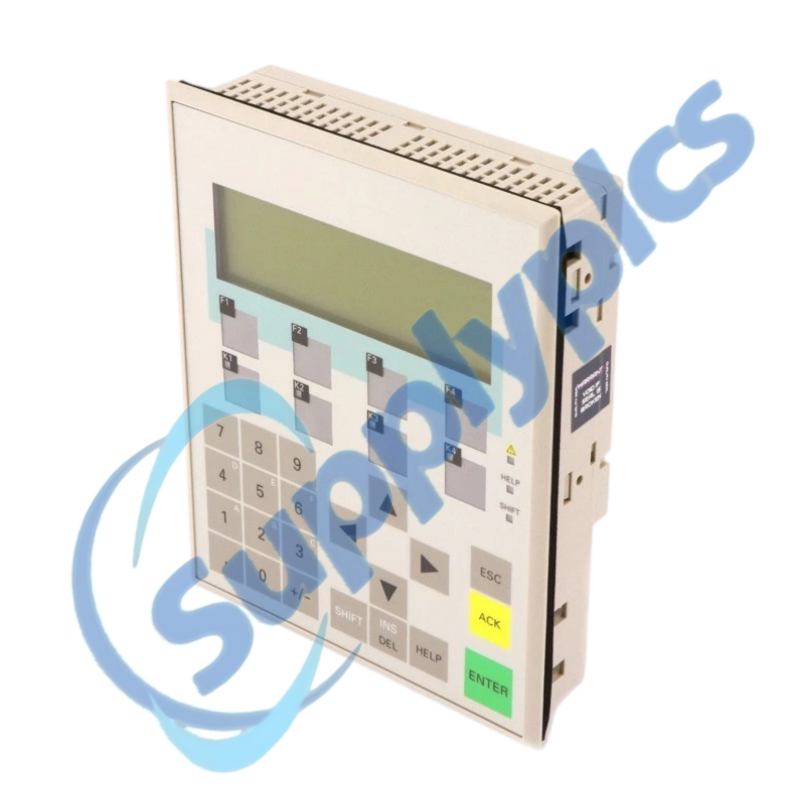
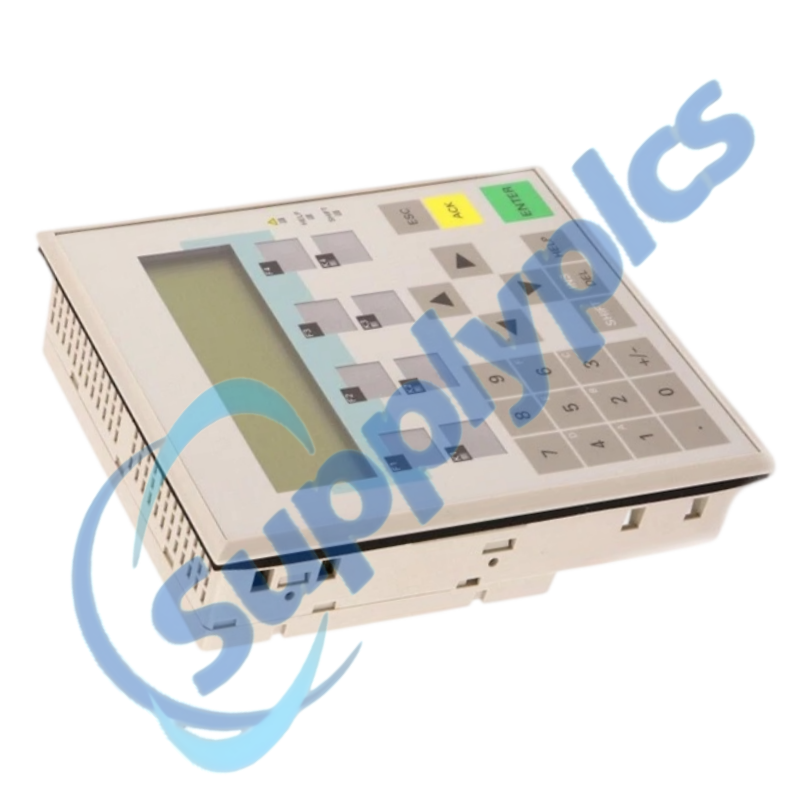
A four-line, 20-character-per-line OP7/DP12 operator panel with an LED-backlit LC display and PROFIBUS DP communication up to 12 Mbaud.
Verify first: Siemens marks this exact part discontinued without a direct replacement. Verify the project, bus settings, connectors and front-panel fit before ordering.
Description
The OP7/DP12 supports text-based operator messages and key-driven control in established SIMATIC S5, S7, 505 and M7 installations. The panel can be deeply integrated into the machine cabinet and operator workflow.
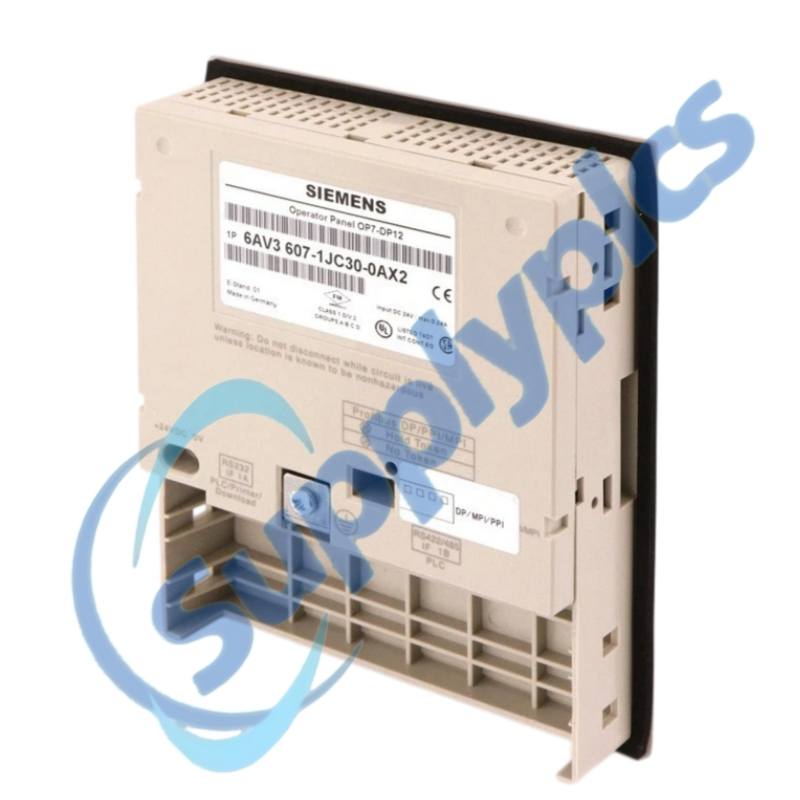
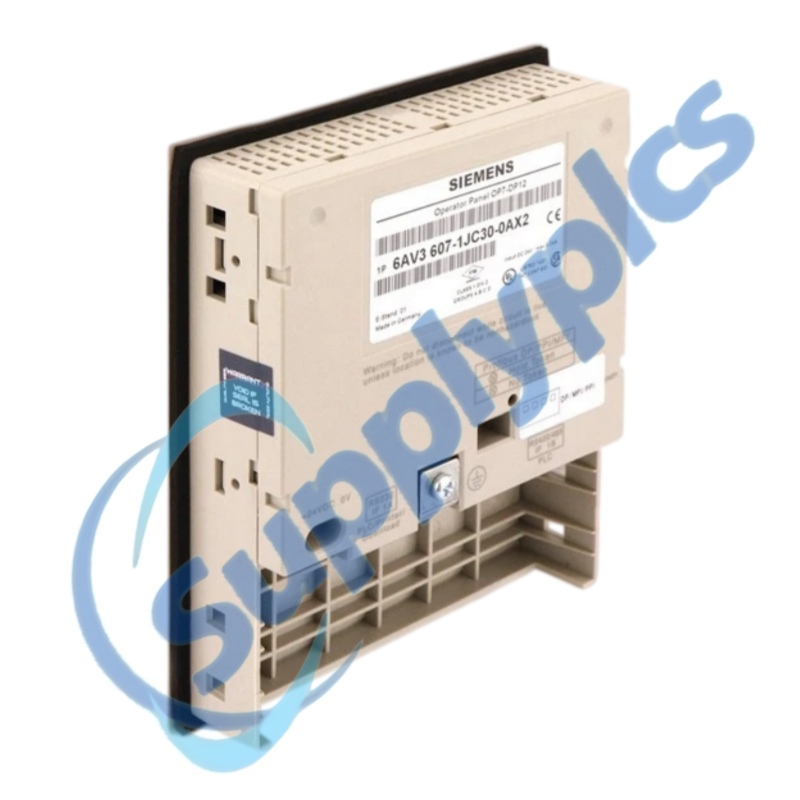
An exchange depends on the full rear label, editable HMI project, transfer method and PROFIBUS station settings. Preserve the original unit and project until the replacement is proven on the machine.
Specifications
Product type
OP7/DP12 operator panel
Display
LC, LED backlit
Text layout
4 lines, 20 characters per line
Communication
PROFIBUS DP, up to 12 Mbaud
Controller context
SIMATIC S5, 505, S7 and M7
Lifecycle
Discontinued; no direct Siemens replacement
Function
01Document
Photograph the rear label, wiring and panel cutout.
02Secure
Open the editable HMI project and record transfer settings.
03Map
Record PROFIBUS address, cable, termination and PLC settings.
04Validate
Test messages, keys, alarms and controller communication.
SupplyPLCs coordinates exact-model sourcing, condition checks and global delivery for industrial automation spares. Share the complete order number, installed-system context and destination so the quotation reflects the actual application.
FAQ
Q1How do I assess whether 6AV3607-1JC30-0AX2 fits an existing operator station?
Compare the full order number, cutout, connectors, supply and key arrangement. Confirm the project and PROFIBUS configuration.
Q2What should I back up before replacing 6AV3607-1JC30-0AX2?
Preserve the editable panel project, alarm and message configuration, transfer settings and controller connection details. Photograph the wiring.
Q3What should I check if 6AV3607-1JC30-0AX2 powers on but shows no machine data?
Check PROFIBUS cabling and termination, station address and controller state. Compare the loaded project with machine documentation.
Q4How can I investigate intermittent keys or display response on 6AV3607-1JC30-0AX2?
Check cabinet temperature, supply stability, panel condition and connector retention. Record whether heat, vibration or a particular key triggers the symptom.
Q5What if a replacement 6AV3607-1JC30-0AX2 cannot receive the project?
Verify engineering-software version, transfer cable and transfer mode. Keep the original panel and project intact while diagnosing.
Q6What should procurement provide for a 6AV3607-1JC30-0AX2 quotation?
Send the rear-label and connector photos, controller type, bus settings, project availability, required condition and destination.
 EN
EN