Get a Free Quote

Our representative will contact you soon.
Email
Name
Mobile
Company Name
Message
0/1000
siemens 6av6645 0be02 0ax0 simatic mobile panel 277 10 inch hmi-0

SIEMENS

Home >  Products >  SIEMENS

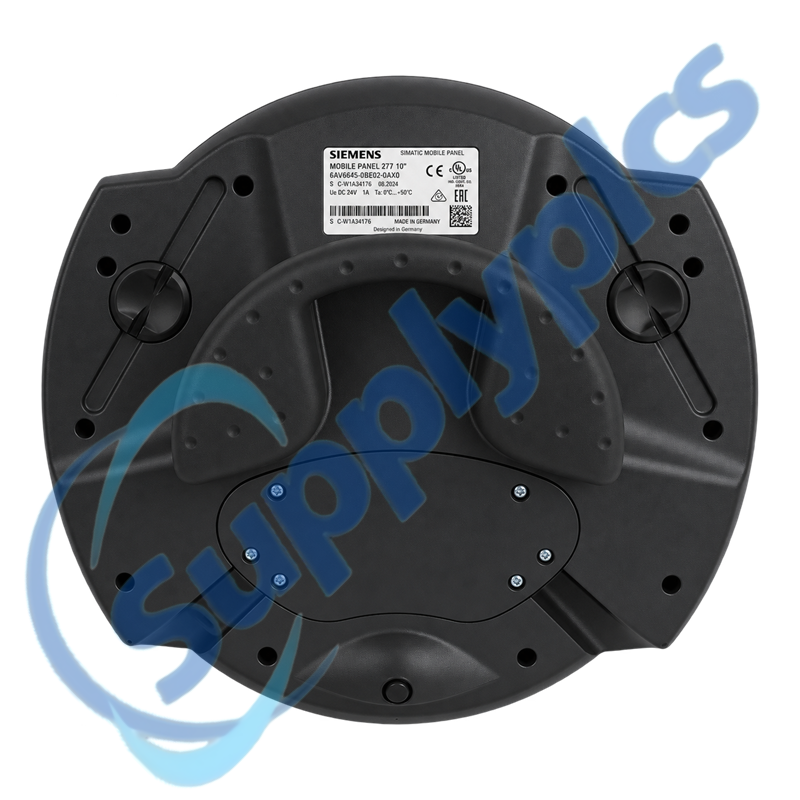
Siemens 6AV6645-0BE02-0AX0 SIMATIC Mobile Panel 277 10-Inch HMI

Product Name: SIMATIC Mobile Panel 277 10-Inch HMI
Brand Name: Siemens
Model Number: 6AV6645-0BE02-0AX0
Place of Origin: Germany
Warranty: 12 Months
Whatsapp: +86 18020776782
Appurtenance:
  • Overview
  • Contact info
  • Specifications
  • Description
  • Mobile Operation
  • Commercial Term
  • About Company
  • FAQ
  • Other Products
  • Recommended Products
Mobile Machine Operation with Integrated Enabling Controls

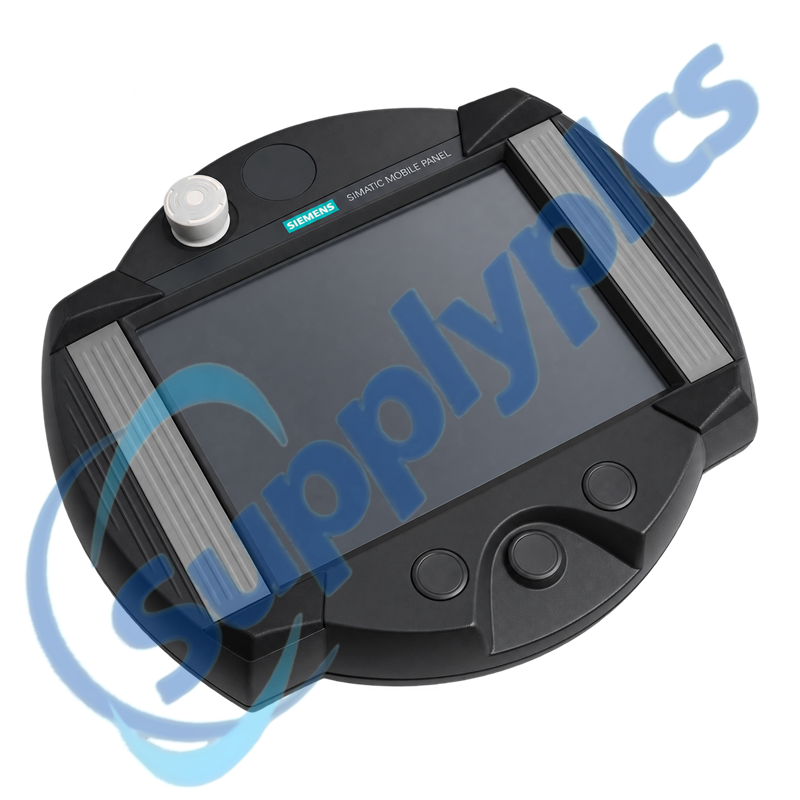
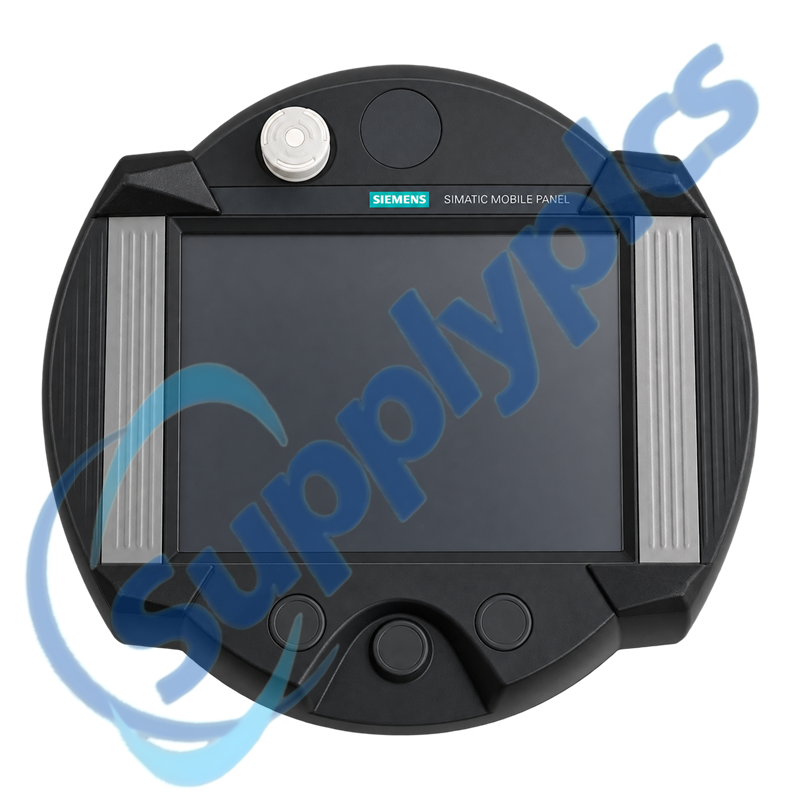
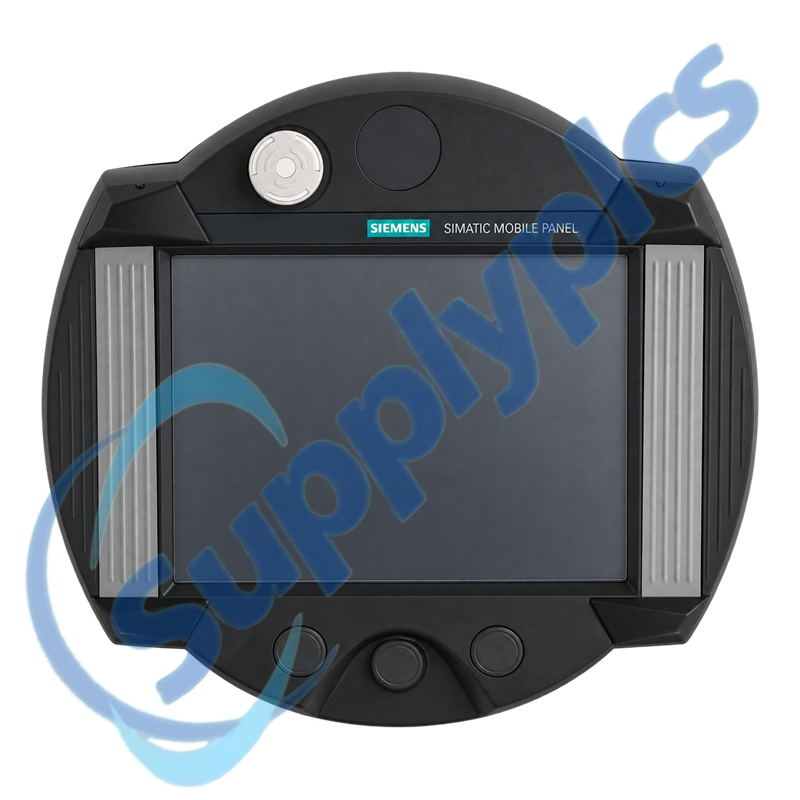
Siemens 6AV6645-0BE02-0AX0 is a SIMATIC Mobile Panel 277 10-inch HMI with touch operation, an integrated enabling button and stop pushbutton.

Selection checkpoint: Confirm the connection box, hardwired safety concept, engineering version, project backup and cable arrangement before exchanging the mobile panel.

Contact info

Specifications

Technical parameter Value
Product type designation SIMATIC Mobile Panel 277
Article number 6AV6645-0BE02-0AX0
Display class 10-inch mobile touch panel
Touch technology Analog resistive
Safety-related controls Integrated enabling button and stop pushbutton
User memory 6 MB
Supply DC via connection box
Engineering WinCC flexible Standard 2008 or TIA Portal V11 to V14
Compatibility boundary No PROFIsafe with predecessor device
Manufacturer Siemens

Description

6AV6645-0BE02-0AX0 is a first-generation SIMATIC Mobile Panel 277 for mobile operator control. It combines a 10-inch touch interface with an enabling button and stop pushbutton for use in the machine connection system defined by the project.

Siemens documents restrictions when this predecessor panel is used with second-generation connection boxes, including no PROFIsafe communication and one permitted hardwired safety system. The complete connection-box and safety design must therefore be reviewed before migration or replacement.

Mobile Operation

01
Portable visualization
Operate and monitor machine screens from the mobile touch panel.
02
Enabling input
Use the integrated enabling button within the hardwired safety design.
03
Stop control
Connect the integrated stop pushbutton through the approved connection box.
04
Project recovery
Restore the correct WinCC flexible or supported TIA Portal project.

Commercial Term

Quotation Payment Lead time Shipping Warranty
Contact us for current price and availability T/T or agreed terms Confirmed with the quotation DHL, FedEx, UPS or agreed freight 12 months

About Company

SupplyPLCs supports exact-model review, product-condition confirmation and responsive industrial automation sourcing.
Share the complete order number, installed-system context and destination. Our team will coordinate availability, shipment options and available official product documentation.

FAQ

Q1
How can I verify that 6AV6645-0BE02-0AX0 is compatible with the connection box on my machine?
Record the exact connection-box type, cable and hardwired safety design, then compare them with the Siemens mobile-panel compatibility instructions. Do not rely on connector appearance because predecessor-panel restrictions remain in the safety path.
Q2
What should I back up before replacing 6AV6645-0BE02-0AX0?
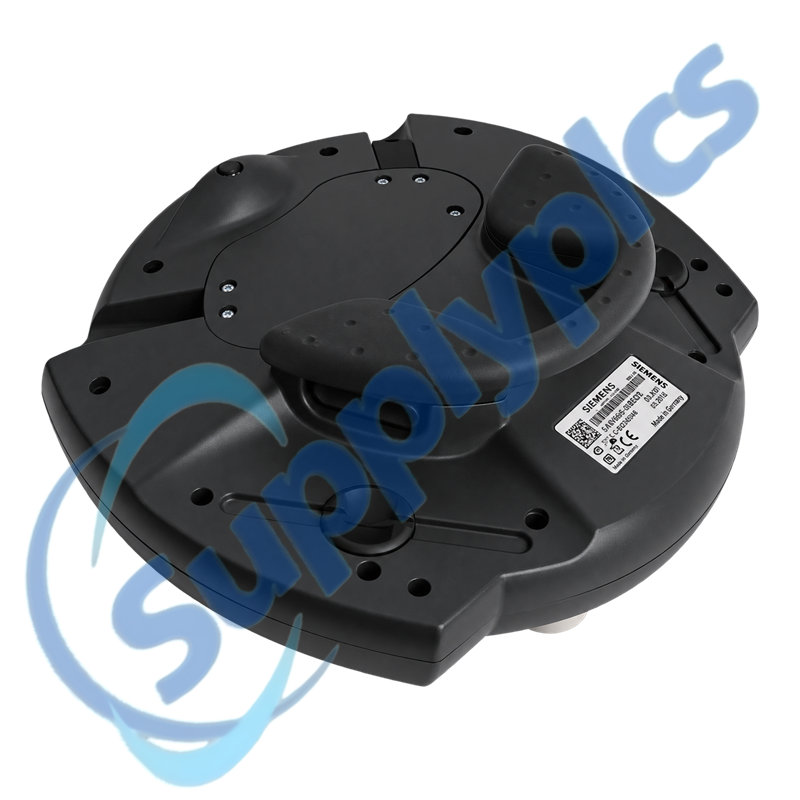
Archive the WinCC flexible or supported TIA Portal project, transfer settings, network parameters and supported recipes. Photograph the cable, connector and rear label, and document how the enabling and stop circuits are validated on the machine.
Q3
Why can 6AV6645-0BE02-0AX0 display the project but fail to control the machine?
The HMI runtime can operate while the connection, enabling circuit or configured PLC route remains unavailable. Check the machine diagnostics and connection-box signals before editing screens or replacing the panel.
Q4
Can 6AV6645-0BE02-0AX0 use PROFIsafe when connected to a second-generation connection box?
No. Siemens documents that PROFIsafe communication is not possible with this predecessor device. The installation must use the permitted hardwired safety arrangement and follow the stated compatibility restrictions.
Q5
When should 6AV6645-0BE02-0AX0 be removed from service after a cable or button fault?
Stop using it if the cable, enclosure, enabling button or stop pushbutton is damaged or inconsistent. A working display is not evidence that the hardwired machine-safety functions remain reliable.
Q6
Which details should accompany an RFQ for 6AV6645-0BE02-0AX0?
Provide the complete order number, connection-box and cable types, project version, PLC communication path and photographs of the panel controls and rear label. Include the existing hardwired safety context so the exact Mobile Panel 277 configuration can be reviewed.

Other Products

XF830A SDI-OE-S NA200T IZMX-RP16A-200
LFI520 4100LR12 SC200-00
SCD2200-RTU PS-22 IC200MDD844F IC200MDL650L
ABB 1SDH001000R0505-B0821 BS6151 01 SP01 ZBRN2
FGR-002 AMAX-2241 8530D-I
THS710 105S-1 SC42-EP08
AMAX-2241/PMA ADAP-KOOL eWONx005CD
CH-LMD1 SP-0108-H2 ABB 2CDG110137R0011
IMD-IM20 / IM20DEMO Abb 3BSE038226R1 SWH-4200
ABE7 P16T334 81672-01 LP/ 557-180-203

Get a Free Quote

Our representative will contact you soon.
Email
Name
Mobile
Company Name
Message
0/1000

Get a Free Quote

Our representative will contact you soon.
Email
Name
Mobile
Company Name
Message
0/1000