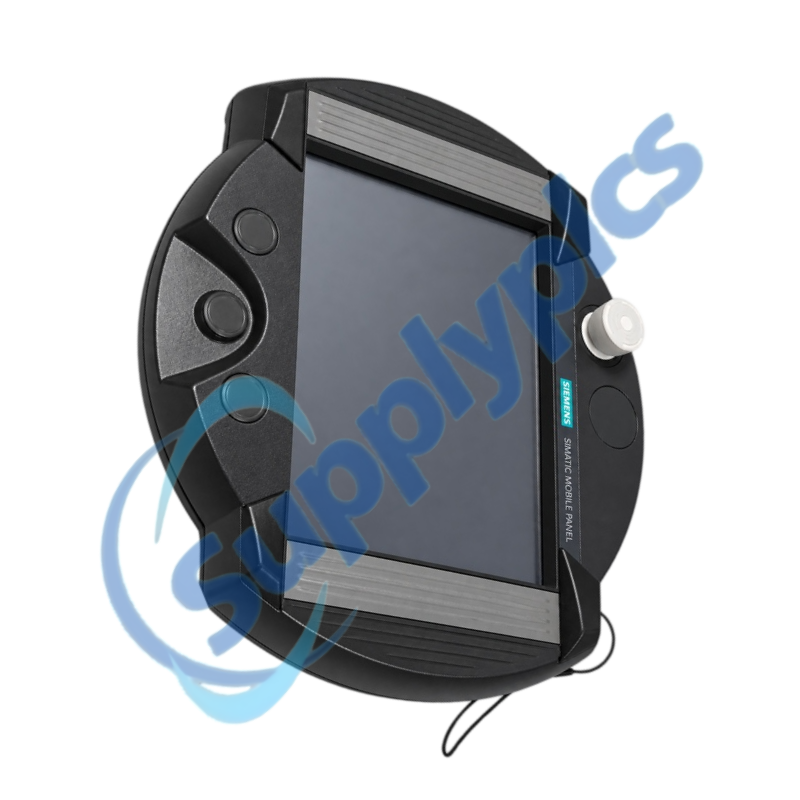
Ten-inch mobile HMI client for remotely operating a Windows-based host station
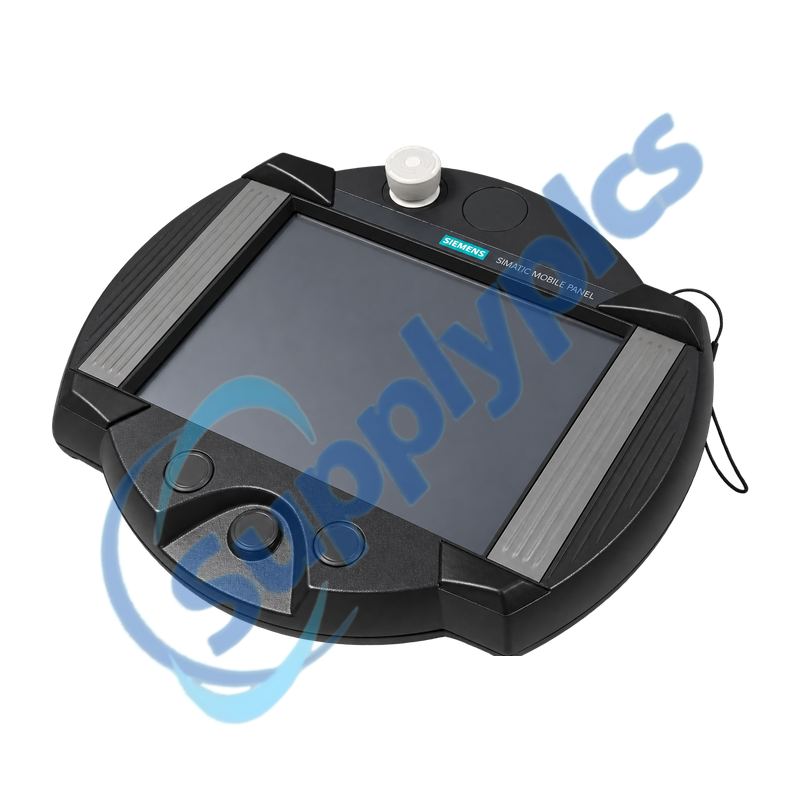
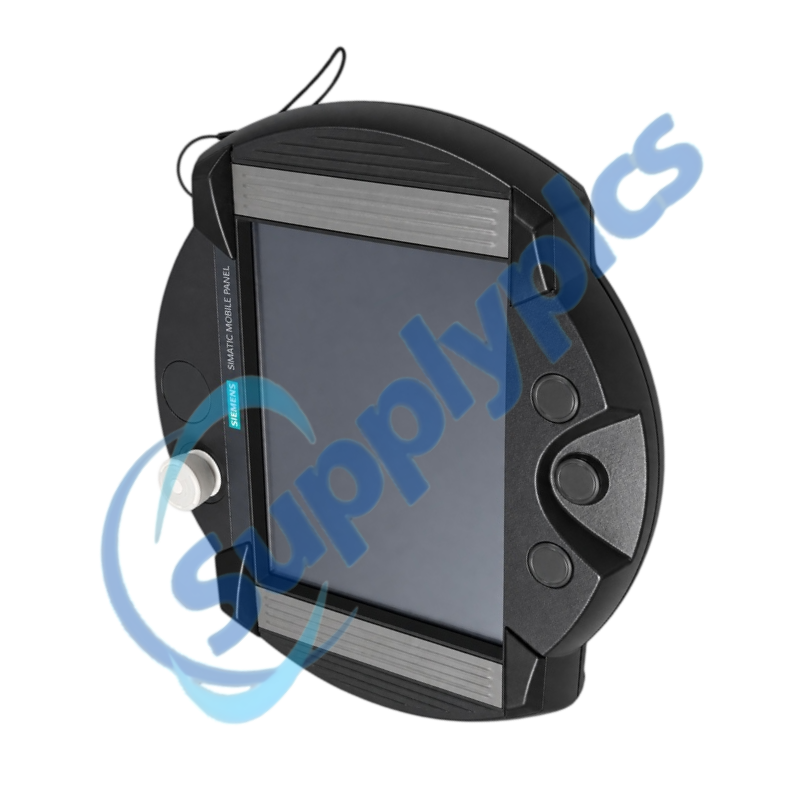
This OEM Mobile Panel 277 RO combines a touch display, acknowledgement control and stop button with the Siemens RemoteOperate client. The panel depends on the correct connection box, cable, host-side RemoteOperate server, network settings and machine safety circuit.
Successor and system check: Siemens lists 6AV6645-7AB10-2AS0 as the successor. Before changing order numbers, confirm the panel label, connection box and cable, stop-button circuit, host PC operating system, RemoteOperate server version, network identity and the machine acceptance procedure.
Remote Operation
6AV6645-7AB10-1AS0 is an OEM SIMATIC Mobile Panel 277 Remote Operate with a 10-inch touch interface, integrated acknowledgement control and stop button. It is a remote operator client; the machine screens and application execute on the configured host station.
Replacement work therefore crosses HMI, Ethernet and safety boundaries. Preserve the server configuration and host access details, record the connection box and cable type and validate display, touch, acknowledgement, stop circuit and reconnection behavior under the machine builder’s approved test plan.
The panel, host station and network must be treated as one operating system.
Host readiness
Record the host operating system, RemoteOperate server version, service status and permitted client configuration.
Network identity
Preserve the panel address, subnet, host address, naming method and the switch port used by the mobile connection.
Session behavior
Test login, reconnect, screen scaling, touch coordinates and exclusive-control behavior before release.
Panel Replacement
Safety and operator controls require a documented machine-level acceptance test.
Connection hardware
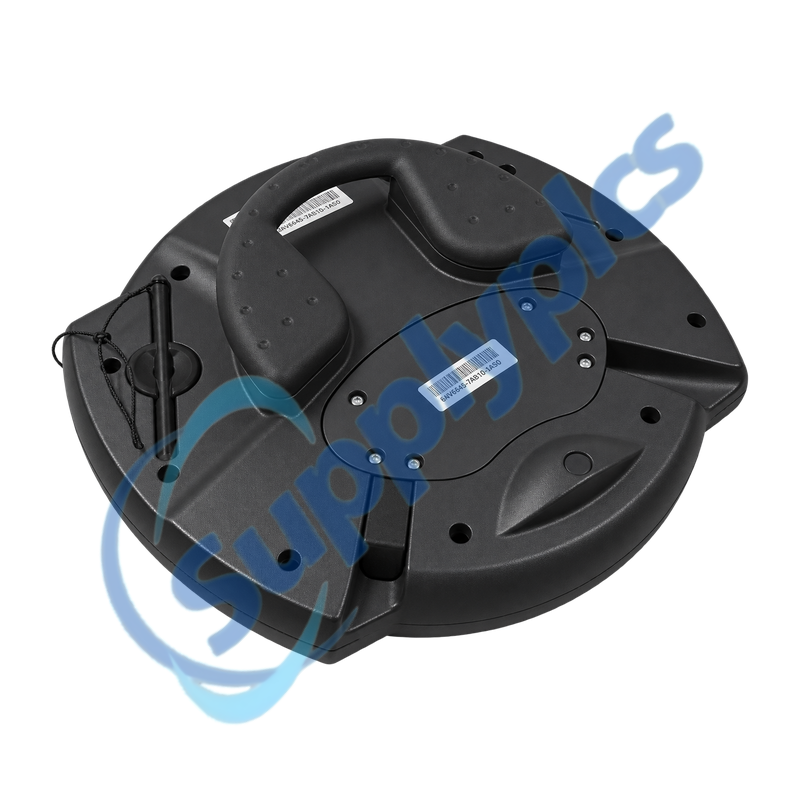
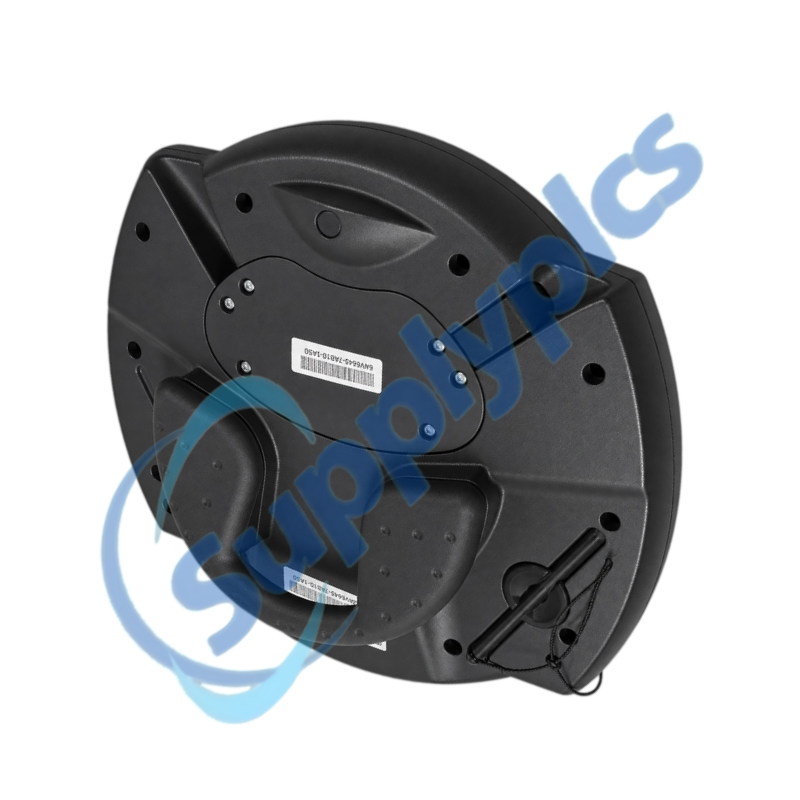
Match the installed connection box, mobile-panel cable, connectors and mechanical strain relief.
Safety circuit
Verify the stop and acknowledgement wiring and prove the expected response when the panel is connected or removed.
Acceptance record
Test every screen, input field, alarm, recipe action and safety-related operator control with the machine in a controlled state.
Specifications
Product type designation
OEM SIMATIC Mobile Panel 277 Remote Operate
Order number
6AV6645-7AB10-1AS0
Display class
10-inch mobile touch panel
Operating concept
RemoteOperate client
Safety controls
Integrated acknowledgement control and stop button
Included accessories
Two touch pens
Host software reference
RemoteOperate V3.1 server media supplied with original product
System dependency
Compatible connection box, cable and host station required
How can I confirm that 6AV6645-7AB10-1AS0 matches the installed mobile HMI system?
Match the complete order number, 10-inch Remote Operate version, acknowledgement control, stop button, connection box and cable. Then confirm the host operating system, RemoteOperate server version and Ethernet configuration before purchasing.
Q2
What should be preserved before replacing 6AV6645-7AB10-1AS0?
Back up the host application and RemoteOperate server configuration, record panel and host network settings and photograph the connection box, cable and safety-control wiring. Keep the current acceptance-test record and screenshots of normal operation.
Q3
Why can 6AV6645-7AB10-1AS0 start but fail to connect to the RemoteOperate host?
Check panel and host IP settings, cable and switch link, server service status, permitted client list and firewall rules. Confirm that the server version supports the client and that another session has not locked exclusive control.
Q4
What should I test if touch coordinates are incorrect on 6AV6645-7AB10-1AS0?
Run the approved touch calibration, inspect the protective film and clean the surface, then verify host resolution and RemoteOperate scaling. Test corners, small buttons and critical confirmations before returning the panel to production.
Q5
How should the stop button and acknowledgement control on 6AV6645-7AB10-1AS0 be validated?
Use the machine builder’s safety procedure with the equipment in a safe state. Verify connection-box wiring, panel-connected and panel-disconnected behavior, both acknowledgement channels where applicable and the expected stop-category response; document the results.
Q6
Can 6AV6645-7AB10-1AS0 be replaced directly by 6AV6645-7AB10-2AS0?
Siemens identifies 6AV6645-7AB10-2AS0 as the successor, but the change still requires a system review. Confirm connection hardware, RemoteOperate versions, network settings, stop and acknowledgement circuits and mechanical handling, then complete a controlled functional and safety acceptance test.


 EN