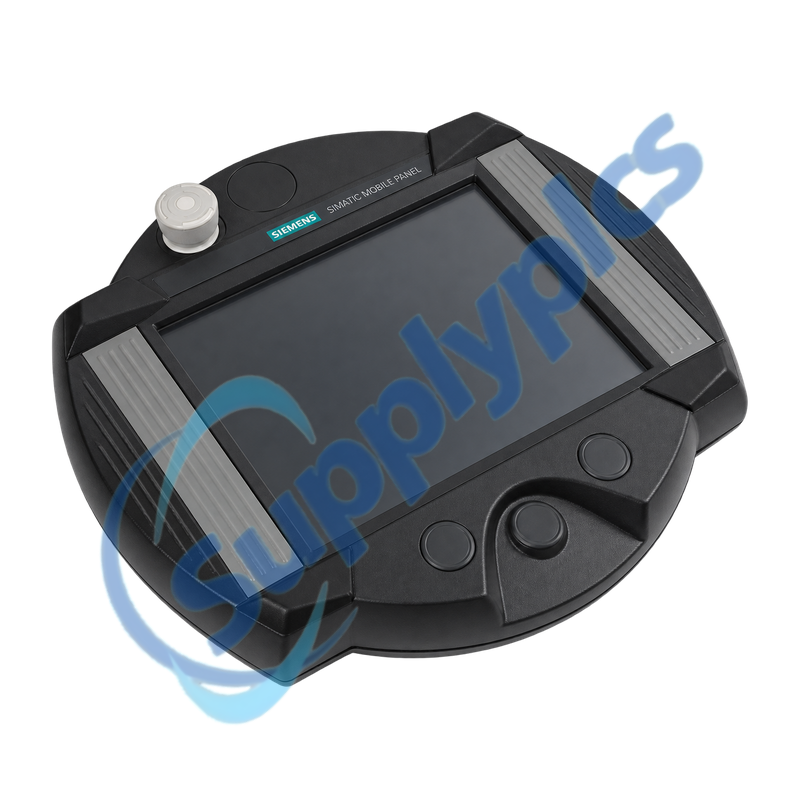
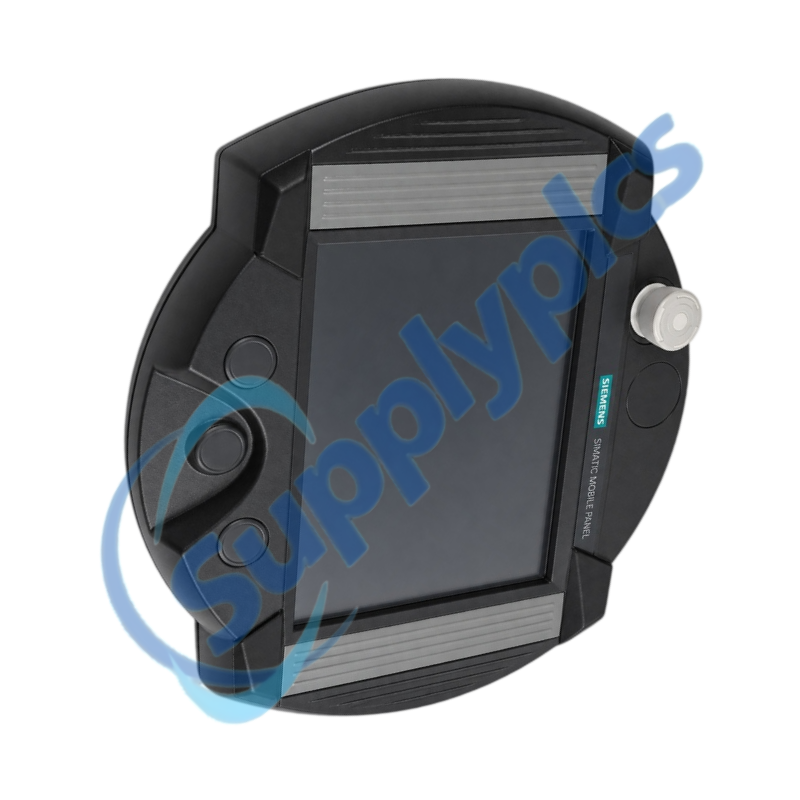
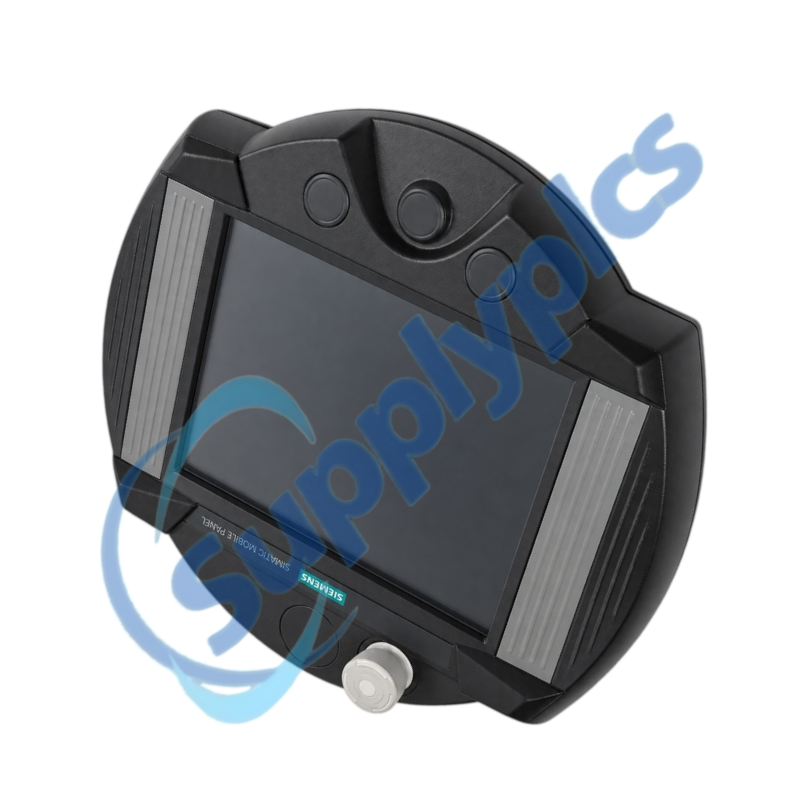
Later Mobile Panel 277 RO order version for machine-side remote operation
The 6AV6645-7AB10-2AS0 belongs to the Mobile Panel 277 Remote Operate family and is the Siemens-listed successor to 6AV6645-7AB10-1AS0. It remains part of a complete remote-HMI and machine-safety installation rather than a standalone display.
Exact system fitVerify the full 2AS0 label, 10-inch Remote Operate configuration, connection box and cable, host-side server and operating system, Ethernet addressing and stop and acknowledgement circuits. Do not select it solely because it is the listed successor to 1AS0.
System Fit
6AV6645-7AB10-2AS0 is the later OEM Mobile Panel 277 RO order version used to operate a configured host station over Industrial Ethernet. The mobile unit provides the operator interface while the application and RemoteOperate server remain on the host system.
A successful installation depends on restoring the correct server relationship and validating the complete connection and safety concept. Cable identification, network configuration, user-control rules, touch calibration and the stop and acknowledgement functions must all be checked after replacement.
Confirm the installed RemoteOperate architecture before treating the panel as a direct spare.
Order-version check
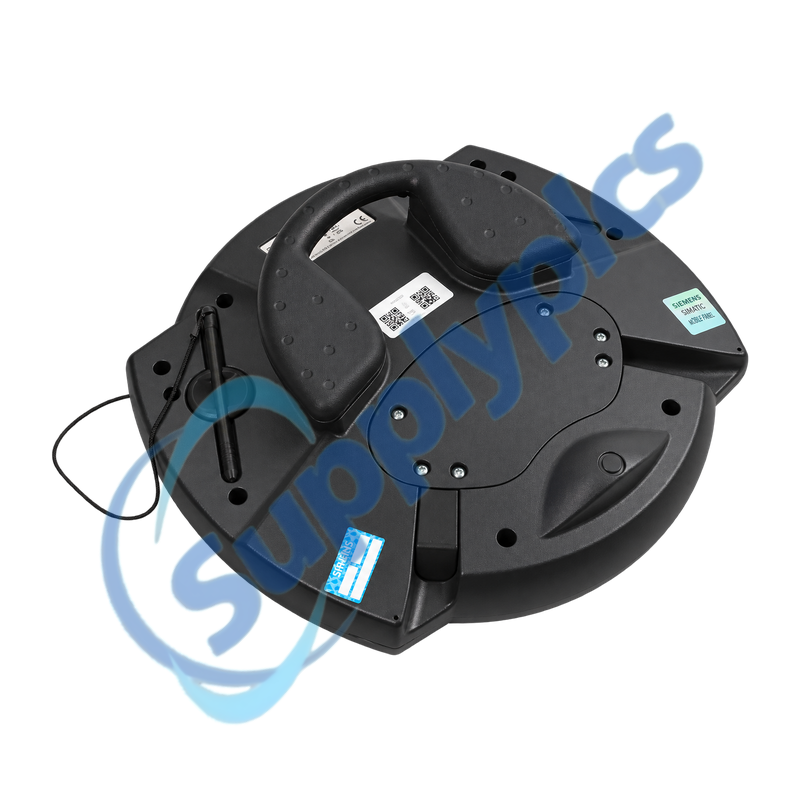
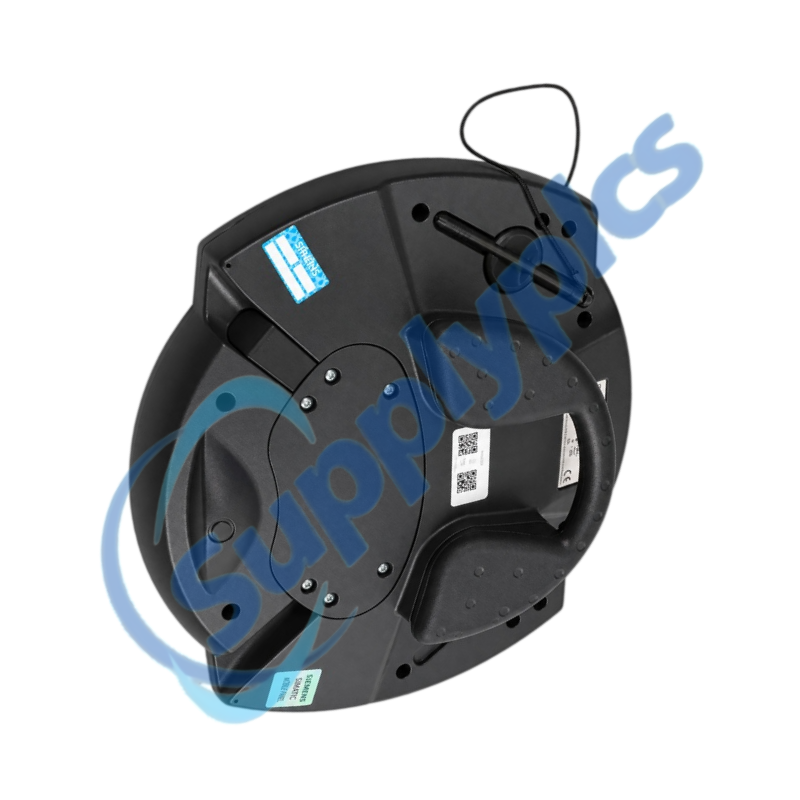
Photograph the rear label and confirm the complete 2AS0 number and all panel options.
Connection chain
Identify the panel cable, connection box, cabinet network path and host station used at each operating point.
Server compatibility
Record the server version, host operating system, client permissions and any plant-specific startup scripts.
Commissioning
Commission the remote session and machine controls together under a controlled test plan.
Client connection
Restore approved network settings and verify stable login, reconnect and exclusive-control behavior.
Display and touch
Check screen resolution, scaling, calibration, alarms, recipes and every critical touch target.
Safety acceptance
Prove the stop and acknowledgement response at every connection point and retain the signed result.
Specifications
Product family
OEM SIMATIC Mobile Panel 277 Remote Operate
Order number
6AV6645-7AB10-2AS0
Display class
10-inch mobile touch panel
Operating principle
Remote client for a Windows-based host
Operator controls
Touch operation with integrated mobile-panel controls
Safety interface
Installation-specific stop and acknowledgement circuit
Connection requirement
Approved connection box and mobile-panel cable
Host requirement
Compatible RemoteOperate server and operating system
How can I verify that 6AV6645-7AB10-2AS0 is the correct successor for the installed panel?
Start with the full label of the existing unit and confirm whether it is the 1AS0 predecessor or the 2AS0 version. Then compare connection box, cable, panel options, host operating system, RemoteOperate server version and machine safety circuit before approving the change.
Q2
What should be backed up before commissioning 6AV6645-7AB10-2AS0?
Preserve the host application, RemoteOperate server configuration, user and session settings, network parameters and screenshots of normal screens. Record the connection-box type, cable routing and stop and acknowledgement wiring because these are not contained in the panel alone.
Q3
Why can 6AV6645-7AB10-2AS0 show the network but not open the operator session?
Verify the host address, subnet and server service, then review client authorization, session limits and firewall settings. Confirm that the installed server release is compatible and inspect logs at both the panel and host before changing hardware.
Q4
How should 6AV6645-7AB10-2AS0 be tested after moving it to another connection point?
Check mechanical locking and cable condition, then verify network reconnection and the intended operator-control handover. Test display, touch, acknowledgement and stop functions at that exact connection point using the machine builder’s safe commissioning procedure.
Q5
What can cause intermittent touch or display response on 6AV6645-7AB10-2AS0?
Inspect the panel cable, connection-box contacts, strain relief and network link, then check supply quality, host load and RemoteOperate session stability. Clean and calibrate the touch surface and correlate the fault with cable movement or a specific connection point.
Q6
Which evidence should be provided when requesting 6AV6645-7AB10-2AS0 as a service spare?
Provide clear front and rear photos, the full order number, connection-box and cable part numbers, host operating system and RemoteOperate version, network architecture and a description of stop and acknowledgement behavior. This allows the complete installation to be reviewed rather than only the display.


 EN