Get a Free Quote

Our representative will contact you soon.
Email
Name
Mobile
Company Name
Message
0/1000
siemens 6es7412 2xg04 0ab0 simatic s7 400 cpu 412 2-0

SIEMENS

Home >  Products >  SIEMENS

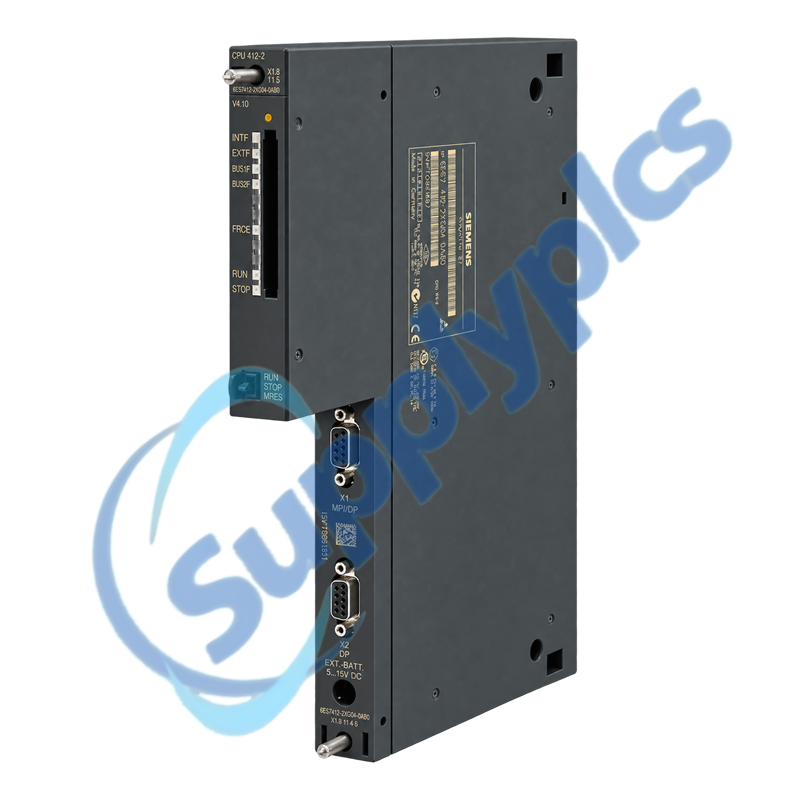
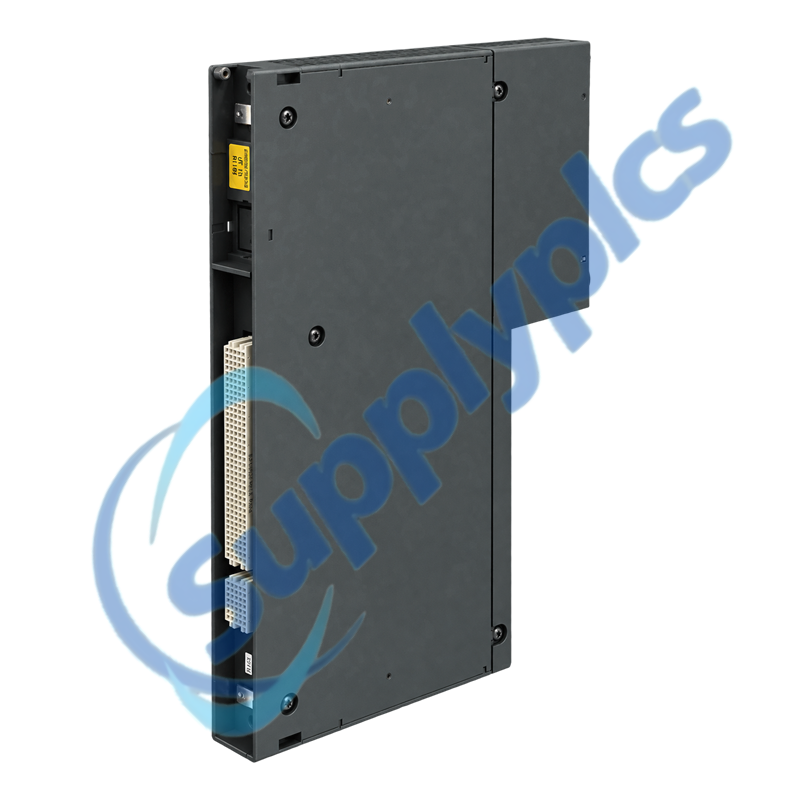
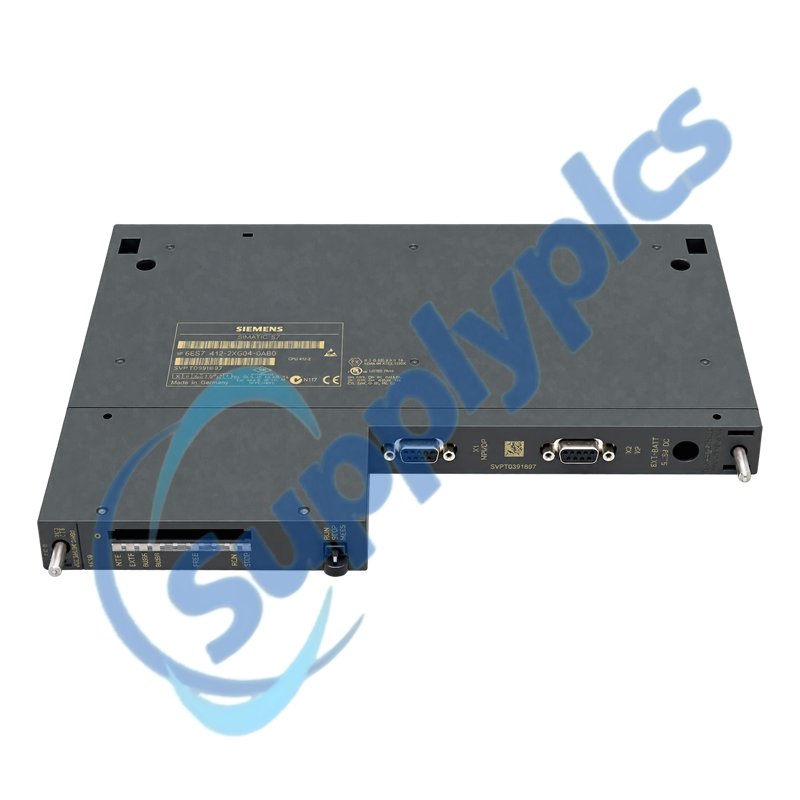
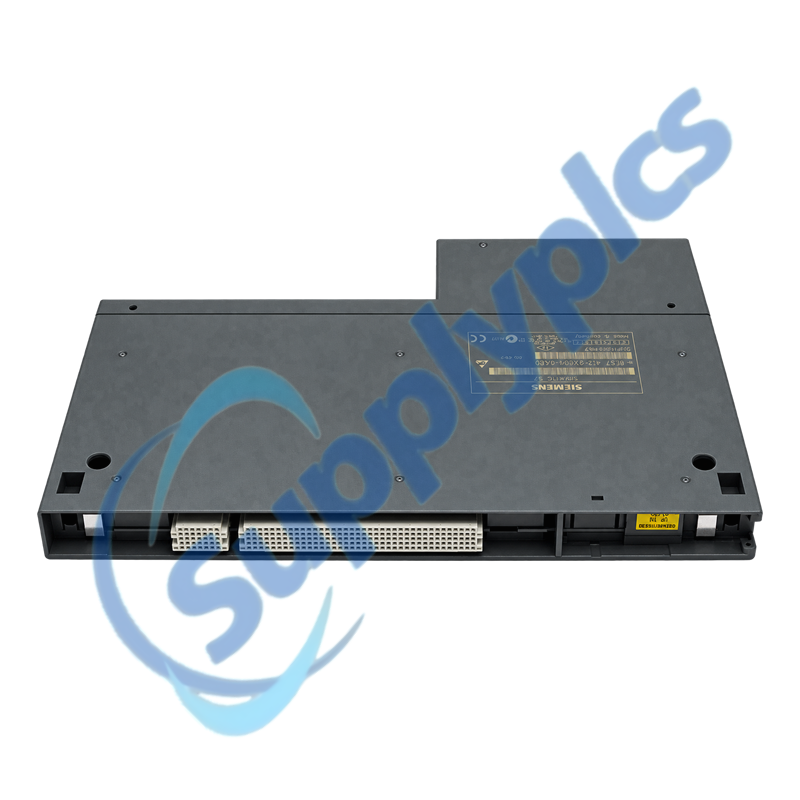
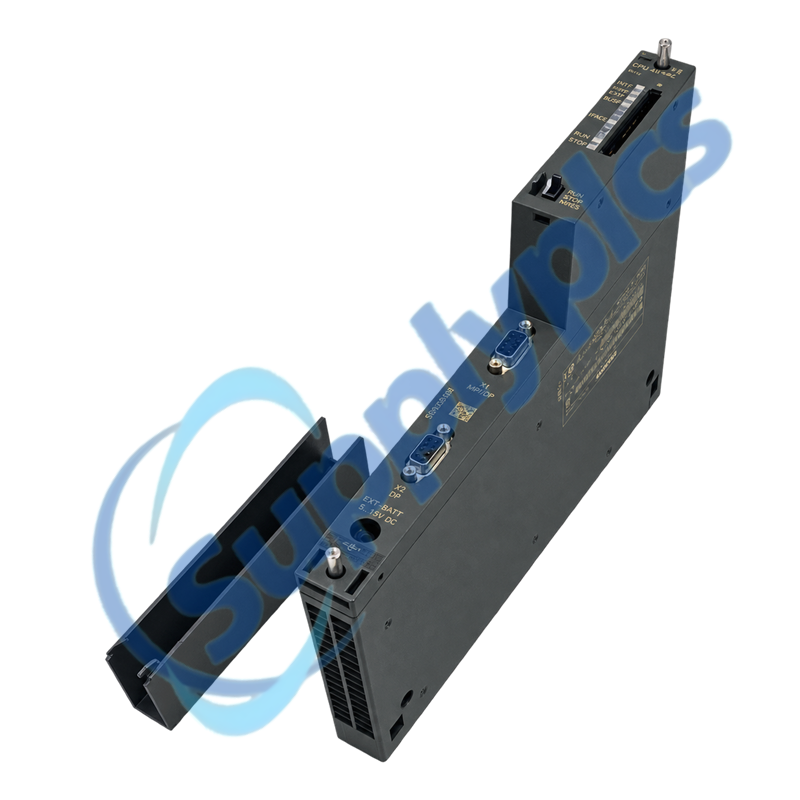
Siemens 6ES7412-2XG04-0AB0 SIMATIC S7-400 CPU 412-2

Product Name: SIMATIC S7-400 CPU 412-2
Brand Name: Siemens
Model Number: 6ES7412-2XG04-0AB0
Place of Origin: Germany
Warranty: 12 Months
Whatsapp: +86 18020776782
Appurtenance:
  • Overview
  • System Fit
  • Description
  • PROFIBUS Setup
  • Specifications
  • Commercial Term
  • Contact info
  • FAQ
  • Other Products
  • Recommended Products
S7-400 central processor with 256 KB work memory and two configurable MPI/PROFIBUS interfaces
The Siemens CPU 412-2 provides 256 KB working memory, split equally between code and data, one MPI/DP interface and a second PROFIBUS DP interface, each supporting transmission rates up to 12 Mbit/s.
Before you order: Confirm firmware V4.0, STEP 7 hardware support, rack and slot, memory card, battery state, MPI/DP addresses, PROFIBUS master or slave roles, CP compatibility and the archived S7-400 project before replacement.

System Fit

Match the complete S7-400 station and its engineering environment before treating the CPU as an interchangeable spare.
Firmware and STEP 7
Verify CPU firmware V4.0 and the required STEP 7 V5.2 SP1 HF3 hardware update or a validated later engineering environment.
Memory and backup
Identify the installed memory card, save its contents, verify the backup battery and archive the complete station project.
Rack and CPs
Record rack and slot, expansion topology and every installed communication processor and confirm compatibility with this CPU firmware.

Description

6ES7412-2XG04-0AB0 is a SIMATIC S7-400 CPU for modular control systems that require two communication interfaces and battery-backed configuration data. The official datasheet specifies STEP 7 V5.2 SP1 HF3 or higher with the required hardware update.
Replacement planning must include every DP network and installed communication processor. Save the station and network configuration, diagnostic buffer and memory-card contents, then document each interface address, bus role and termination before power-down.

PROFIBUS Setup

The two interfaces can carry different MPI and DP roles, so each network must be documented and commissioned separately.
Interface roles
Record the MPI or DP mode, station address, baud rate and master or slave role for both CPU interfaces.
Physical bus
Check connector orientation, shield bonding and termination at the real segment ends before moving either PROFIBUS cable.
Network acceptance
Bring up one documented segment at a time and compare the diagnostic buffer, accessible nodes and slave diagnostics with the saved baseline.

Specifications

Product type designation SIMATIC S7-400 CPU 412-2
Order number 6ES7412-2XG04-0AB0
Firmware version V4.0
Working memory 256 KB total
Program / data memory 128 KB / 128 KB
First interface MPI / PROFIBUS DP, up to 12 Mbit/s
Second interface PROFIBUS DP, up to 12 Mbit/s
Engineering software STEP 7 V5.2 SP1 HF3 or higher with HW update
Rated supply voltage 24 V DC
Typical power loss 4.5 W
Dimensions 25 x 290 x 219 mm
Approximate weight 720 g

Commercial Term

Quotation
Current price and availability
Payment
T/T or agreed terms
Lead time
Confirmed with quotation
Shipping
DHL, FedEx, UPS or agreed freight
Warranty
12 months

Contact info

FAQ

Q1
Can 6ES7412-2XG04-0AB0 replace another CPU 412-2 without checking firmware and the STEP 7 project?
No. Match firmware V4.0, the exact hardware catalogue entry, work-memory requirement, interface roles and installed communication processors. A CPU with a similar family name may require a project or firmware migration.
Q2
What should be backed up before exchanging 6ES7412-2XG04-0AB0 in an S7-400 rack?
Archive the full STEP 7 station and network project, online blocks, system data, diagnostic buffer and memory-card contents. Record rack and slot, battery status and the address, mode and baud rate of both interfaces.
Q3
Why can one PROFIBUS network work while the second interface of 6ES7412-2XG04-0AB0 remains in fault?
The two interfaces can have different modes and bus roles. Compare the second interface address, master or slave configuration, baud rate and slave set with the project, then check its separate cable, connectors, shielding and end termination.
Q4
How should communication-processor compatibility be checked for 6ES7412-2XG04-0AB0?
Use the Siemens S7-400 CP compatibility list for the exact CPU and firmware, then compare every installed CP article and version. Do not rely only on the CP fitting the rack or having worked with a newer CPU.
Q5
Why can 6ES7412-2XG04-0AB0 lose configuration or time after a long power interruption?
Check the backup battery state, memory-card type and whether the required data was stored in load memory. Replace the battery under the approved procedure and verify retained blocks, clock and startup behavior before returning the station to service.
Q6
What should I inspect if 6ES7412-2XG04-0AB0 remains in STOP after a like-for-like exchange?
Read the first diagnostic-buffer events, compare the memory card and system data, verify rack and expansion communication, and bring up the two networks in a controlled sequence. Correct the first documented cause rather than repeatedly clearing STOP.

Other Products

07CT42-A3.3
H4L2GR1V
HDCJP0000V2
XEV01D-5N0B0-001
HDCJP0AES
VNC21
ITC-100
DSX-PLA004
VPM35 3BA73012ABAB03
BAC-5051E
3AA00927600
W0PSA1701
ES0W2PSA0150
F0.95
T11012820
ACCAA-708-INT
616-661
MTL4546C
33729-03
295452-PR
IR125Y-2 B91023013
PGM7200
OMS300US
AFMT-042-300
TDS2012B
KFD2-VR4-EX1.26
7PA27320AA002
500-033170
DM-RMC-100
1011300000

Get a Free Quote

Our representative will contact you soon.
Email
Name
Mobile
Company Name
Message
0/1000

Get a Free Quote

Our representative will contact you soon.
Email
Name
Mobile
Company Name
Message
0/1000