Get a Free Quote

Our representative will contact you soon.
Email
Name
Mobile
Company Name
Message
0/1000
siemens 6es7441 2aa04 0ae0 simatic s7 400 cp 441 2 communication processor-0

SIEMENS

Home >  Products >  SIEMENS

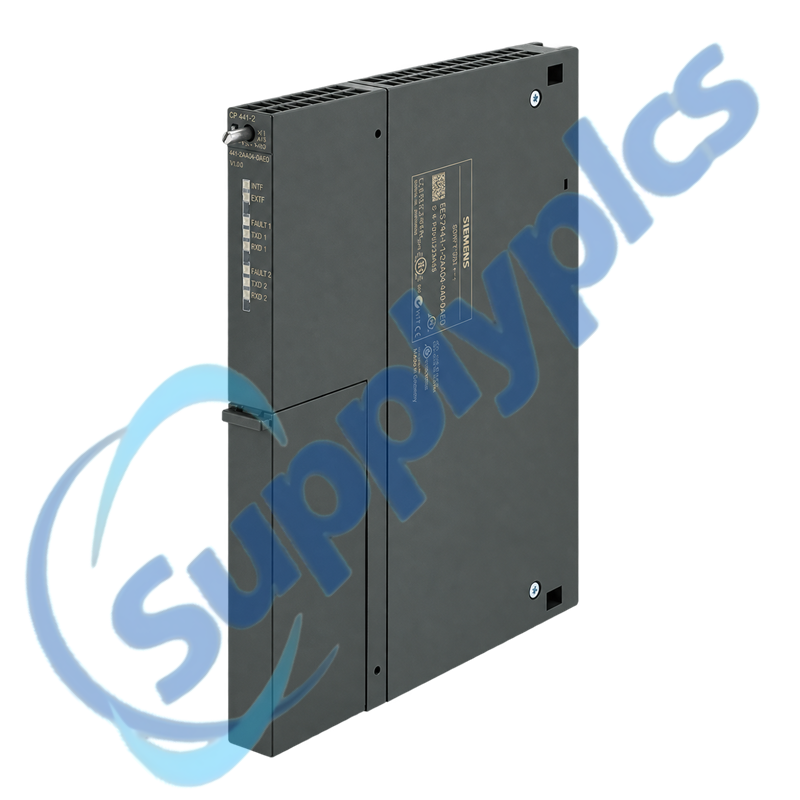
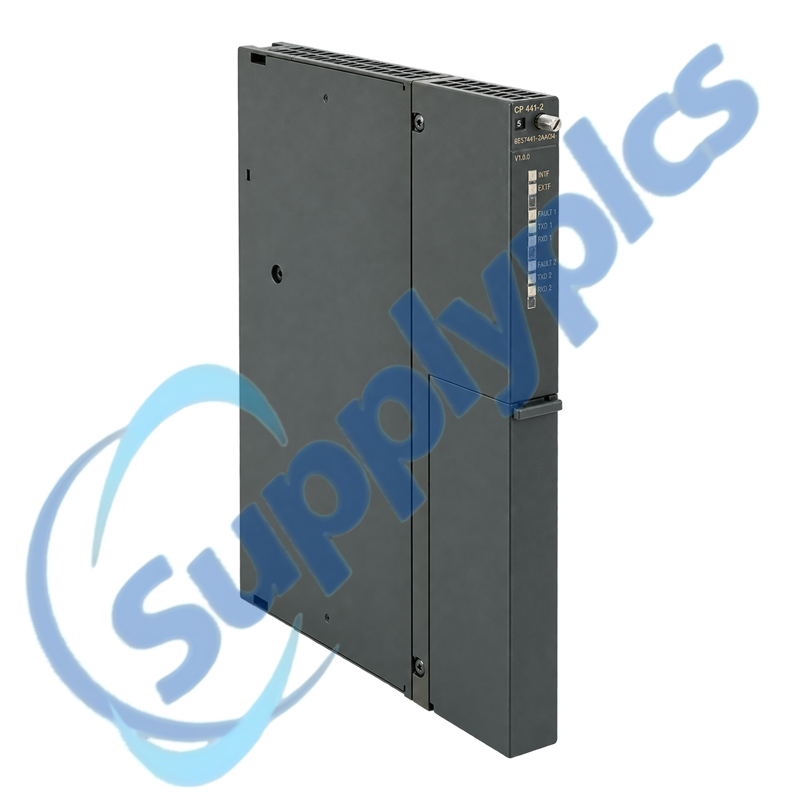
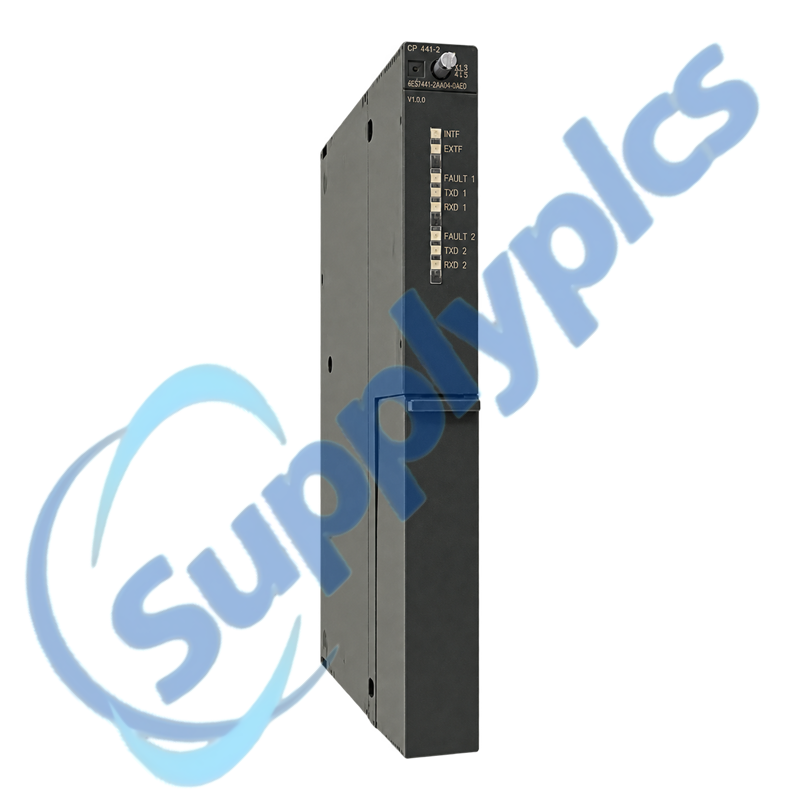
Siemens 6ES7441-2AA04-0AE0 SIMATIC S7-400 CP 441-2 Communication Processor

Product Name: SIMATIC S7-400 CP 441-2 Communication Processor
Brand Name: Siemens
Model Number: 6ES7441-2AA04-0AE0
Place of Origin: Germany
Warranty: 12 Months
Whatsapp: +86 18020776782
Appurtenance:
  • Overview
  • Contact info
  • Specifications
  • Description
  • Serial Commissioning
  • Commercial Term
  • About Company
  • FAQ
  • Other Products
  • Recommended Products
AT A GLANCE
Two-Channel Serial Communication for S7-400

Siemens 6ES7441-2AA04-0AE0 is a SIMATIC S7-400 CP 441-2 communication processor for two point-to-point serial channels. Plug-in interface modules allow the physical interface to be matched to the installed serial devices.

Selection checkpoint: Match the two installed interface submodules, serial protocols, channel parameters and STEP 7 configuration before treating another CP 441-2 as a replacement.

Contact info

Specifications

Product type designation
CP 441-2 communication processor
Article number
6ES7441-2AA04-0AE0
Automation platform
SIMATIC S7-400
Communication type
Point-to-point serial communication
Number of channels
2
Interface options
RS 232C, 20 mA TTY or RS 422/485 via plug-in modules
Maximum transmission rate
115.2 kbit/s across the two interfaces
Loadable protocol options
MODBUS RTU and Data Highway
Rated supplies
5 V DC and 24 V DC
Backplane current at 5 V DC
Up to 600 mA without interface module

Description

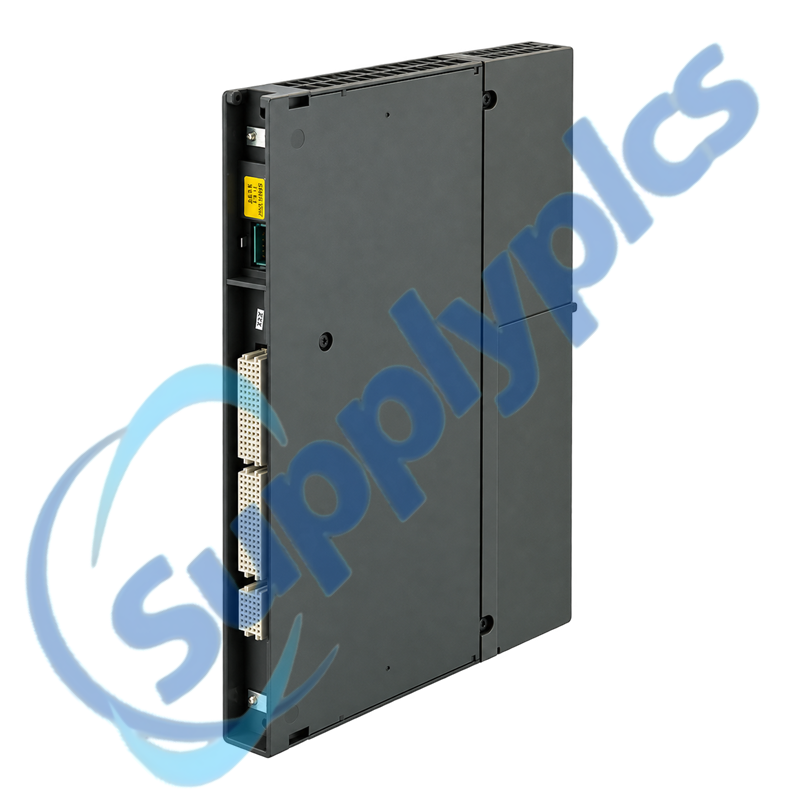
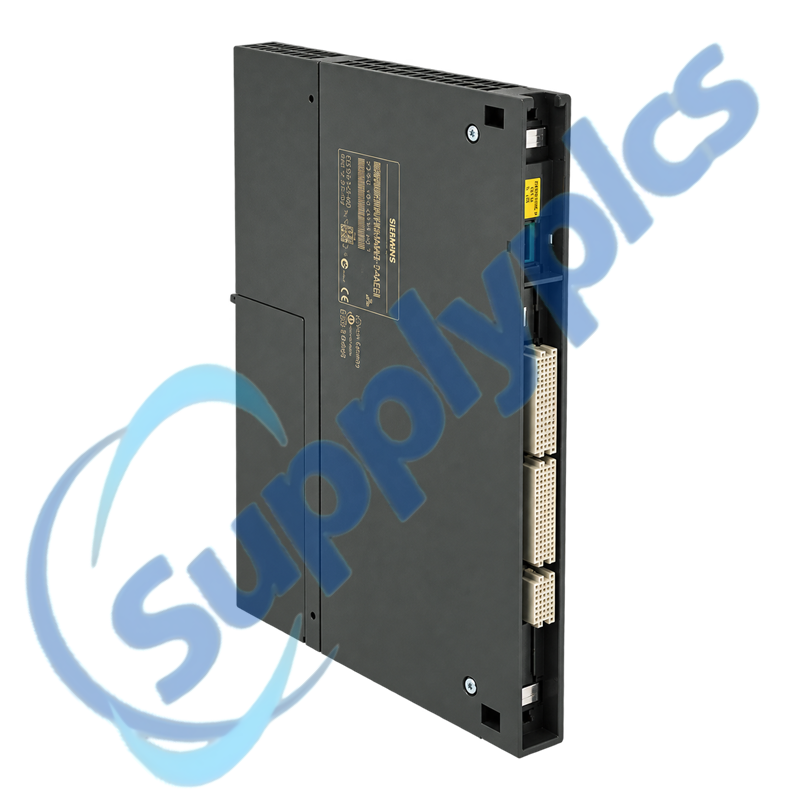
The CP 441-2 is intended for high-performance serial point-to-point communication in SIMATIC S7-400 systems. Its two interface positions can use RS 232C, 20 mA TTY or RS 422/485 interface modules according to the original design.
A correct replacement requires more than the base processor. Preserve the interface-module types, protocol drivers, channel settings, cable pinouts and CPU project so both serial paths can be recommissioned without introducing wiring or parameter mismatches.

Serial Commissioning

01
Interface inventory
Record both plug-in interface modules and their cable pinouts before removing the processor.
02
Channel parameters
Save baud rate, parity, data bits, stop bits and protocol settings for each independent channel.
03
Project archive
Back up the STEP 7 hardware configuration and any loadable driver license or project data.
04
Startup sequence
Restore hardware, interface modules and channel settings before reconnecting external devices.

Commercial Term

Quotation
Current price and availability
Payment
T/T or agreed terms
Lead time
Confirmed with quotation
Shipping
DHL, FedEx, UPS or agreed freight
Warranty
12 months

About Company

Exact-model review
We review the full order number and installed-system context before quotation.
Condition coordination
Availability and product condition are confirmed for the requested unit.
Global delivery support
Shipping options and available official documentation are coordinated with the destination.

FAQ

Q1
How do I confirm that 6ES7441-2AA04-0AE0 is the correct CP 441-2 for my rack?
Check the complete order number, S7-400 rack assignment and hardware revision, then inventory both installed interface modules. Compare the required physical standards, channel protocols and cable pinouts with the saved STEP 7 project before accepting a replacement.
Q2
What should I save before exchanging 6ES7441-2AA04-0AE0?
Archive the STEP 7 project, hardware configuration, channel parameters, protocol-driver files and license information. Record each interface module, connector pinout and connected device so the two channels can be restored independently after the hardware exchange.
Q3
Why can one serial channel stay inactive after installing 6ES7441-2AA04-0AE0?
Compare the inactive channel with the working channel: verify the plug-in interface type, cable wiring, baud rate, parity, data format and protocol selection. Check the channel LEDs and diagnostics before changing the external device or replacing another module.
Q4
How should I troubleshoot internal or external error indications on 6ES7441-2AA04-0AE0?
Confirm the module is seated correctly and the rack supplies are stable, then inspect the interface-module seating and the corresponding cable. Read the CP diagnostics in STEP 7 and compare the active channel parameters with the original commissioning record.
Q5
Can two different serial standards be used at the same time with 6ES7441-2AA04-0AE0?
The two positions can be equipped according to the application, but each channel must use the correct approved interface module, wiring and protocol configuration. Verify the exact combination in the original project and observe the aggregate communication limits before recommissioning.
Q6
What details should a buyer provide when requesting 6ES7441-2AA04-0AE0?
Provide the complete processor order number, hardware revision, the order numbers of both interface modules, required protocols and photographs of the installed connectors. Also state whether driver media or license items are required and identify the destination and requested condition.

Other Products

XF830A
SDI-OE-S
NA200T IZMX-RP16A-200
LFI520
4100LR12
SC200-00
SCD2200-RTU PS-22
IC200MDD844F
IC200MDL650L
ABB 1SDH001000R0505-B0821
BS6151 01 SP01
ZBRN2
FGR-002
AMAX-2241
8530D-I
THS710
105S-1
SC42-EP08
AMAX-2241/PMA
ADAP-KOOL
eWONx005CD
CH-LMD1
SP-0108-H2
ABB 2CDG110137R0011
IMD-IM20 / IM20DEMO
Abb 3BSE038226R1
SWH-4200
ABE7 P16T334
81672-01
LP/ 557-180-203

Get a Free Quote

Our representative will contact you soon.
Email
Name
Mobile
Company Name
Message
0/1000

Get a Free Quote

Our representative will contact you soon.
Email
Name
Mobile
Company Name
Message
0/1000