Get a Free Quote

Our representative will contact you soon.
Email
Name
Mobile
Company Name
Message
0/1000
siemens 6es7467 5gj02 0ab0 simatic s7 400 im 467 profibus dp master interface-0

SIEMENS

Home >  Products >  SIEMENS

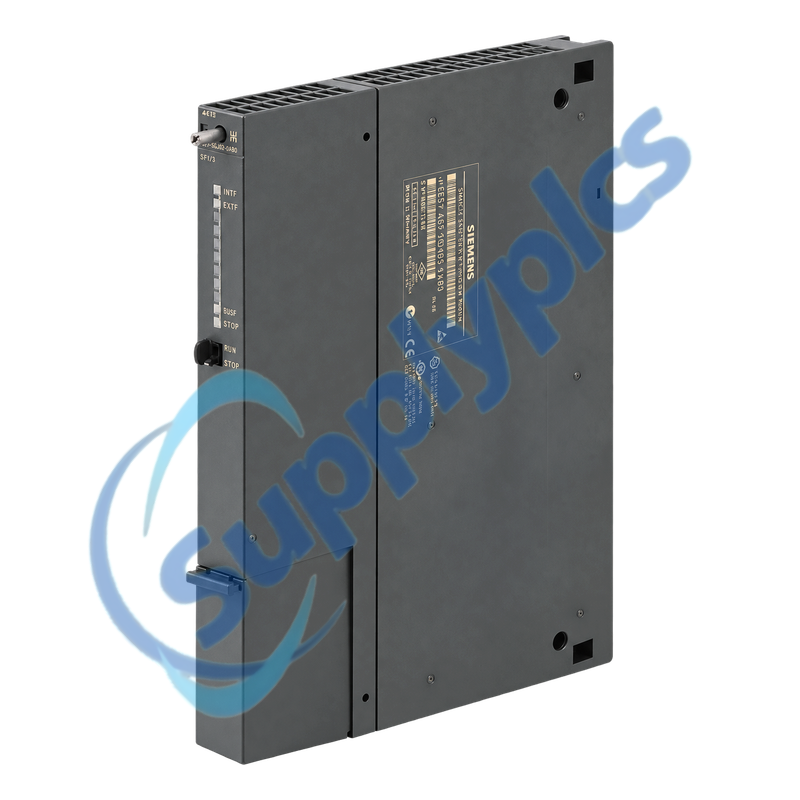
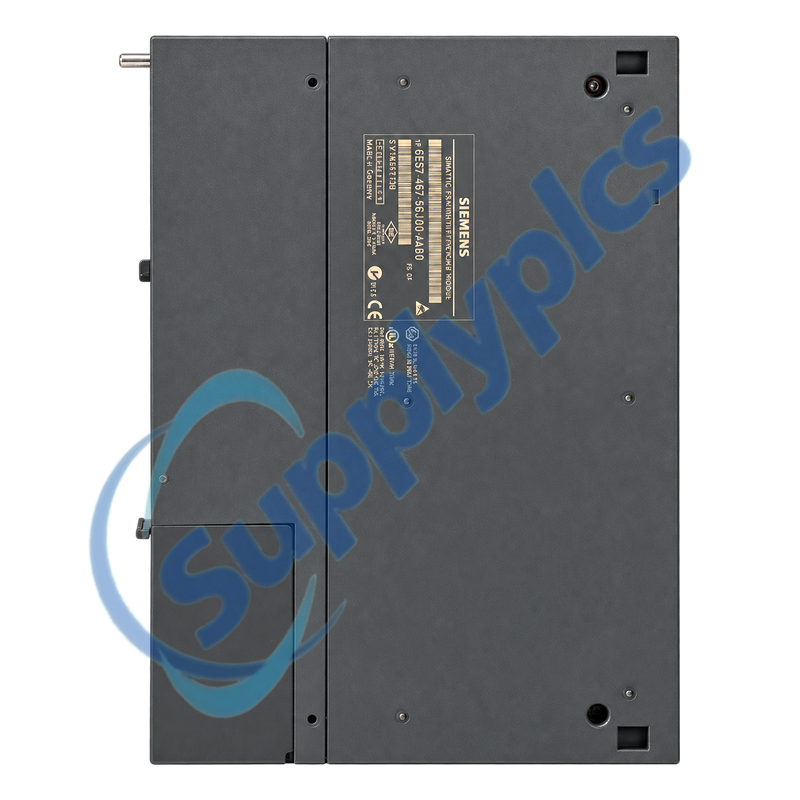
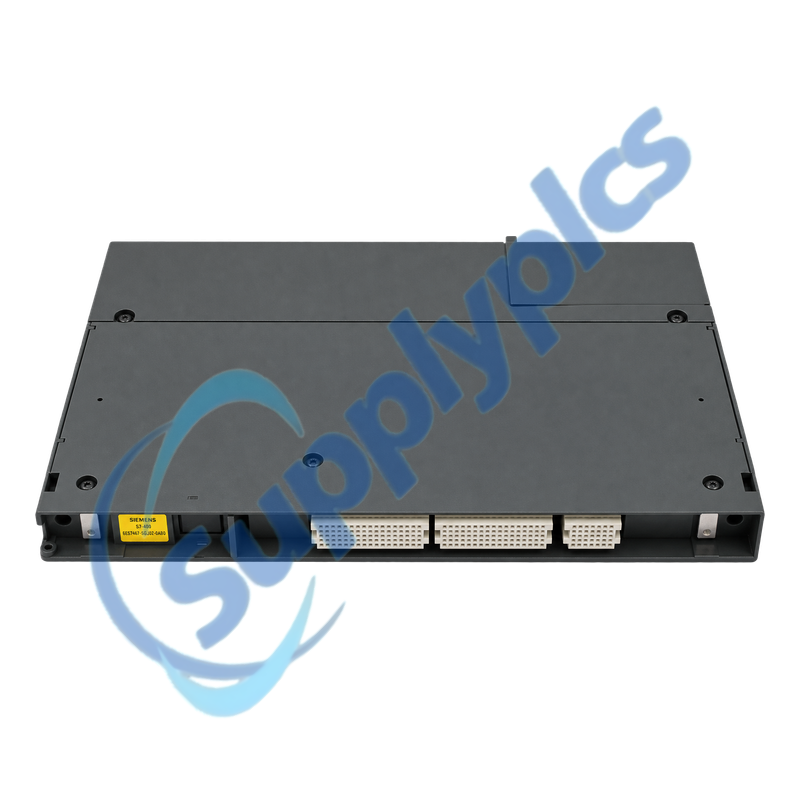
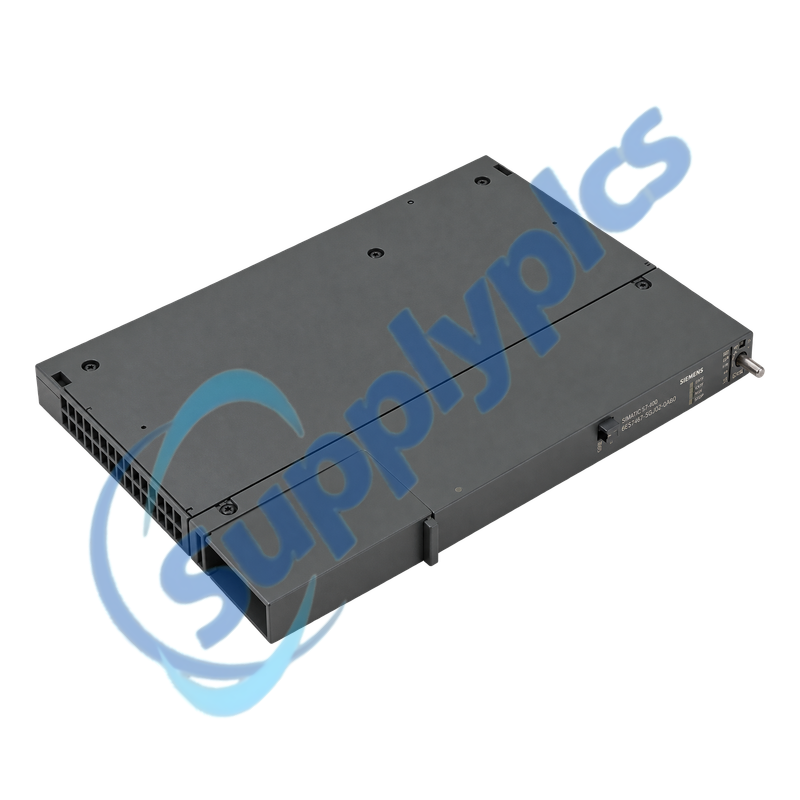
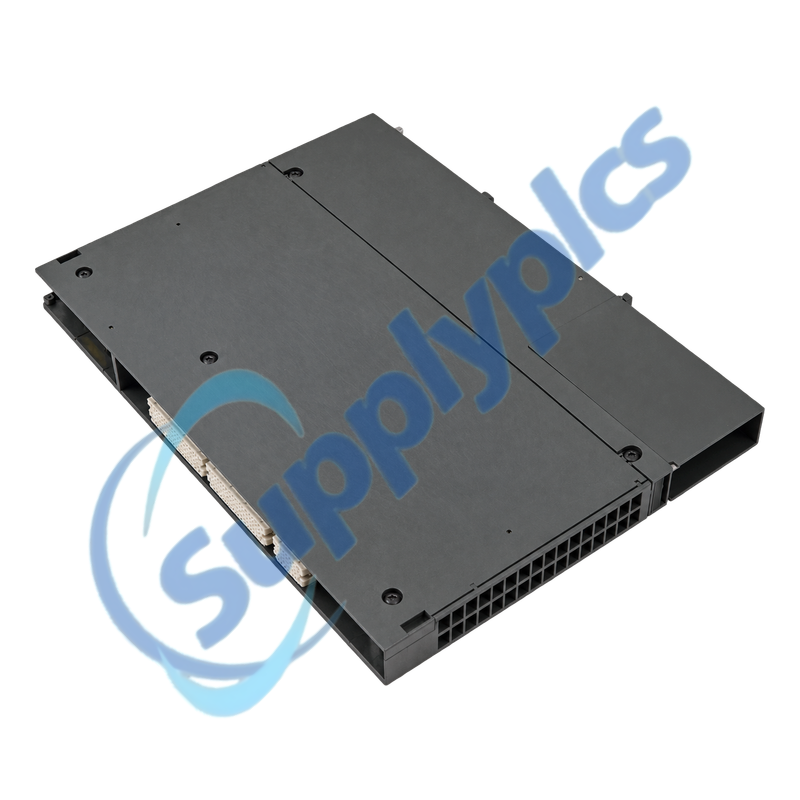
Siemens 6ES7467-5GJ02-0AB0 SIMATIC S7-400 IM 467 PROFIBUS Interface

Product Name: SIMATIC S7-400 IM 467 PROFIBUS DP Master Interface
Brand Name: Siemens
Model Number: 6ES7467-5GJ02-0AB0
Place of Origin: Germany
Warranty: 12 Months
Whatsapp: +86 18020776782
Appurtenance:
  • Overview
  • Description
  • DP Integration
  • LED Diagnostics
  • Specifications
  • Commercial Term
  • Contact info
  • FAQ
  • Other Products
  • Recommended Products
RS485 PROFIBUS DP master interface for adding a dedicated fieldbus segment to an S7-400 central rack
The IM 467 connects an S7-400 station to PROFIBUS DP through a 9-pin Sub-D interface. It supports 9.6 kbit/s to 12 Mbit/s, up to 96 DP slaves and PG or operator communication through S7 functions.
Compatibility checkpoint: Confirm the exact -5GJ02 RS485 version, S7-400 central-rack project, STEP 7 version, DP addresses and baud rate. The IM 467 cannot be used together with a CP 443-5 Extended and does not support DPV1.

Description

6ES7467-5GJ02-0AB0 is the electrical IM 467 version for SIMATIC S7-400. It is configured in STEP 7 and exchanges DP data without communication function calls in the user program.
Replacement preparation: Retain the rack and slot record, CPU project, bus address list, connector and termination positions, normal LED state and diagnostic buffer before the module is removed with the rack de-energized.

DP Integration

Preserve the complete electrical segment and the S7-400 hardware project before exchanging the interface.
Project boundary
Record the CPU, rack, slot, IM hardware entry, master address and every configured slave.
RS485 segment
Label the 9-pin connector, cable direction, shield bond and termination state at both physical ends.
Service limit
Verify that DPV1 functions are not required and that no CP 443-5 Extended is installed in the station.

LED Diagnostics

Use the RUN, STOP, EXTF and INTF combination to separate configuration, module and fieldbus faults.
EXTF in RUN
Check the first missing DP slave, connector seating, termination, address and baud rate.
INTF in STOP
Compare the online module with the hardware configuration and review internal diagnostic entries.
All LEDs flashing
Treat the condition as a module or system fault and preserve diagnostics before power cycling.

Specifications

Product type designation SIMATIC S7-400 IM 467
Order number 6ES7467-5GJ02-0AB0
Bus role PROFIBUS DP master; DPV1 not supported
Physical interface 9-pin Sub-D, RS485
Transmission rate 9.6 kbit/s to 12 Mbit/s
DP capacity Up to 96 slaves
Address range Maximum 4 KB inputs and 4 KB outputs
Data per slave Maximum 244 bytes
S7 connections 32 plus one diagnostic connection
Rack installation Up to four IM 467 modules in the central rack
Engineering STEP 7 V5.0 or higher
Dimensions / weight 25 x 290 x 210 mm; 700 g

Commercial Term

Quotation
Current price and availability
Payment
T/T or agreed terms
Lead time
Confirmed with quotation
Shipping
DHL, FedEx, UPS or agreed freight
Warranty
12 months

Contact info

FAQ

Q1
How can I verify that 6ES7467-5GJ02-0AB0 is compatible with my S7-400 station before purchase?
Check the central-rack CPU project, available slot, number of installed IM 467 modules, required DP services and STEP 7 version. Confirm that the station does not use a CP 443-5 Extended and that DPV1 is not required.
Q2
What should I preserve before replacing 6ES7467-5GJ02-0AB0 during a shutdown?
Archive the complete STEP 7 project and diagnostic buffer, then record the rack slot, PROFIBUS master address, baud rate, slave list, 9-pin connector orientation, shield bond and both segment termination positions.
Q3
Why can 6ES7467-5GJ02-0AB0 show RUN with the EXTF LED on after installation?
RUN with EXTF indicates a PROFIBUS-side fault. Identify the first slave not participating in data transfer, then verify its address, connector, power, cable path, termination and configured module data before changing the master project.
Q4
How should I investigate STOP and INTF on 6ES7467-5GJ02-0AB0?
Compare the inserted order number and slot with the STEP 7 hardware configuration, read the CPU and IM diagnostics and confirm that the configuration is available in CPU load memory. Do not repeatedly reset the module before capturing the first error.
Q5
Can configuration and live diagnosis be performed at the same time through 6ES7467-5GJ02-0AB0?
Siemens states that configuration and MPI-based diagnostics cannot be carried out simultaneously for the IM 467. Schedule project changes and diagnostic checks as separate controlled steps and re-establish the baseline after each change.
Q6
How do I avoid ordering the wrong interface when sourcing 6ES7467-5GJ02-0AB0?
Specify the complete -5GJ02-0AB0 number and confirm the 9-pin RS485 connection. The visually related -5FJ00 version is the fiber-optic IM 467 FO and is not a connector-compatible substitute.

Other Products

SMART-G4 SB-DIM6C2A-DN
CBS-4C-RA CBS-4
ETHI1F4p1C 4x10/100/1000
AMP 201
190613
ROUT 190617
2901417 PSR-SPP-42-48UC/ESAM4/3x1/1X2B
API-AMC2-16IE
EZ-SMX-IDC-E
LNC3
E216B/9
E14M 1Gb RJ-45
EP1502 103830 REV:1.22.9
XPR-A ST/N/04
PD 24-8 050099114000
CP-168EL-A
0563 0470
mt3025 POL965.00/MCQ
ETHI1F4p1C
XPIQ-2270
A/M-AOUT 190613
KL-120
CP-168EL-A RS-232
1250-0.1FN
DXR2.M12P-102A
EP1502 10383
700476021
LBB 4437/00
RS-232 RS-422/485
AutoCube 8200-1

Get a Free Quote

Our representative will contact you soon.
Email
Name
Mobile
Company Name
Message
0/1000

Get a Free Quote

Our representative will contact you soon.
Email
Name
Mobile
Company Name
Message
0/1000