Get a Free Quote

Our representative will contact you soon.
Email
Name
Mobile
Company Name
Message
0/1000
siemens 6es7478 2ac00 0ac0 simatic m7 400 exm 478 expansion module-0

SIEMENS

Home >  Products >  SIEMENS

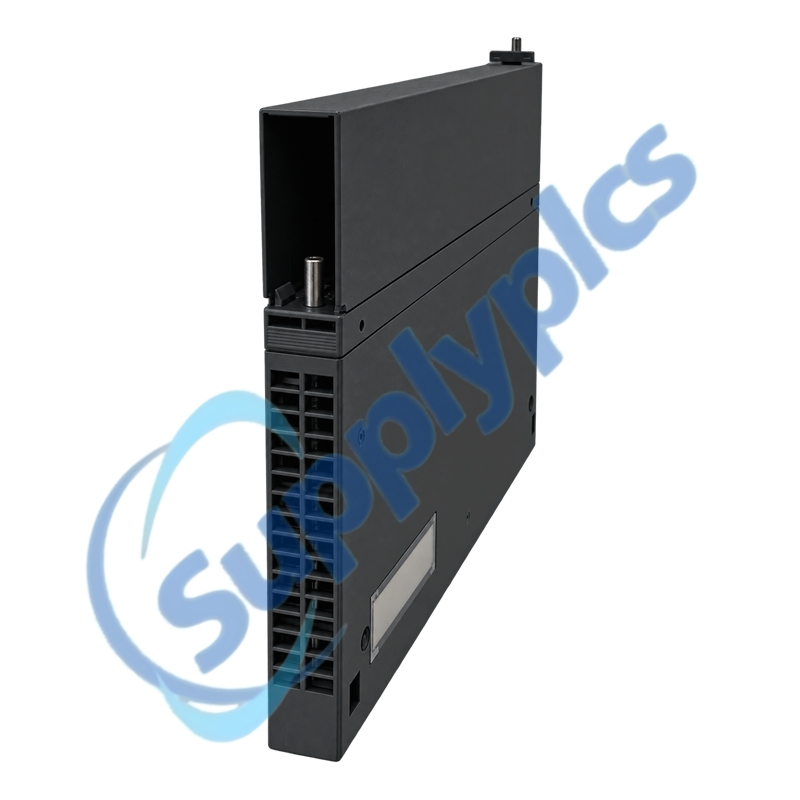
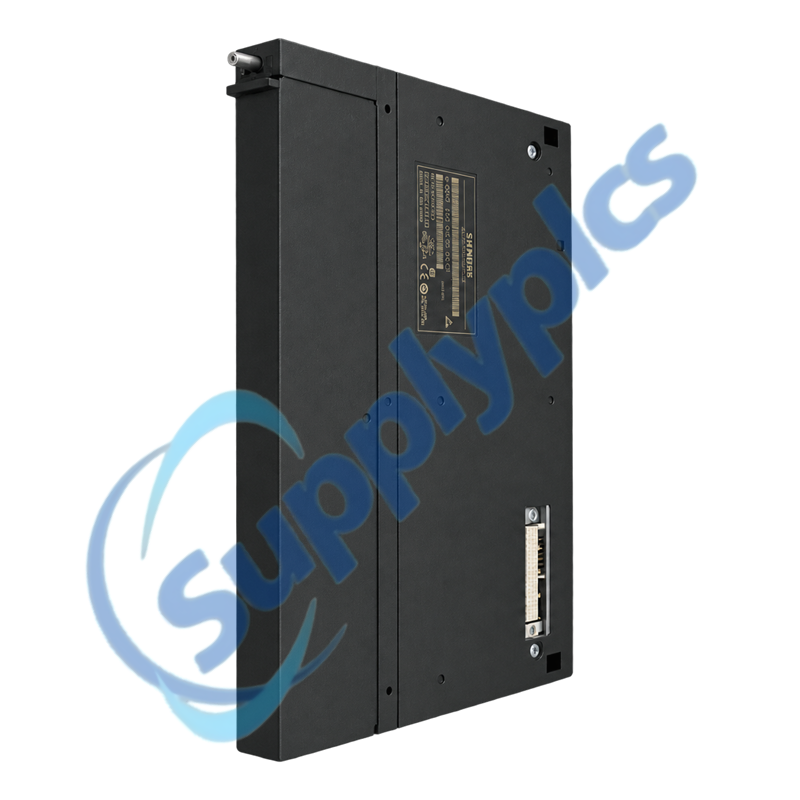
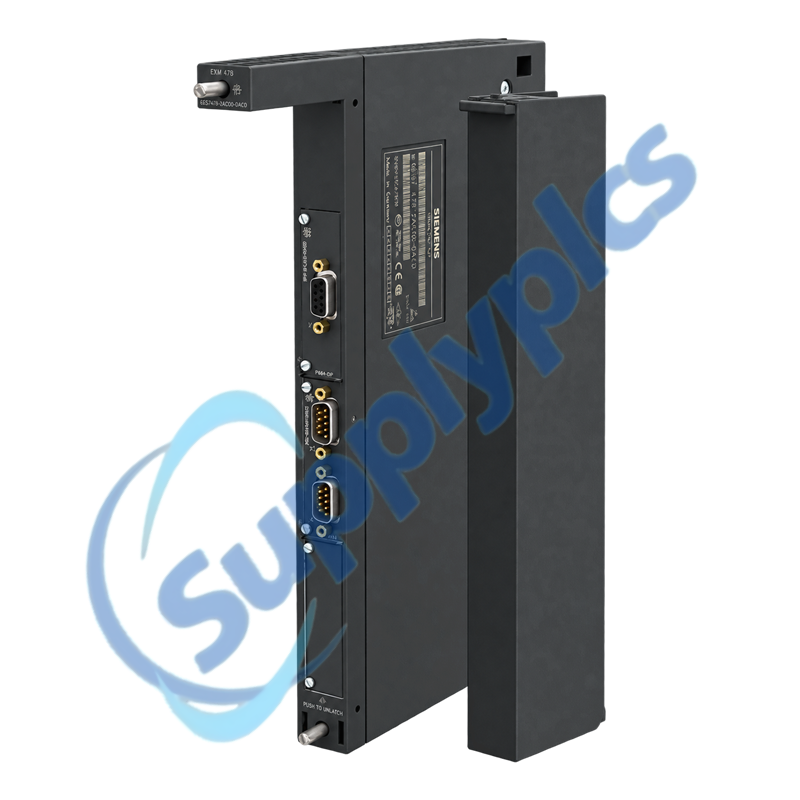
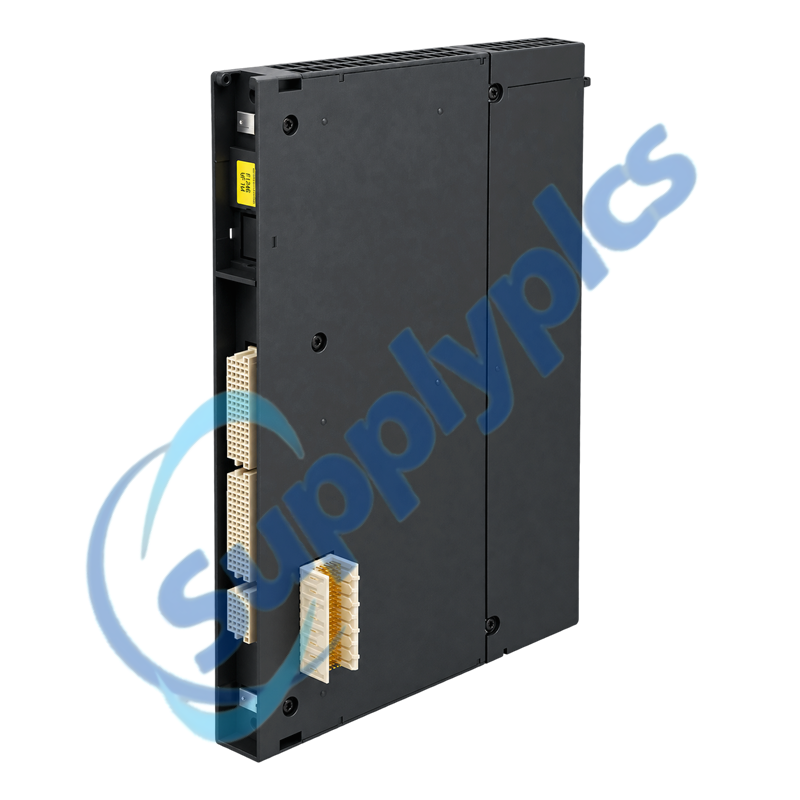
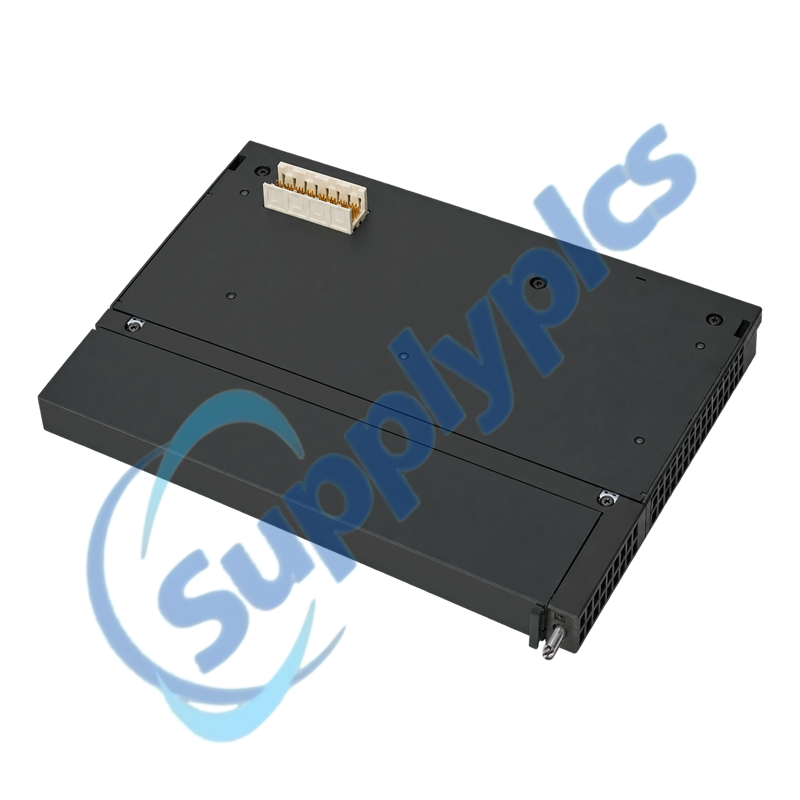
Siemens 6ES7478-2AC00-0AC0 SIMATIC M7-400 EXM 478 Expansion Module

Product Name: SIMATIC M7-400 EXM 478 Expansion Module
Brand Name: Siemens
Model Number: 6ES7478-2AC00-0AC0
Place of Origin: Germany
Warranty: 12 Months
Whatsapp: +86 18020776782
  • Overview
  • Description
  • Interface Planning
  • Specifications
  • Legacy Replacement
  • Commercial Term
  • Contact info
  • FAQ
  • Other Products
  • Recommended Products
Three-interface expansion for legacy SIMATIC M7-400 automation systems
The Siemens EXM 478 expands an M7-400 station with three positions for compatible IF interface modules. It is a lifecycle-ended component intended for exact-model service and installed-base maintenance.
Exact-match review: Verify the exact EXM 478 order number, host M7-400 station, three IF-module types, address allocation, interrupt assignment and retained project documentation before purchase.

Description

6ES7478-2AC00-0AC0 is an EXM 478 expansion module for three IF modules in SIMATIC M7-400 systems. The module provides the expansion platform; the application depends on the interface modules installed in its three positions.
A like-for-like replacement should preserve slot order, addressing, interrupt routing and every IF-module order number. Siemens lists the product at end of lifecycle, so installed-system evidence is more reliable than a visual match alone.

Interface Planning

The EXM 478 must be evaluated together with the three installed IF modules and their software configuration.
Slot inventory
Photograph the front and internal labels and record each IF-module order number in physical slot order.
Address allocation
Export the hardware configuration and document every I/O, communication and shared-memory address used by the interface modules.
Interrupt routing
Preserve interrupt assignments and signal routing; an incorrect mapping can leave the hardware present but the application unavailable.

Specifications

Product type designation SIMATIC M7-400 EXM 478
Order number 6ES7478-2AC00-0AC0
Primary function Expansion module for three IF modules
System family SIMATIC M7-400
Interface positions 3
Lifecycle status End of product lifecycle
Product class Customer-specific engineered product
Net weight 0.962 kg
Replacement approach Exact-model and installed-configuration review
Documentation priority Record slot order, addresses and interrupt assignments

Legacy Replacement

Lifecycle-ended M7-400 hardware requires a controlled replacement plan with an evidence-based acceptance test.
Configuration archive
Secure the complete M7-400 project, firmware records, diagnostics and interface-module parameters before removal.
Visual inspection
Check backplane contacts, connector retention, module guides and contamination before concluding that the EXM 478 is defective.
Return-to-service test
Validate each interface path separately and confirm the original process signals and diagnostics before production release.

Commercial Term

Quotation
Current price and availability
Payment
T/T or agreed terms
Lead time
Confirmed with quotation
Shipping
DHL, FedEx, UPS or agreed freight
Warranty
12 months

Contact info

FAQ

Q1
How should I confirm that 6ES7478-2AC00-0AC0 matches my installed M7-400 station before ordering?
Compare the complete order number, host CPU or computing module, rack, EXM slot, the three IF-module order numbers, hardware configuration and lifecycle documentation. Do not rely on front-panel appearance alone.
Q2
What should I back up before replacing 6ES7478-2AC00-0AC0?
Archive the complete project and diagnostic records, then document IF-module slot order, addresses, interrupt assignments, cable destinations and connector orientation with clear photos.
Q3
Why can 6ES7478-2AC00-0AC0 be detected while one installed interface remains unavailable?
Compare the affected IF module with the archived hardware configuration, address range and interrupt routing. Inspect its seating and connector, then review diagnostics before moving or replacing hardware.
Q4
How should I move the three IF modules to a replacement 6ES7478-2AC00-0AC0?
Power down under the approved site procedure, label every cable and module, move one interface at a time into the identical position, inspect contacts and restore the archived configuration before functional testing.
Q5
What should I inspect when 6ES7478-2AC00-0AC0 shows intermittent interface faults?
Check module seating, rack and backplane contacts, connector strain, cabinet temperature, contamination and vibration. Correlate the first diagnostic event with the affected interface before replacing the expansion module.
Q6
Which evidence should I send when requesting 6ES7478-2AC00-0AC0 as a legacy spare?
Provide the full order number, host M7-400 module, rack position, all three IF-module labels, project version, observed fault, diagnostic messages and clear photos of the complete assembly.

Other Products

102MC-SC
CH5 00N0M356C1
LNL-1100
THS301-T401H001-DMP
ABB DI801 S800 3BSE020508R1
GMA126.1U
CS510
XFL824A
ULX1-R4
PCO3010AL0
7321806
2182-227
LEM-320
OM31BHONDT 900PTNTEK0045M-H001
HCW2GV
MC55A0-P40SWQQA9WR
HC30WB5R1
H4W4PER2
PHCPS.9-5008W
VAZ-2FK-G10-BRIDGE 216026
ANMA213V2
A1006 M8661Z/B
EST140331
E991111111111111111
DA2 RGBHV 60-488-01
140CHS32000
i1010
140331 REV:11
01701-9
DAC-633E

Get a Free Quote

Our representative will contact you soon.
Email
Name
Mobile
Company Name
Message
0/1000

Get a Free Quote

Our representative will contact you soon.
Email
Name
Mobile
Company Name
Message
0/1000