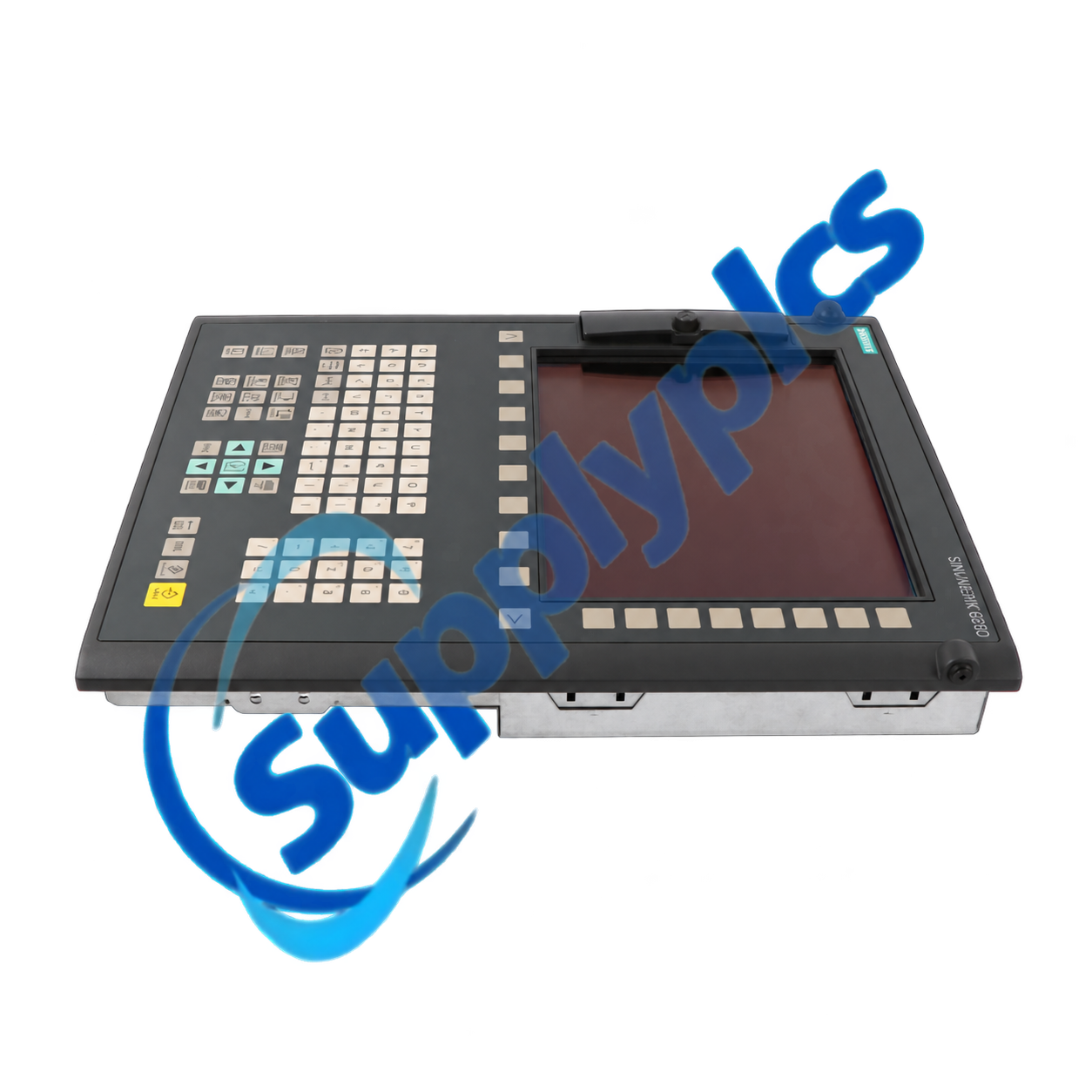
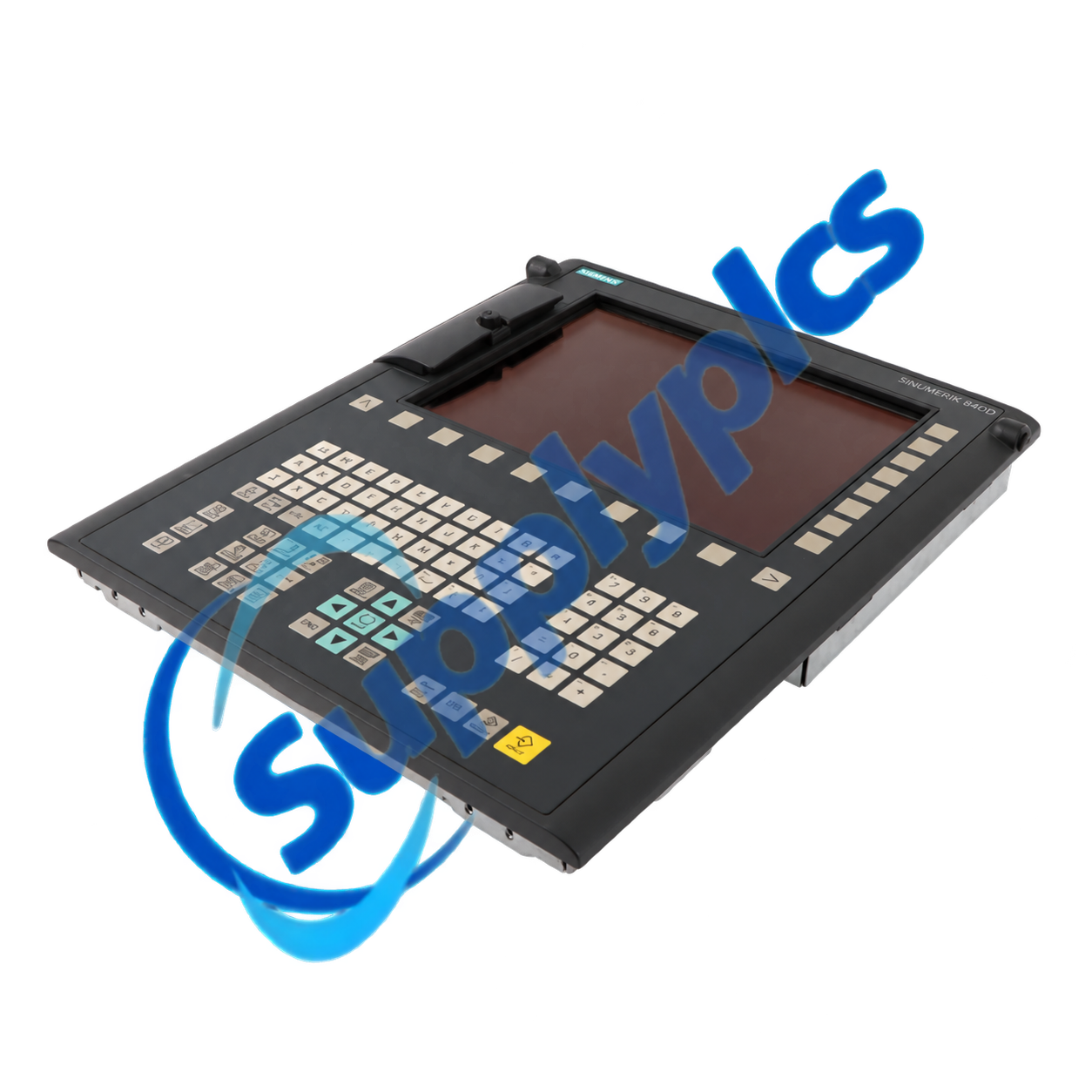
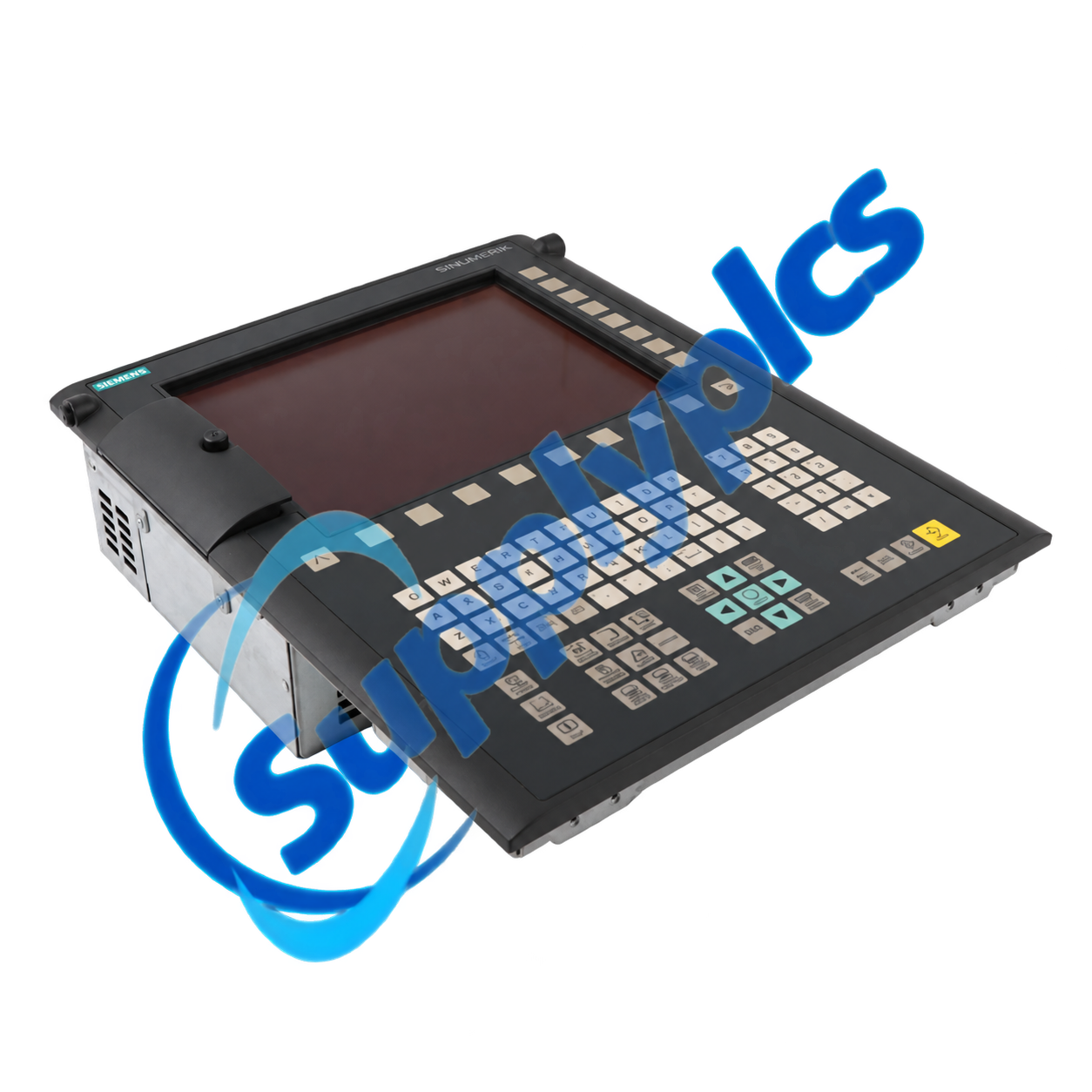
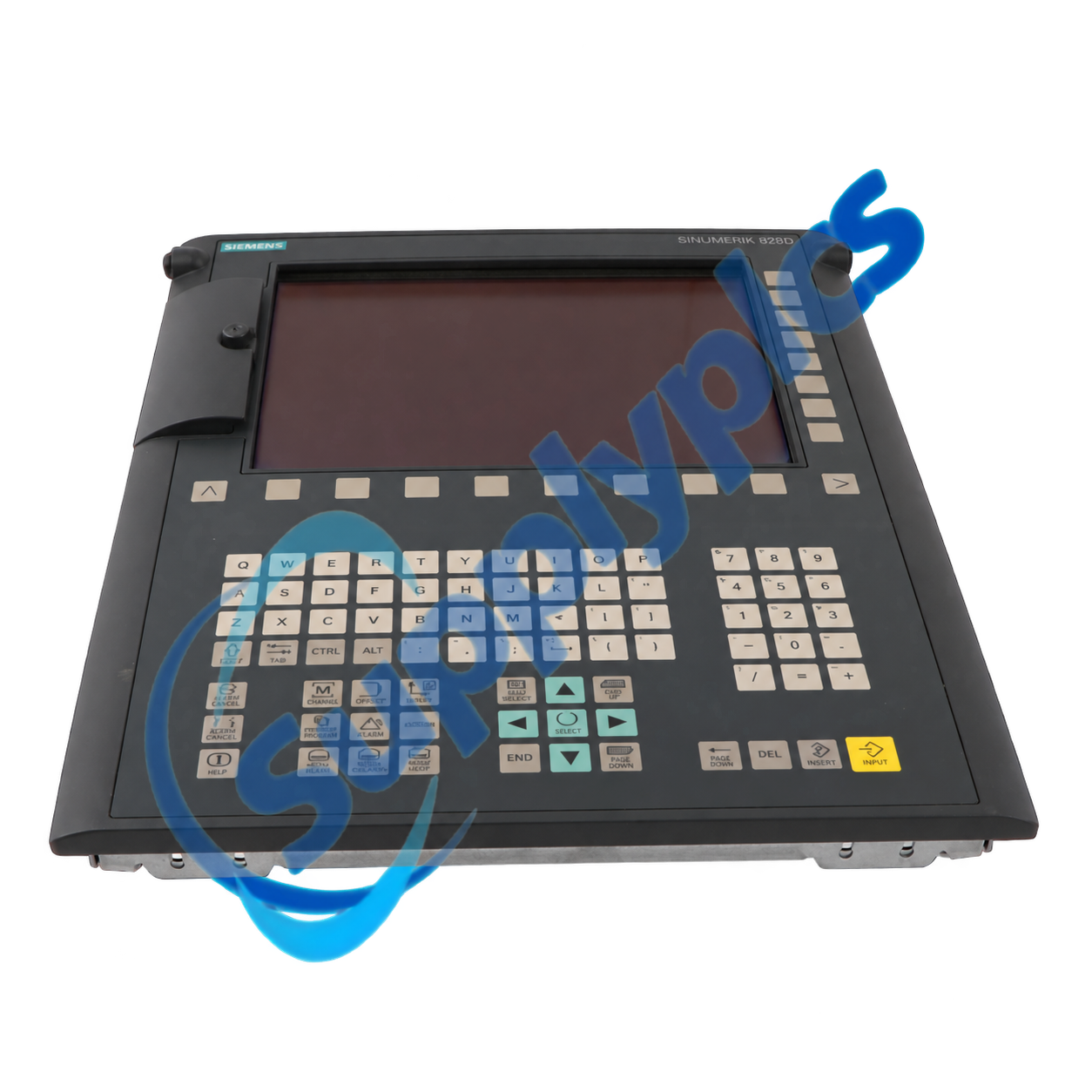
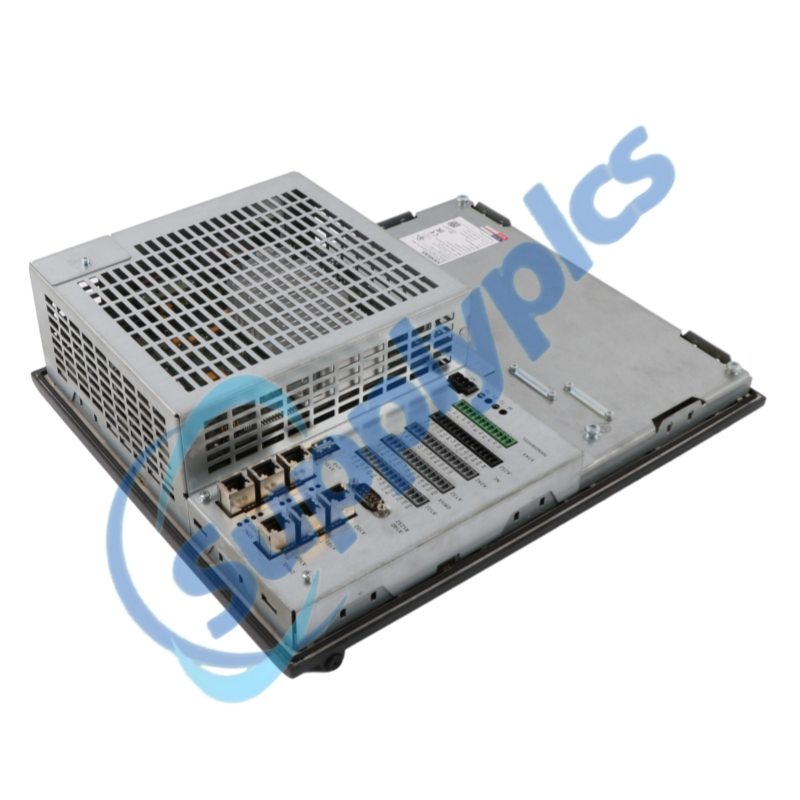
Siemens 6FC5370-8AA30-0WA0 is SINUMERIK 828D CNC hardware based on the vertical PPU 280.3 platform. It is supplied in OEM style without CNC software and provides functionality corresponding to PPU 280.3 hardware.
Because CNC software is not included, procurement and commissioning must be based on the machine builder's archive, license records, software release and hardware configuration. Verify these items before treating the unit as a drop-in replacement.
This OEM-style PPU 280.3 is intended for machine builders or service teams that already control the required SINUMERIK software image and machine-specific configuration. The hardware must be integrated with the correct CNC, PLC, drive and operator data.
Before installation, confirm the vertical panel arrangement and the machine builder's approved recovery procedure. Retain the original storage media, licenses and commissioning archive until the replacement has completed a controlled functional test.
SupplyPLCs supports industrial automation buyers, maintenance teams and system integrators with model-specific sourcing and documentation assistance. Each quotation is checked against the complete order number, requested condition and destination requirements.
To reduce compatibility risk, send clear nameplate photos, installed hardware and software information, machine documentation and the required delivery date. These details help compare the requested item with available stock or a suitable successor before shipment.
Q1. How do I confirm that 6FC5370-8AA30-0WA0 is the correct OEM replacement for my vertical PPU 280.3?
Answer: Compare the full nameplate, vertical operator-panel arrangement, machine-builder release, connector layout, CNC software version and license package. Confirm in writing that the OEM hardware is approved for the existing machine.
Q2. What must I prepare before installing 6FC5370-8AA30-0WA0 when CNC software is not included?
Answer: Prepare a verified machine commissioning archive, approved CNC and PLC software, drive data, license records, network settings and recovery media. Do not remove the working unit until the restore procedure has been tested.
Q3. What should I check if 6FC5370-8AA30-0WA0 starts with a blank screen or does not complete booting?
Answer: Verify the 24 V supply and grounding, inspect storage media and connectors, confirm that the correct OEM software image is installed, and review any available diagnostic indicators before attempting another restore.
Q4. How can I resolve drive or PLC communication faults after commissioning 6FC5370-8AA30-0WA0?
Answer: Compare the restored topology, device names, addresses and firmware levels with the original archive; inspect DRIVE-CLiQ and PROFINET connections; then review CNC, PLC and drive alarms in a safe service state.
Q5. Which installation details should I inspect when mounting 6FC5370-8AA30-0WA0 in an existing machine panel?
Answer: Check the vertical opening, rear clearance, sealing surface, ventilation and connector access against the installed PPU. Correct cabinet distortion or damaged seals before the hardware is tightened in place.
Q6. What should I send a supplier when requesting 6FC5370-8AA30-0WA0 for an OEM-controlled machine?
Answer: Provide the nameplate, machine builder and serial number, current PPU and software releases, license status, commissioning-archive status, observed fault, required condition and delivery destination.
 EN
EN