Get a Free Quote

Our representative will contact you soon.
Email
Name
Mobile
Company Name
Message
0/1000
siemens 6gk1105 3aa10 simatic net esm itp80 switch-0

SIMATIC S7 Series

Home >  Products >  SIEMENS >  SIMATIC S7 Series

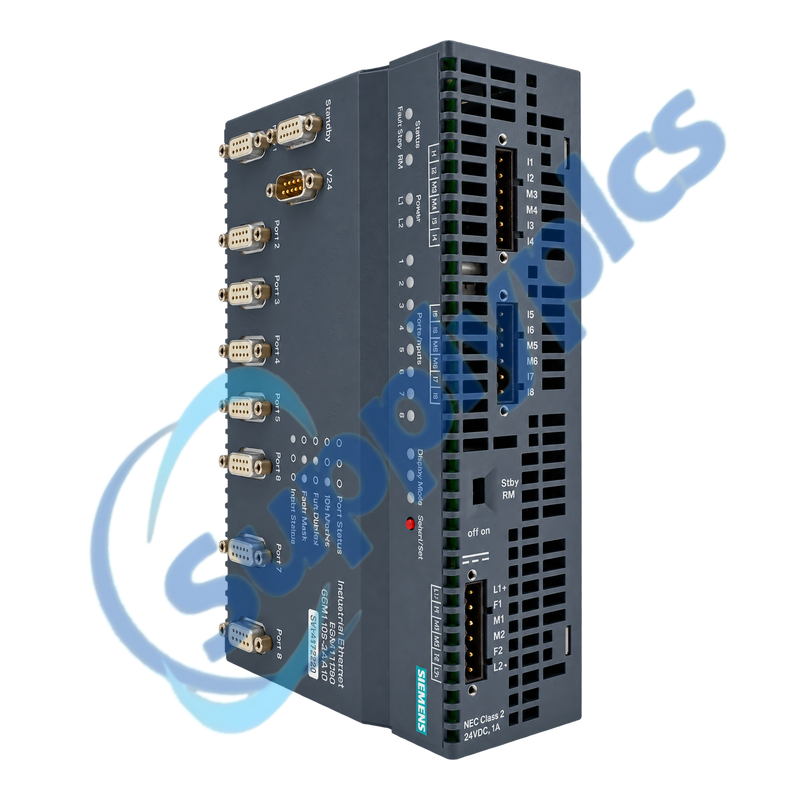
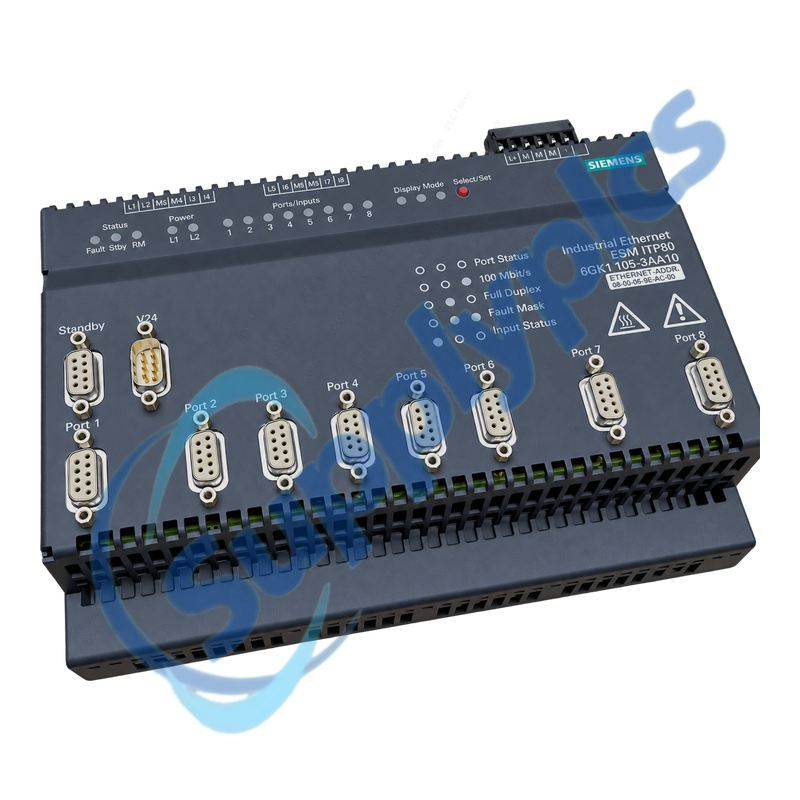
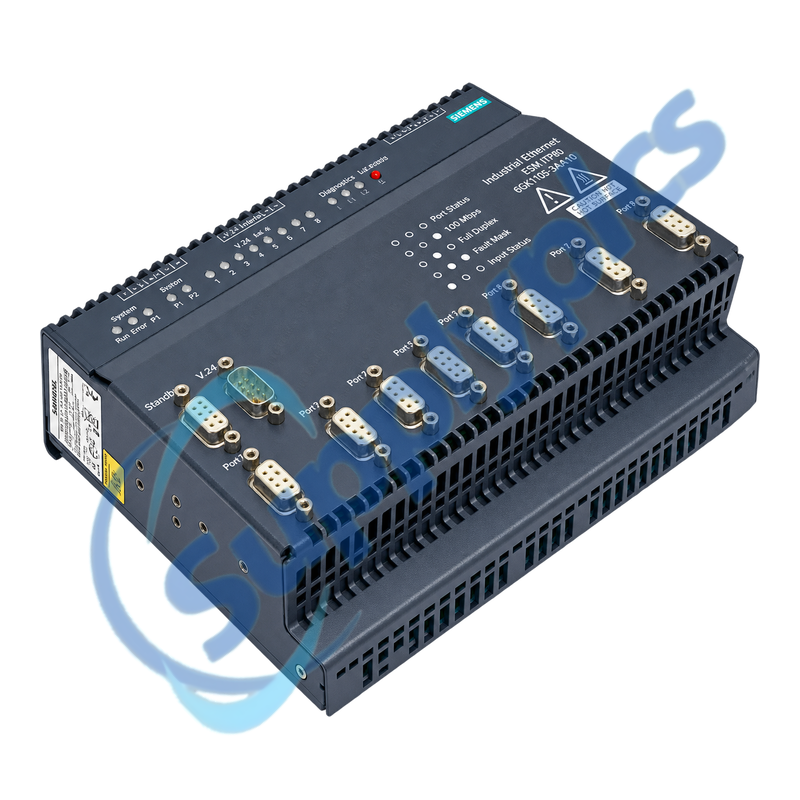
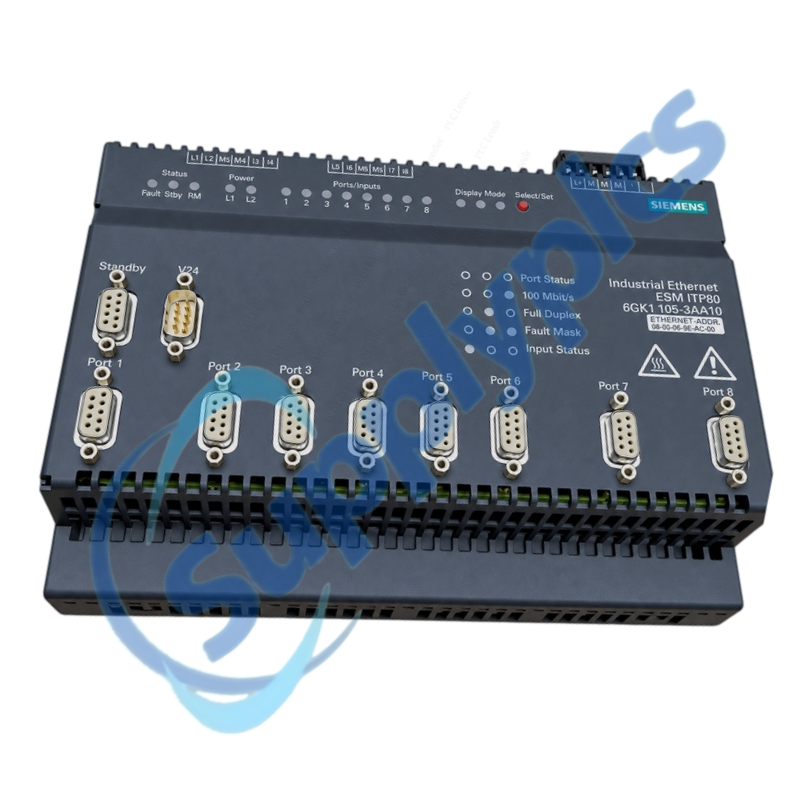
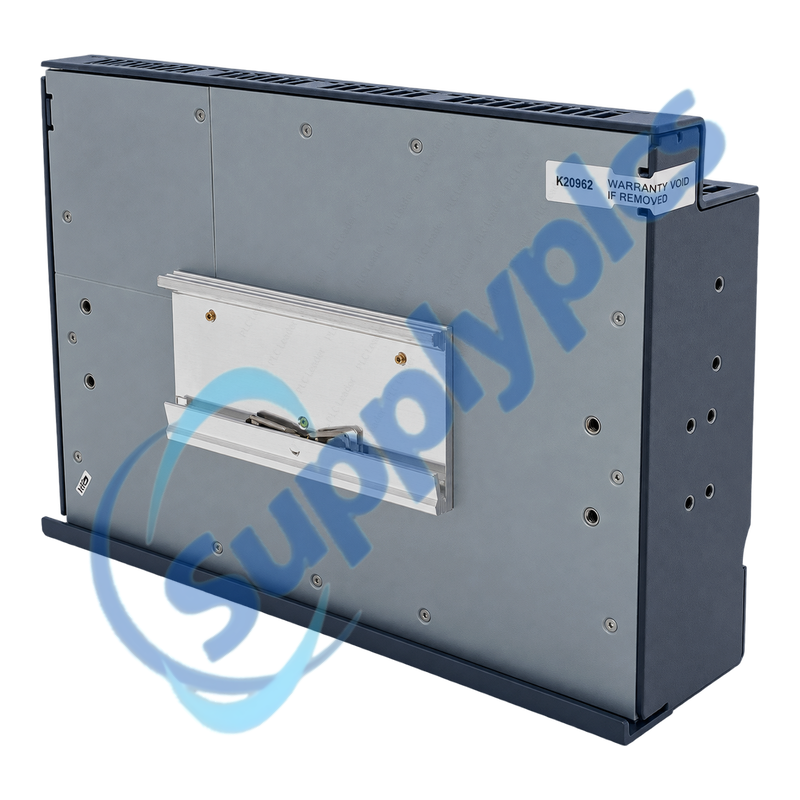
Siemens 6GK1105-3AA10 SIMATIC NET ESM ITP80 Switch

Product Name: SIMATIC NET ESM ITP80 Industrial Ethernet Switch
Brand Name: Siemens
Model Number: 6GK1105-3AA10
Place of Origin: Germany
Warranty: 12 Months
Whatsapp: +86 18020776782
Appurtenance:
  • Overview
  • Network Design
  • Description
  • Fault Isolation
  • Specifications
  • Commercial Term
  • Contact info
  • FAQ
  • Other Products
  • Recommended Products
Industrial Ethernet switch with eight 10/100 Mbit/s ITP Sub-D ports, digital inputs and network diagnostics
ITP topology check: Map all eight ITP ports, confirm whether ports 7 and 8 form a bus or ring coupling, record the redundant 24 V supply, digital-input assignments, alarm contact and management configuration, and verify legacy connector availability before replacement.
The ESM ITP80 connects up to eight devices or network segments through shielded ITP Sub-D9 ports. Ports 7 and 8 can couple additional modules for bus or ring structures, while digital inputs, LEDs, a signaling contact and management diagnostics support plant monitoring.

Network Design

A complete ITP port map and coupling plan prevents ring or bus faults when the switch is serviced.
Port inventory
Record the connected device, cable route, link speed and expected traffic for each of the eight ITP ports.
Coupling role
Document how ports 7 and 8 connect further ESMs and whether the installation uses a bus or ring structure.
Alarm signals
Label all eight digital inputs and the signaling contact and record how alarms are reported to the control system.

Description

6GK1105-3AA10 is the SIMATIC NET ESM ITP80 for legacy Industrial Ethernet installations using 9-pin ITP Sub-D connections. It supports eight autonegotiating 10/100 Mbit/s ports in an IP20 metal enclosure.
Before servicing 6GK1105-3AA10, label each network segment and digital input and save the available management settings. Restore power, local links and alarm behavior first, then reconnect any ring or parallel path under controlled monitoring.

Fault Isolation

Separate supply, physical-link, topology and management checks before replacing the complete switch.
Supply check
Measure both 24 V feeds and inspect the signaling contact before disconnecting network segments.
Link evidence
Record port LEDs and management information, then test the affected ITP cable and connector without moving every link.
Reset control
Use the Select/Set factory reset only after configuration evidence is saved and a restoration method is available.

Specifications

Product type designation SIMATIC NET ESM ITP80
Order number 6GK1105-3AA10
Ethernet ports 8 x ITP Sub-D9, 10/100 Mbit/s
Port negotiation Autonegotiation and autocrossover
Coupling ports Ports 7 and 8 for bus or ring structures
Digital inputs 8 x 24 V DC inputs
Power supply 24 V DC with redundant inputs
Diagnostics LEDs, signaling contact and management information
Operating temperature 0 to +60 degrees C
Protection IP20
Dimensions 217 x 161 x 69 mm
Weight Approximately 1.4 kg

Commercial Term

Quotation
Current price and availability
Payment
T/T or agreed terms
Lead time
Confirmed with quotation
Shipping
DHL, FedEx, UPS or agreed freight
Warranty
12 months

Contact info

FAQ

Q1
How can I confirm that 6GK1105-3AA10 fits the existing ITP network?
Verify the exact ESM ITP80 article, eight Sub-D9 ITP connections, 10/100 Mbit/s links, 24 V supply, cabinet space and use of ports 7 and 8. Preserve the full port and digital-input map.
Q2
How should ports 7 and 8 on 6GK1105-3AA10 be handled during replacement?
Treat them as possible coupling links to further ESM modules. Document the current bus or ring topology and link state, keep parallel paths controlled during startup and confirm stable communication before closing the final coupling path.
Q3
What installation checks are required for 6GK1105-3AA10?
Confirm IP20 cabinet protection, mounting space, protective grounding, both 24 V DC inputs, ITP connector retention and separation of communication cables from interference sources. Label every cable before removal.
Q4
How can intermittent network faults on 6GK1105-3AA10 be diagnosed?
Check supply stability, port LEDs, signaling contact, digital-input events and available management records. Inspect the affected Sub-D connector, ITP cable and shield, then determine whether the fault follows a port, cable or device.
Q5
When should the factory reset be used on 6GK1105-3AA10?
Use the Select/Set reset only when the approved procedure calls for it and the current settings have been documented. A reset can remove configuration needed for management, alarms or topology, so prepare the restoration steps first.
Q6
Can 6GK1105-3AA10 be replaced directly by a modern RJ45 switch?
Do not assume a direct replacement. Review ITP-to-RJ45 cabling, ring behavior, digital inputs, alarm contact, management functions, cabinet mechanics, grounding and the complete topology before engineering a migration.

Other Products

6ES5460-4UA13 4269-593 REV:03 001-PCOUT-000
375010 ic.1dr6640 DR6640-A SB-DN-D0403 HDL-MD0403.232
MA1578A DIV.2 H117-358 K1241
FTD110DBMicro OPT8-M9 PCB/DIOS002 BJ0002G2A
7711UC-HD PT220-256L-DNET RIA141X-EA
ABB/BBC HEIE420318R3 XT375A-E hdl-msp2400.232 D40/D90X23
559-3800 PAXCDL10 MA1479A
UGC8000 59212-00 RF432
ABB ALS-1 ALS-1/DLS-1 1615C51G ABB DO801 3BSE020510R1 6GK7243-1JX30-0XE0
R0F1314228/5 TVM113-013 R3 EXP-2200 LBL-EXP2200 XG-E700

Get a Free Quote

Our representative will contact you soon.
Email
Name
Mobile
Company Name
Message
0/1000

Get a Free Quote

Our representative will contact you soon.
Email
Name
Mobile
Company Name
Message
0/1000