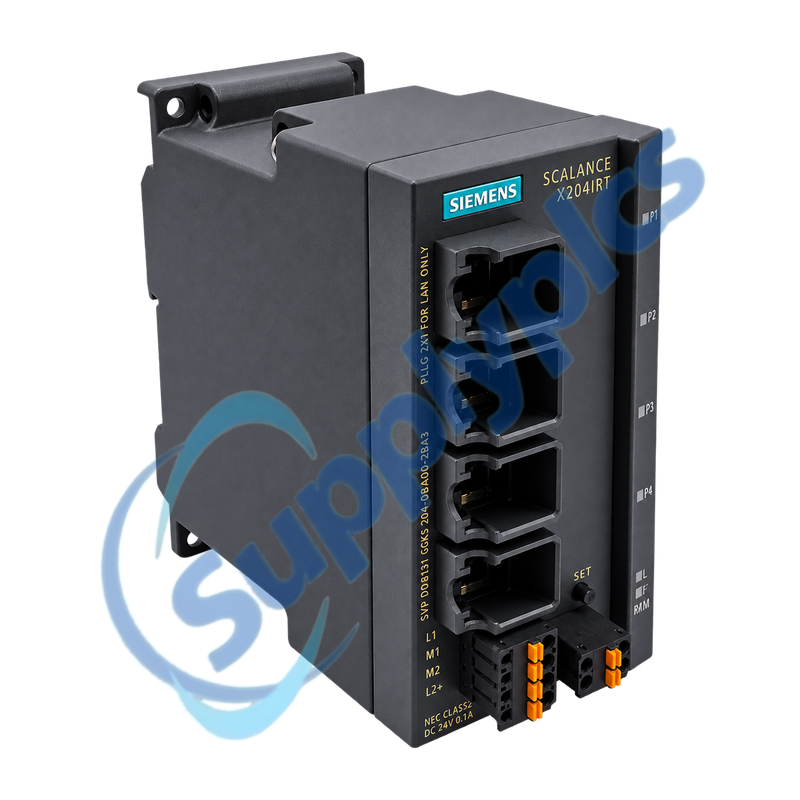
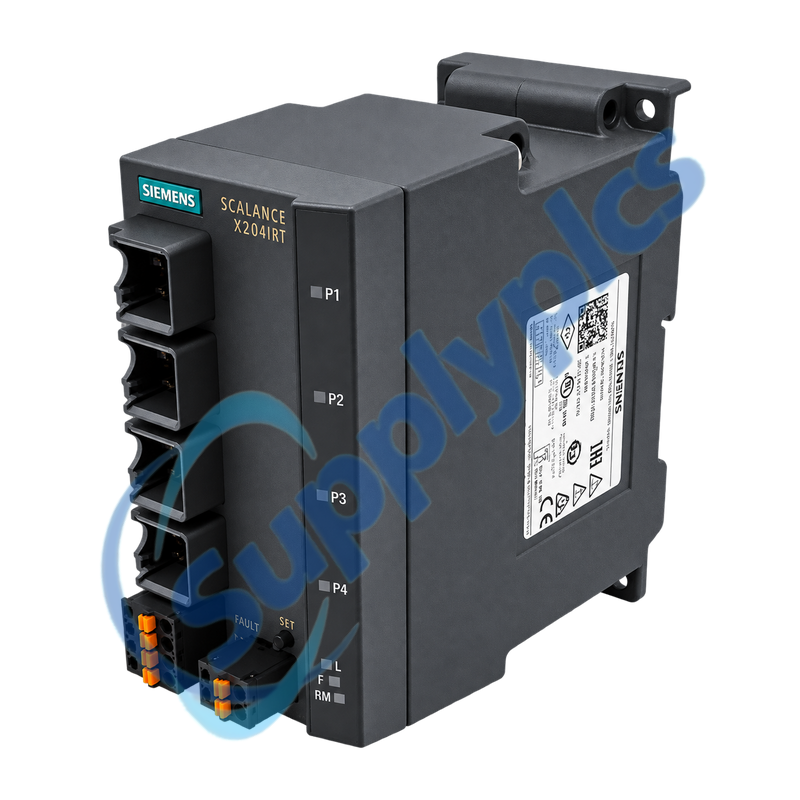
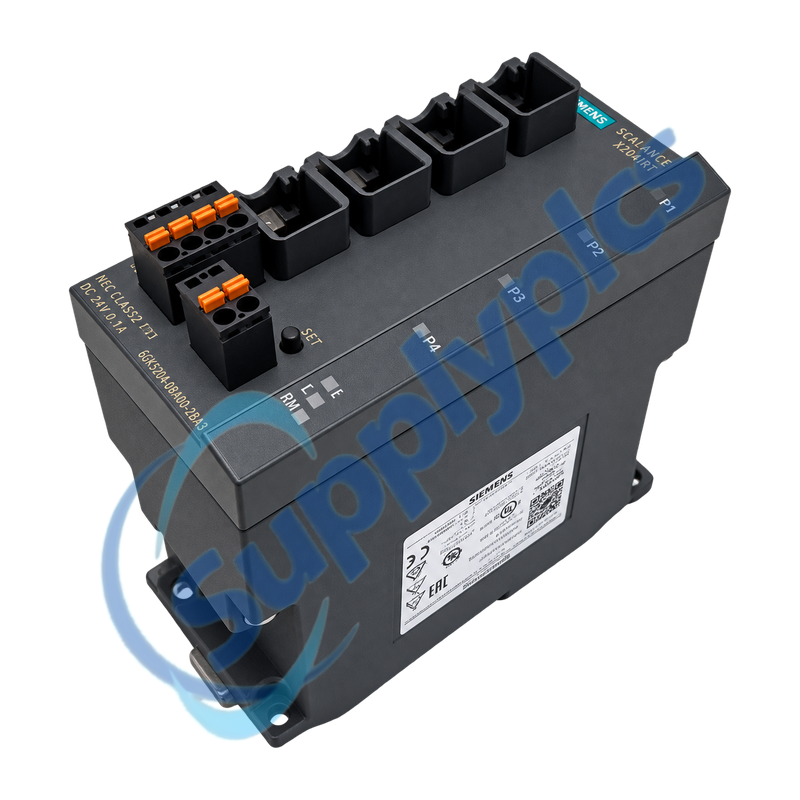
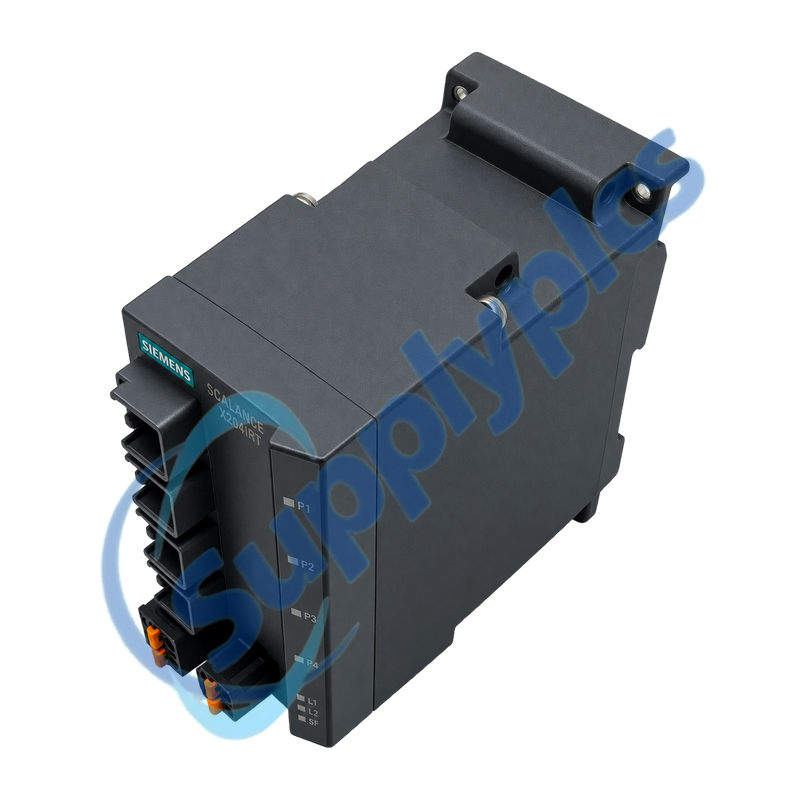
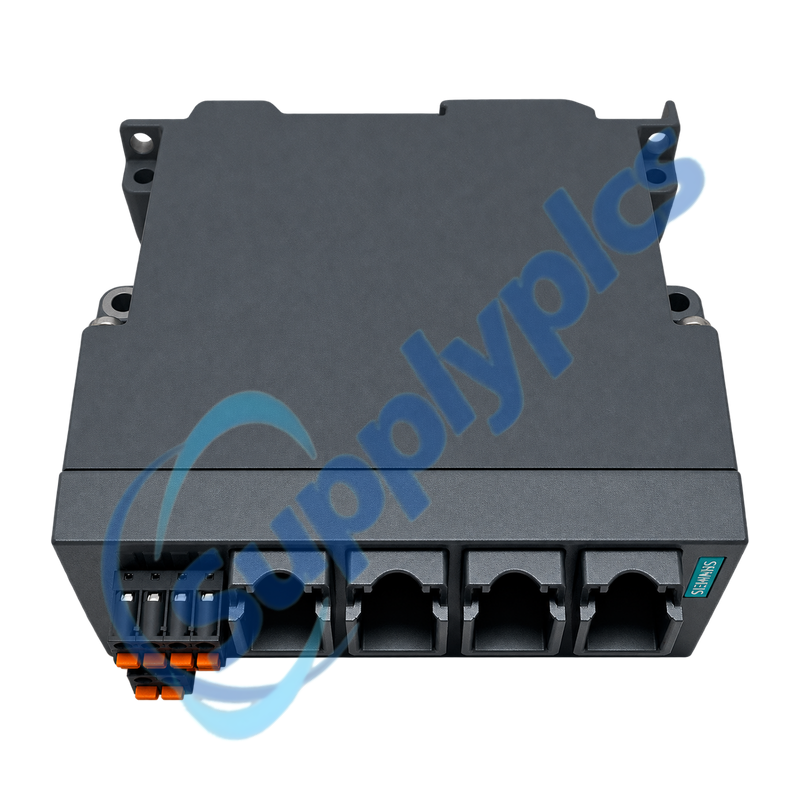
Four-port managed Industrial Ethernet switch for PROFINET IRT, deterministic automation and resilient ring networks
The SCALANCE X204IRT provides four 10/100 Mbit/s RJ45 ports with PROFINET IO diagnostics, Industrial Real-Time and network-management functions. Redundant power, a signaling contact, integrated redundancy management and optional C-PLUG storage support controlled replacement in automation networks.
IRT configuration check: Back up the switch configuration and record the PROFINET device name, IP settings, firmware, IRT topology, ring role, VLANs, C-PLUG ownership, port map, supplies and signaling contact before service.
IRT Integration
6GK5204-0BA00-2BA3 is a managed SCALANCE X204IRT switch with four Fast Ethernet copper ports for PROFINET and real-time automation networks. It can be integrated as a PROFINET IO device and supports web, command-line and SNMP management.
Deterministic communication and ring recovery depend on more than physical port count. The configured topology, device name, IRT project, redundancy role and C-PLUG data must agree with the controller project and neighboring devices after replacement.
The switch configuration and controller topology must agree for deterministic PROFINET communication to recover correctly.
Topology record
Save the port-by-port device map, PROFINET device name, IP data and the IRT topology from the engineering project.
Ring role
Record whether the switch is manager, client or part of a PRP path and capture the expected recovery behavior before replacement.
C-PLUG handling
Identify whether a C-PLUG is installed and preserve configuration ownership; do not move it between devices without the documented service procedure.
Service Diagnostics
Use port status, PROFINET diagnostics and management logs to isolate physical, configuration and redundancy faults.
Port errors
Review link state, speed, error counters and the connected cable or device before moving a suspected fault to another port.
Device-name fault
Compare the configured PROFINET name and IP address with the controller project when the switch is physically online but not accepted.
Recovery events
Correlate ring or redundancy alarms with topology changes, partner-port state and power events rather than clearing logs immediately.
How should an engineer confirm that 6GK5204-0BA00-2BA3 can replace the installed IRT switch?
Match the complete order number, four copper-port layout and firmware support, then compare PROFINET device name, IP settings, IRT topology, ring role, VLANs and C-PLUG use with the active switch and controller project.
Q2
What should be backed up before replacing 6GK5204-0BA00-2BA3 during a planned shutdown?
Export the switch configuration and save the firmware version, users, certificates, port settings, VLANs, redundancy and PROFINET data. Record the cable map, both power inputs, signaling contact and C-PLUG state.
Q3
Why can 6GK5204-0BA00-2BA3 pass ordinary Ethernet traffic but still report a PROFINET fault?
The device name, IP assignment or configured IRT topology may not match the controller project even though basic switching works. Compare online PROFINET diagnostics and port topology before changing cables or hardware.
Q4
How should technicians investigate ring recovery alarms on 6GK5204-0BA00-2BA3?
Confirm the configured redundancy protocol and role, then inspect both ring paths, partner ports and event logs. Compare the actual port topology with the saved design and check whether a power or cable event preceded the alarm.
Q5
What should be checked if 6GK5204-0BA00-2BA3 powers up but the saved configuration does not load?
Verify whether the configuration is stored internally or on a C-PLUG and whether the plug belongs to this device and firmware family. Review C-PLUG and system diagnostics before initializing or overwriting any storage.
Q6
How can a port-specific communication fault on 6GK5204-0BA00-2BA3 be isolated without disrupting the IRT network?
Read link state and error counters, inspect the assigned cable and partner device and compare with the port map. Avoid moving IRT or ring connections casually because changing topology can create additional controller and redundancy faults.

 EN