Get a Free Quote

Our representative will contact you soon.
Email
Name
Mobile
Company Name
Message
0/1000
siemens 6gk5204 2bc10 2aa3 scalance x204 2ld managed ethernet switch-0

SIEMENS

Home >  Products >  SIEMENS

Siemens 6GK5204-2BC10-2AA3 SCALANCE X204-2LD Managed Ethernet Switch

Product Name: SCALANCE X204-2LD Managed Ethernet Switch
Brand Name: Siemens
Model Number: 6GK5204-2BC10-2AA3
Place of Origin: Germany
Warranty: 12 Months
Whatsapp: +86 18020776782
Appurtenance:
  • Overview
  • Description
  • Network Commissioning
  • Specifications
  • Contact info
  • Commercial Term
  • About Company
  • FAQ
  • Other Products
  • Recommended Products
AT A GLANCE
Managed Copper and Long-Distance Fiber Connectivity

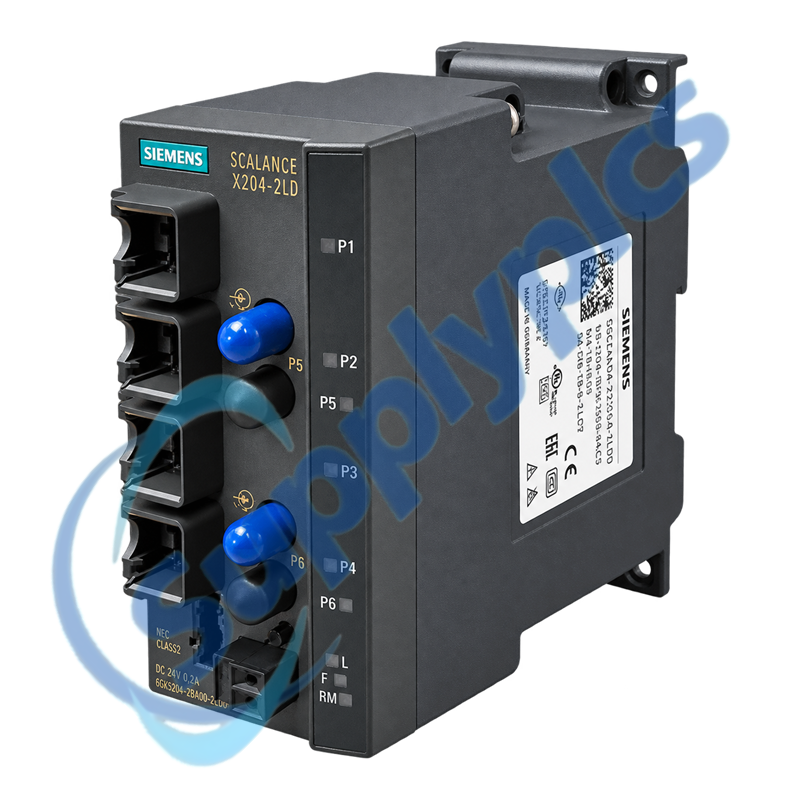
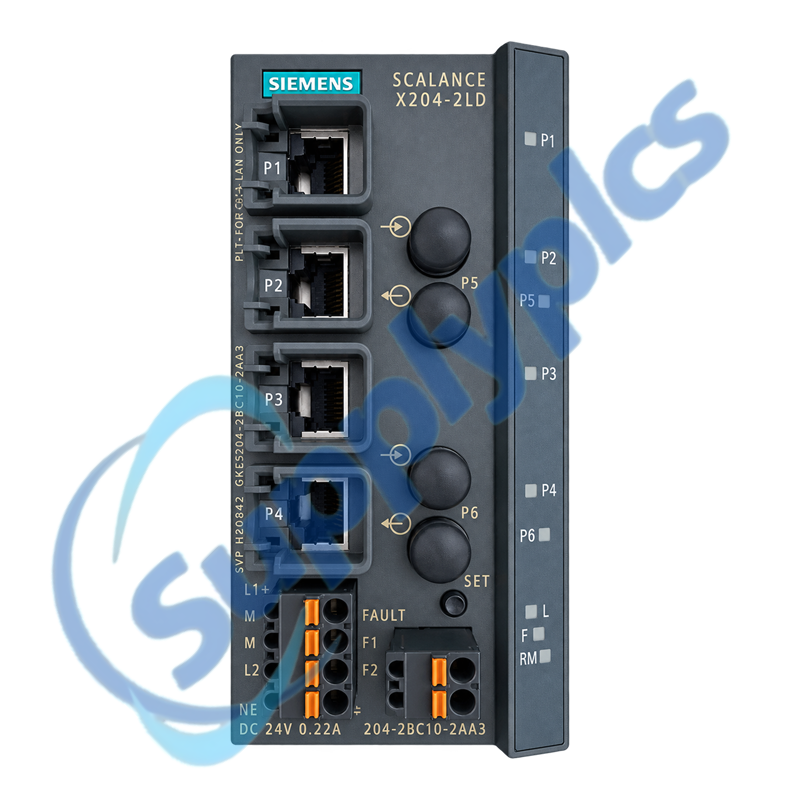
Siemens 6GK5204-2BC10-2AA3 is a SCALANCE X204-2LD managed Industrial Ethernet switch with four 10/100 Mbit/s RJ45 ports and two 100 Mbit/s single-mode BFOC fiber ports.

Selection checkpoint: Confirm the single-mode fiber type, BFOC connector condition, optical budget, ring role, power redundancy and saved switch configuration before replacement.

Description

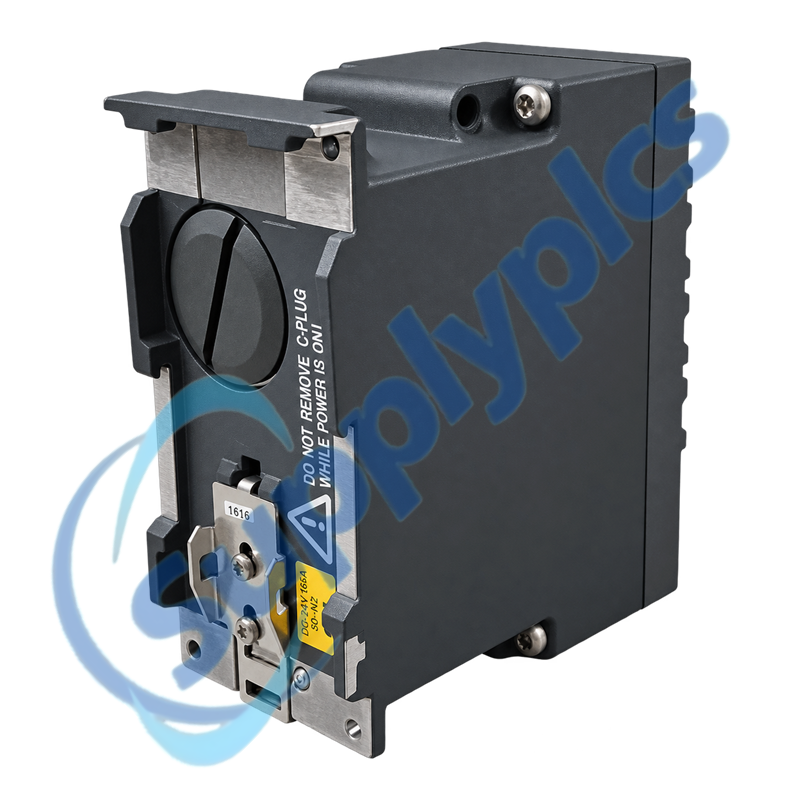
The X204-2LD combines copper access ports with two long-distance single-mode fiber paths. It supports managed-network functions, a signaling contact, redundant 24 V DC power input and an optional C-PLUG for configuration storage.
For replacement or migration, preserve the port map, VLAN and redundancy settings, firmware information and optical-link details. The LD fiber variant must not be confused with visually similar multimode versions.

Network Commissioning

01
Fiber verification
Match single-mode fiber, BFOC connectors, Tx/Rx direction and the documented optical budget.
02
Port-map capture
Label every copper and fiber destination before moving cables to another switch.
03
Configuration archive
Save firmware, VLAN, redundancy, diagnostics and management settings before replacement.
04
Power supervision
Test both 24 V DC feeds and the signaling contact under the intended alarm logic.

Specifications

Product type designation
SCALANCE X204-2LD managed IE switch
Article number
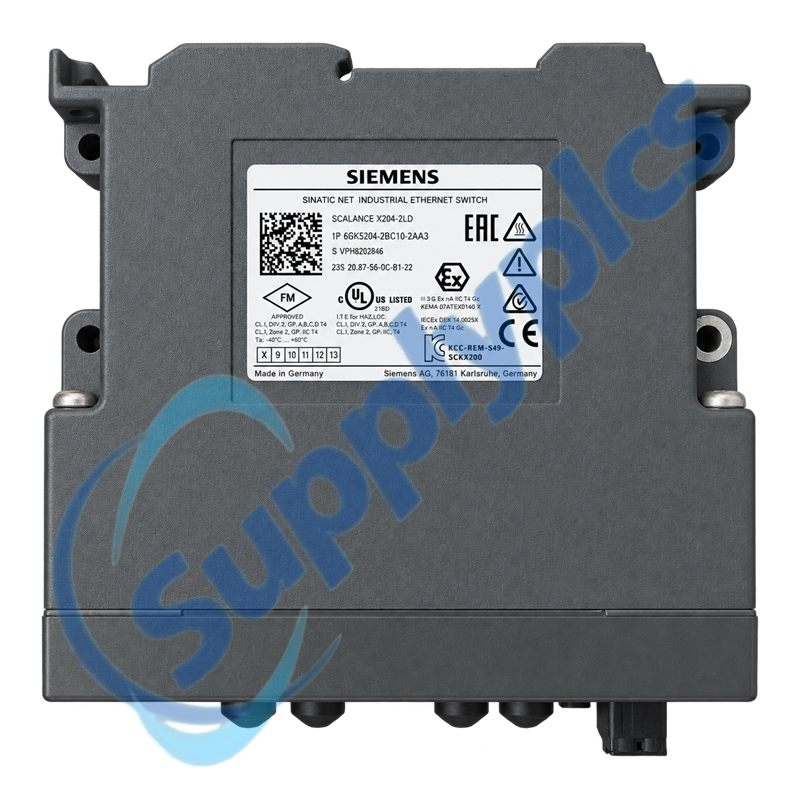
6GK5204-2BC10-2AA3
Copper ports
4 × RJ45 at 10/100 Mbit/s
Fiber ports
2 × BFOC at 100 Mbit/s, single-mode
Optical range
Up to 26 km, subject to the fiber and link budget
Supply voltage
24 V DC; external range 18 V to 32 V
Redundant power input
Supported
Maximum current consumption
0.265 A
Power loss at 24 V DC
6.36 W
Operating temperature
-40 °C to +60 °C
Protection rating
IP30
Configuration storage
Optional C-PLUG
Mounting
35 mm DIN rail, wall or S7-300 rail

Contact info

Commercial Term

Quotation
Current price and availability
Payment
T/T or agreed terms
Lead time
Confirmed with quotation
Shipping
DHL, FedEx, UPS or agreed freight
Warranty
12 months

About Company

Exact-model review
We review the full order number and installed-system context before quotation.
Condition coordination
Availability and product condition are confirmed for the requested unit.
Global delivery support
Shipping options and available official documentation are coordinated with the destination.

FAQ

Q1
How do I confirm that 6GK5204-2BC10-2AA3 fits the existing fiber network?
Verify that the installed unit is the X204-2LD single-mode BFOC version, then document fiber type, connector condition, route length and optical budget. Match both fiber partners and their transmit/receive directions before moving any patch lead.
Q2
Why can an optical link remain inactive after installing 6GK5204-2BC10-2AA3?
Confirm that both ends use compatible single-mode 100 Mbit/s optics, clean and inspect the BFOC connectors, and check Tx-to-Rx crossover. Review port status and fiber attenuation, then isolate one link at a time before changing the switch configuration.
Q3
How should I preserve the network settings before replacing 6GK5204-2BC10-2AA3?
Export or record the firmware version, IP settings, VLANs, redundancy role, fault-mask settings and port assignments. If a C-PLUG is fitted, document its use and follow the approved transfer procedure instead of assuming every configuration will move automatically.
Q4
What should I check when 6GK5204-2BC10-2AA3 reports loss of redundant power?
Measure both 24 V DC feeds at the switch under load and verify the terminal-block polarity and 18 to 32 V operating range. Inspect the fault-signaling contact and its mask, then test each supply path separately without disturbing the live network.
Q5
How do I troubleshoot a ring that fails after changing 6GK5204-2BC10-2AA3?
Compare the saved ring-manager role, ring ports and firmware with the replacement configuration. Confirm the cable path and partner settings, prevent an uncontrolled loop, and reconnect the ring only after the open-chain traffic and diagnostics are stable.
Q6
What must be reviewed before migrating from 6GK5204-2BC10-2AA3 to a newer switch?
Siemens migration material identifies an XC206-2SFP-based path with suitable SFP modules, but it is not a blind drop-in exchange. Verify port count, fiber modules, mounting, power, configuration functions and redundancy behavior against the existing network before procurement.

Other Products

XF830A
SDI-OE-S
NA200T IZMX-RP16A-200
LFI520
4100LR12
SC200-00
SCD2200-RTU PS-22
IC200MDD844F
IC200MDL650L
ABB 1SDH001000R0505-B0821
BS6151 01 SP01
ZBRN2
FGR-002
AMAX-2241
8530D-I
THS710
105S-1
SC42-EP08
AMAX-2241/PMA
ADAP-KOOL
eWONx005CD
CH-LMD1
SP-0108-H2
ABB 2CDG110137R0011
IMD-IM20 / IM20DEMO
Abb 3BSE038226R1
SWH-4200
ABE7 P16T334
81672-01
LP/ 557-180-203

Get a Free Quote

Our representative will contact you soon.
Email
Name
Mobile
Company Name
Message
0/1000

Get a Free Quote

Our representative will contact you soon.
Email
Name
Mobile
Company Name
Message
0/1000