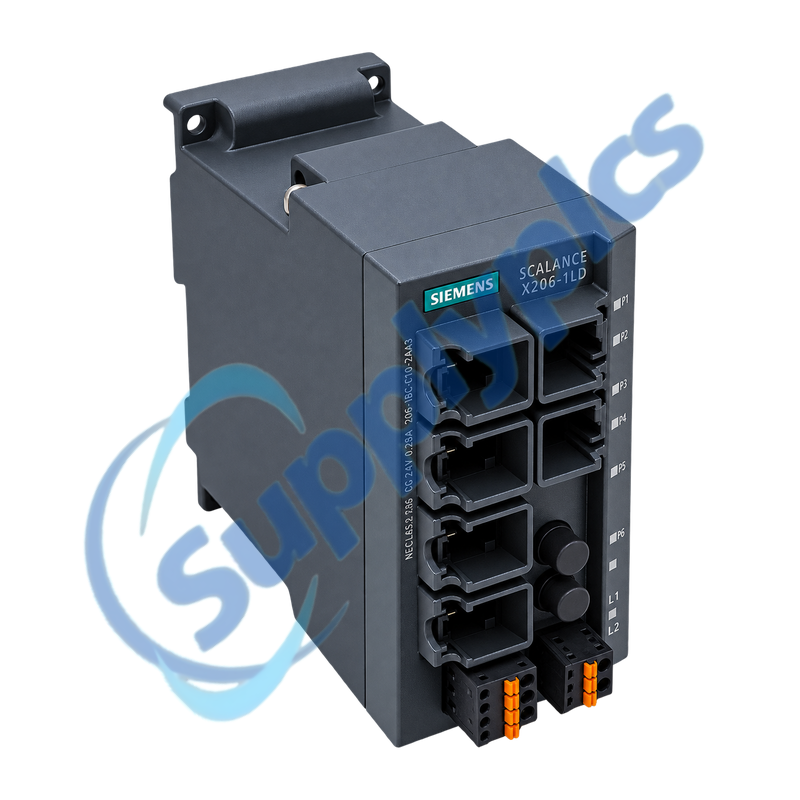
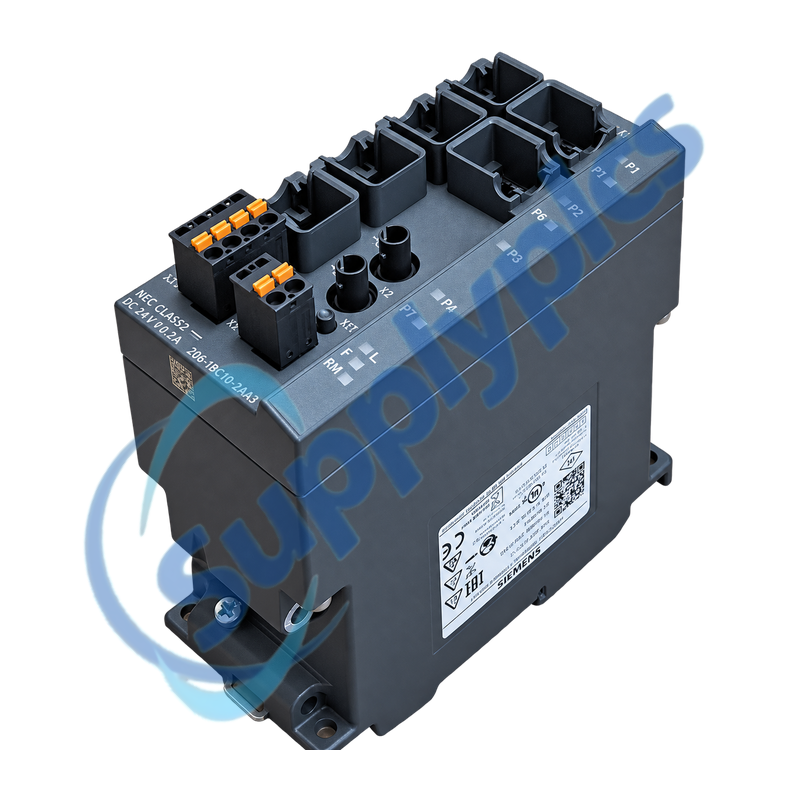
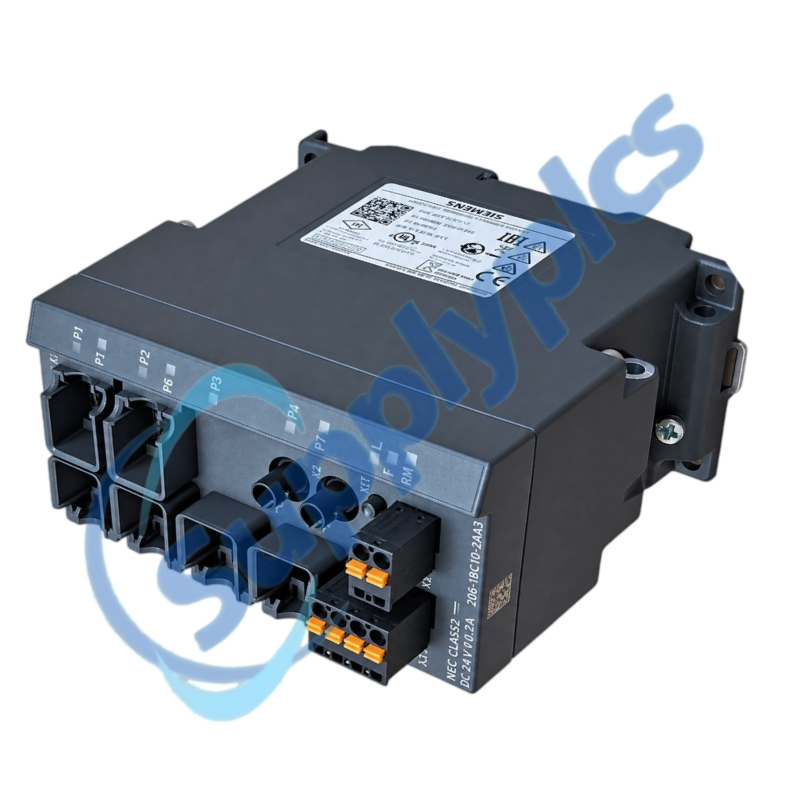
Managed Industrial Ethernet switch with six copper ports and a long-distance single-mode optical uplink
The SCALANCE X206-1LD combines six 10/100 Mbit/s RJ45 ports with one 100Base-LX BFOC optical interface for single-mode links up to 26 km. Managed functions, redundant 24 V DC inputs, a signaling contact and C-PLUG configuration storage support plant-network service and replacement.
Optical and configuration match: Confirm single-mode fiber, BFOC connectors, optical budget and partner port, then preserve the port map, VLAN and redundancy settings, firmware, C-PLUG ownership, supply inputs and signaling-contact assignment.
Optical Network
6GK5206-1BC10-2AA3 is the SCALANCE X206-1LD managed switch for mixed copper and long-distance optical Industrial Ethernet. Its six RJ45 ports connect local 10/100 Mbit/s devices, while the single 1310 nm 100Base-LX optical channel supports a single-mode path up to 26 km under the specified link conditions.
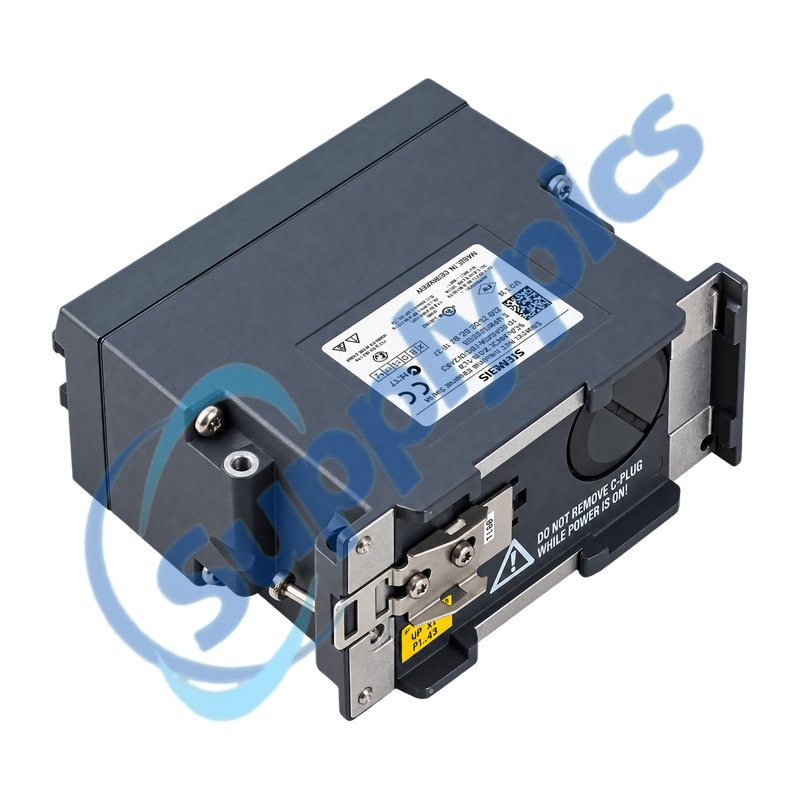
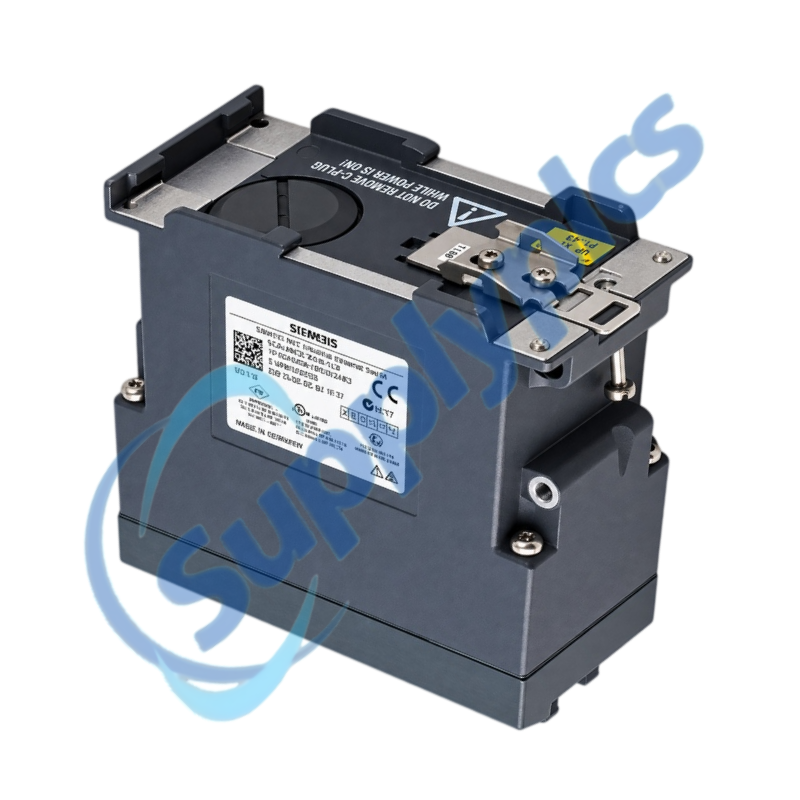
The switch can retain configuration data on a C-PLUG, which is valuable during a controlled exchange but also creates a version boundary. Moving a C-PLUG from an older X206-1LD requires the supported migration path, and restoring settings without a valid plug requires the archived configuration and documented port map.
The LD uplink is a single-mode 100Base-LX path and must be engineered as an optical link, not only matched by connector shape.
Fiber and partner
Use single-mode glass fiber and a compatible 1310 nm 100Base-LX partner; multimode fiber or an unsuitable transceiver is not an equivalent link.
Link budget
Include fiber length, splices, patch panels, connector loss and receiver limits when evaluating the stated maximum distance.
Port isolation
When the optical port remains inactive, inspect both fiber directions and the partner port before changing VLAN or redundancy settings.
C-PLUG Recovery
Configuration migration should preserve both the managed settings and the physical port responsibilities.
Supported migration
A C-PLUG from the earlier 6GK5206-1BC00-2AA3 can be accepted by the newer variant, but the transfer is one-way and requires the supported procedure.
Port map
Label all six copper devices and the optical partner, including VLAN, ring role and management address, before any cable is moved.
Fault separation
Use port LEDs, signaling contact, event log and management diagnostics to distinguish media loss, power redundancy and configuration faults.
How can a network engineer confirm that 6GK5206-1BC10-2AA3 matches the installed optical link?
Verify the X206-1LD label, single-mode fiber and BFOC connectors, then confirm that the partner port is 1310 nm 100Base-LX. Review total link loss and distance rather than selecting the switch only by connector appearance.
Q2
What should be recorded before replacing 6GK5206-1BC10-2AA3 in a managed plant network?
Export the configuration and event log, record the management address, VLAN and redundancy settings and label all six copper ports and the optical path. Photograph both 24 V DC inputs, signaling contact and C-PLUG orientation.
Q3
Can the C-PLUG from an older X206-1LD be moved into 6GK5206-1BC10-2AA3?
Siemens supports a one-way migration from the earlier 6GK5206-1BC00-2AA3 C-PLUG to this newer variant. Preserve a configuration backup and do not expect the migrated plug to remain usable in the older switch afterward.
Q4
Why can the optical port on 6GK5206-1BC10-2AA3 stay down after a switch replacement?
The usual causes are reversed transmit and receive fibers, a multimode or damaged path, an incompatible partner optic or excessive link loss. Check both fiber directions and partner status before modifying managed-switch settings.
Q5
How should a technician diagnose intermittent links on 6GK5206-1BC10-2AA3?
Correlate the event log, port LEDs and signaling-contact state with vibration, temperature and traffic. Inspect BFOC seating and fiber bends, review copper error counters and confirm that both 24 V DC inputs remain stable under load.
Q6
What information is most useful when requesting 6GK5206-1BC10-2AA3 for a long-distance replacement?
Provide the complete order number, firmware, C-PLUG status, single-mode fiber length and loss budget, connector type and partner transceiver. Include the copper port map, VLAN or ring role, management method and supply arrangement.

 EN