Get a Free Quote

Our representative will contact you soon.
Email
Name
Mobile
Company Name
Message
0/1000
siemens 6gk5738 1gy00 0aa0 scalance w738 1 m12 iwlan client-0

SIEMENS

Home >  Products >  SIEMENS

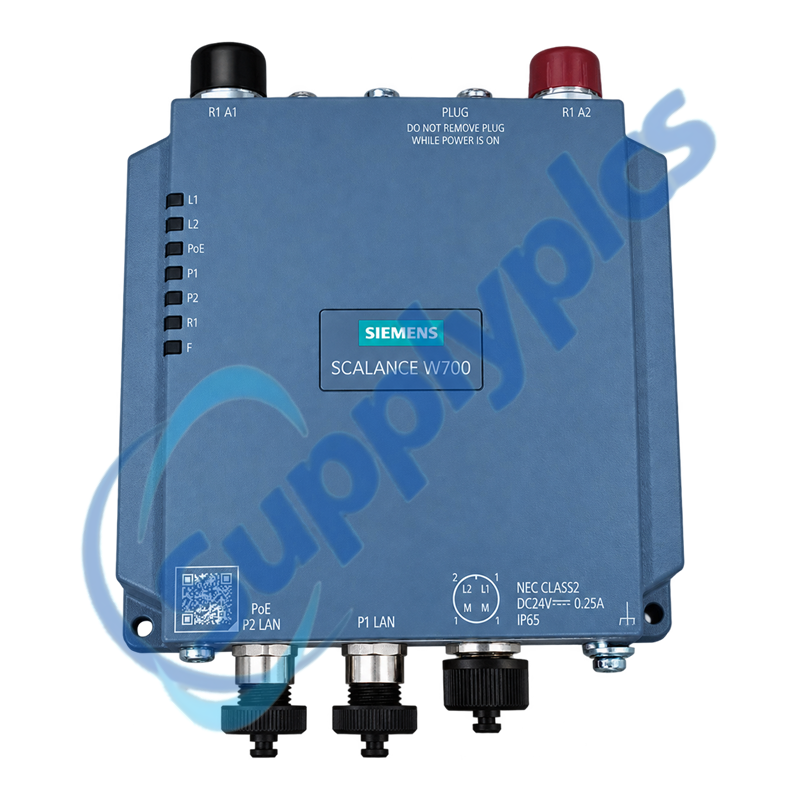
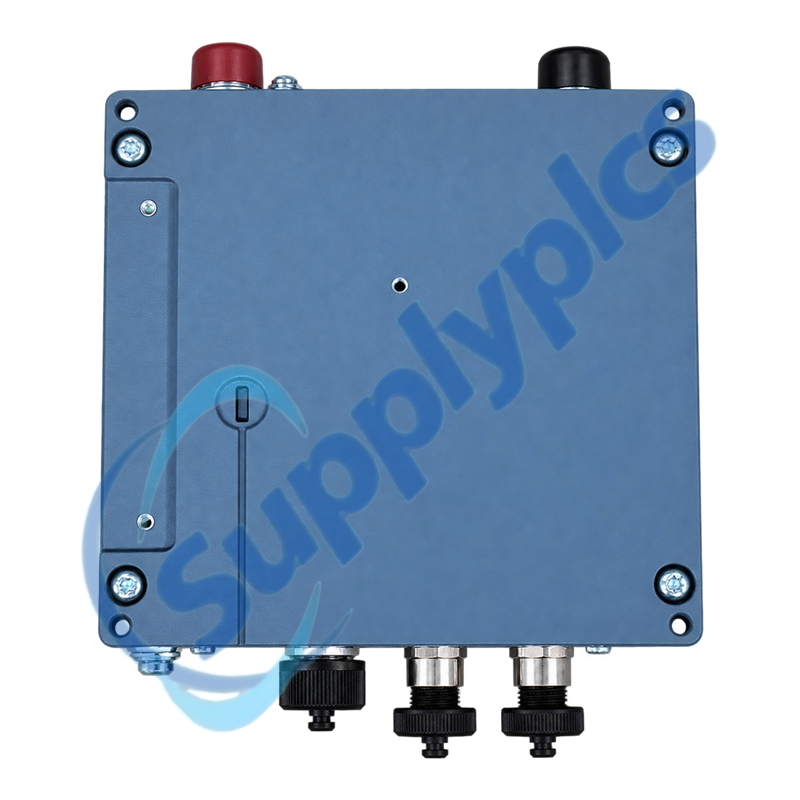
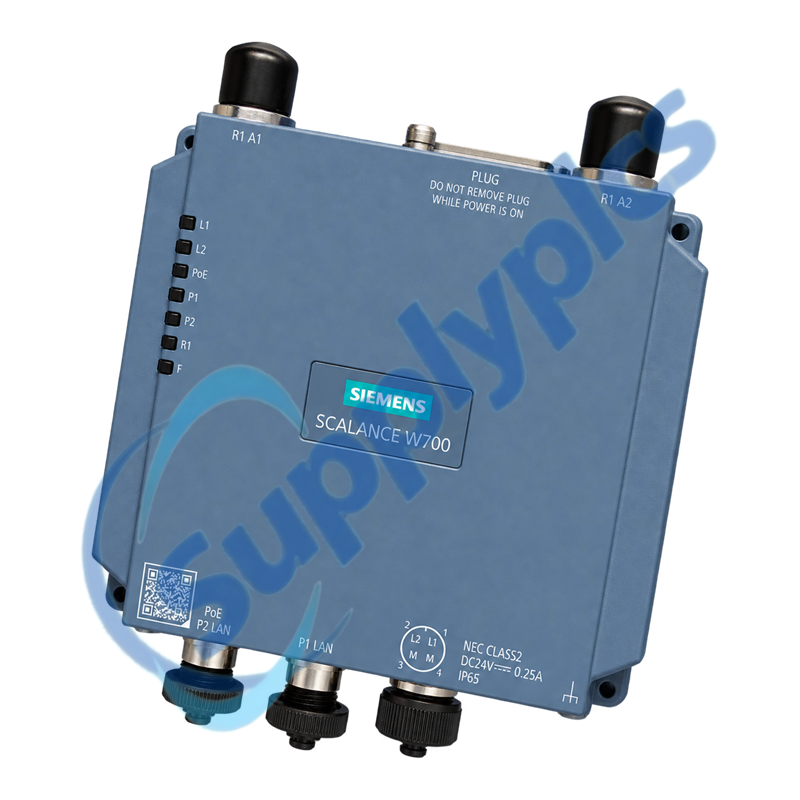
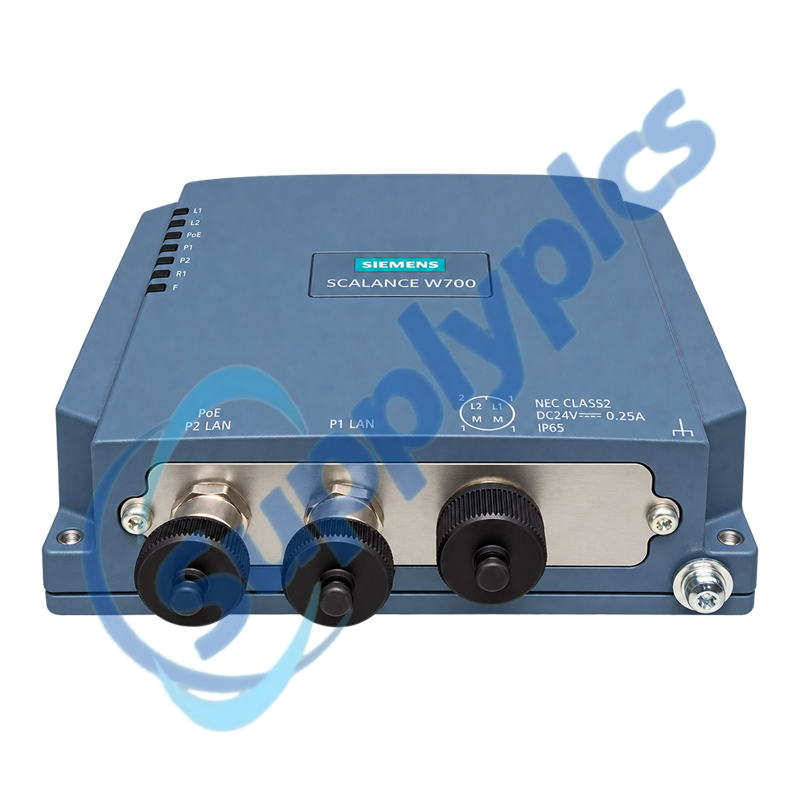
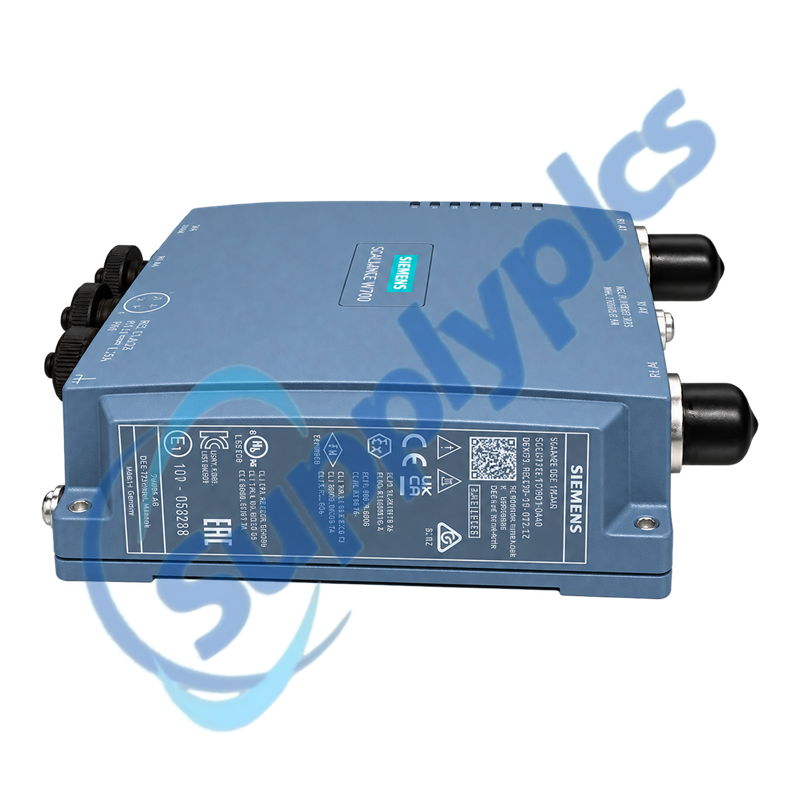
Siemens 6GK5738-1GY00-0AA0 SCALANCE W738-1 M12 IWLAN Client

Product Name: SCALANCE W738-1 M12 IWLAN Client
Brand Name: Siemens
Model Number: 6GK5738-1GY00-0AA0
Place of Origin: Germany
Warranty: 12 Months
Whatsapp: +86 18020776782
Appurtenance:
  • Overview
  • Communication & Connectivity
  • Description
  • Specifications
  • Installation Guidelines
  • Commercial Term
  • Contact info
  • FAQ
  • Other Products
  • Recommended Products
Rugged IP65 industrial WLAN client with dual M12 Ethernet, 2×2 MIMO and redundant power options
The SCALANCE W738-1 M12 connects mobile or remote Ethernet devices to industrial WLAN networks using one radio, two external antenna connections and IEEE 802.11a/b/g/h/n operation in 2.4 or 5 GHz bands.
Network review: Confirm that the application needs the W738 client variant rather than a W788 access point, then verify national radio approval, frequency band, antenna system, KEY-PLUG or C-PLUG data, PoE or 24 V supply and configured security before replacement.

Communication & Connectivity

The radio path, wired ports and stored configuration must be reviewed together when replacing an industrial WLAN client.
Radio design
Match the approved country setting, band, channel plan, antenna type, cable loss and roaming design.
Wired ports
Document both M12 Ethernet destinations, VLAN assignments, speed and duplex behavior and any PoE use.
Management data
Preserve IP settings, security credentials, certificates, SNMP and web or CLI configuration.

Description

6GK5738-1GY00-0AA0 is designed as an IWLAN client for industrial applications that require a rugged M12 connection and protected outdoor-style enclosure. It provides two 10/100 Mbit/s Ethernet ports and WLAN gross data rates up to 300 Mbit/s.
Reliable replacement depends on radio-country settings, antenna and cable losses, security credentials, VLAN and management parameters and the role stored on the removable plug. Record the complete network design before exchanging the device.

Specifications

Product type designation SCALANCE W738-1 M12 IWLAN client
Order number 6GK5738-1GY00-0AA0
Operating role Industrial WLAN client
Radio system One radio; 2×2 MIMO; two spatial streams
WLAN standards IEEE 802.11a/b/g/h/n
Frequency bands 2.4 GHz and 5 GHz
Maximum gross WLAN rate 300 Mbit/s
Ethernet interfaces Two M12 D-coded 10/100 Mbit/s ports with PoE support
Antenna connections Two N-Connect sockets
Configuration memory C-PLUG and KEY-PLUG supported
Degree of protection IP65
Operating temperature -20 to +60 °C
Dimensions / weight 140 × 160 × 45 mm; approximately 0.95 kg

Installation Guidelines

IP65 performance depends on correct M12, antenna and enclosure installation.
Connectors
Use the specified sealed connectors, torque and protective caps for every unused port.
Antenna placement
Maintain antenna separation, polarization, clearance and approved lightning or grounding measures.
Configuration plug
Confirm the C-PLUG or KEY-PLUG contents and licensing before moving it to the replacement device.

Commercial Term

Quotation
Current price & availability
Payment
T/T or agreed terms
Lead time
Confirmed by quotation
Shipping
DHL, FedEx, UPS or freight
Warranty
12 months

Contact info

FAQ

Q01
How should I verify that 6GK5738-1GY00-0AA0 is the correct replacement for my IWLAN station?
Confirm the W738 client role, complete order number, radio country approval, 2.4 or 5 GHz design, antenna connections, two M12 Ethernet ports, power method and installed C-PLUG or KEY-PLUG.
Q02
What should I back up before replacing 6GK5738-1GY00-0AA0?
Export the device configuration and record IP addressing, SSID, security and certificates, VLANs, roaming settings, country and channel configuration, antenna details, port assignments and plug contents.
Q03
Why can 6GK5738-1GY00-0AA0 see the WLAN but fail to pass traffic?
Check client authorization, security key or certificate, VLAN and IP settings, spanning-tree behavior, Ethernet port status and the configured client or bridge mode. Compare both radio and wired diagnostics.
Q04
What should I inspect when the radio link of 6GK5738-1GY00-0AA0 is unstable?
Review signal strength, interference, channel occupancy, antenna alignment and cable condition. Check M12 and N-Connect sealing, power stability, temperature and roaming thresholds before replacing hardware.
Q05
How should I handle the configuration plug when replacing 6GK5738-1GY00-0AA0?
Power down according to the maintenance procedure, identify the C-PLUG or KEY-PLUG and its license, then transfer it only to a compatible replacement. Verify the imported configuration before reconnecting the process network.
Q06
Which details should I provide when requesting 6GK5738-1GY00-0AA0 for an installed network?
Provide the full order number, firmware, country approval, client role, antenna and cable types, supply method, plug type, WLAN security method, network topology and clear label and connector photographs.

Other Products

MMC-120A-F000
KP551
7000005-679
UG-3-A4O
ABB 500MDD01 1KGT034200R001
POL945.00/MCQ
225629-007
45123-3
2791.00
QBE3000-D16、S55720-S178
80025-523-10
RL28-55-LAS-2840/47/115b
TT5000
GX1230
RS485
IC00P02DAL
FTS35-4011-22M
45123-9
MIC-1000
GE IC200ALG431F GE IC200CHS002D
DPI 705
AT-IR-CS-TX
LFC7510
19A3716X022
SAL31.00T10
571125022 I4DVW-0000
FW-325
ABB PM554-TA1 1TNE968900R0100
MSR2
PCX924

Get a Free Quote

Our representative will contact you soon.
Email
Name
Mobile
Company Name
Message
0/1000

Get a Free Quote

Our representative will contact you soon.
Email
Name
Mobile
Company Name
Message
0/1000