Industrial WLAN connectivity for machine and plant networks
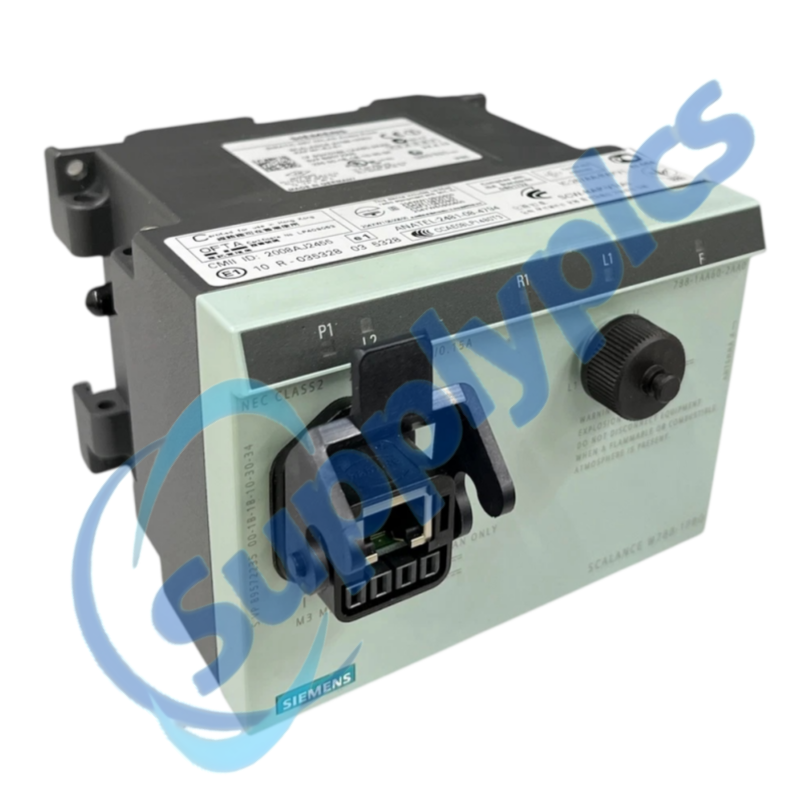
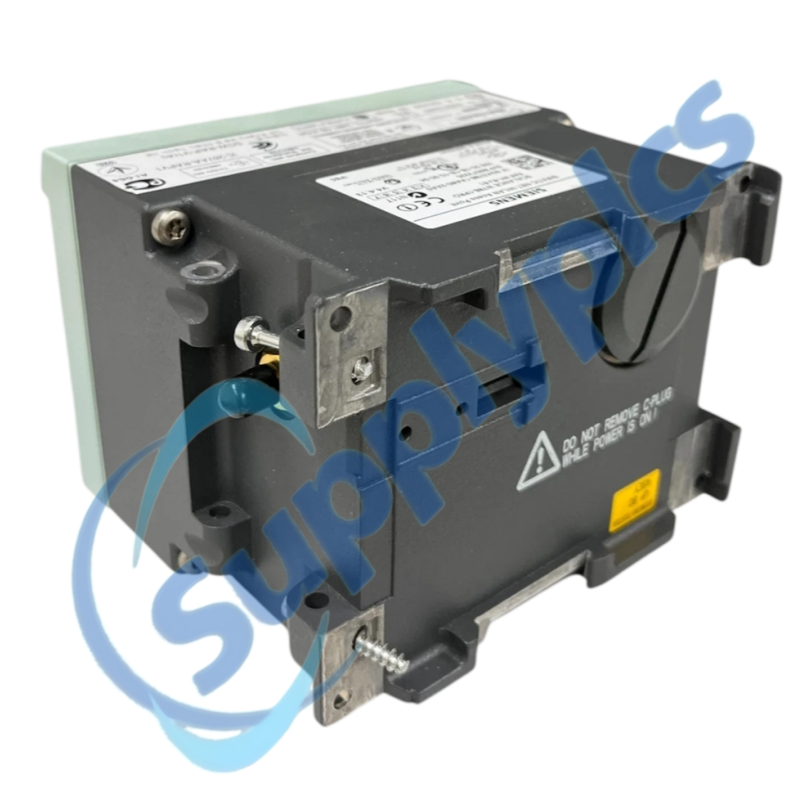
Siemens 6GK5788-1AA60-2AA0 is a SCALANCE W788-1PRO industrial wireless device with one WLAN interface, one RJ45 Ethernet connection and integrated antennas.
Verify first: Confirm the regional radio variant, WLAN mode, channel plan, security profile, Ethernet connection and antenna arrangement before deployment.
Wireless Commissioning
01Capture radio settings
Export SSID, security, channel and management configuration.
02Confirm the region
Check the order-number variant and destination radio approval.
03Survey the link
Record signal level, interference, mounting and cable path.
04Validate roaming
Test association, application traffic and recovery under normal load.
Specifications
Product type
SCALANCE W788-1PRO industrial WLAN device
Article number
6GK5788-1AA60-2AA0
WLAN interfaces
1
Ethernet connection
1 x RJ45
Antenna arrangement
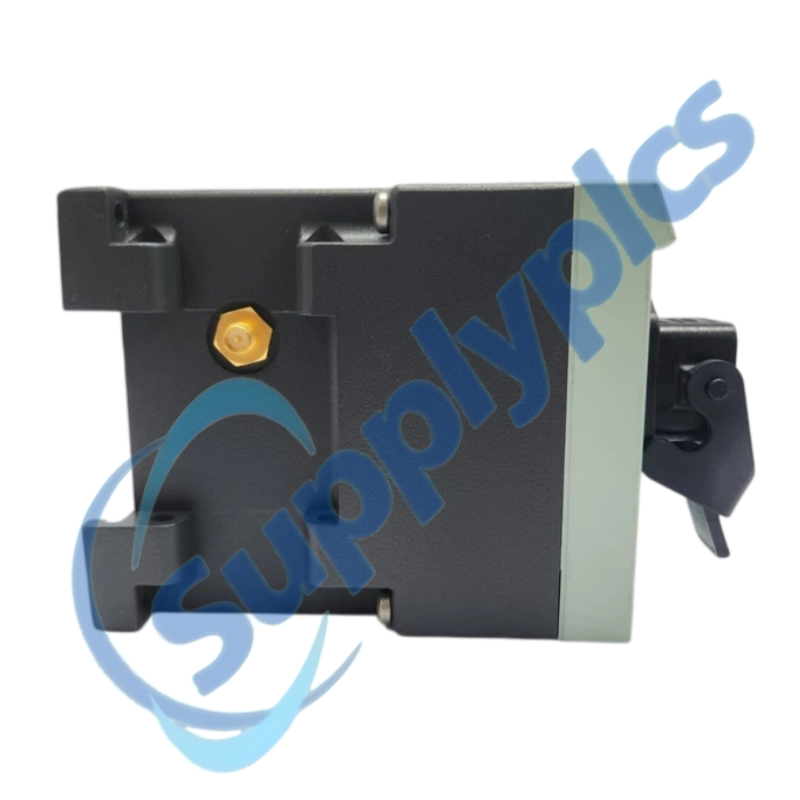
Integrated antennas
Industrial WLAN reference
IEEE 802.11 b/g application support
Operating roles
Verify configured access-point or client role
iPCF support
Not provided for W788-1PRO
Regional use
Confirm radio approval for destination
Description
The W788-1PRO provides industrial WLAN connectivity for fixed automation devices and can be used as an access point in supported applications. Siemens documentation identifies one WLAN interface and integrated antenna hardware for this variant.
Wireless replacement requires an approved radio design. Preserve SSID, authentication, encryption, channel and management settings, and verify the regional approval before energizing the replacement.
We review the complete order number and installed-system context before quotation.
Condition coordination
Availability and product condition are confirmed for the requested unit.
Global delivery support
Shipping options and available official documentation are coordinated with the destination.
FAQ
Q1
How should I verify that 6GK5788-1AA60-2AA0 matches the installed system before purchase?
Match the exact order number, regional approval, WLAN mode, Ethernet interface and antenna arrangement. Compare the installed security profile and channel plan with the site radio design before ordering.
Q2
What should I back up before replacing 6GK5788-1AA60-2AA0 in a working machine?
Export the device configuration and record SSID, authentication, encryption, channel, management IP and access-control settings. Preserve certificates or keys only through the authorized security process.
Q3
What should I check if 6GK5788-1AA60-2AA0 powers up but does not become operational?
Verify the power source, Ethernet link and status indicators, then confirm that the configured region and radio channel are permitted. Keep the device off the production WLAN until the management configuration is validated.
Q4
How should I troubleshoot a communication or interface problem after installing 6GK5788-1AA60-2AA0?
Check the wired uplink, VLAN and IP settings first, then review radio mode, SSID, security credentials and channel. Compare the client or access-point role with the saved configuration before changing antennas.
Q5
What should I inspect when 6GK5788-1AA60-2AA0 develops an intermittent fault?
Measure signal and noise at the installed location, inspect mounting and nearby interference sources, and review channel utilization and association logs. Correlate dropouts with moving equipment or process cycles.
Q6
Which details should I provide when requesting a quotation for 6GK5788-1AA60-2AA0?
Provide the full order number, destination country, configured radio role, security method, Ethernet topology and photographs of the installation. Include the required condition and whether the existing configuration is available.

 EN
EN