Get a Free Quote

Our representative will contact you soon.
Email
Name
Mobile
Company Name
Message
0/1000
siemens 6gk7343 1ex21 0xe0 simatic net cp 343 1 industrial ethernet processor-0

SIMATIC S7 Series

Home >  Products >  SIEMENS >  SIMATIC S7 Series

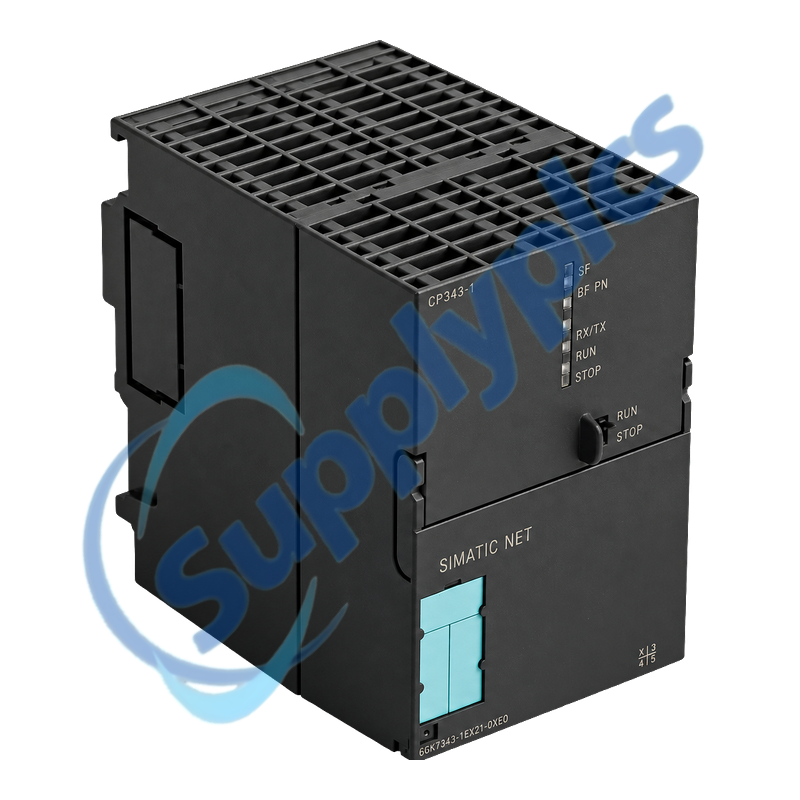
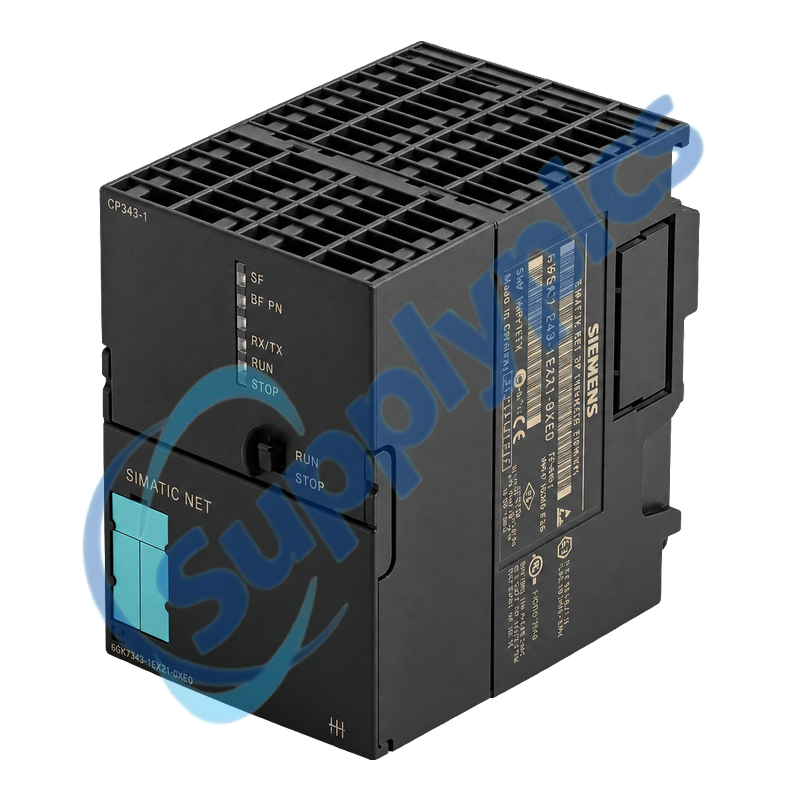
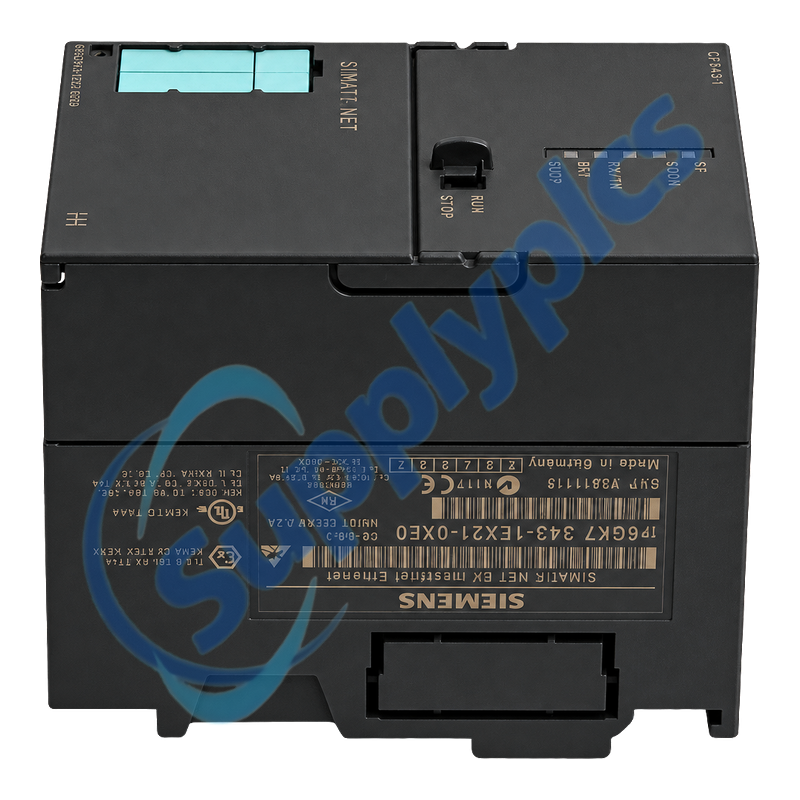
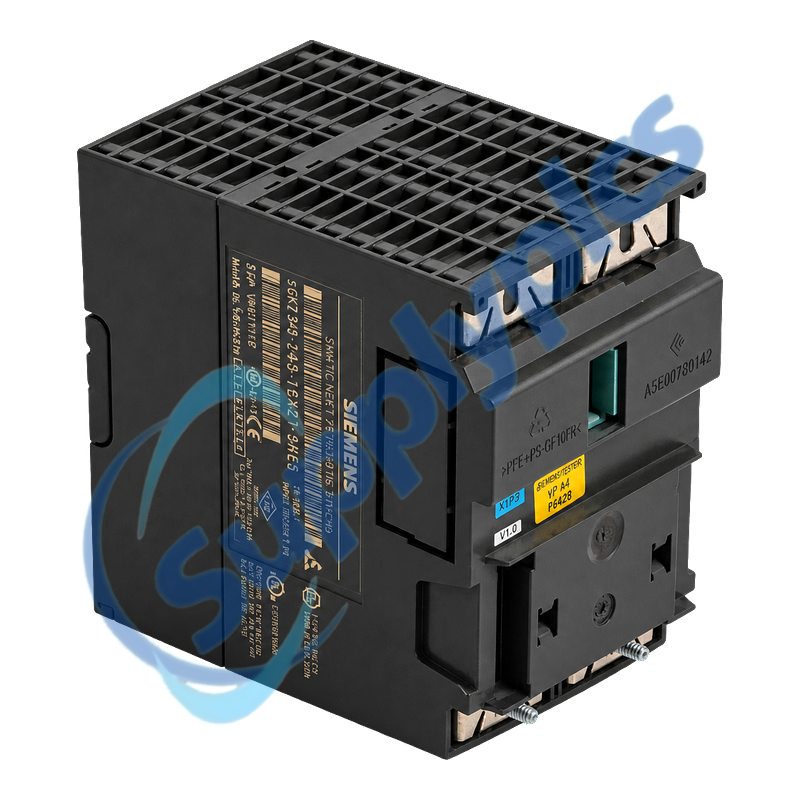
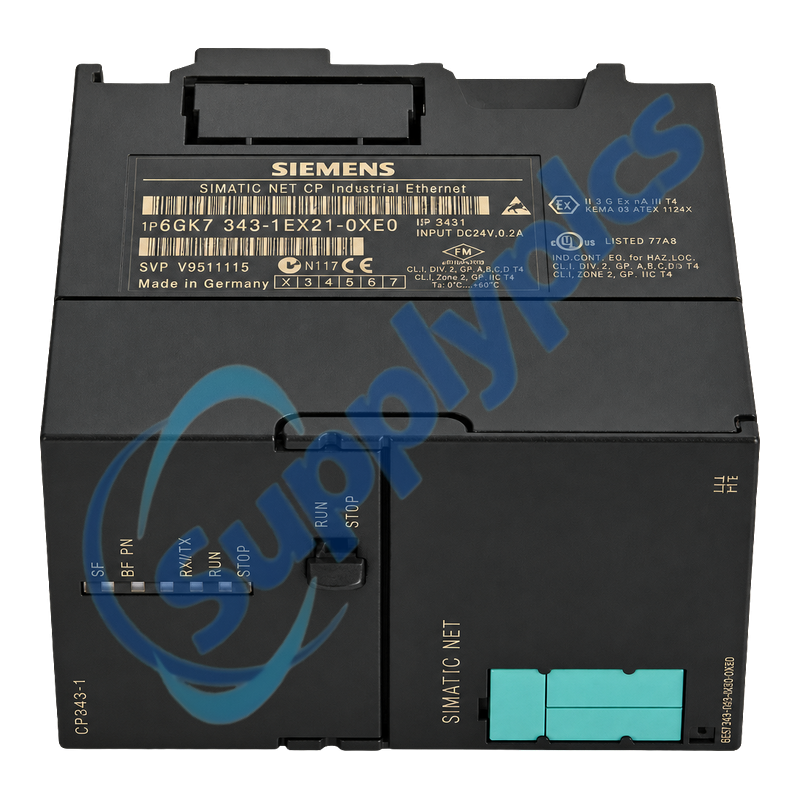
Siemens 6GK7343-1EX21-0XE0 SIMATIC NET CP 343-1

Product Name: SIMATIC NET CP 343-1 Industrial Ethernet Processor
Brand Name: Siemens
Model Number: 6GK7343-1EX21-0XE0
Place of Origin: Germany
Warranty: 12 Months
Whatsapp: +86 18020776782
Appurtenance:
  • Overview
  • Description
  • S7-300 Integration
  • Replacement Control
  • Specifications
  • Commercial Term
  • Contact info
  • FAQ
  • Other Products
  • Recommended Products
S7-300 Industrial Ethernet processor for PROFINET IO, S7 and open communication
Rack and project check: Confirm slots 4 to 11 in racks 0 to 3, the external 24 V supply, STEP 7 and NCM version, communication blocks, C-PLUG use, DHCP client identity and every configured partner before replacing or migrating the CP.
The CP 343-1 connects SIMATIC S7-300 or C7-300 stations to 10/100 Mbit/s Industrial Ethernet. It supports PROFINET IO controller and CBA operation, S7 communication, ISO, ISO-on-TCP, TCP, UDP, multicast, FETCH/WRITE, time synchronization, SNMP and IP access control.

Description

6GK7343-1EX21-0XE0 is the EX21 generation CP 343-1 for S7-300 and C7-300. The module is double-width, uses one RJ45 Fast Ethernet port and requires both the S7 backplane connection and an external 24 V DC supply.
Replacement behavior depends on where the project data is stored. A same-type module can restore data from the CPU or C-PLUG, while PROFINET CBA interconnections must be present on the C-PLUG or downloaded again with SIMATIC iMap.

S7-300 Integration

Commission the backplane, external supply and Ethernet identity before restoring higher-level services or PROFINET devices.
Rack position
Use an approved slot in rack 0 to 3 with IM 360/361; the CP is not permitted in an extension rack connected through IM 365.
Project storage
Identify whether the configuration is retained in the CPU, on the CP or on a C-PLUG before exchanging the module.
Communication blocks
Record AG_SEND, AG_RECV and other block versions, especially when the CP replaces an older EX10 or EX11 generation.

Replacement Control

The C-PLUG and DHCP identity can simplify recovery only when their original state and device compatibility are known.
C-PLUG handling
Power down before moving the C-PLUG, retain its orientation and confirm that it belongs to the same compatible device type.
DHCP identity
Use a configured client ID if the station must receive the same address after the new factory MAC address appears.
Service checks
Verify PROFINET IO, CBA, S7, open communication, time synchronization and access-control behavior separately.

Specifications

Product type designation
SIMATIC NET CP 343-1
Order number
6GK7343-1EX21-0XE0
PLC platform
SIMATIC S7-300 / C7-300
Ethernet interface
One RJ45, 10/100 Mbit/s
Engineering
STEP 7 / NCM IE V5.3 SP2 or higher
Rack placement
Slots 4 to 11 in racks 0 to 3 with IM 360/361
Configuration memory
Optional C-PLUG, up to 32 MB
Supply voltage
24 V DC, +/-5%
Current consumption
200 mA typical backplane; 200 mA maximum external 24 V
Power loss
Approximately 5.8 W
Operating temperature
0 to 60 degrees C
Dimensions / weight
80 x 125 x 120 mm; approximately 600 g

Commercial Term

Quotation
Current price and availability
Payment
T/T or agreed terms
Lead time
Confirmed with quotation
Shipping
DHL, FedEx, UPS or agreed freight
Warranty
12 months

Contact info

FAQ

Q1
How can I confirm that 6GK7343-1EX21-0XE0 is compatible with my S7-300 station?
Check the CPU, rack and slot, IM 360/361 connection, external 24 V supply, STEP 7 and NCM version, required communication services and the EX21 hardware entry. Do not install it in an extension rack connected through IM 365.
Q2
What should I preserve before replacing 6GK7343-1EX21-0XE0?
Archive the STEP 7 and NCM project, IP and MAC settings, connection tables, PROFINET device list, communication block versions, DHCP method, C-PLUG contents, access-control list and current diagnostics.
Q3
Can I move the original C-PLUG into replacement 6GK7343-1EX21-0XE0?
A compatible C-PLUG can retain configuration and CBA interconnections, but both modules must be de-energized and the device type must match. If a new C-PLUG is used, download the required interconnection data again.
Q4
Why can 6GK7343-1EX21-0XE0 receive a different IP address after replacement?
The new module has a different factory MAC address, so a DHCP server can assign another address or none. Configure and preserve a DHCP client ID, or restore the approved static or configured MAC method used by the project.
Q5
Why can S7 or SEND/RECEIVE communication fail after 6GK7343-1EX21-0XE0 replaces an older CP?
Verify the connection configuration and use block versions approved for the original and replacement CP. For older EX10 or EX11 projects, review AG_SEND, AG_RECV, AG_LOCK and AG_UNLOCK versions before changing network hardware.
Q6
How should I diagnose a red SF indication on 6GK7343-1EX21-0XE0 after startup?
Use STEP 7 hardware diagnostics and NCM Diagnostics, then check external 24 V, rack placement, project download and C-PLUG compatibility. An incompatible, missing or faulty C-PLUG can cause the host diagnostic mechanism to signal SF.

Other Products

FHX40-11A
371-03697-000
RO 8-1.4 C29F
VM-114H
330106-05-30-05-02-05
XCSTE7311
TSXSCY11601
2CDG110133R0011
6M230 REG 1002611
TLS2200 R6010
TMS 1308
BMXNOM0200
XJM03-5080
VS-5FDT-1
5WG1567-1AB21
6M230 1002611
TLS2200
663AA002237
HFD25P-004GT
DS7708-SR00004ZCWW
05512123001 06241042001
DKG-307
8100261
ASM124F120
09451511140
BZME1-A80-BT
PLT200
OBi302 2200-49532-012
VAS/100.30 62703310
ABB 61085301F

Get a Free Quote

Our representative will contact you soon.
Email
Name
Mobile
Company Name
Message
0/1000

Get a Free Quote

Our representative will contact you soon.
Email
Name
Mobile
Company Name
Message
0/1000