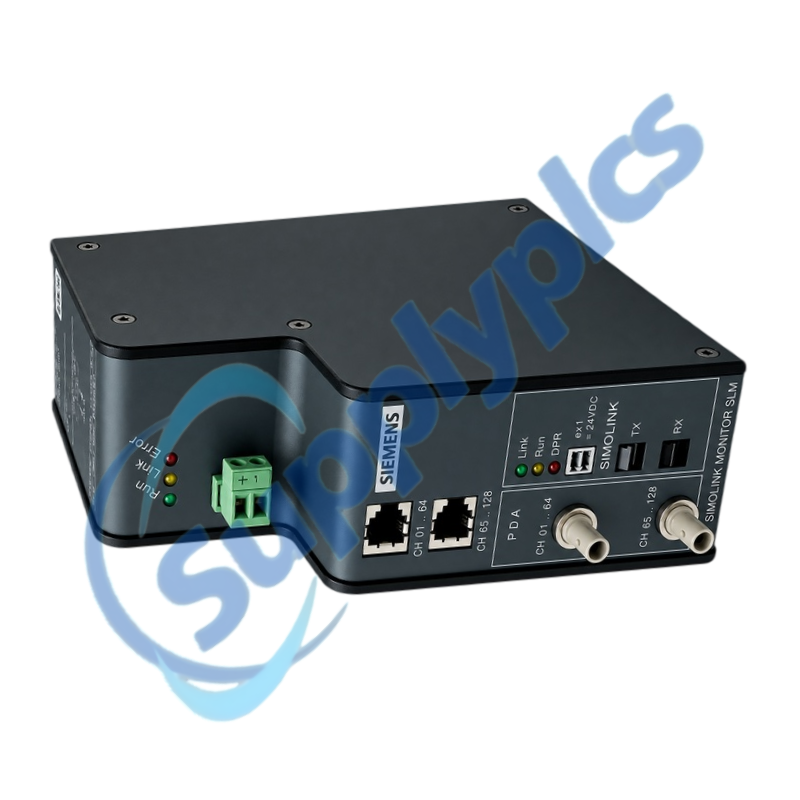
Service monitor for online and offline diagnosis of legacy SIMOLINK drive networks
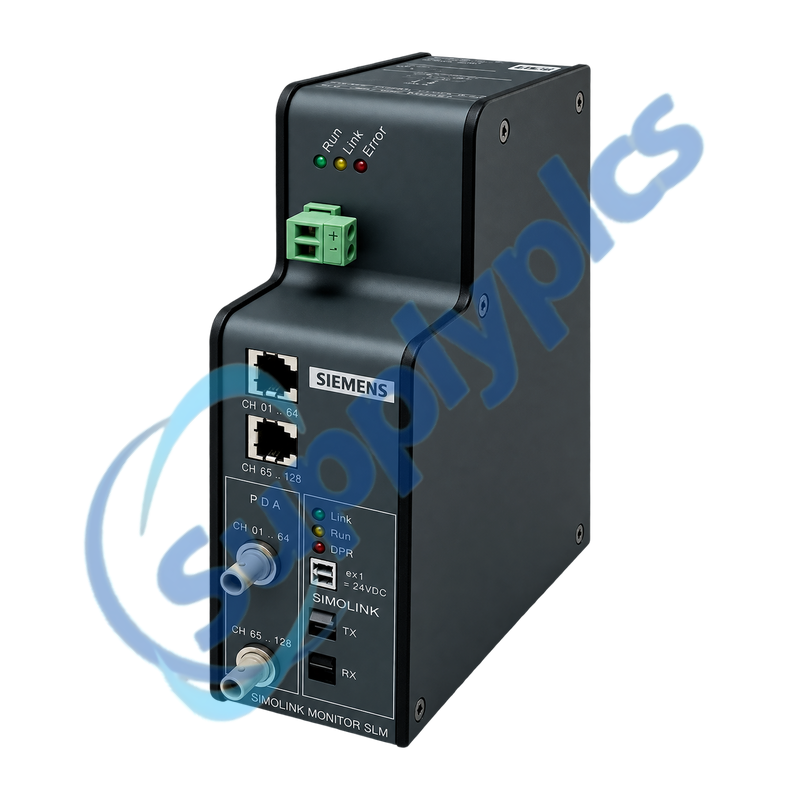
The SLM service unit monitors a SIMOLINK fiber-optic ring and provides two front channel groups for diagnostic capture. Its optical transmit and receive path, external 24 V DC supply and host-side service connection must be treated as part of the commissioning setup rather than as ordinary network ports.
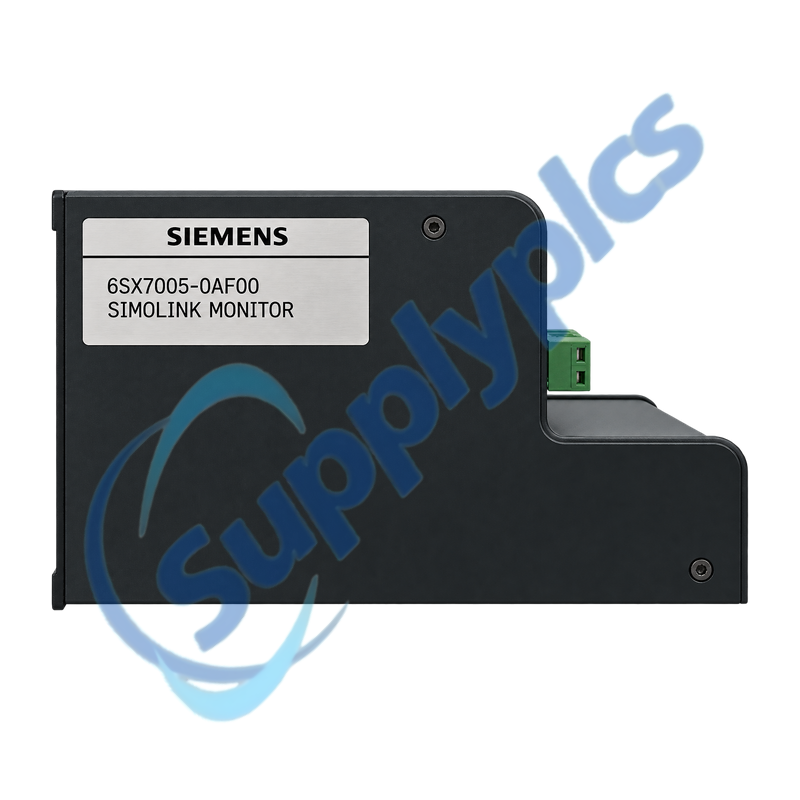
Diagnostic setup match: Use the complete product label and record the SIMOLINK ring direction, channel group, optical connectors, 24 V DC supply, host connection and the software used to interpret the capture before moving the service monitor.
Ring Diagnostics
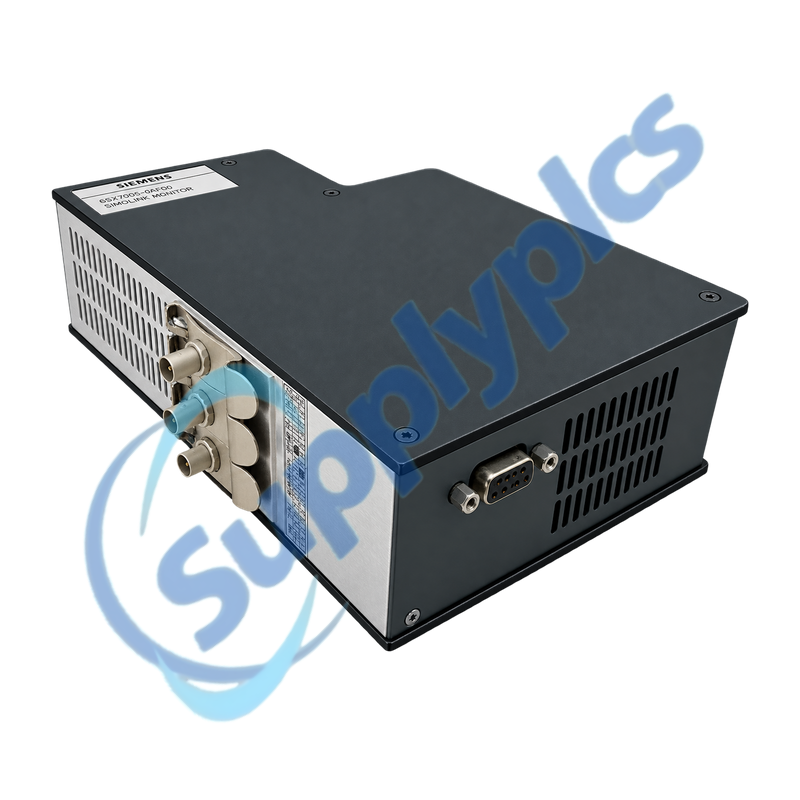
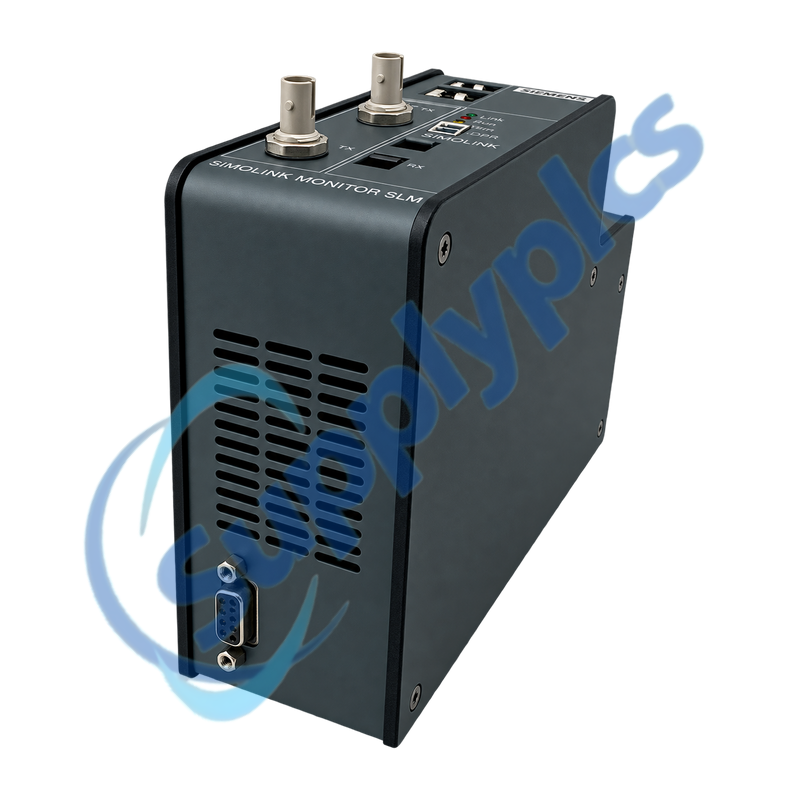
6SX7005-0AF00 is a legacy SLM SIMOLINK monitor used during commissioning and fault analysis of fiber-optic drive communication. The front panel separates channels 01-64 and 65-128 and provides dedicated SIMOLINK transmit and receive connections, allowing service personnel to observe ring activity with the correct diagnostic setup.
Because the monitor participates in an optical service path, loss of communication may result from reversed transmit and receive fibers, an open ring, a missing 24 V DC supply or an unsuitable host connection. Preserving a known-good trace gives engineers a useful reference when intermittent drive-network faults occur.
Maintain the optical direction and ring continuity while introducing the monitor into a service setup.
Transmit and receive path
Label the incoming and outgoing fibers and confirm transmitter-to-receiver routing at both neighboring SIMOLINK devices.
Channel selection
Use the 01-64 or 65-128 connection that corresponds to the channel range being investigated; do not treat the two groups as duplicate Ethernet ports.
Reference capture
Save a known-good startup and steady-state trace so later dropouts can be compared with the same drive sequence and operating load.
Service Capture
A useful diagnostic record combines monitor status, ring context and the exact operating event.
Power and status
Confirm stable 24 V DC and record the front LED pattern before connecting or disconnecting optical fibers.
Host session
Keep the service computer interface and diagnostic software version with the captured file so the trace can be reopened consistently.
Event context
Note the affected drive, command sequence, channel range and whether the error follows warm-up, vibration or a specific production event.
Specifications
Product type designation
SLM SIMOLINK Monitor
Order number
6SX7005-0AF00
Primary function
Online and offline SIMOLINK diagnostics
Network medium
Fiber-optic SIMOLINK ring
Optical interfaces
Dedicated SIMOLINK transmit and receive ports
Diagnostic channel group 1
Channels 01 to 64
Diagnostic channel group 2
Channels 65 to 128
Auxiliary supply
External 24 V DC
Host connection
Front diagnostic host interface
Front indications
Power, ring and diagnostic status LEDs
Installation context
Legacy Siemens drive communication service
Identification basis
Complete Siemens order label and front-panel layout
How can a drive technician introduce 6SX7005-0AF00 into a SIMOLINK ring without losing the original fiber direction?
Label the incoming and outgoing fibers first, then preserve transmitter-to-receiver routing through the service connection. Restore ring continuity before applying operating commands and confirm the normal ring indication before starting a capture.
Q2
Which diagnostic connection should be used on 6SX7005-0AF00 for a fault above channel 64?
Use the front group marked for channels 65-128. The two front groups represent different SIMOLINK channel ranges, so selecting the wrong group can produce an empty or misleading capture even when the optical ring is active.
Q3
Why can 6SX7005-0AF00 power up but show no useful SIMOLINK activity?
The most likely service-path causes are reversed transmit and receive fibers, an open ring, the wrong channel group or an inactive diagnostic host session. Confirm stable 24 V DC, optical direction and ring closure before changing drive parameters.
Q4
What should be saved when 6SX7005-0AF00 is used to investigate an intermittent drive-network stop?
Save the trace together with the channel group, front LED state, affected drive and operating step. Include the service software version and whether the event follows heat, vibration, startup or a particular command sequence.
Q5
Can 6SX7005-0AF00 be selected only from the SIMOLINK family name during procurement?
No. Match the complete 6SX7005-0AF00 nameplate and the SLM front-panel connections because similar SIMOLINK accessories perform different optical or service functions. Photographs of the label and both channel groups are valuable for an exact quotation.
Q6
How should an engineer separate a ring fault from a host-capture fault when using 6SX7005-0AF00?
First use the optical and front status indications to confirm ring continuity and monitor power. If the ring is healthy but no data is recorded, review the selected channel group, host cable, software session and capture configuration rather than disturbing the drive network.
 EN