 EN
EN

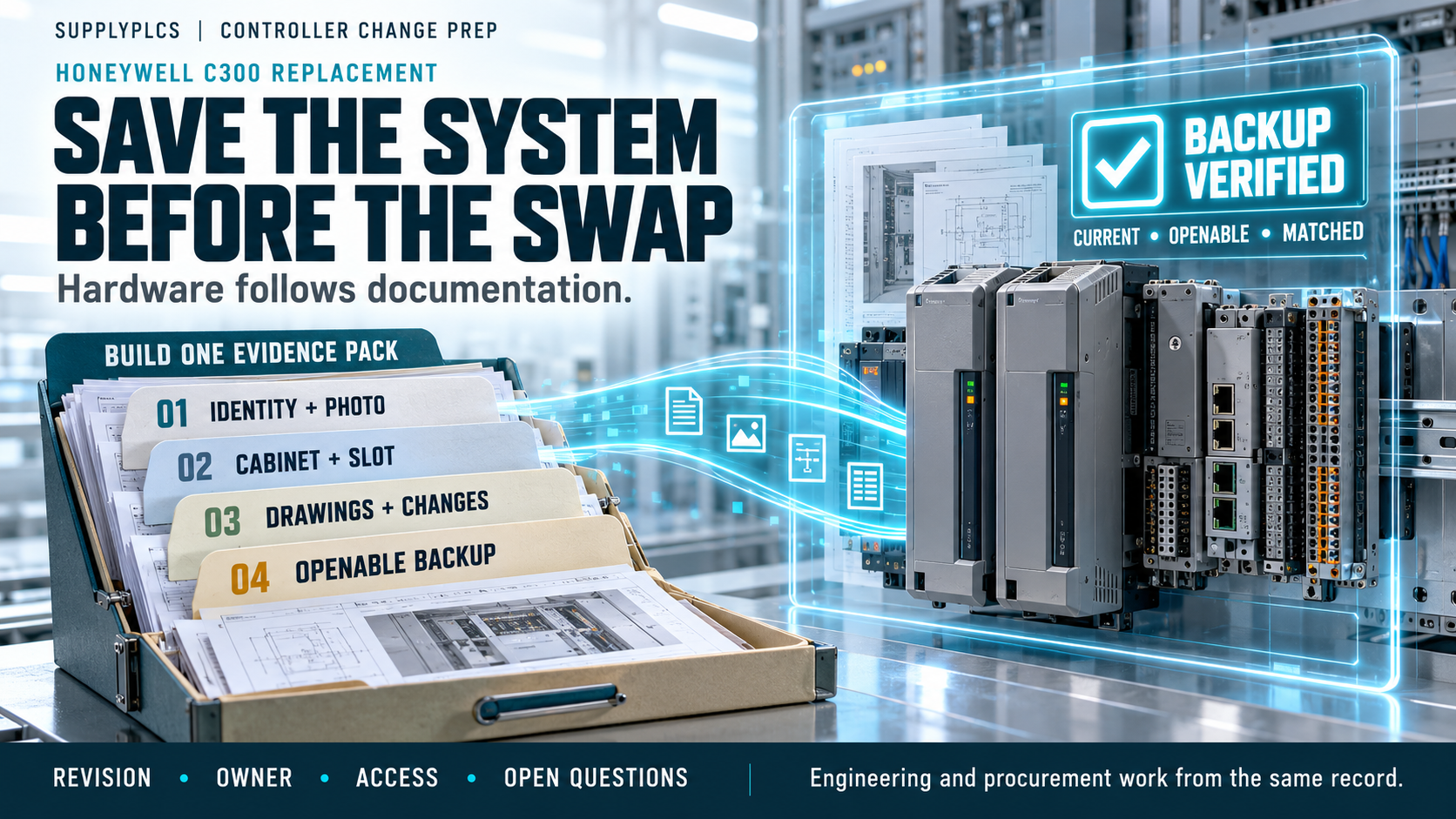
When a Honeywell C300 controller has to be changed, the hardware is only part of the problem. The information that travels with the controller — the system documentation, the configuration records, and a usable backup — decides whether the job goes smoothly. A Honeywell C300 replacement checklist should therefore be assembled before any order is placed, because the details collected in advance are the ones that keep the work predictable.
Too often, a Honeywell C300 replacement checklist is treated as a formality completed after the decision has been made. That order is backwards. The backups and system details are what allow engineering and procurement to describe a requirement precisely, and they are what protect the machine's operating knowledge. This article sets out what to gather, and why each item matters.
Why Documentation and Backups Come First
The first principle of any Honeywell C300 replacement checklist is that documentation leads and hardware follows. The controller holds the logic the plant depends on, and that logic lives in configuration files and backups rather than in the module itself. If those files are not secured, no part number will restore the machine's behaviour.
A Honeywell C300 replacement checklist that begins with a part number and nothing else is incomplete. It should begin instead with a question: do we hold a current, openable copy of the project, and can we show that it matches what the controller is running? Only when that answer is yes does the hardware conversation become meaningful.
Documentation also frames the request. The list records which documents exist, who holds them, and what is missing — and a missing document is itself an important finding. It is far better to discover a gap during preparation than in the middle of a turnaround.
Preparation also buys time. Records gathered calmly are more accurate than records gathered in a hurry, and accuracy is what every later stage depends on. The hour spent collecting documents now is almost always cheaper than the hour spent correcting an assumption later.
What to Collect About the System
Start with the identity of the system. Record the controller's order number as printed on the unit, and photograph the nameplate so the transcription can be checked. A Honeywell C300 replacement checklist should carry both the number and the image, because a typed reference alone is easy to mistype.
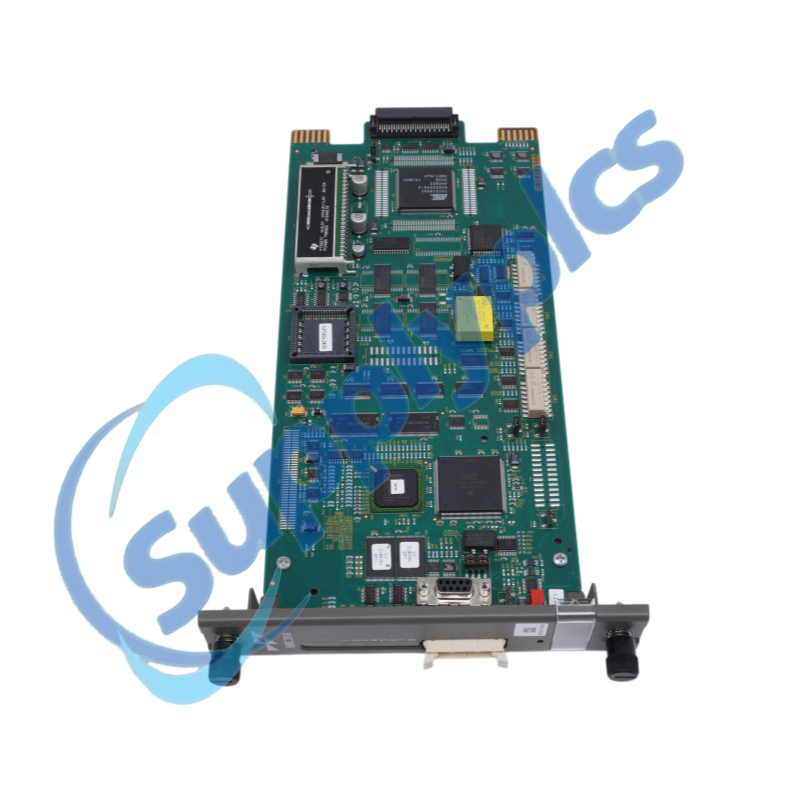
Note the system and cabinet in which the controller sits, together with the position it occupies. A Honeywell C300 replacement checklist that describes a cabinet and a slot is far more useful than one that lists a number in isolation. Record the neighbouring modules as context, because they help confirm that the right location is being discussed.
Then gather the engineering records: the configuration documentation, the system drawings, the equipment list, and any notes on changes made since commissioning. A Honeywell C300 replacement checklist should state which records are current and which are not. Where the documentation and the physical system disagree, note the discrepancy rather than resolving it by preference.
It is worth recording what the system does, as well as what it is made of. A short description of the process the controller governs, written in plain terms, helps everyone involved understand why the records matter. That description belongs with the technical detail, not instead of it.
Backups: What to Capture and How to Store It
The backup is the single most important artefact in a Honeywell C300 replacement checklist. Confirm that a current copy of the configuration exists somewhere other than the controller, that it can be opened with the available tools, and that its revision matches the running system.
A Honeywell C300 replacement checklist should record who owns the backup, where it is stored, and what access is needed to read it. If the only copy sits inside the unit being replaced, that copy is at risk and should be transferred before anything else happens. A backup that cannot be opened is not a backup.
Store the copy where both engineering and procurement can reach it, and note the date it was taken. A Honeywell C300 replacement checklist is much easier to complete when the provenance of the backup is clear. Capturing a backup is not the same as guaranteeing a restoration; restoration depends on factors that must be confirmed through official documentation and qualified engineering judgement.
Where a backup must be taken, arrange the tools and access in advance rather than improvising on the day. Confirm the software environment that will be used to read the file and the person who is able to operate it. Those arrangements are part of the preparation, and they are far easier to make in a planned session than under time pressure.
Anonymous Scenario Example
To show how these items fit together, consider an illustrative case. Illustrative anonymous scenario, not a Supplyplcs customer project.
In October 2023, an engineering team in Bangkok, Thailand, was preparing for a C300 controller change on a process unit. Working from a Honeywell C300 replacement checklist, the team photographed the controller nameplate, recorded the cabinet and slot, and gathered the system drawings and equipment list. The most valuable step was the backup: a current configuration copy was transferred off the controller and opened successfully in the engineering environment before any hardware discussion took place. The team also logged the documents that were missing and the questions those gaps raised. Nothing was ordered until the Honeywell C300 replacement checklist was complete, and the request that eventually went out described the location, the records, and the backup status in a single package.
Working With the People Who Hold the Records
A controller change is a team effort, and the records are usually spread across several people. Before the list is closed, identify the engineer who owns the configuration, the technician who maintains the cabinet, and the planner who controls the schedule. Each may hold a piece of the picture that no drawing contains.
Agree the sequence of work and the moment when the machine will be available. Confirm who will verify the backup, who will photograph the installation, and who will sign off that the preparation is complete. Ambiguity about ownership is as damaging as an incomplete record, and it is resolved by a short conversation held before the work rather than during it.
Write the outcome down. A brief record of who did what, and when the machine was released, is worth more than a long recollection afterwards. The people around the controller are part of the preparation, and their involvement should be planned as deliberately as the hardware side.
Details That Belong on the Request
When the preparation is finished, the request should carry the whole picture. A Honeywell C300 replacement checklist should be summarised alongside the enquiry, so the reader can see what is confirmed and what remains open. The complete order number, the cabinet and slot, the photographs, and the backup status belong in the same message.
Keep open questions explicit. A Honeywell C300 replacement checklist is more useful when it states what is unknown than when it presents an untested conclusion. Anyone responding to the enquiry can then address the gaps rather than guess at them.
Send the package once it is complete rather than in instalments. A request that arrives in three messages invites three partial answers, and partial answers are how gaps creep into an order. Assemble the reference, the position, the document status, and the backup summary, then send it in one go.
For reference, the module described in the example above is listed by Supplyplcs as the Honeywell 8C-PCNT01 C300 controller module, and related items can be browsed in the Honeywell spare parts category. Both pages describe items; neither substitutes for the documentation checks set out here.
Pre-Replacement Checklist
Before ordering or removing the controller, confirm each of the following:
- The complete order number, read from the unit and photographed.
- The system, cabinet, and slot position of the controller.
- The neighbouring modules, recorded as context.
- The configuration documentation and system drawings.
- The equipment list, checked against the installation as it stands.
- Notes on any changes made since commissioning.
- A current, openable copy of the configuration, stored off the controller.
- The revision of the backup, compared with the running system.
- The owner of the backup and the access required to read it.
- The programming or engineering tools available to work with the project.
- Any discrepancy between the documentation and the physical system.
- A written list of open questions to resolve before ordering.
The checklist is about evidence, not conclusions. A Honeywell C300 replacement checklist completed in this spirit gives a supplier enough to work with and keeps assumptions away from the order.
Treat the list as a living document during the preparation. As each item is confirmed, mark it; as new questions appear, add them. A checklist that is updated as the work progresses keeps the whole team aligned and prevents items from being assumed complete when they are not.
Procurement Notes for Buyers and Engineers
Engineering and procurement should work from one record. For a Honeywell C300 replacement checklist, that record states the order number, the cabinet and slot, the document status, and the backup situation, with photographs to match. A request built this way can be answered in a single pass. Keep the checklist with the request so that whoever responds can see the reasoning behind each reference, not just the part number.
Supplyplcs is an industrial automation spare parts supplier. A practical next step is to submit the complete model, along with clear photographs of the nameplate and the surrounding installation, for a quotation. Providing the full reference and images helps the enquiry reach the correct item and reduces the exchange that an incomplete request always creates.
Where a Honeywell C300 replacement checklist raises questions the documents cannot answer, the right move is to ask rather than to assume. No replacement should be treated as confirmed until the documentation and the official material support it.
Records and references are what make this decision repeatable. Keep the collected material, including the identifiers, the photographs, the system drawings, and the manual extracts, together in one place, and note which points remain open. Where a question cannot be answered from the documents, write it down rather than resolving it by assumption. That habit turns a single purchase into a documented one, and it makes the next enquiry faster and more accurate.
Conclusion
A Honeywell C300 replacement checklist is decided by preparation rather than by urgency. Collect the identity of the system, the engineering records, and a verified backup before anything is ordered or removed. A Honeywell C300 replacement checklist handled that way turns an anxious task into a planned one.
Keep the numbers, photographs, records, and backup details in one place that both engineering and procurement can reach, and state plainly what is confirmed and what is still open. A Honeywell C300 replacement checklist completed with that discipline protects the machine, the records, and the people responsible for both. A calm preparation is the cheapest insurance a plant can buy for a controller change.
Table of Contents
- Why Documentation and Backups Come First
- What to Collect About the System
- Backups: What to Capture and How to Store It
- Anonymous Scenario Example
- Working With the People Who Hold the Records
- Details That Belong on the Request
- Pre-Replacement Checklist
- Procurement Notes for Buyers and Engineers
- Conclusion