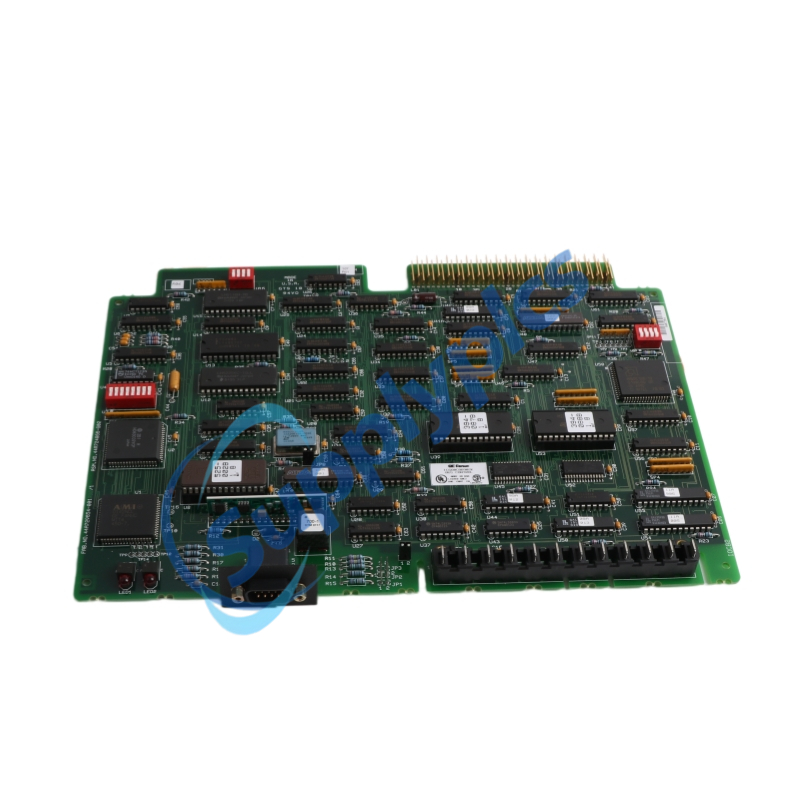
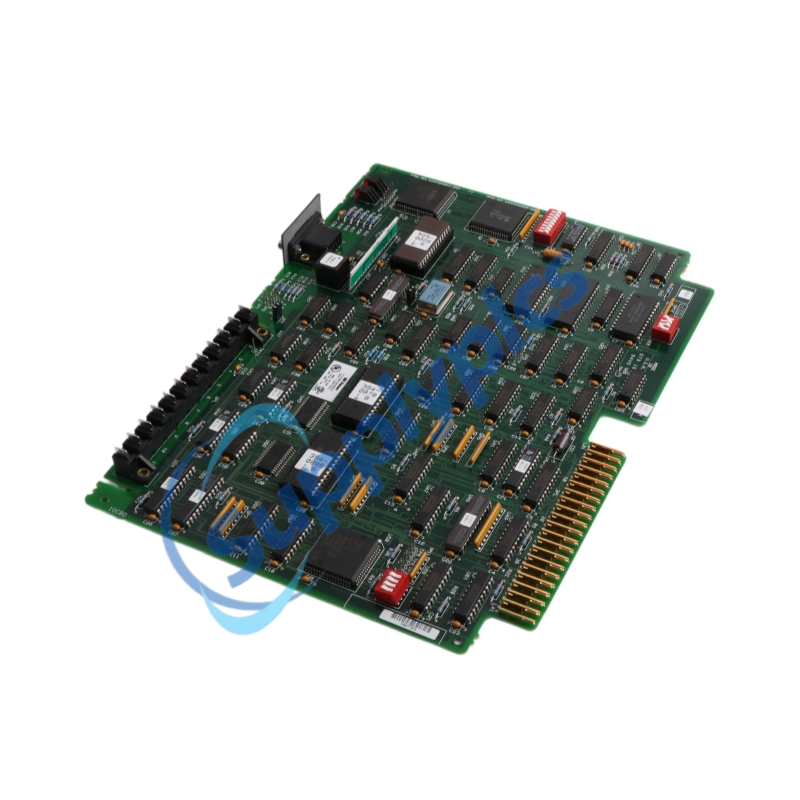
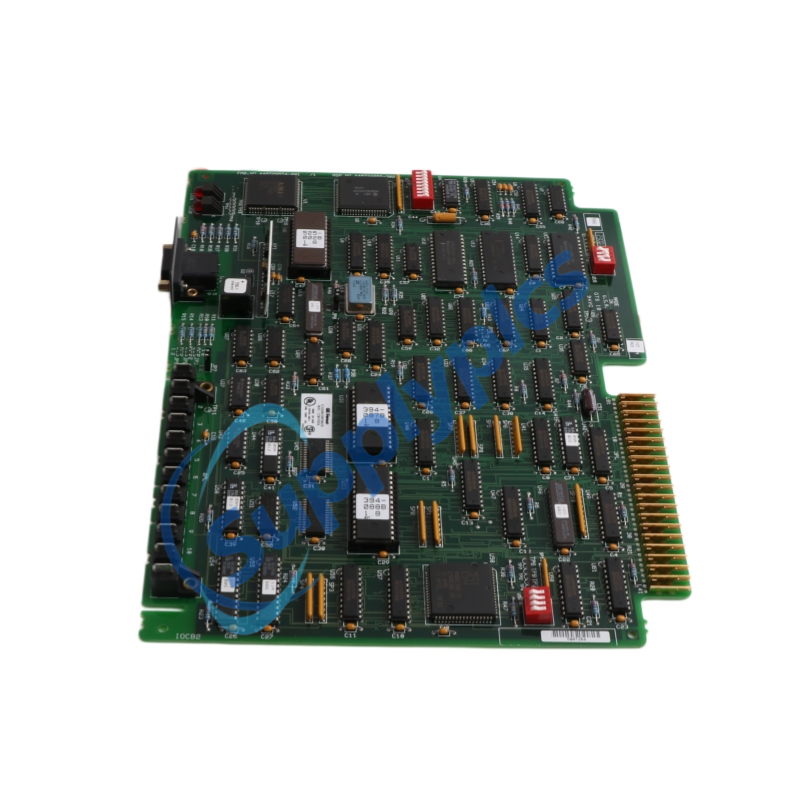
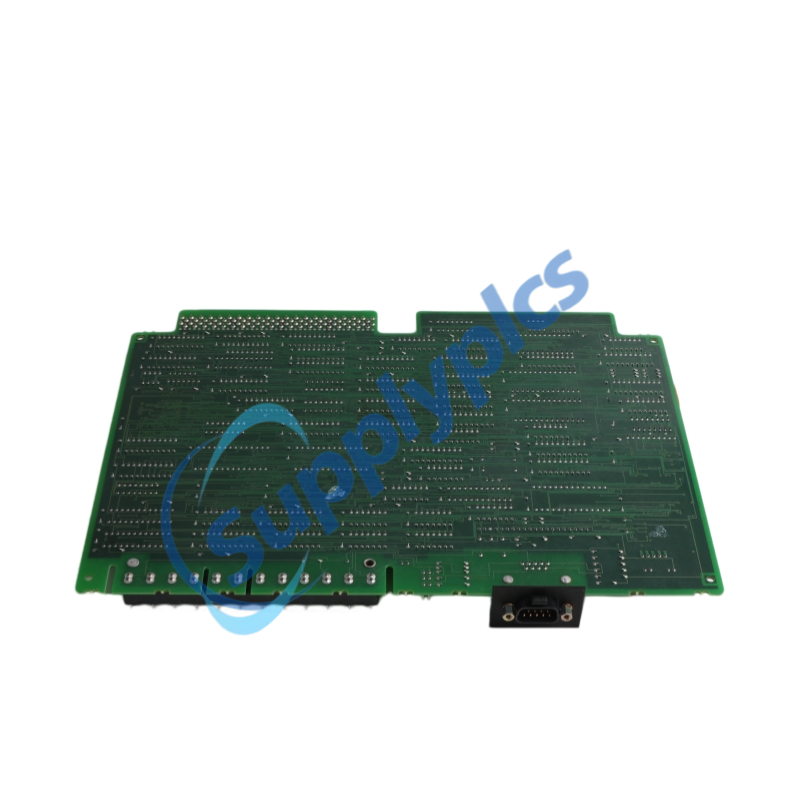
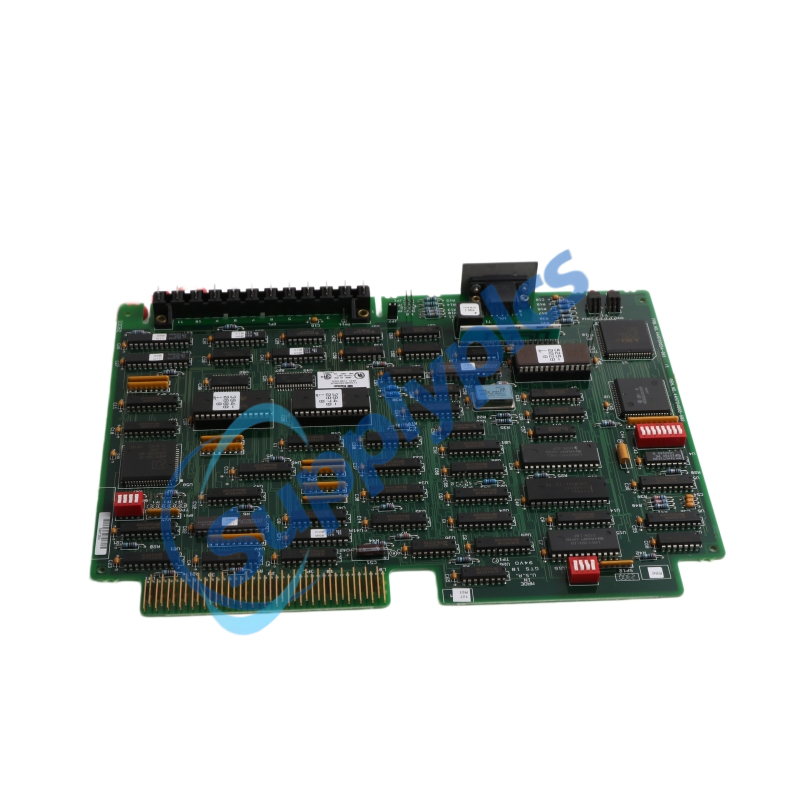
Product Name:Bus Controller
Brand Name: GE
Model Number:IC660CBB902/IC660CBB902K
Warranty: 12 Months
Whatsapp:+86 18159889985
Email:[email protected]

Brand Name: |
General Electric |
Model Number: |
IC660CBB902/IC660CBB902K |
Country of Origin: |
USA |
Packaging Details: |
Original new Factory Sealed |
Delivery Time: |
Delivery time in stock |
Payment Terms: |
T/T |
|
Sales Manager: |
Stella |
|
Send an email: |
|
|
Contact in Whatsapp: |
The IC660CBB902 (and its IC660CBB902K variant) is a Phase B enhanced Genius Bus Controller that bridges a GE Series Six PLC to a Genius I/O serial bus. It handles up to 31 field devices, such as I/O blocks and handheld monitors, with selectable baud rates and cable runs up to 7,500 feet. The IC660CBB902 includes built‑in diagnostics that automatically push block fault reports to the CPU, while the IC660CBB902K represents a later hardware revision with updated components. This module supports peer‑to‑peer data exchange, redundant bus configurations, and both normal/expanded I/O addressing.
Central I/O Integration – Connects Series Six PLCs to distributed Genius I/O blocks in a single serial bus network.
Redundant Control Systems – Enables dual‑bus or dual‑CPU configurations for high‑integrity processes.
PLC‑to‑PLC Communication – Facilitates peer‑to‑peer global data transfer between multiple Series Six CPUs.
Legacy Upgrades – Replaces Phase A bus controllers (IC660CBB900/901) to gain diagnostic features and extended baud rate support.
Large Distributed I/O – Supports RTD blocks and I/O blocks with over 64 bits, ideal for complex material handling or process lines.
Phase B Enhancement – Required for non‑standard baud rates, bus lengths exceeding 2000 ft, RTD blocks, and CPU‑to‑CPU communications.
Selectable Baud Rates – Supports 38.4K, 76.8K, 153.6K standard, and 153.6K extended rates.
Dual LED Status – BOARD OK and COMM OK indicators for instant module and bus health checks.
Built‑in Diagnostics (IC660CBB902) – Automatically sends I/O block fault messages to the CPU ladder logic.
Termination Impedance Jumpers – Configurable for 75Ω, 100Ω, or 150Ω to match cable type.
Hand‑held Monitor Port – Front‑panel connector for local configuration and troubleshooting.
Output Disable Switch – Allows all bus outputs to be disabled at power‑up for safety.
Expanded Addressing Support – DIP switches enable channel selection for large I/O configurations.
Bus Scanning & Token Passing – Manages the Genius bus scan cycle, collecting inputs and distributing outputs to all devices.
Diagnostic Reporting – The IC660CBB902 captures and stores up to 60 faults in an internal table, then transfers them to the CPU’s input status table.
Peer‑to‑Peer Data Exchange – Broadcasts global register data between CPUs automatically after initialization; also sends command‑triggered Datagrams.
I/O Service During CPU Sweep – Transfers discrete inputs, analog values, and outputs between the Genius bus and the CPU status tables during the I/O service portion of the sweep.
Configuration & Command Interface – Processes DPREQ commands (Write Configuration, Read Diagnostics, Send Datagram) to configure devices or clear faults on the bus.
Q1: What is the difference between the IC660CBB902 and the IC660CBB903?
A1: The IC660CBB902 includes full built‑in diagnostics that automatically send fault reports from Genius I/O blocks to the CPU. The IC660CBB903 (without diagnostics) does not forward block‑level faults to the CPU, although both report their own status and bus health.
Q2: Can I use this bus controller with a 153.6 Kbaud standard rate?
A2: Yes, the IC660CBB902 supports the 153.6 Kbaud standard rate, but it is not required for that rate. However, if you need any non‑standard baud rate (38.4K, 76.8K, or 153.6K extended), or if your bus cable exceeds 2000 feet, you must use this Phase B controller.
Q3: How many I/O devices can be connected to one IC660CBB902 bus?
A3: A single Genius serial bus controlled by an IC660CBB902 supports up to 31 devices, including Genius I/O blocks, Hand‑held Monitors, and other interface modules.
Q4: Do I need additional ladder logic to make the bus controller work?
A4: No, basic I/O scanning is automatic. However, optional DPREQ instructions can be used for advanced functions: forcing a full analog update in one sweep, capturing diagnostic data, enabling/disabling outputs per block, or sending peer‑to‑peer Datagrams.
Q5: What should I check if the COMM OK LED is off?
A5: A dark COMM OK LED with BOARD OK lit usually indicates a bus communication failure. Verify: correct cable type and daisy‑chain wiring, proper terminating impedance at both ends, no swapped Serial‑1 and Serial‑2 wires, no duplicate device addresses on the bus, and that the baud rate matches all other bus devices.
 EN
EN