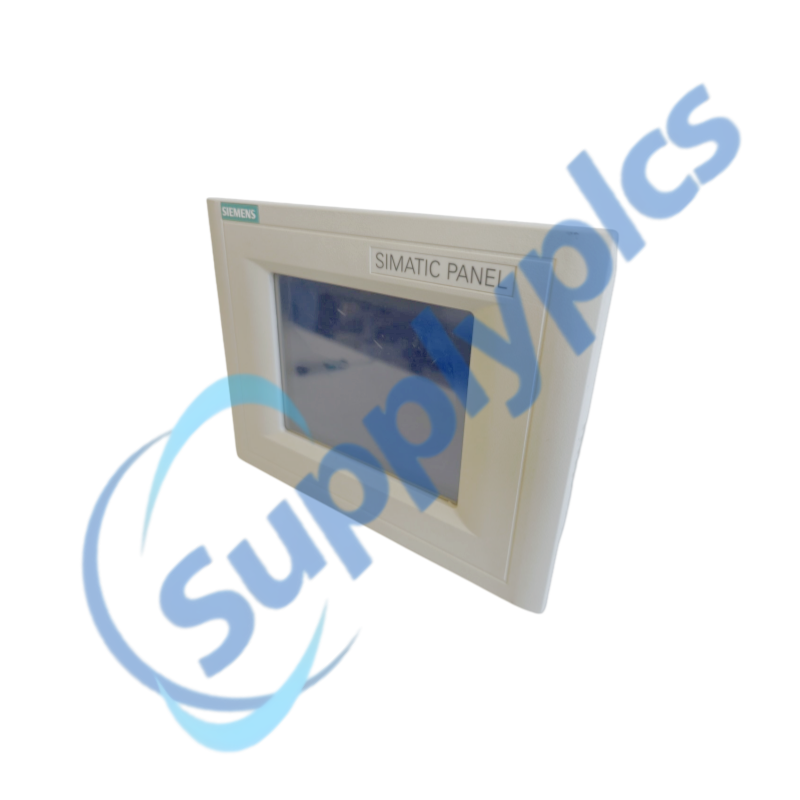
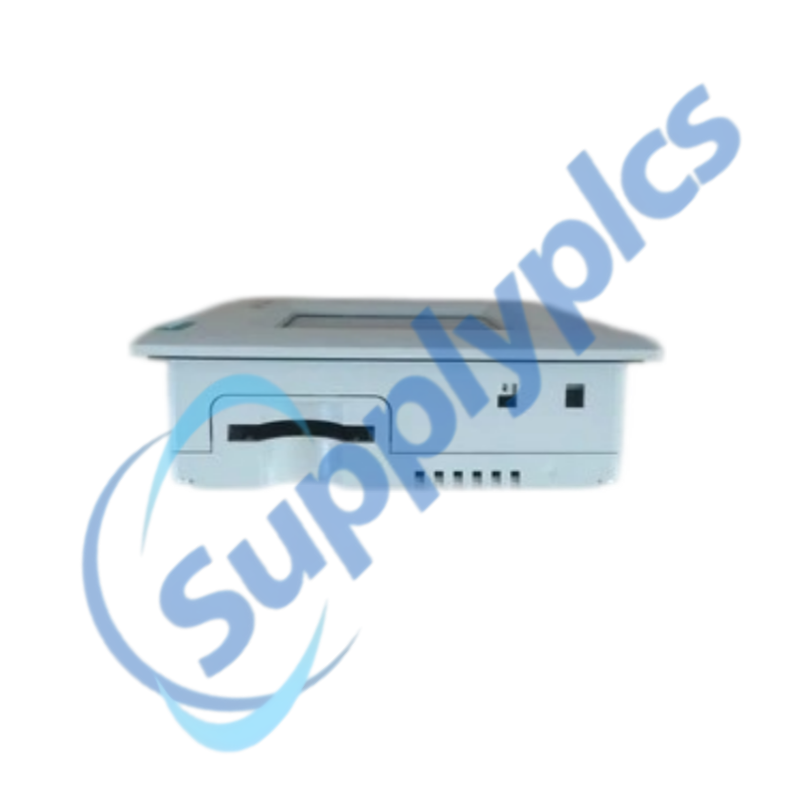
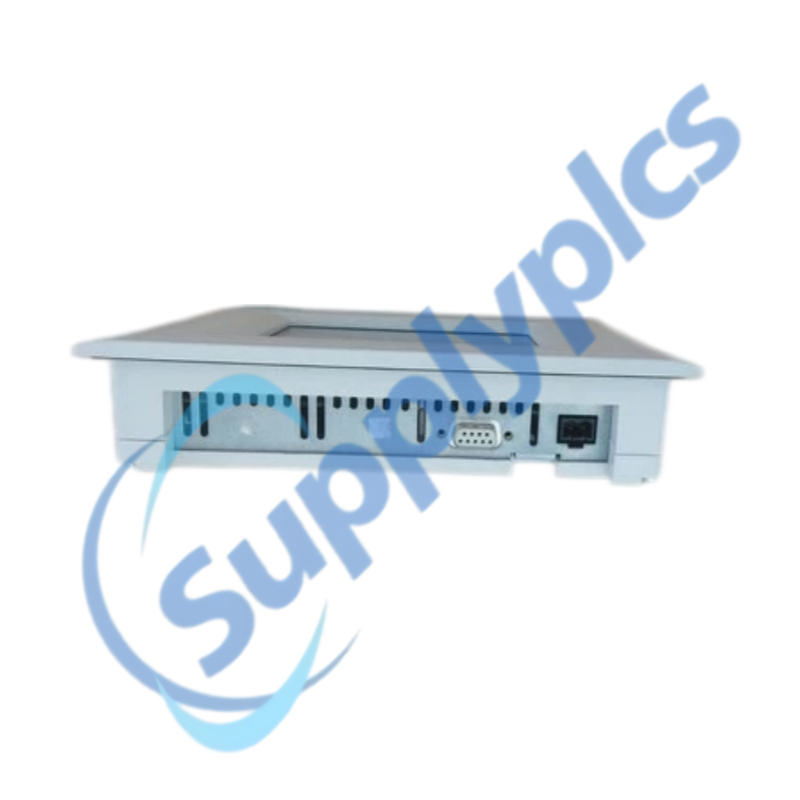
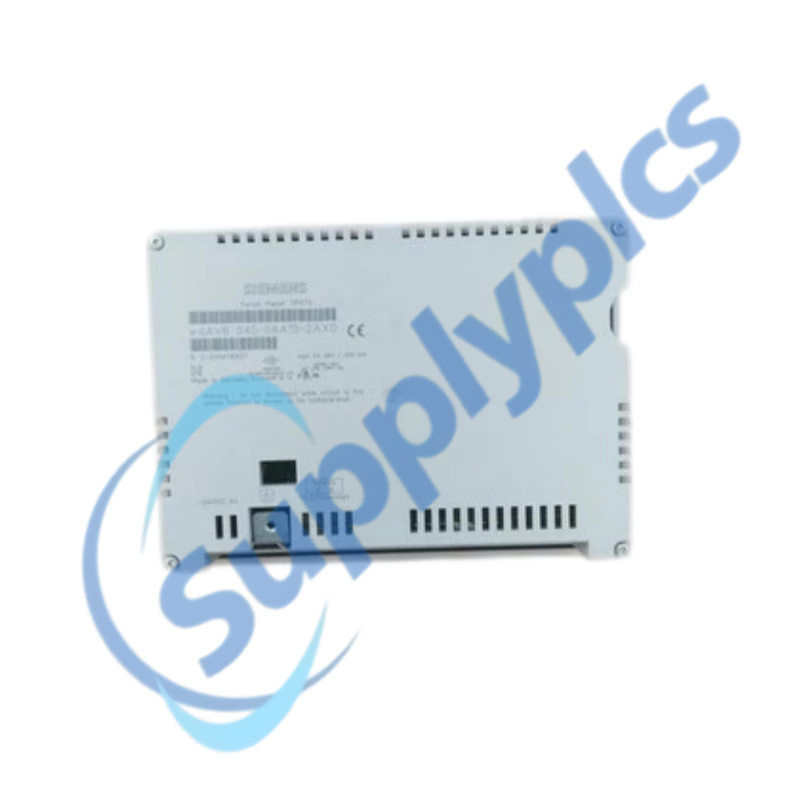
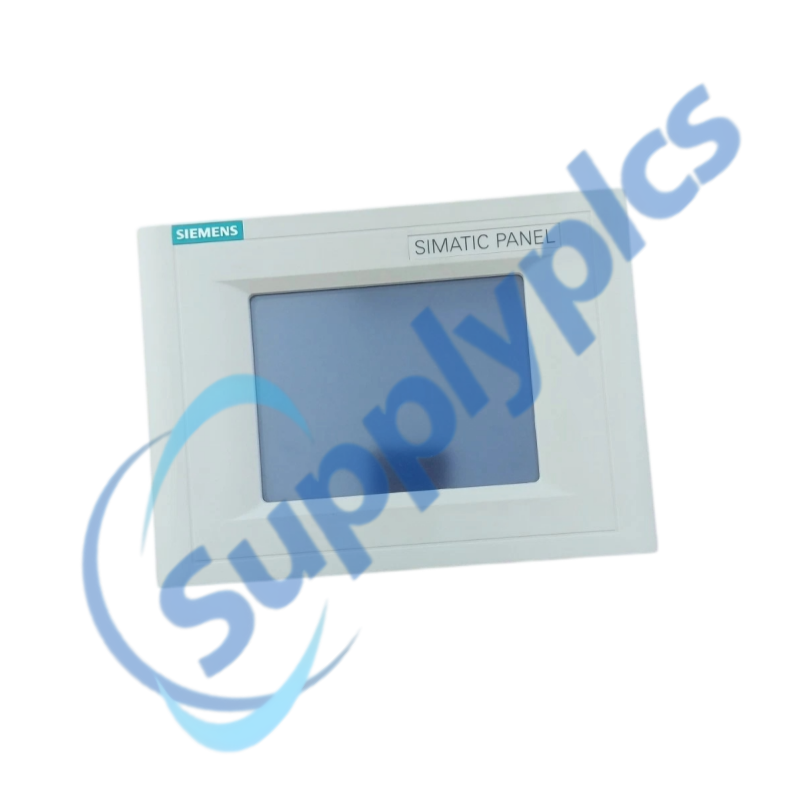
Product Name: touch panel
Brand Name: Siemens
Model Number: 6AV6545-0AA15-2AX0
Place of Origin: See supplied nameplate
Warranty: 12 Months
Whatsapp: +86 18020776782
Email: [email protected]
Engineering brief
Siemens 6AV6545-0AA15-2AX0 is a SIMATIC TP070 operator panel with a 5.7-inch blue STN touch display. It belongs to an older HMI platform, so the installed project and controller connection are as important as the panel hardware.
Before replacing 6AV6545-0AA15-2AX0, preserve the running HMI project if a backup exists and document the PLC link settings, screen functions and alarm texts. Check the cutout, power wiring and communication cable against the site’s original drawings.
For 6AV6545-0AA15-2AX0, confirm the exact order suffix on the nameplate before purchase. A similar-size panel may not load the existing project or fit the same communication interface without engineering changes.
Locate the original panel project and engineering software before removal. Record language, recipes, alarm history and controller address settings that must be restored.
Compare device family, display resolution, connector and mounting dimensions. Plan a project conversion if a modern HMI is chosen instead of a like-for-like spare.
Measure the panel supply at its terminals while connected, then check the fuse and connector. If power is stable, inspect whether the backlight, display or project startup is failing.
Confirm whether the whole screen or only one region is unresponsive. Check for overlay damage and calibration before assuming a PLC communication problem.
Compare the exact TP070 project format, communication port, supply connector and mechanical cutout. Screen size alone is insufficient; plan software conversion and I/O retesting if the replacement is a different HMI generation.
Check whether the project has started and the PLC link is configured for the installed controller. Verify cable continuity, communication settings and PLC online status; a display that lights up does not establish data exchange.
Obtain the project backup, current PLC addressing, alarm list and any recipe data. Photograph screen navigation and wiring labels so a replacement can be validated against the original operator workflow.
Test known buttons across the screen and check calibration and overlay condition. If only one region fails while communication and display remain normal, investigate the touch layer rather than the PLC.
Confirm the engineering software version and selected TP070 target. Compare the project device type and transfer settings to the panel; back up the original project before attempting conversion.
Inspect the full nameplate suffix, power it with the correct supply, check display and touch response, load the approved project and test representative alarms and PLC commands on a controlled machine.
| RPS1300 6GK6000-8HS01-0AA0 | MIS-PE 752-138 | CM 6010P |
| C1000 | TDS2012B | 032223 |
| R643-16 | AC-VQ1050 | A5E00247018 |
| VPM35 3BA73012ABAB03 | 450-00019-004 | 5ADB0A000S0 |
| 3AA00927600 | ES0W2PSA0150 | W0PSA1701 |
| NPT-8R0-0108-1 | QCS33 | 543-607 IDS-10100 |
| RA92-00644A | STR350 004600100 | ANFGW-422A |
| 6GK7443-1EX20-0XE0 | 11028-00 | KFD2-VR4-EX1.26 |
| MNL-13R MNL-13RF3 | 25K-1-G5 | DSX-PLA004 |
| 46940C-5 AA25A-024L-050T120 | 2711-T5A16L1 | MT11 |
 EN