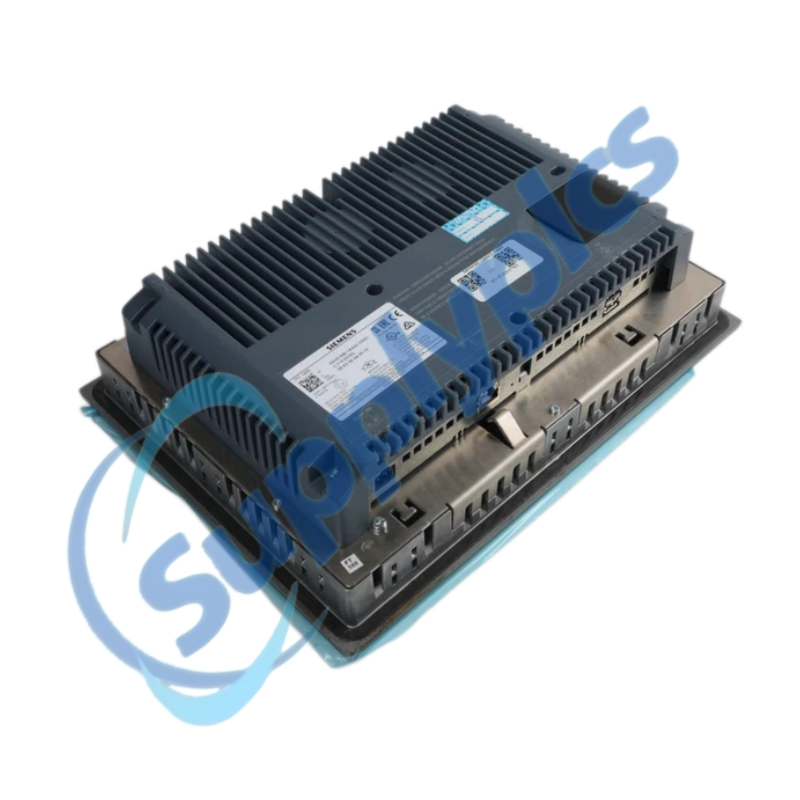
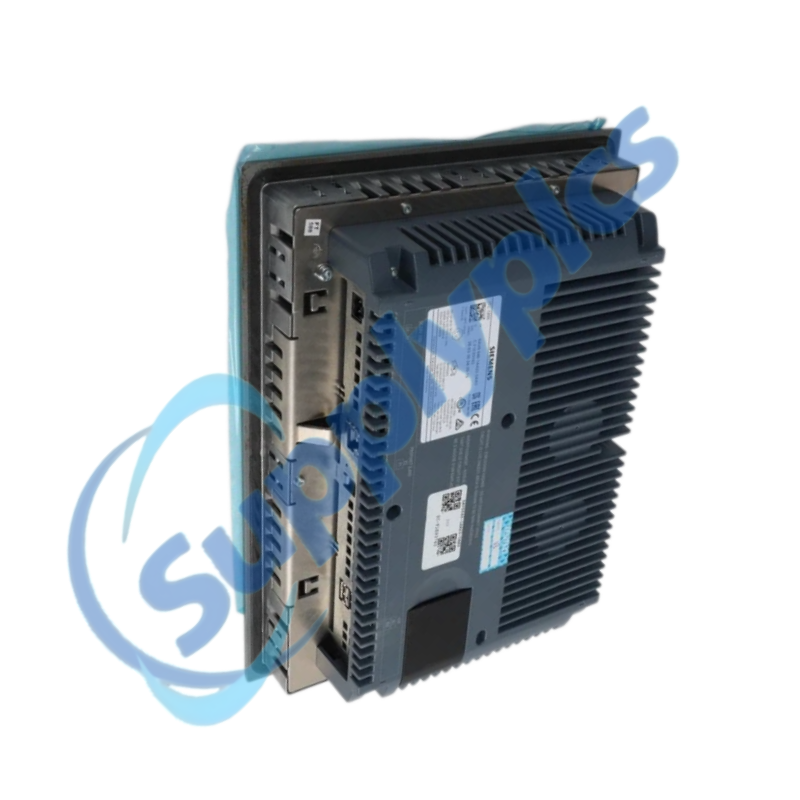
Product Name: SIMATIC HMI ITC1200 Industrial Thin Client
Brand Name: Siemens
Model Number: 6AV6646-1AA22-0AX0
Place of Origin: Germany
Warranty: 12 Months
Whatsapp: +86 18020776782
Email: [email protected]

Siemens 6AV6646-1AA22-0AX0 is a 12.1-inch SIMATIC HMI industrial thin client with a 1280 x 800 single-touch display for remote visualization and operation.
It connects to supported host systems through RDP, VNC, Sm@rtServer or web-based sessions. Confirm the network architecture, server software, panel cutout and power conditions before installation or replacement.
| CONTACT | Jim Pei | [email protected] | +86 180 2077 6782 |
The ITC1200 provides a rugged local operator interface while applications and process data remain on a remote host computer or HMI server.
The thin client displays and controls a remote session instead of running a full standalone PLC or HMI project locally.
SupplyPLCs supplies industrial automation and control components for maintenance, replacement and project support.
Q1. How can I confirm that 6AV6646-1AA22-0AX0 will connect to my existing HMI or computer?
Answer: Identify whether the host provides RDP, VNC, Sm@rtServer or a supported web interface, then confirm IP addressing, user permissions, screen resolution and network security rules before installing the panel.
Q2. What should I check if 6AV6646-1AA22-0AX0 powers on but shows no remote session?
Answer: Verify the 24 V DC supply, Ethernet link indicators, cable and switch port, then ping or otherwise test the host from the approved network tools. Confirm the saved host address, session type, credentials and server availability.
Q3. How should I troubleshoot inaccurate or unresponsive touch operation on 6AV6646-1AA22-0AX0?
Answer: Clean the screen with the approved method, remove any object pressing on the bezel, restart the session, and run the available touch calibration. If the fault remains, test whether local configuration screens respond before investigating the remote host.
Q4. What information should I back up before replacing 6AV6646-1AA22-0AX0?
Answer: Record network settings, device name, remote-session profiles, display settings, security configuration and the host addresses. Capture photos of the cutout, connectors and rating label so the replacement can be configured before commissioning.
Q5. Can a standard HMI panel be substituted for 6AV6646-1AA22-0AX0?
Answer: Not automatically. This device is a thin client, so a replacement must support the same remote-session method, resolution, network behavior, panel dimensions and operator workflow. A standalone HMI may require a new project and engineering work.
Q6. What should I check when 6AV6646-1AA22-0AX0 disconnects intermittently from the host?
Answer: Review switch logs and session timeouts, inspect Ethernet cabling and shielding, confirm stable 24 V DC power, and check for duplicate IP addresses. Test the host load and remote-session service before replacing the panel.
| RCDT320 | VS2048BN | N3510TA-M |
| AFP23407 FP2-Y64T | XSA-C0573 | 1765-PA75R |
| DC-9204 | AAI835-H00 | IR33S0EN00 |
| 3286-20 | RMF-112D | 803374.EX O2T TQ8QUAD |
| 60-258-22 | PG4945 | QMI3472 CU0210404-01 39Y9306 |
| BMUD30-C2 | PS-R3 203-426-1180 | CP-DSKCH-7925G |
| SAC7X00-4000CR | EY-RC302F011 | KJ3242X1-BA1 12P2471X042 |
| ABB AI561 1TNE968902R1101 | CU1128-0000 | QUINT-UPS / 24DC / 24DC / 10 / 2320225 |
| ABB 1SAP112100R0270 TB521-ETH | EC-600 | 7XV5650-0BA00/BB RS485-FO |
| 70124109 KFD2-STC5-Ex1 | ABB STD-420E 6584-500 | QBE2003-P16 |
 EN
EN