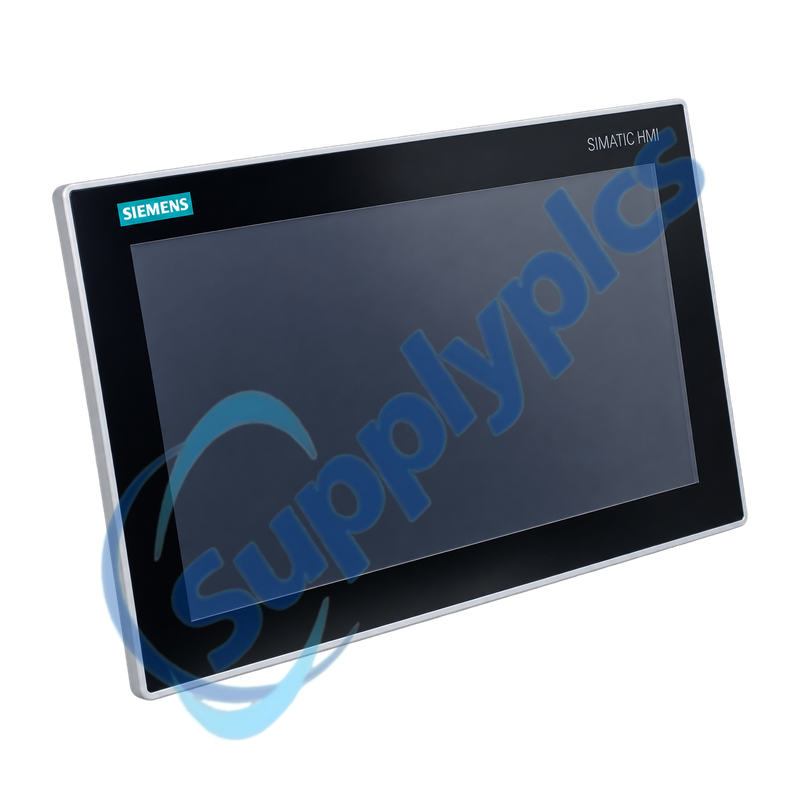
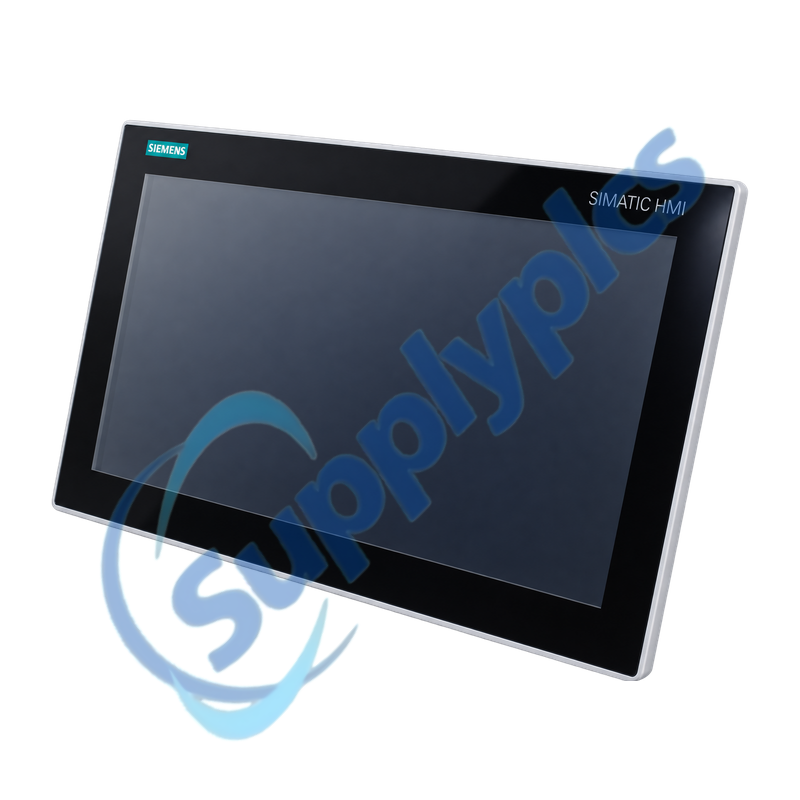
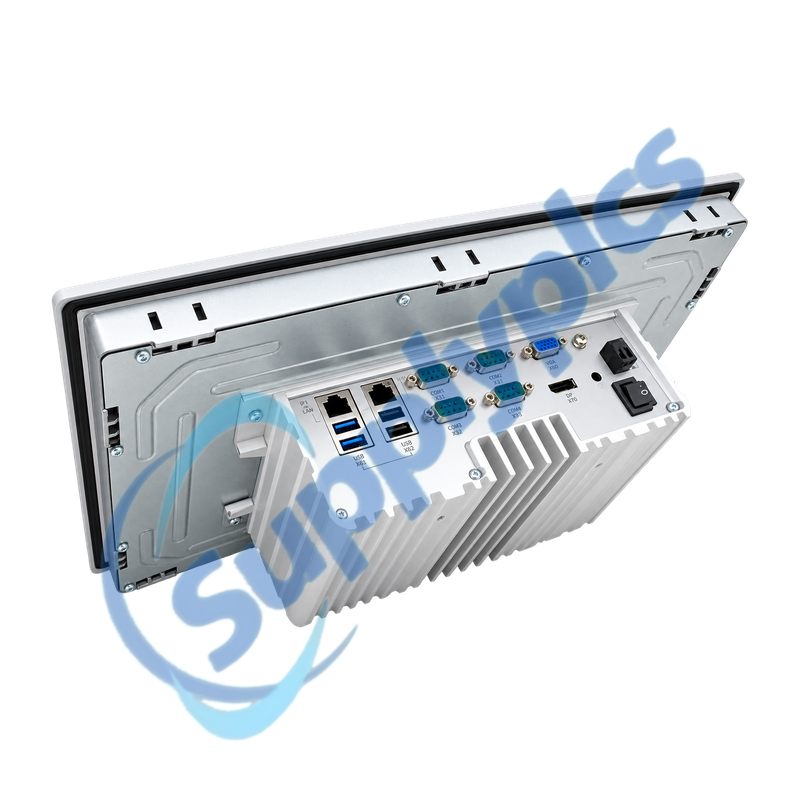
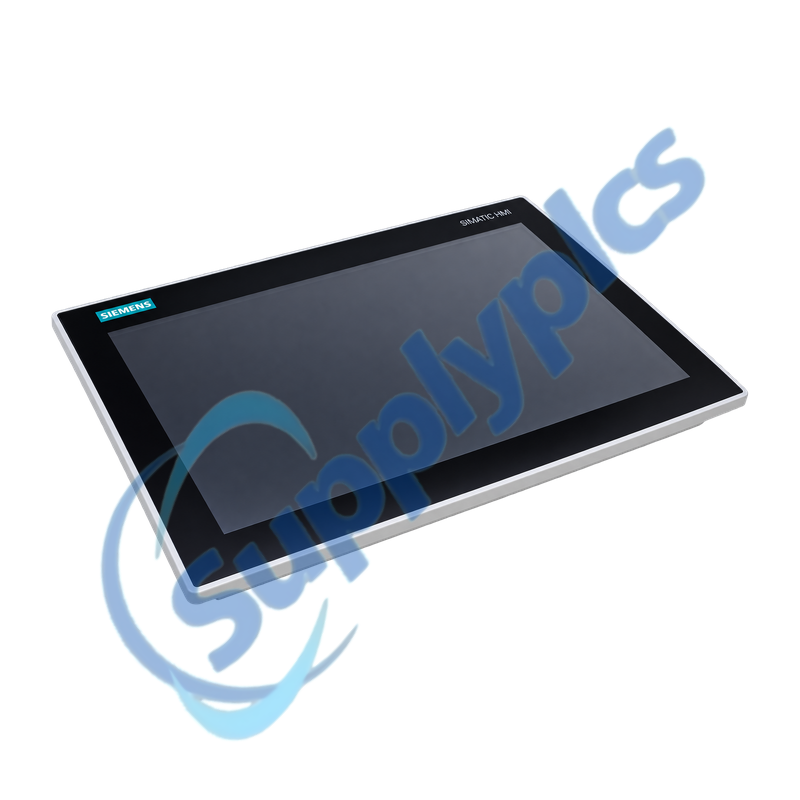
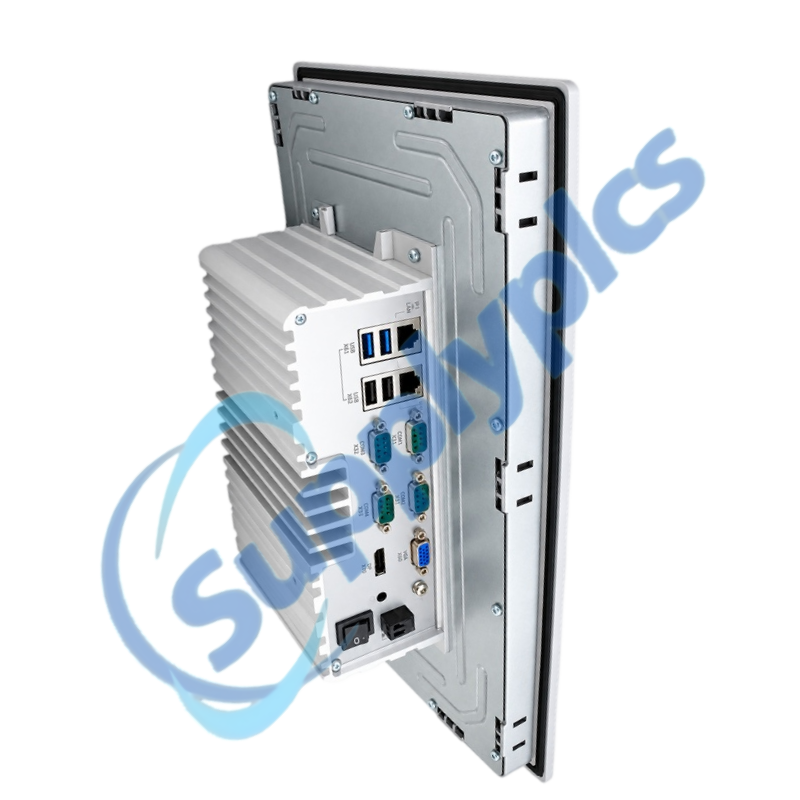
Fanless 15-inch industrial panel PC for machine visualization, data collection and local control applications
The SIMATIC IPC377E combines a 15-inch touch display with a Celeron N3160 processor, 4 GB memory, mass storage and multiple Ethernet, USB and serial interfaces. It is supplied without an operating system, so the application image, licenses, drivers and field-interface settings must be treated as part of the installed solution.
Application image check: Confirm the full order number, panel cutout, storage version, operating-system image, licenses, serial pinouts, network identities and external backup before an installed panel PC is replaced.
System Integration
6AV7230-0DA20-0BA0 is the 15-inch touch version of the SIMATIC IPC377E basic panel PC. Its dual Gigabit Ethernet ports, four COM interfaces, DisplayPort, VGA and mixed USB ports support machine HMI, local data and service peripherals in a compact panel-mounted computer.
The hardware is delivered without an operating system. Successful commissioning therefore depends on a validated disk image and the correct device drivers, runtime software, licenses, recipes, certificates and PLC communication settings rather than on hardware installation alone.
Treat the computer image, licenses and interface assignments as essential machine assets, not as accessories to the panel.
Disk image
Create a verified full-disk backup and a separate copy of application projects, recipes, databases, certificates and license records.
Network identity
Record which Ethernet port is used, IP addresses, device names, gateways, firewall rules and every PLC or server endpoint.
Serial devices
Document the COM port, electrical standard, pinout and communication parameters for scanners, drives, printers or legacy controllers.
Migration Planning
Mechanical compatibility is only one part of replacing a discontinued industrial panel PC.
Panel fit
Measure the cutout, mounting depth, connector clearance and cooling space and inspect the front seal before planning cabinet work.
Software support
Confirm that the chosen operating system, runtime, drivers and license activation are supported by the restored application.
Controlled test
Validate touch calibration, PLC writes, alarms, recipes, data logging, network shares and all USB or serial peripherals before production release.
What should an engineer back up before replacing 6AV7230-0DA20-0BA0 in a production machine?
Create a verified full-disk image and export the HMI or control application, recipes, databases, certificates and license information. Also record both Ethernet configurations, COM-port assignments, connected USB devices and the normal startup sequence.
Q2
Why can 6AV7230-0DA20-0BA0 start to a blank or unconfigured system after hardware replacement?
The unit is supplied without an operating system, so a bare replacement does not contain the machine application. Restore the validated image or install the approved operating system, drivers, runtime and licenses before testing PLC communication.
Q3
How should the two Ethernet ports on 6AV7230-0DA20-0BA0 be restored without disrupting the plant network?
Match each physical port to its recorded machine or plant network, then restore its IP address, subnet, gateway, device name and firewall rules. Test one network at a time before connecting both interfaces.
Q4
What should be checked if a serial device no longer communicates with 6AV7230-0DA20-0BA0?
Verify the original COM number, cable pinout, electrical interface and baud, parity and stop-bit settings. Confirm that the restored application is opening the same port and that no driver or operating-system change has reassigned it.
Q5
How can maintenance separate a display fault from a boot fault on 6AV7230-0DA20-0BA0?
Check the 24 V DC supply and device indicators, then connect a known-good monitor to DisplayPort or VGA. If the external image is normal, investigate the panel display, backlight or touch assembly; if not, review storage and boot diagnostics.
Q6
What acceptance tests are important after migrating from 6AV7230-0DA20-0BA0 to a successor panel PC?
Test touch calibration, every screen and alarm, PLC read and write actions, recipes, data logging, time synchronization, network shares and all USB and COM devices. Run the machine through a controlled operating cycle before final release.

 EN