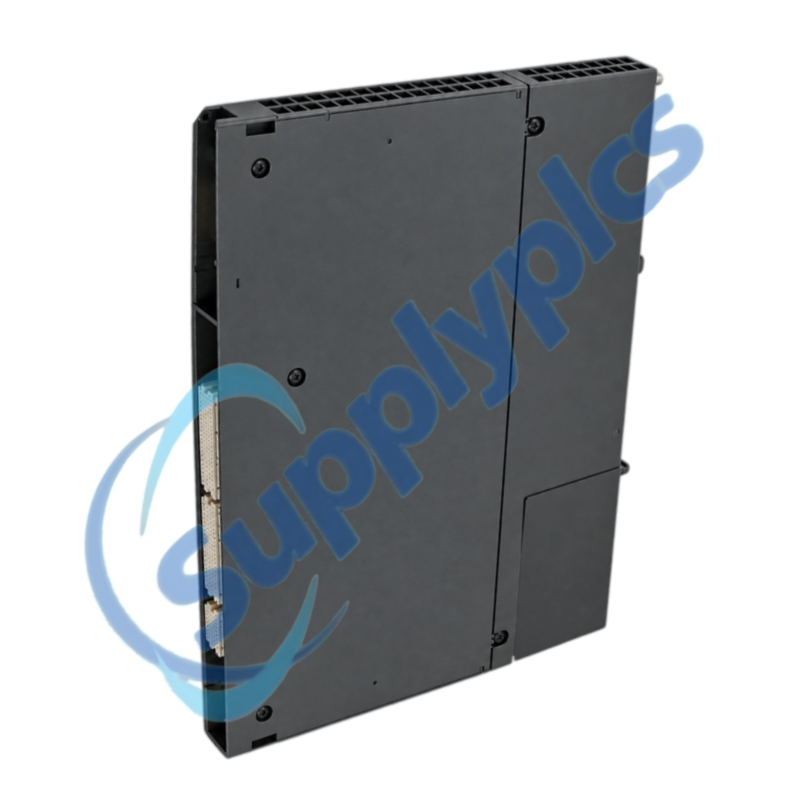
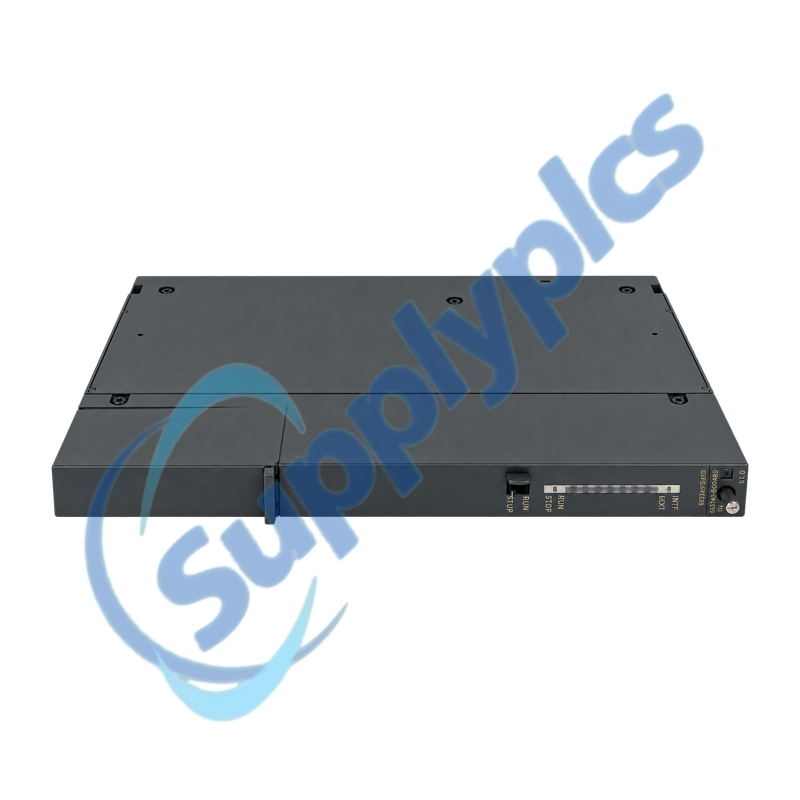
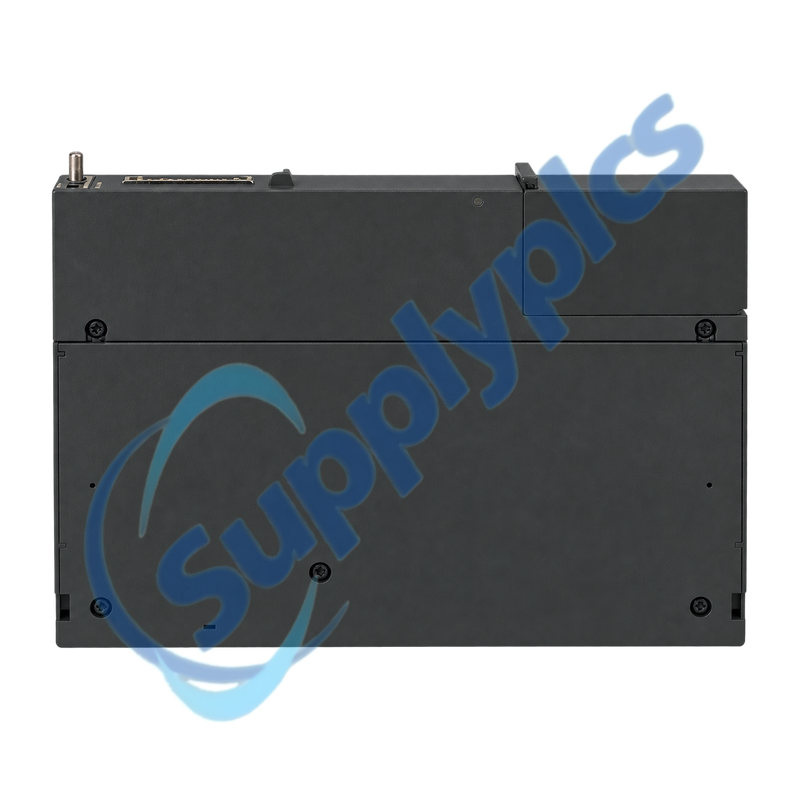
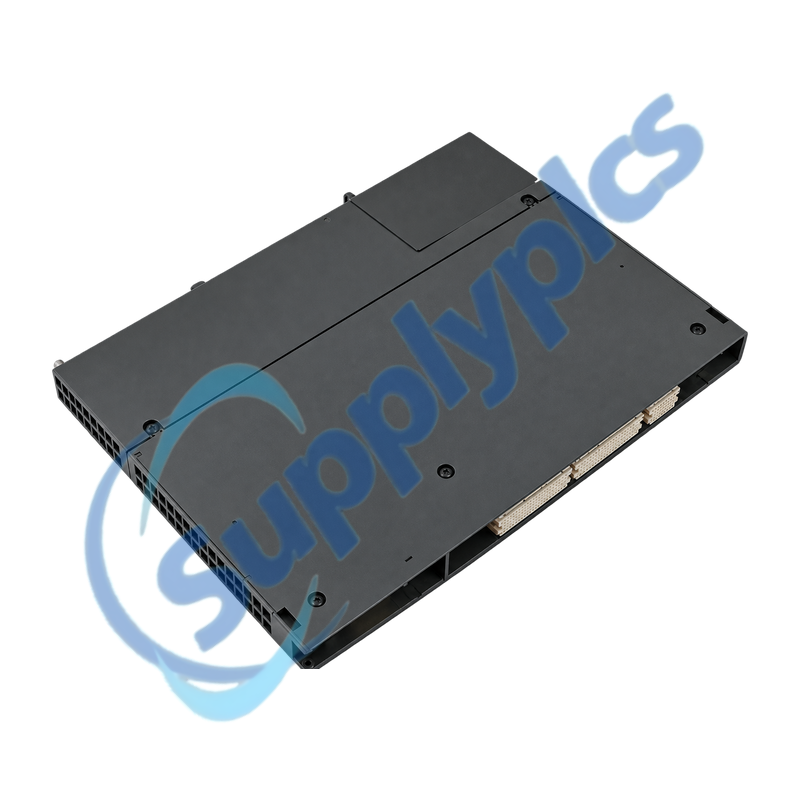
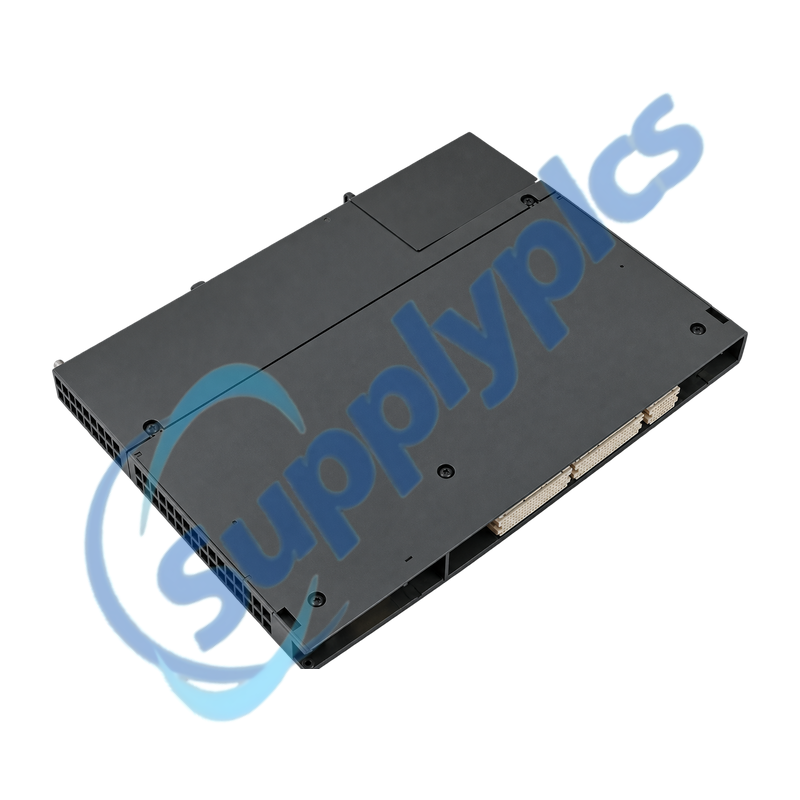
Fiber-optic PROFIBUS DP master interface for SIMATIC S7-400 central racks
The IM 467 FO links an S7-400 system to optical PROFIBUS DP through two 660 nm duplex fiber sockets. It is configured in STEP 7 and provides DP master communication plus programming-device and operator-control access over the bus.
Optical replacement check: Verify the complete FO order number, existing S7-400 rack and slot, STEP 7 project, optical transmitter and receiver routing, connector type, fiber condition, slave count, baud rate and normal INTF, EXTF, RUN and STOP indications before removal.
Optical Topology
6ES7467-5FJ00-0AB0 is the optical version of the SIMATIC S7-400 IM 467 PROFIBUS DP master interface. Unlike the electrical 6ES7467-5GJ02-0AB0, this model uses integrated fiber-optic connections and must be matched to the installed optical topology.
A controlled exchange starts with the STEP 7 hardware configuration, rack and slot record, DP slave list and a labeled transmit-and-receive map. The replacement is commissioned only after the bus rate, slave diagnostics and normal LED pattern agree with the original installation.
Preserve the physical fiber path and the logical DP station before the interface is disturbed.
Transmit and receive map
Label both optical directions, partner devices, adapters and cable routes; verify transmitter-to-receiver orientation at each end.
Connector preparation
Inspect polish quality, jacket cut, adapter latching and permitted bend radius because small defects can produce severe optical attenuation.
DP project record
Export the STEP 7 station, slave list, addresses, baud rate and diagnostic buffer together with normal LED photographs.
IM Diagnostics
Use the complete LED combination and STEP 7 diagnostics to separate internal, optical and slave faults.
INTF indication
Review module configuration, firmware state and internal diagnostics before assuming an external bus problem.
EXTF indication
Trace optical continuity and the first missing or faulty DP slave when RUN remains active with an external fault.
Rack compatibility
Keep within the S7-400 central-rack limits and do not combine this interface with a CP 443-5 Extended in the same supported configuration.
Specifications
Product type designation
SIMATIC S7-400 IM 467 FO
Order number
6ES7467-5FJ00-0AB0
Primary role
PROFIBUS DP master interface
Optical wavelength
660 nm
Optical interfaces
2 duplex fiber-optic sockets
Transmission rate
9.6 kbit/s to 12 Mbit/s; 3 and 6 Mbit/s unavailable
How can I verify that 6ES7467-5FJ00-0AB0 is the required FO version rather than the electrical IM 467?
Check the complete rear label and confirm the two optical duplex sockets. Compare the STEP 7 hardware entry and the installed fiber path; the electrical IM 467 uses a 9-pin PROFIBUS connector and is not a wiring-equivalent substitute.
Q2
What should be recorded before replacing 6ES7467-5FJ00-0AB0 in an S7-400 rack?
Archive the STEP 7 project and diagnostic buffer, photograph the rack and slot and record the bus rate, DP slave addresses and normal LED state. Label transmit and receive fibers, partner devices, adapters and cable routes before the rack is de-energized.
Q3
Why can 6ES7467-5FJ00-0AB0 enter RUN while EXTF still indicates a fault?
RUN confirms the interface operating state, while EXTF can indicate a DP-line or slave problem. Check optical continuity and direction, then use the master diagnostics to identify the first missing slave, faulty slave module or configuration mismatch.
Q4
How should the fiber connectors for 6ES7467-5FJ00-0AB0 be checked during installation?
Inspect the plastic-fiber end faces for a smooth, even polish and confirm that the jacket does not protrude. Verify adapter latching, transmitter-above-receiver orientation and the permitted bend radius before enabling the DP network.
Q5
What commissioning evidence is most useful when 6ES7467-5FJ00-0AB0 does not recover the original DP network?
Provide the STEP 7 hardware configuration, bus parameters, slave list, INTF and EXTF LED pattern and photographs of both optical ends. Include which slaves are missing and whether the fault changes when the suspect fiber segment is isolated.
Q6
Can 6ES7467-5FJ00-0AB0 be installed together with a CP 443-5 Extended without redesign?
No direct combination should be assumed. Siemens states that the IM 467 family and CP 443-5 Extended cannot be used together in the supported arrangement, so the rack and network architecture must be reviewed before any mixed installation.

 EN