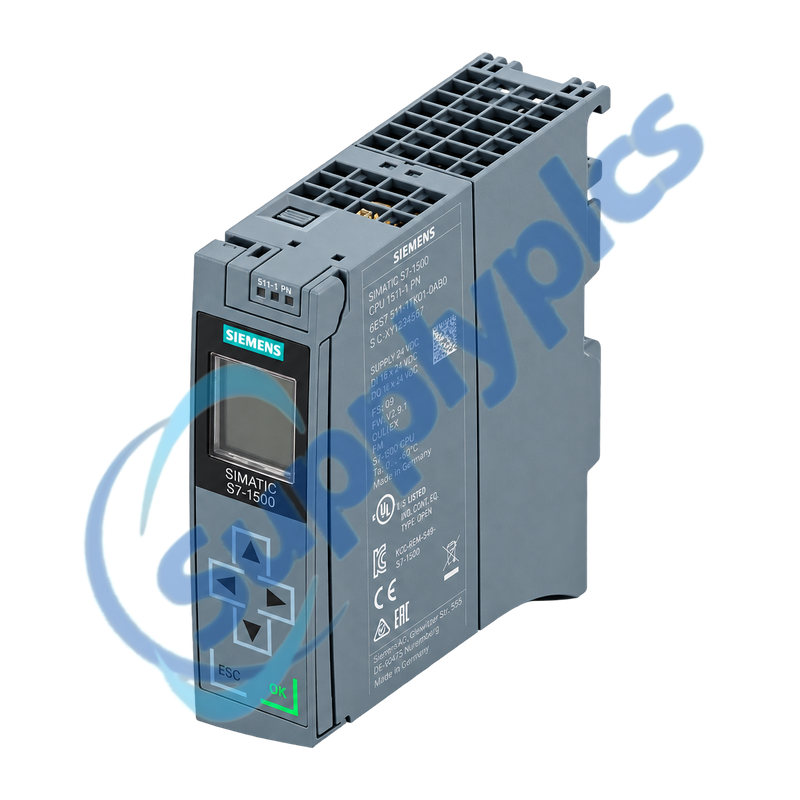
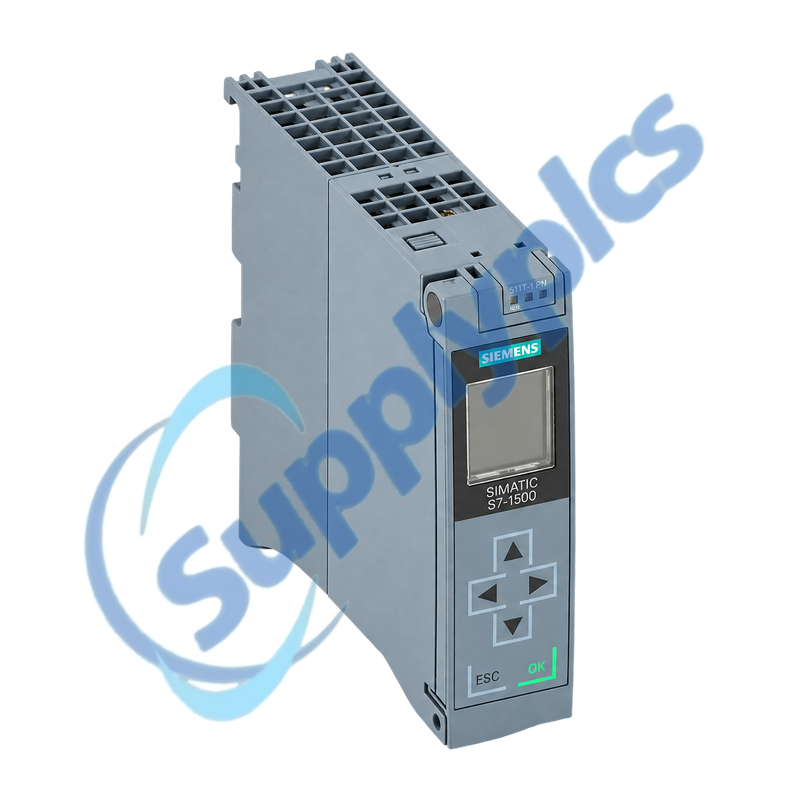
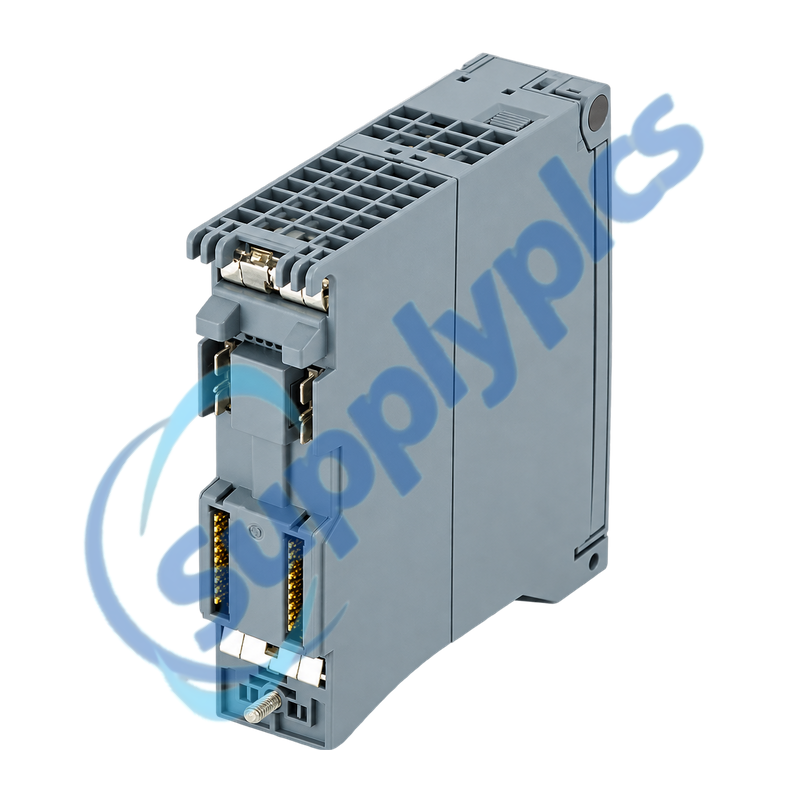
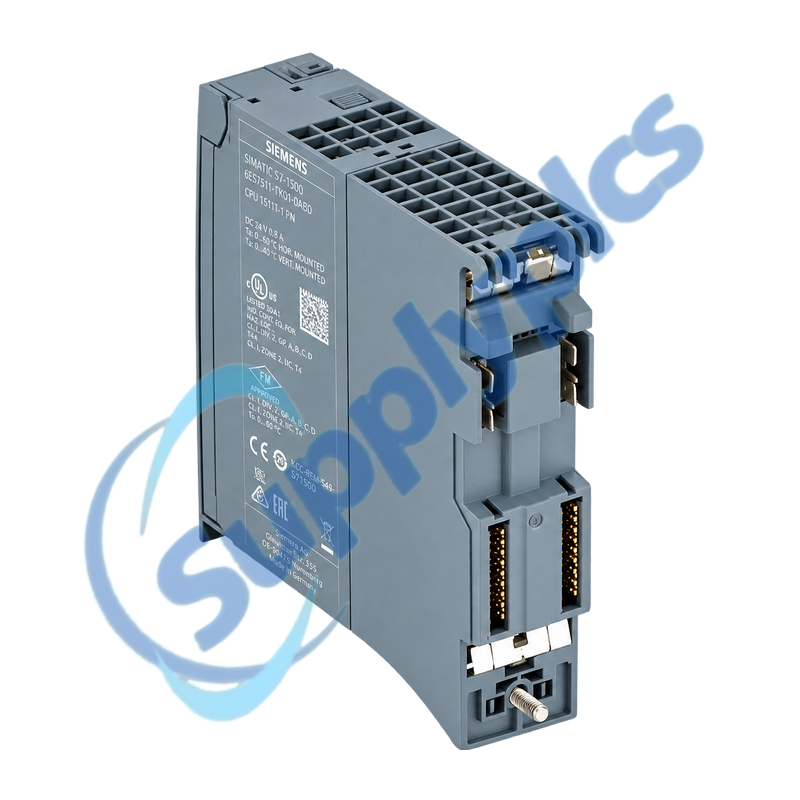
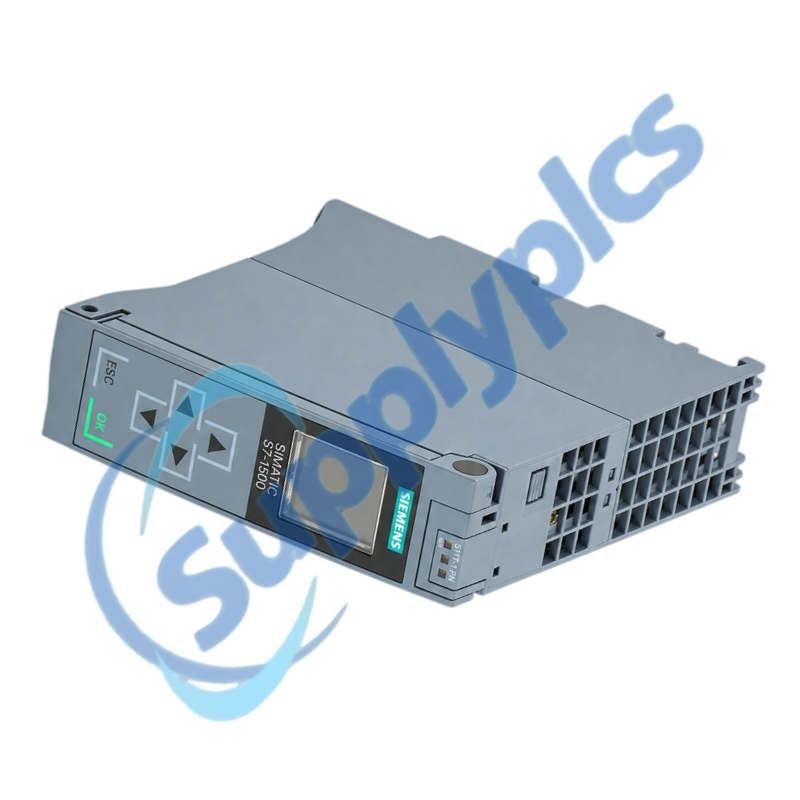
Technology CPU for compact motion-control and PROFINET IRT applications
The CPU 1511T-1 PN combines S7-1500 control with integrated technology functions, a two-port PROFINET IRT interface, 225 KB program memory and 1 MB data memory. A SIMATIC Memory Card is required for operation.
Project compatibility check: Verify the complete CPU order number, hardware and firmware state, TIA Portal version, SIMATIC Memory Card contents, technology objects, axis and encoder configuration, PROFINET device names, IRT topology and the archived machine project before replacement.
Motion Integration
6ES7511-1TK01-0AB0 is a SIMATIC S7-1500T technology CPU intended for coordinated machine and motion applications. Its integrated functions include positioning and synchronization technology objects as well as system diagnostics and PROFINET IO communication.
A successful exchange depends on the recoverable project and memory card as much as the CPU itself. Preserve the TIA Portal project, load memory, firmware record, protection settings, PROFINET identities and motion commissioning data before disturbing the original controller.
The CPU, technology objects and drive topology must be restored as one commissioned motion system.
Project archive
Preserve the complete TIA Portal project, technology objects, axis assignments, encoder data, cam and gearing settings and licenses.
Memory card
Record the SIMATIC Memory Card part number, contents and protection state; the CPU cannot operate without a compatible card.
Controlled motion test
After restore, prove axis feedback, limits, referencing, brake behavior and reduced-speed motion before normal production.
PN Diagnostics
Use S7-1500 diagnostics and the configured topology before changing network hardware.
Device identity
Record the controller name, IP settings, neighboring devices and port assignments for the two-port PROFINET interface.
IRT topology
Compare the physical port path and synchronization domain with the project before diagnosing drive or IO timeouts.
Diagnostic evidence
Save the diagnostic buffer, display messages, accessible-device results and firmware information before clearing faults.
How can I verify that 6ES7511-1TK01-0AB0 is compatible with the existing TIA Portal project?
Match the full order number, hardware revision and firmware to the configured device in the project. Confirm the TIA Portal release, installed technology options, SIMATIC Memory Card and all technology-object requirements before approving the CPU.
Q2
What should be backed up before replacing 6ES7511-1TK01-0AB0 in a motion application?
Archive the complete TIA Portal project and memory card contents, including technology objects, axis and encoder assignments, motion parameters, device names and protection settings. Save the diagnostic buffer and screenshots of normal axis states.
Q3
Why can PROFINET devices remain unreachable after installing 6ES7511-1TK01-0AB0?
Check that the controller device name and IP settings were restored, then compare both port assignments and the configured IRT topology. Verify that the correct project was loaded from the intended memory card before changing field-device names.
Q4
What should I check if 6ES7511-1TK01-0AB0 stays in STOP after a like-for-like exchange?
Read the CPU display and diagnostic buffer first. Confirm memory-card presence and compatibility, firmware and project consistency, rack configuration, supply quality and whether protected configuration data or passwords prevent the intended startup.
Q5
How should the first axis test be performed after restoring 6ES7511-1TK01-0AB0?
Use the machine builder’s safe commissioning sequence. Verify feedback direction, encoder scaling, limits, brake control and referencing, then test one axis at reduced speed before enabling synchronized or coordinated motion.
Q6
Which security and communication settings should be reviewed when commissioning 6ES7511-1TK01-0AB0?
Review access levels, display and configuration passwords, web-server and OPC UA settings, certificates and permitted communication services. Restore only the settings required by the approved project and document any changed credentials separately.

 EN