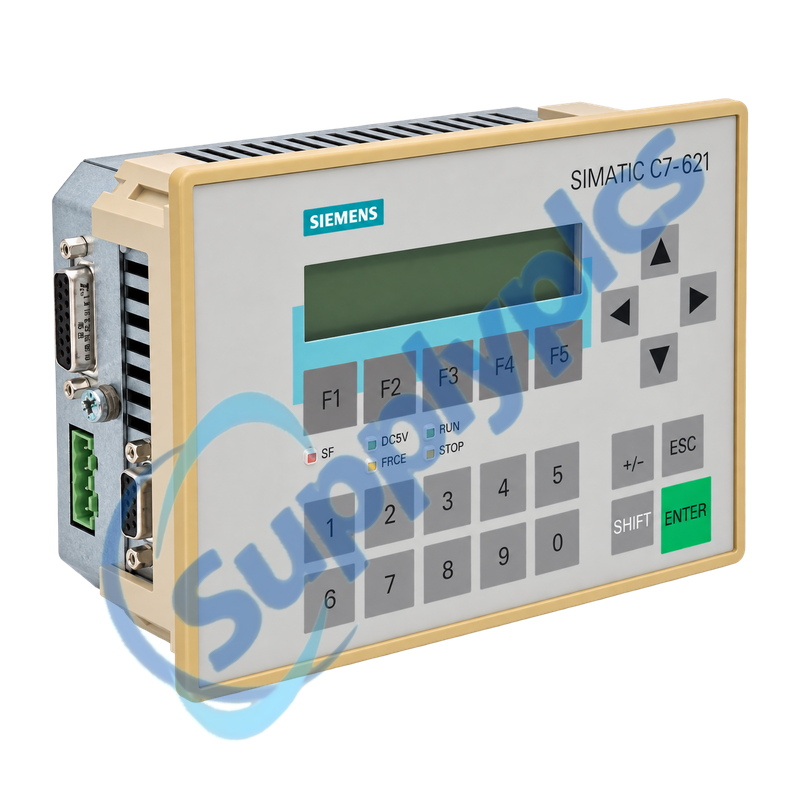
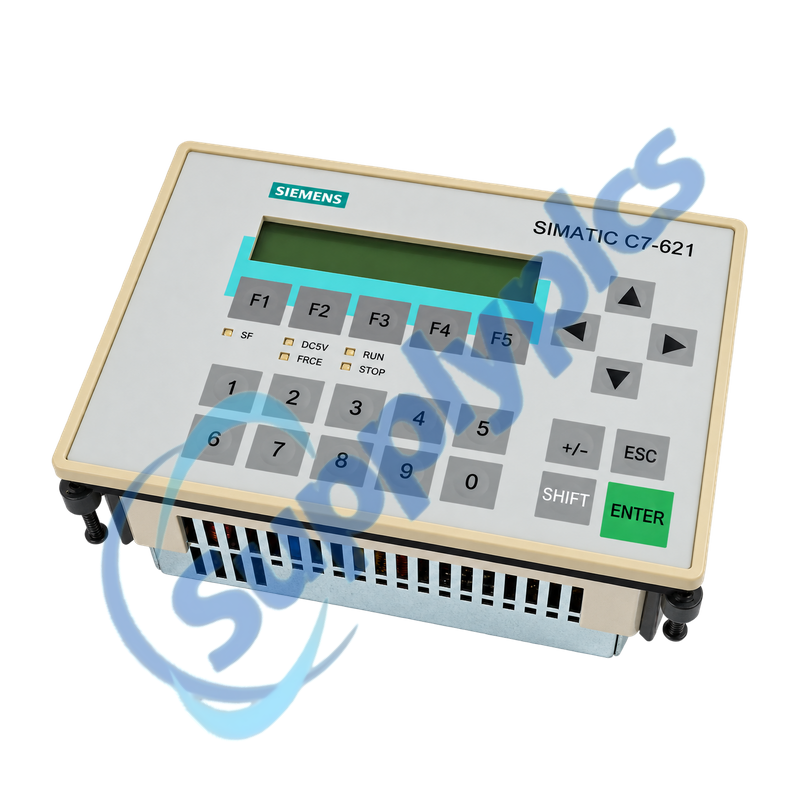
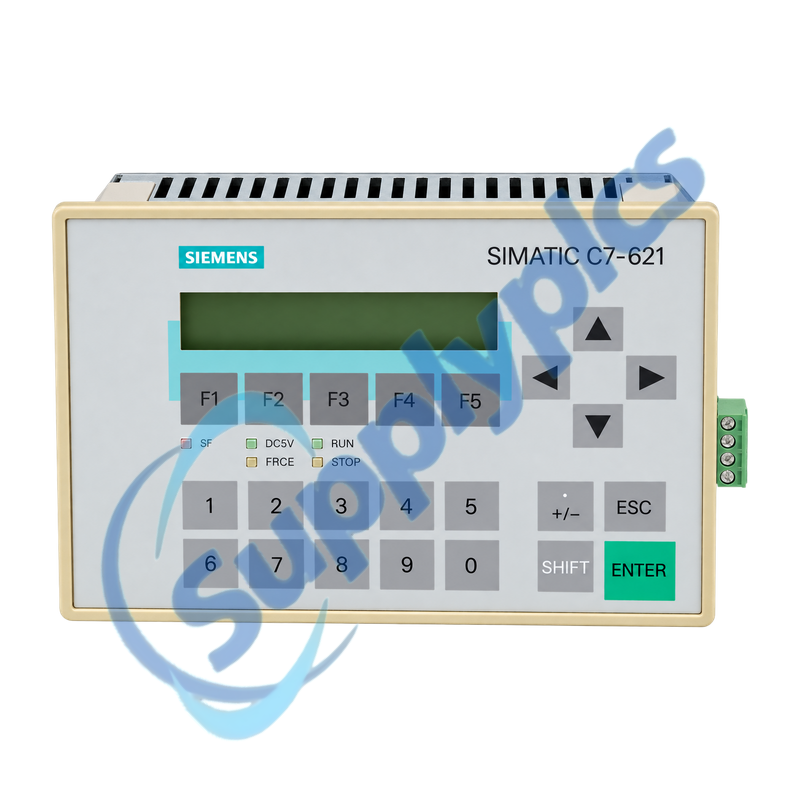
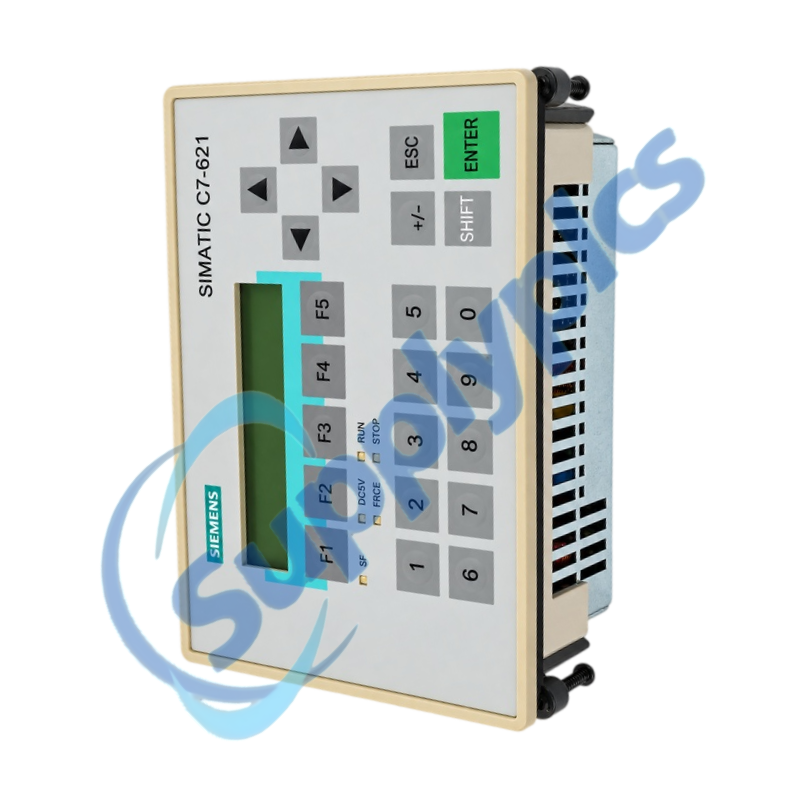
Integrated S7-300-class controller, operator interface and AS-i master for legacy compact machines
The SIMATIC C7-621 AS-i combines a controller CPU, line-oriented operator panel, MPI communication and an AS-Interface master in one panel-mounted unit. A successful service replacement depends on preserving both the control program and operator configuration, then reproducing the installed AS-i and expansion topology.
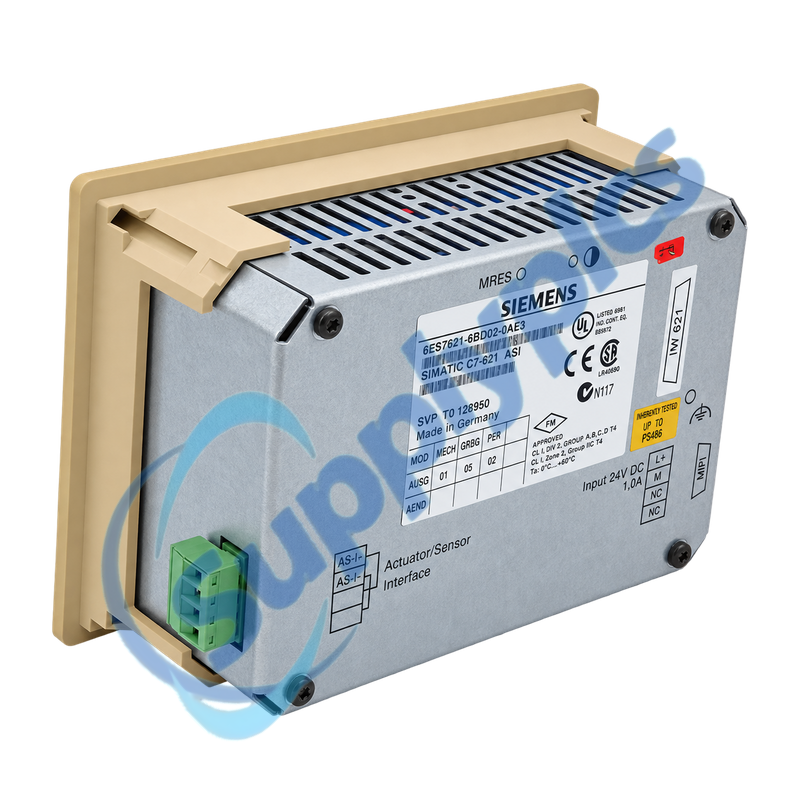
Legacy-system match: Confirm the full 6ES7621-6BD02-0AE3 code, external STEP 7 and ProTool backups, AS-i slave list, MPI addresses, IM 621 expansion and connector keying before the installed unit is removed.
Install & AS-i
6ES7621-6BD02-0AE3 belongs to the SIMATIC C7-621 AS-i family. The C7 CPU and C7 operator panel are independent units that communicate internally through MPI, while the integrated AS-i master connects the machine sensors and actuators assigned to the AS-Interface network.
The front panel, CPU program, operator configuration and AS-i commissioning data must be treated as one installed system. Mechanical fit alone does not prove compatibility: the article suffix, hardware revision, addressing, memory contents and engineering software must all be checked.
Installation must preserve the panel seal, protective grounding, keyed connectors and the complete AS-i network record.
Panel mounting
Check the 159 x 110 mm cutout, 1 to 4 mm panel thickness, sealing ring and the specified clearances before transferring the unit.
AS-i wiring
Record AS-i polarity, power-supply arrangement, slave addresses and profiles; do not substitute the AS-i supply with a standard 24 V DC feed.
Expansion rack
Photograph the IM 621 cable, module sequence and slot addresses for every connected S7-300 expansion module.
Service Diagnostics
The CPU, operator panel and AS-i master must be diagnosed as separate functions even though they share one enclosure.
CPU state
Read SF, DC5V, RUN and STOP LEDs and save the diagnostic buffer before cycling power or carrying out a memory reset.
Operator function
If the display operates but values do not update, verify the C7 OP project and the internal MPI communication settings rather than replacing the display first.
AS-i fault
Compare active slaves with the documented slave list, then check cable polarity, AS-i voltage, duplicate addresses and configuration mode.
How can an engineer confirm that 6ES7621-6BD02-0AE3 matches an installed C7-621 AS-i before ordering?
Compare the complete order code and hardware revision, then verify the stored STEP 7 CPU project, ProTool operator project, AS-i slave list, MPI addresses, IM 621 expansion and panel cutout. A similar C7 faceplate is not sufficient evidence of compatibility.
Q2
What should be backed up before replacing 6ES7621-6BD02-0AE3 in a running machine?
Archive the STEP 7 program and hardware configuration plus the editable ProTool or ProTool/Lite project. Also record AS-i slave addresses and profiles, MPI settings, expansion-module slots, connector pinouts, normal LED states and operator messages.
Q3
Why can 6ES7621-6BD02-0AE3 power up with an active display while the machine remains stopped?
The C7 CPU and operator panel are separate functions. Check the DC5V, RUN, STOP and SF LEDs, read the CPU diagnostic buffer, verify that the correct CPU program is loaded and confirm internal MPI communication with the operator project.
Q4
What should be checked when 6ES7621-6BD02-0AE3 reports missing AS-i slaves after installation?
Verify AS-i cable polarity and voltage, the dedicated AS-i power supply, every slave address and the expected slave profile. Compare actual and configured slaves before changing parameters, and check for a duplicate address or an open yellow cable segment.
Q5
How should an IM 621 expansion fault be investigated after changing 6ES7621-6BD02-0AE3?
Reproduce the documented module order and slot addresses, inspect the P-bus and IM 621 cable seating, and compare the installed modules with the STEP 7 hardware configuration. The C7 supports a maximum of four expansion modules through IM 621.
Q6
Which recovery path is safest if 6ES7621-6BD02-0AE3 loses both CPU and operator configurations?
Stop the machine in a controlled state, restore the validated CPU project and operator project separately, then verify MPI communication, AS-i slave status and every safety-relevant output. Do not perform a memory reset until recoverable backups and the original configuration are confirmed.

 EN