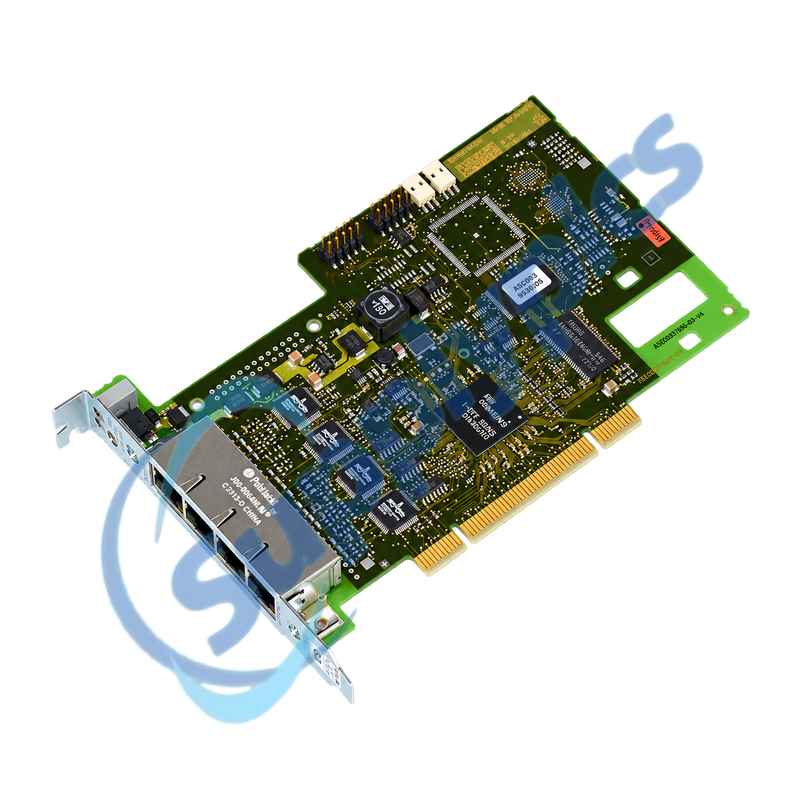
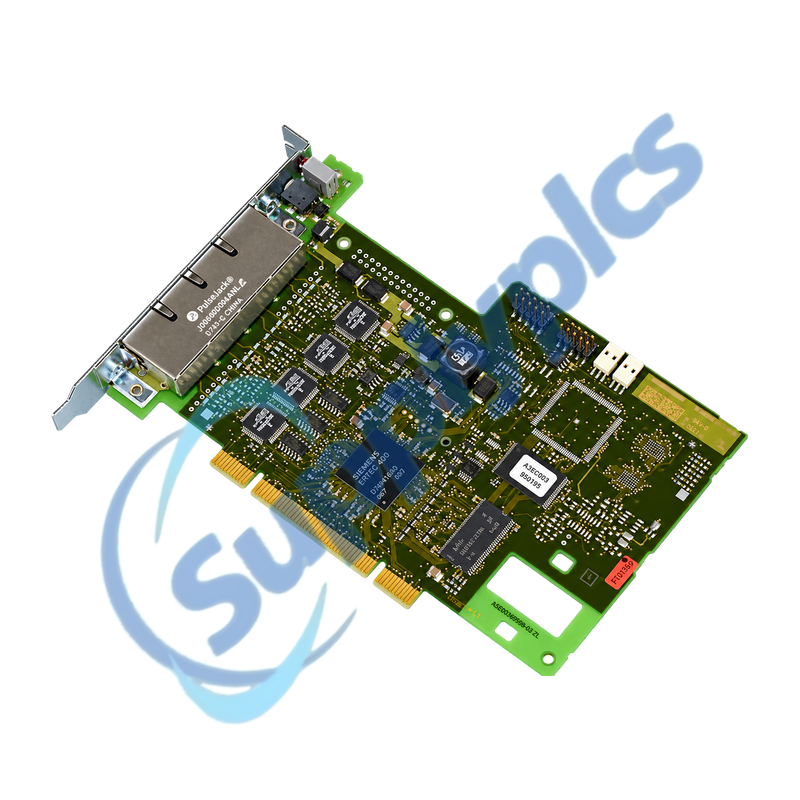
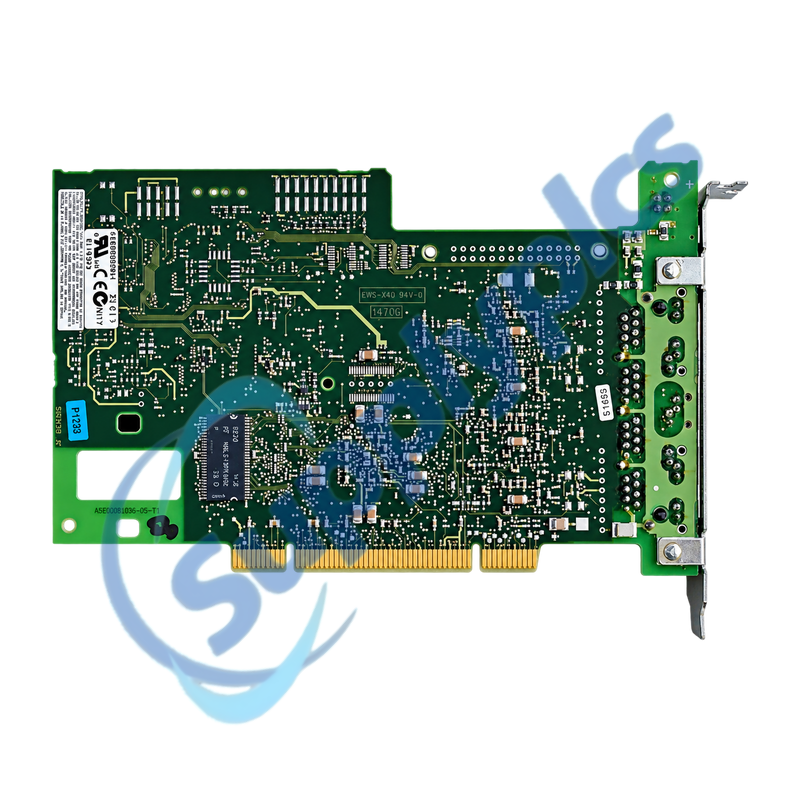
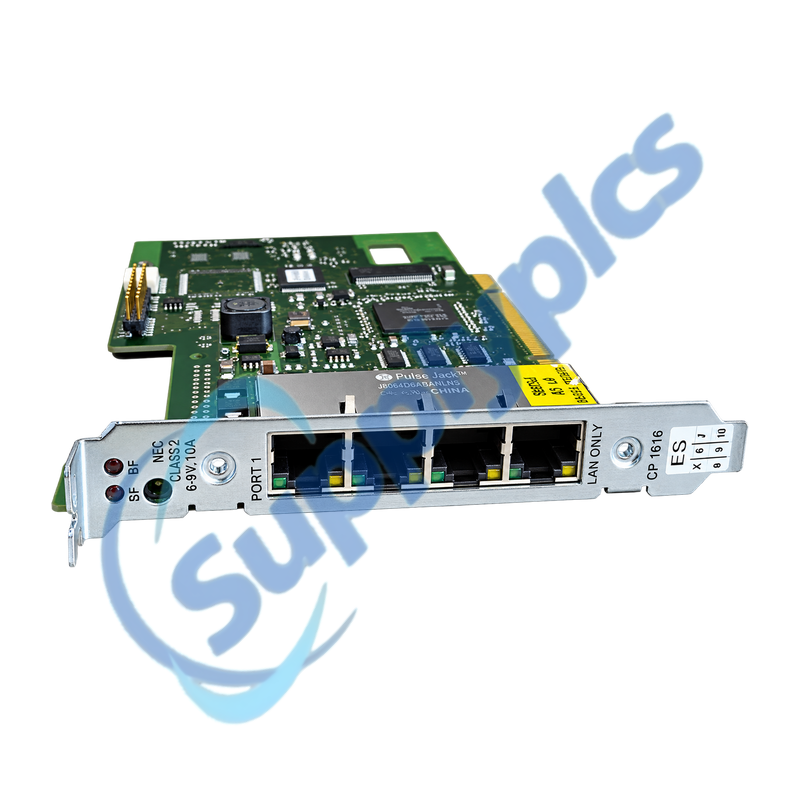
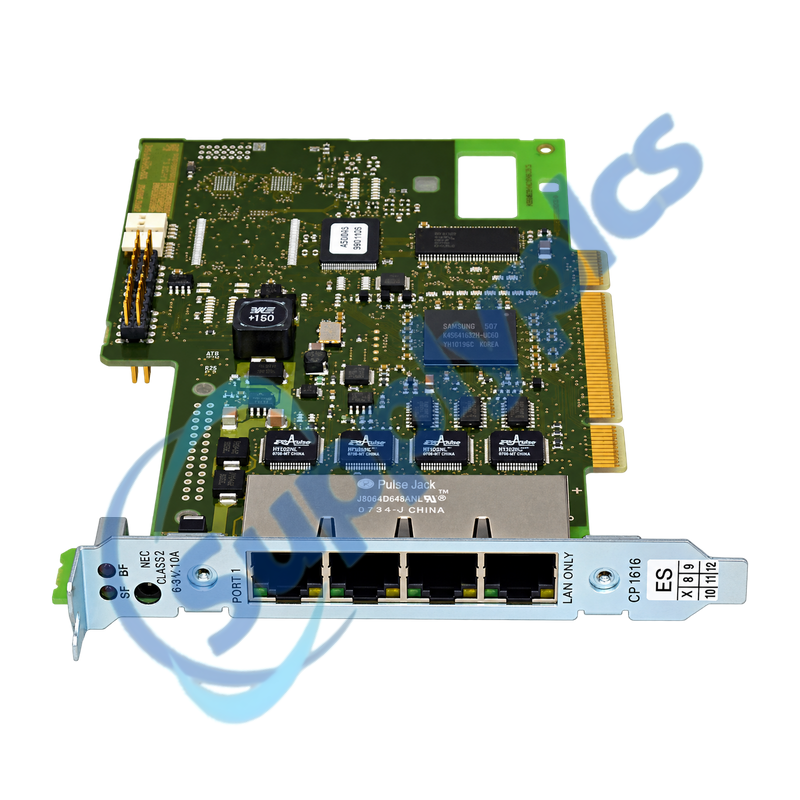
PCI communication processor with four-port real-time PROFINET switch
The CP 1616 combines a 32-bit PCI interface, ERTEC 400 controller and four RJ45 Industrial Ethernet ports for PC-based PROFINET IO communication. A reliable spare decision depends on the PC slot, installed driver and engineering package, firmware, device name and the original PROFINET topology.
Legacy replacement check: Match the complete 6GK1161-6AA00 order number, PCI voltage and slot, operating-system support, DK-16xx PN IO or NCM PC software, firmware, PROFINET station identity and port map. Siemens identifies 6GK1161-6AA02 as the successor, but migration still requires a compatibility review.
Network Setup
6GK1161-6AA00 is the discontinued SIMATIC NET CP 1616 for connecting an industrial PC to PROFINET IO. Its four integrated 10/100 Mbit/s RJ45 ports form a real-time switch, so the board can act as both the PC communication interface and a local network junction.
Before removal, archive the PC application and communication configuration, record the CP firmware and driver versions, save the PROFINET device name and IP parameters and label every Ethernet cable. A replacement must be commissioned through the approved Siemens software environment rather than treated as a passive network card.
Preserve both the PC-side software state and the four-port PROFINET topology before exchanging the board.
PC compatibility
Confirm a supported PCI slot, operating system, driver package and Siemens engineering environment before ordering.
Station identity
Record the PROFINET device name, IP settings, controller or device role and the complete IO configuration.
Port map
Label all four RJ45 connections with partner device, remote port, network role and expected link state.
Diagnostics
Separate host, firmware and network faults before condemning the CP.
Host detection
Verify that the industrial PC detects the PCI card and that the approved Siemens driver starts without conflicts.
LED evidence
Record board and port LEDs during startup, normal operation and the fault before power is removed.
Controlled recovery
Restore the reviewed configuration, assign the original station identity and test IO data and alarms before production release.
How can I verify that 6GK1161-6AA00 will work in the installed industrial PC?
Confirm a 32-bit PCI slot with the required 3.3 V or 5 V signaling, then match the PC operating system, Siemens driver, firmware and DK-16xx PN IO or NCM PC engineering version. Also verify that the existing application license and PROFINET role can be restored.
Q2
What should be backed up before replacing 6GK1161-6AA00?
Save the industrial PC image or application backup, communication project, PROFINET device name and IP settings, IO configuration, firmware and driver versions. Photograph the card position and label all four Ethernet cables before shutdown.
Q3
Why can the PC fail to detect 6GK1161-6AA00 after installation?
Power down safely and reseat the card, inspect the PCI slot and bracket alignment and confirm that the slot supports the required signaling. Then check BIOS resource allocation and install only the approved Siemens driver for the operating system.
Q4
What should I check if 6GK1161-6AA00 is detected but PROFINET IO remains offline?
Verify the restored device name, IP parameters, controller or device role and downloaded IO configuration. Compare the four-port cable map with the original topology and use port LEDs and Siemens diagnostics to identify the first missing partner.
Q5
Can 6GK1161-6AA00 be replaced directly by Siemens successor 6GK1161-6AA02?
Treat the successor as a migration, not an automatic plug-in exchange. Confirm mechanical and PCI compatibility, supported operating systems, driver and engineering versions, firmware behavior and application interface, then commission the card with an approved backup and test all IO connections.
Q6
How should intermittent communication through 6GK1161-6AA00 be diagnosed?
Correlate the fault with PC event logs, Siemens diagnostics and individual port LEDs. Check cable shielding, connectors, switch topology, duplicate station identities and host resource errors, then test one documented path at a time before replacing hardware.


 EN