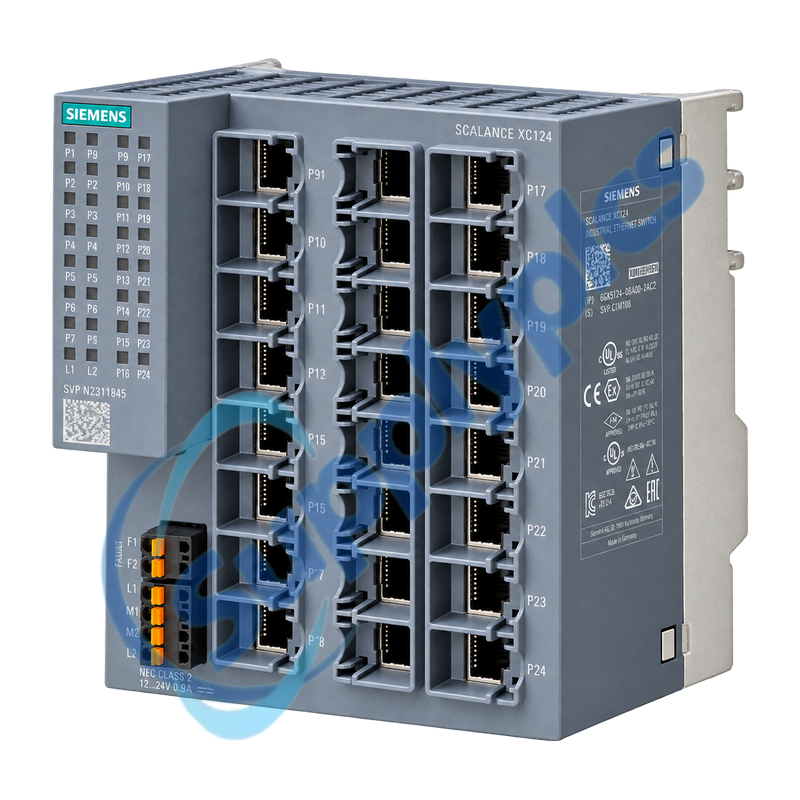
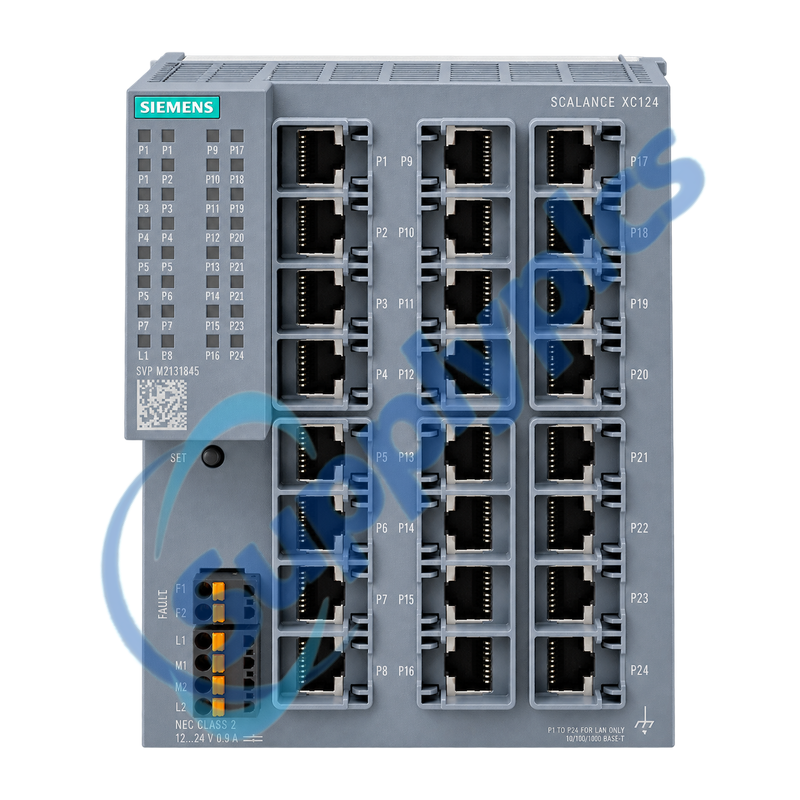
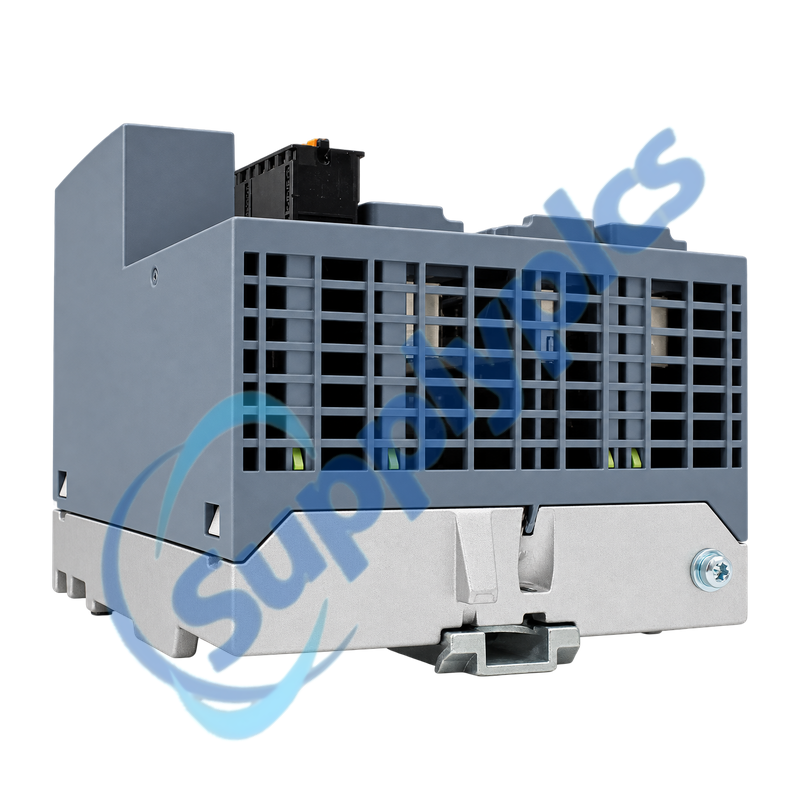
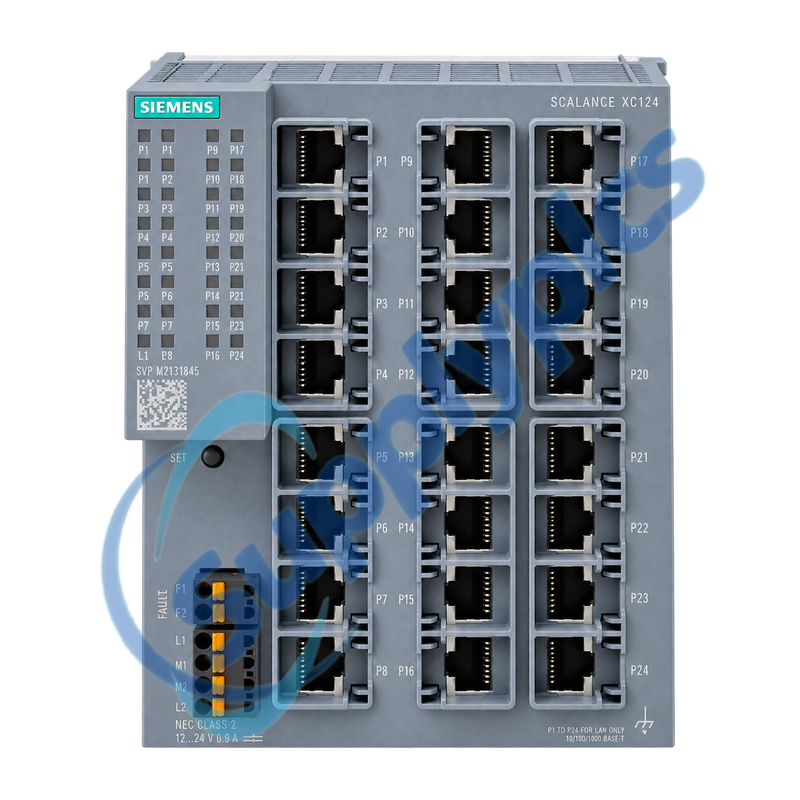
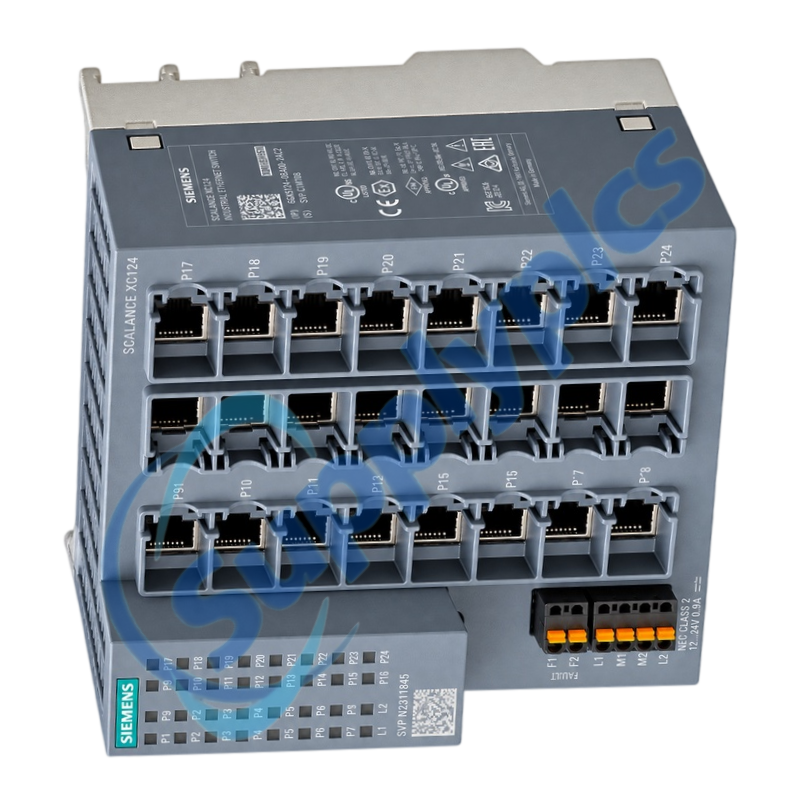
High-port-density unmanaged switch for straightforward 24-device Industrial Ethernet connections
The SCALANCE XC124 provides twenty-four 10/100 Mbit/s RJ45 ports in a compact industrial enclosure. Redundant supply inputs, LED status indication and a configurable signaling contact support practical cabinet installation without managed-switch commissioning.
Network replacement check: Record the complete port map, cable destinations, link speeds, redundant supply wiring, grounding and signaling-contact assignment before moving connections from an installed switch.
Install & Power
6GK5124-0BA00-2AC2 is an unmanaged SCALANCE XC124 switch intended for machine, cell and cabinet networks that need many Fast Ethernet copper connections without VLAN or ring-management configuration. Auto-negotiation and autocrossover simplify compatible 10/100 Mbit/s device connections.
Because an unmanaged switch does not preserve a software configuration, the physical installation record becomes the service reference. Label every cable, photograph the active port LEDs and document both power feeds and the signaling contact before replacement.
A clean installation record prevents cable and alarm-contact errors when a high-port-count unmanaged switch is exchanged.
Port map
Label all twenty-four cable destinations and record which links are active, unused or reserved before disconnecting the installed unit.
Redundant supply
Verify polarity and voltage on both supply inputs and reproduce the protective-earth and cabinet-grounding arrangement.
Signaling contact
Record the contact wiring, normal state and SET-button behavior so the plant alarm circuit can be tested after commissioning.
Fault Isolation
Link LEDs, cable tests and supply measurements provide the fastest route to a useful diagnosis on an unmanaged switch.
Single-port loss
Check the patch lead, connector seating and partner-device speed negotiation, then compare the port LED with a known-good cable and device.
Multiple-port loss
Measure both power feeds under load and inspect grounding and cabinet temperature before assuming that several field devices failed together.
Alarm without outage
Compare the signaling-contact state with the recorded SET configuration and the front LEDs to identify an intentionally monitored link.
How should a buyer confirm that 6GK5124-0BA00-2AC2 is suitable for an existing 24-port cabinet network?
Confirm that every connected device uses 10 or 100 Mbit/s copper Ethernet and that no VLAN, managed redundancy or fiber function is required. Compare the mounting space, two power feeds, grounding and signaling-contact wiring with the installed design.
Q2
What should be documented before replacing an operating 6GK5124-0BA00-2AC2?
Photograph the complete front panel and label every cable by port and destination. Record active link LEDs, both supply inputs, protective earth, the signaling-contact wiring and any deliberately unused ports before shutdown.
Q3
Why can one device remain offline after 6GK5124-0BA00-2AC2 has been installed?
Check the exact patch lead and RJ45 seating first, then verify that the partner device is enabled and supports 10 or 100 Mbit/s Ethernet. Compare the affected port LED and cable with a known-good port before replacing hardware.
Q4
How should maintenance investigate a signaling-contact alarm from 6GK5124-0BA00-2AC2 when traffic is still flowing?
Compare the contact state with the SET-button configuration and identify which links were selected for monitoring. A single monitored link loss can raise the alarm while traffic on all other ports continues normally.
Q5
Can 6GK5124-0BA00-2AC2 directly replace a managed switch in a ring or VLAN network?
Not without redesign. It is unmanaged, so it does not reproduce VLANs, managed ring roles or saved switch configuration. Obtain the existing topology and configuration before deciding whether an unmanaged replacement is acceptable.
Q6
What power checks are useful when several links on 6GK5124-0BA00-2AC2 drop at the same time?
Measure both redundant inputs at the switch while the cabinet is under load, inspect terminal seating and grounding, and review cabinet temperature. Simultaneous link loss across unrelated ports is more consistent with supply or environmental trouble than multiple cable failures.

 EN