IP65 PROFINET IRT switching with copper and POF/PCF optical links
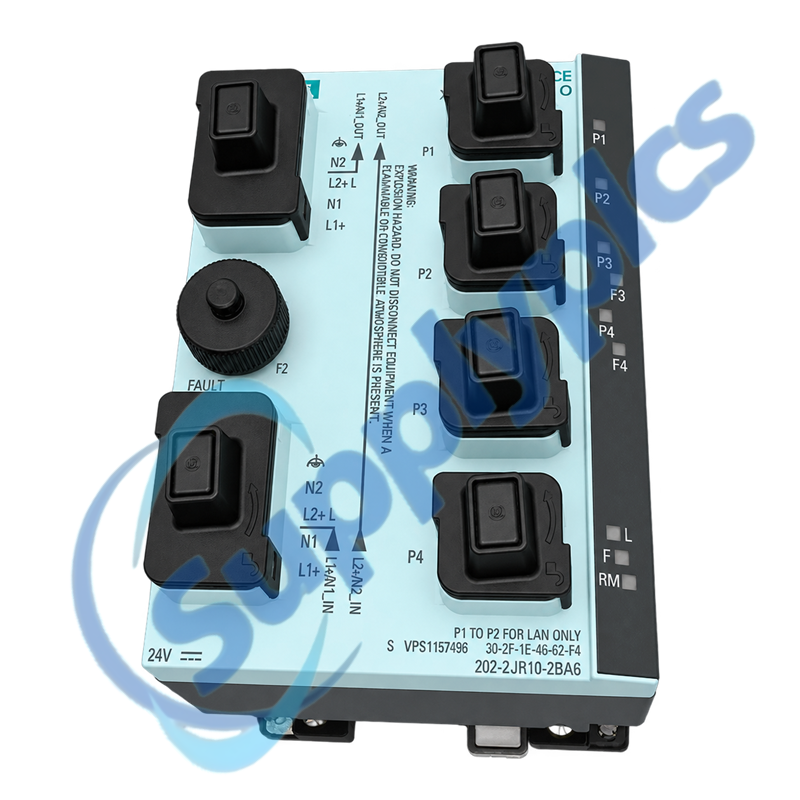
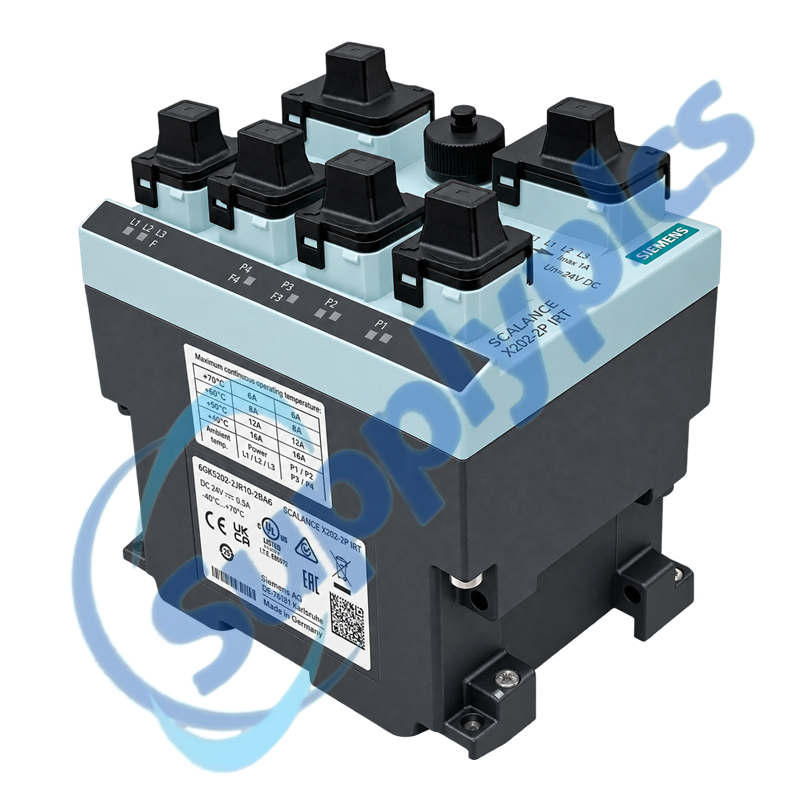
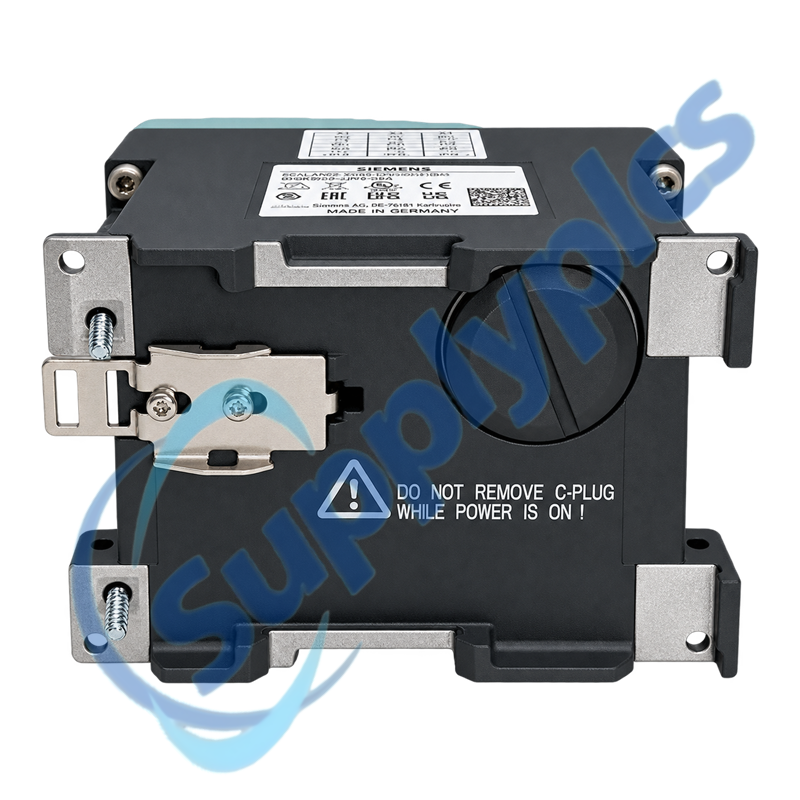
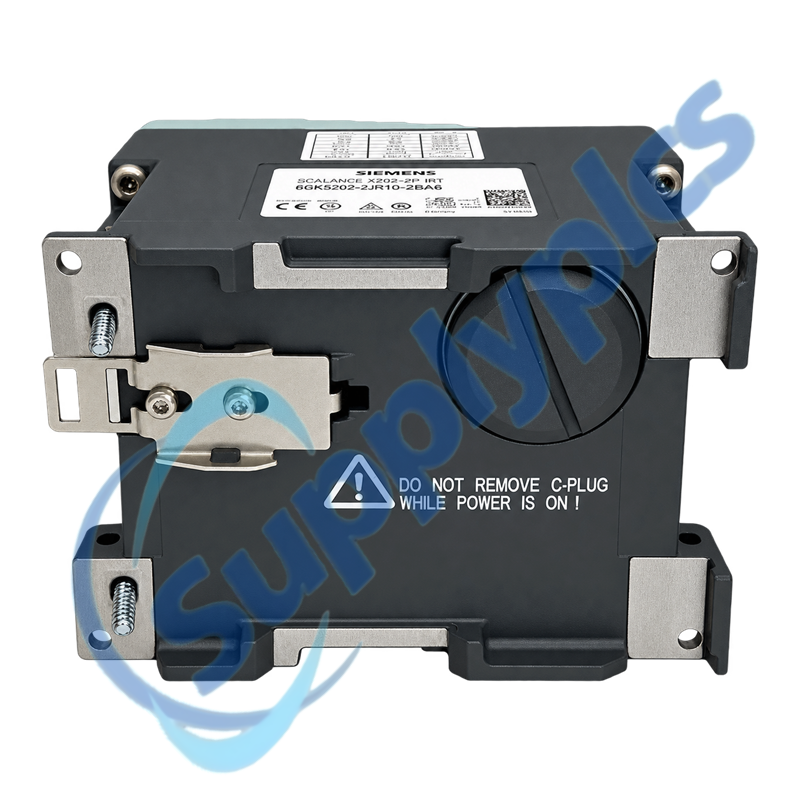
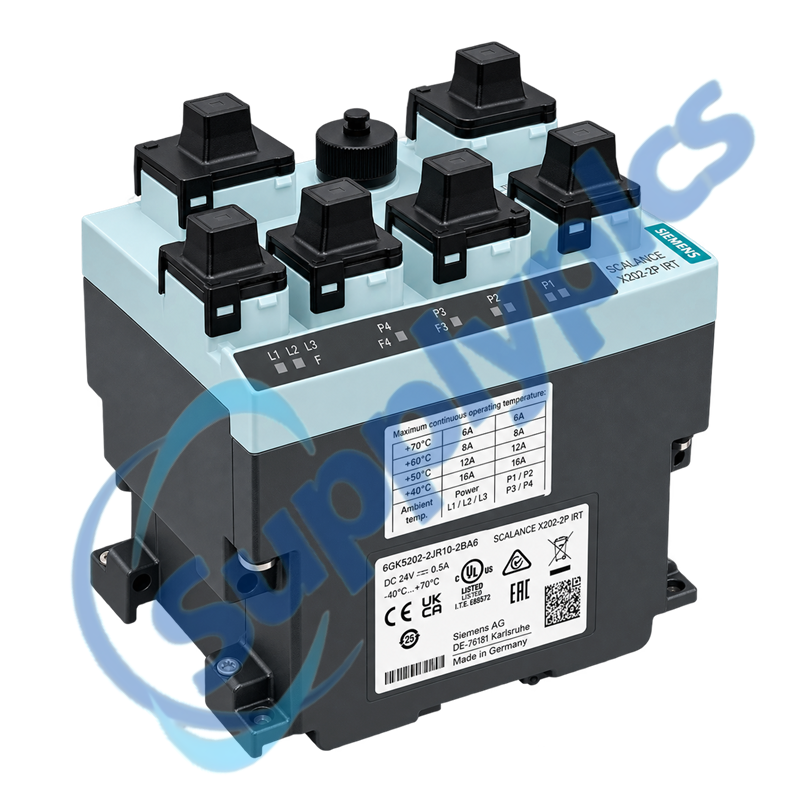
Siemens 6GK5202-2JR10-2BA6 is a SCALANCE X202-2P IRT PRO switch with two electrical ports and two SC RJ optical ports for POF/PCF PROFINET networks in IP65 installations.
Verify first: Confirm the Push-Pull power/data connectors, POF or PCF fiber, IRT topology, device naming and saved network project before replacement.
IRT Network Commissioning
01Record the topology
Label every copper and optical path and the switch position.
02Verify connectors
Check Push-Pull coding, POF/PCF type and SC RJ cleanliness.
03Preserve PROFINET data
Save device name, IP settings and IRT topology configuration.
04Validate real time
Test link status, controller diagnostics and the IRT cycle before production.
Specifications
Product type
SCALANCE X202-2P IRT PRO switch
Article number
6GK5202-2JR10-2BA6
Electrical ports
2
Optical ports
2 x SC RJ
Optical media
POF / PCF
Industrial protocol
PROFINET with IRT
Protection rating
IP65
Connector concept
Push-Pull field connection
Installation role
Machine-level rugged Ethernet switching
Description
The X202-2P IRT PRO combines rugged IP65 field installation with PROFINET IRT capability. Siemens ordering information identifies two electrical connections and two SC RJ optical ports for POF/PCF links.
A successful exchange depends on connector coding, optical medium, device name, topology and real-time configuration. Document the line and ring position before disconnecting any copper or fiber path.
We review the complete order number and installed-system context before quotation.
Condition coordination
Availability and product condition are confirmed for the requested unit.
Global delivery support
Shipping options and available official documentation are coordinated with the destination.
FAQ
Q1
How should I verify that 6GK5202-2JR10-2BA6 matches the installed system before purchase?
Match the complete order number, IP65 housing, Push-Pull connectors, two electrical ports and two SC RJ optical paths. Confirm POF or PCF media and the PROFINET IRT topology before ordering.
Q2
What should I back up before replacing 6GK5202-2JR10-2BA6 in a working machine?
Archive the engineering project, device name, IP settings, port map and IRT topology. Label every copper and optical cable and photograph the Push-Pull connector coding before disconnection.
Q3
What should I check if 6GK5202-2JR10-2BA6 powers up but does not become operational?
Verify both the power connection and PROFINET link indications, then confirm the assigned device name and project topology. Inspect connector locking and optical Tx/Rx routing before changing the controller configuration.
Q4
How should I troubleshoot a communication or interface problem after installing 6GK5202-2JR10-2BA6?
Clean and inspect the SC RJ connectors, confirm POF/PCF media and correct Tx/Rx routing, and check the electrical uplinks. Compare port diagnostics with the IRT project and test the network without creating a loop.
Q5
What should I inspect when 6GK5202-2JR10-2BA6 develops an intermittent fault?
Inspect Push-Pull locking, fiber bend radius, connector contamination, supply stability and vibration. Review PROFINET diagnostics and correlate the event with machine motion or cable flexing.
Q6
Which details should I provide when requesting a quotation for 6GK5202-2JR10-2BA6?
Provide the full order number, connector photographs, optical medium, IRT topology, controller type and destination. State whether cables, Push-Pull accessories or an exact spare are included in the request.

 EN
EN