Get a Free Quote

Our representative will contact you soon.
Email
Name
Mobile
Company Name
Message
0/1000
siemens 6gk5224 0ba00 2aa3 scalance x224 managed industrial ethernet switch-0

SIMATIC S7 Series

Home >  Products >  SIEMENS >  SIMATIC S7 Series

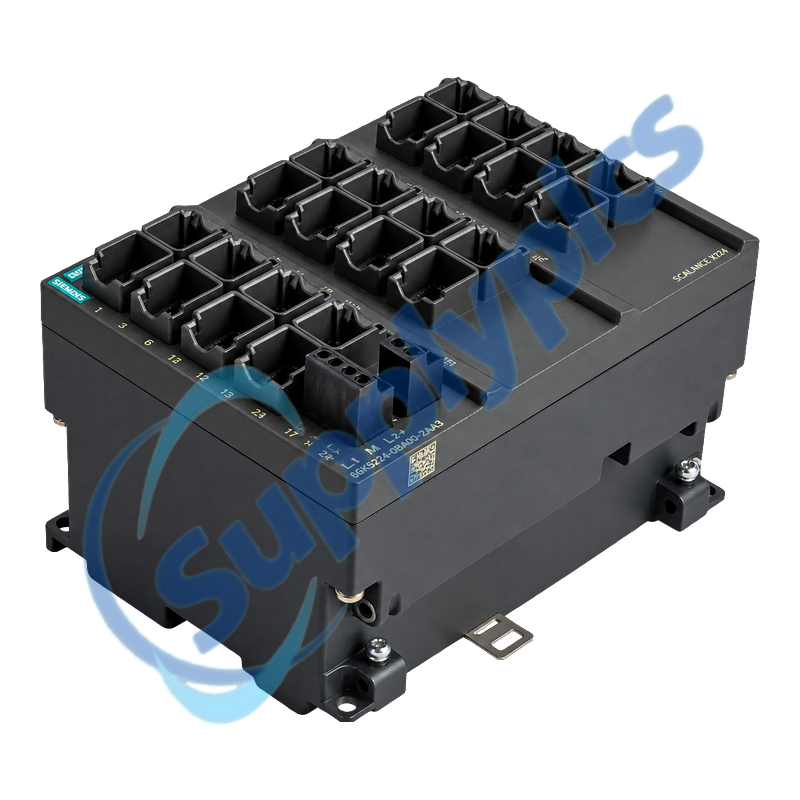
Siemens 6GK5224-0BA00-2AA3 SCALANCE X224 Managed Switch

Product Name: SCALANCE X224 Managed Industrial Ethernet Switch
Brand Name: Siemens
Model Number: 6GK5224-0BA00-2AA3
Place of Origin: Germany
Warranty: 12 Months
Whatsapp: +86 18020776782
Appurtenance:
  • Overview
  • Network Migration
  • Description
  • Diagnostics & Setup
  • Specifications
  • Commercial Term
  • Contact info
  • FAQ
  • Other Products
  • Recommended Products
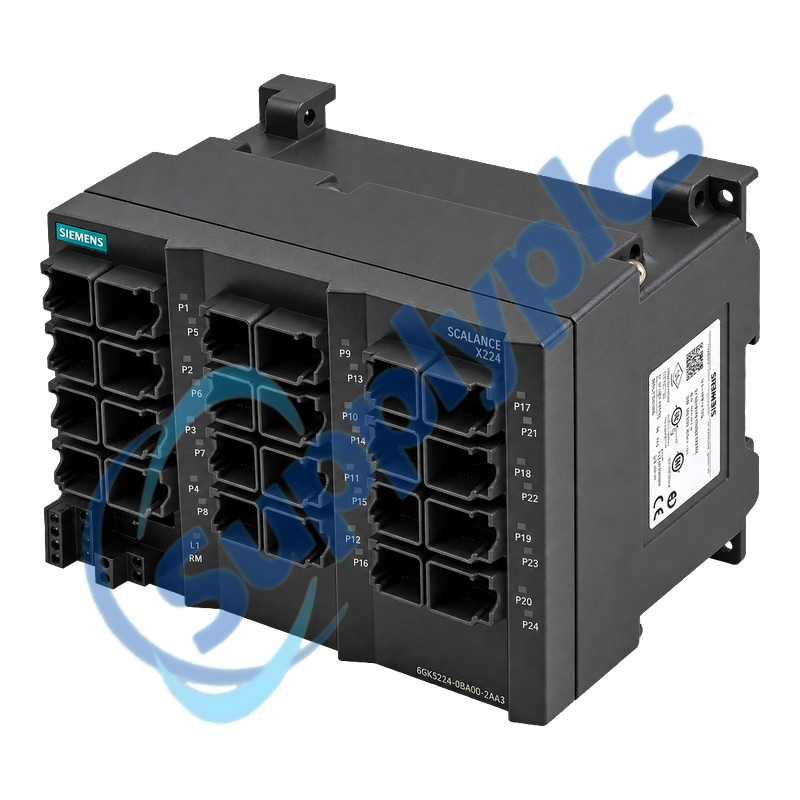
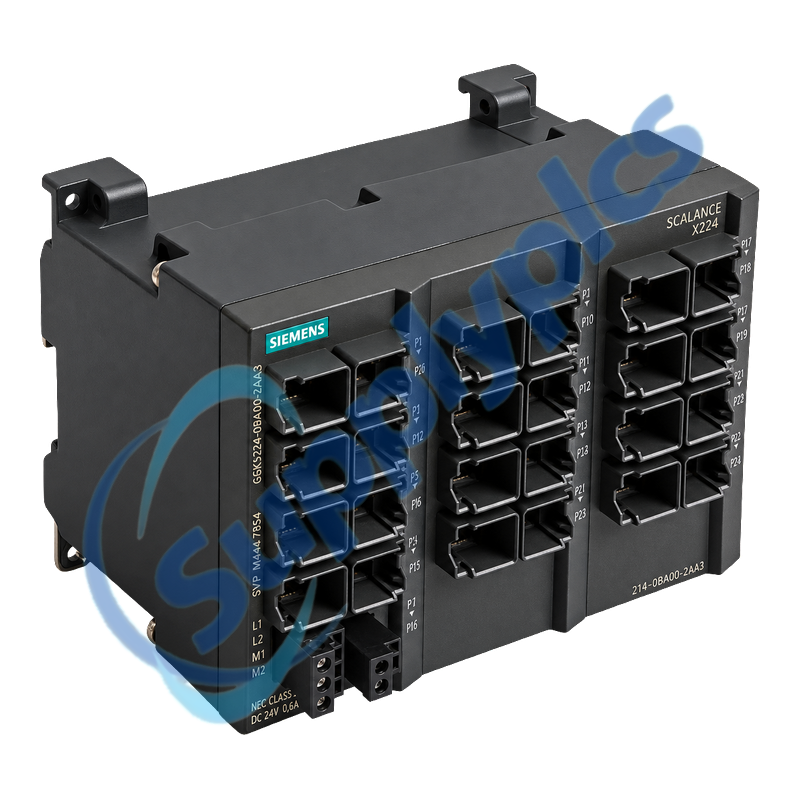
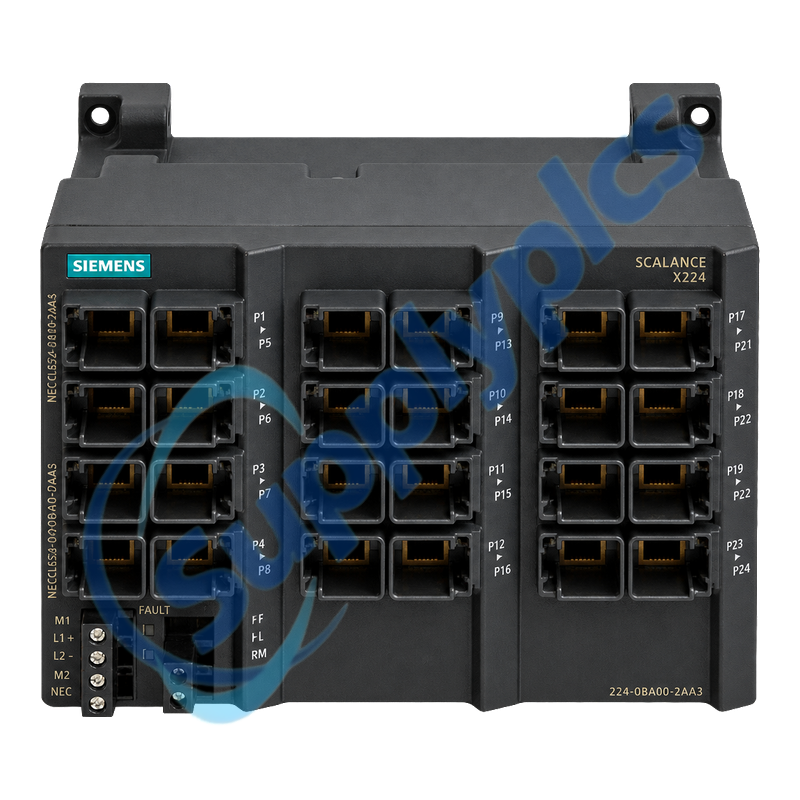
Managed Layer 2 Industrial Ethernet switch with twenty-four Fast Ethernet RJ45 ports
The SCALANCE X224 provides 24 copper 10/100 Mbit/s ports in a metal IP30 enclosure for managed industrial networks. It supports PROFINET diagnostics, MRP, SNMP, web and command-line management, port mirroring and C-PLUG configuration storage.
Migration and port-map check: Document every port, VLAN or ring role, IP setting, C-PLUG, alarm contact and mounting clearance. The XC224 successor has different housing depth, cable exit, protection class, mounting position and feature set, so it must not be treated as a blind drop-in exchange.

Network Migration

A successor switch changes both mechanics and network behavior; preserve the existing topology before converting the installation.
Port map
Label all 24 RJ45 links with connected device, port number, VLAN, speed or duplex state and expected traffic.
Ring role
Record MRP, ring-manager, standby and coupling settings plus the expected recovery behavior before removing power.
XC224 differences
Check the 95 mm successor depth, revised cable clearance, IP20 rating, added S7-1500 mounting and new management functions.

Description

6GK5224-0BA00-2AA3 is the original SCALANCE X224 managed switch with 24 Fast Ethernet RJ45 ports. It is intended for high-port-density machine and plant networks that need managed diagnostics and a documented redundancy configuration.
For replacement, export the device configuration and build a port-by-port cable map before removing the old switch. Preserve ring-manager or standby roles, PROFINET names, VLANs, multicast behavior, alarm contact wiring and the C-PLUG state.

Diagnostics & Setup

Separate power, link, configuration and network-loop checks so an incorrect port plan is not mistaken for failed hardware.
Configuration backup
Export the switch configuration and record firmware, IP address, PROFINET device name, users and C-PLUG condition.
Link verification
Commission ports in groups while checking link LEDs, negotiated speed, error counters and the alarm contact.
Loop prevention
Restore ring or spanning-tree settings before reconnecting parallel paths, then confirm stable topology and diagnostics.

Specifications

Product type designation
SCALANCE X224
Order number
6GK5224-0BA00-2AA3
Copper ports
24 x RJ45, 10/100 Mbit/s
Switch class
Managed Layer 2, full wire speed
Management
Web, CLI, SNMP v1/v2/v3 and STEP 7
Redundancy
MRP and managed ring functions
Configuration storage
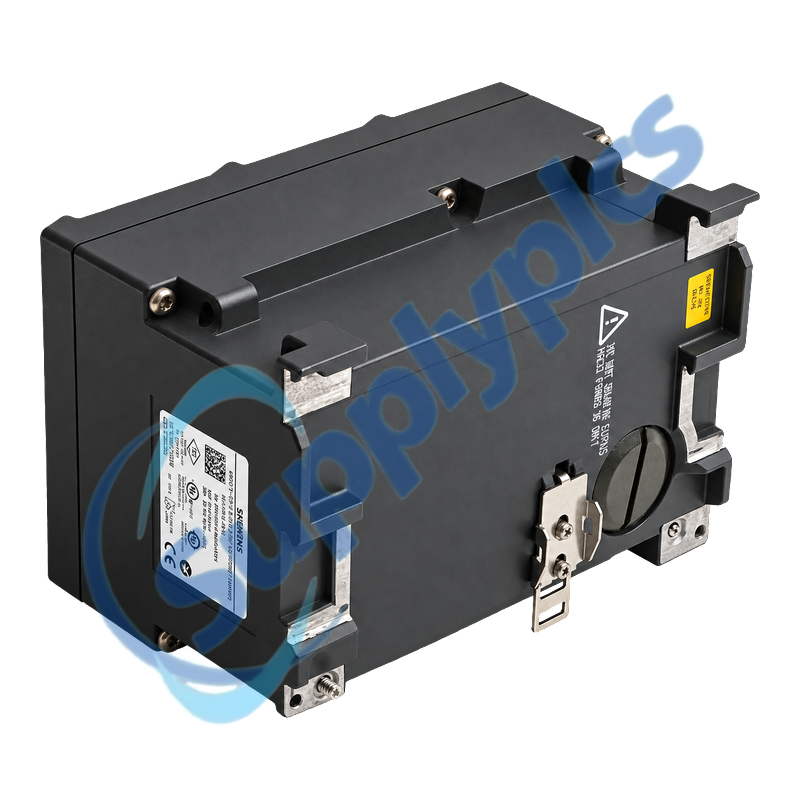
C-PLUG bay on rear
Operating temperature
-40 to +60 degrees C
Protection
IP30 metal enclosure
Supply reference
24 V DC; maximum current approximately 350 mA
Dimensions / weight
180 x 125 x 124 mm; approximately 1.6 kg
Mounting
DIN rail, S7-300 rail or wall mounting

Commercial Term

Quotation
Current price and availability
Payment
T/T or agreed terms
Lead time
Confirmed with quotation
Shipping
DHL, FedEx, UPS or agreed freight
Warranty
12 months

Contact info

FAQ

Q1
How can I verify that 6GK5224-0BA00-2AA3 matches my existing SCALANCE X224 installation?
Confirm the exact order number, 24 RJ45 port requirement, IP30 housing, mounting method, 24 V supply, C-PLUG and the configured managed functions. Compare the saved port map and firmware before selecting the spare.
Q2
What should I back up before replacing 6GK5224-0BA00-2AA3?
Export the complete switch configuration and record IP data, PROFINET device name, VLANs, ring or standby role, multicast settings, SNMP users, alarm contact, firmware and C-PLUG status. Photograph and label all 24 ports.
Q3
Why can traffic fail after 6GK5224-0BA00-2AA3 is replaced even though every link LED is on?
A physical link does not restore VLAN, redundancy, multicast or port-control settings. Compare the restored configuration with the original, verify the PROFINET name and IP data, then inspect error counters and the first unreachable device.
Q4
How should I diagnose intermittent port faults on 6GK5224-0BA00-2AA3?
Check the affected RJ45 cable and connector, negotiated speed and duplex, error and discard counters, cabinet temperature, supply stability and whether the fault follows one port or one cable. Preserve diagnostics before moving several links.
Q5
Can 6GK5224-0BA00-2AA3 be replaced directly by the XC224 6GK5224-0BA00-2AC2?
Treat the XC224 as an engineered migration. Review housing depth, cable exit, IP rating, rail position, C-PLUG handling, firmware and added management functions, then convert and test the configuration before the outage.
Q6
How should I commission 6GK5224-0BA00-2AA3 safely in an MRP network?
Apply power with redundant paths controlled, restore the approved configuration, verify the ring-manager role and individual access links, then close the ring and confirm a stable topology. Test one planned link interruption while monitoring recovery and alarms.

Other Products

CPM51 CPM-52-A5V5-I4O2R2-AD
IP20
GE 517-0147-04C 04-21-956029
RR1A01AEB00
125720-01 3500/32
995200PEME3
01401
BST-TKM05
MCS RO8
ABB 1SAP450600R0001 AI531
T-ASH-G2-100
sw41sk
744-98067-00P 710-U0042-00P
MNL-13RF3 MNL-13R
L01-2985-000
ICP11J0450000
CPM-52-A5V5-I4O2R2-AD
RS-1140-0000
JMG 4T KNX IP20
EN8400
HDL-M/DL04.1Knx
Kpd-4400
Cobalt 6590
S-532-0
MMX-400/MMX-1 300
P8-HDMI2-4KDS/HDMI
1732E-IB16M12
1756-L62 PN-13839
5WG1 567-1AB21
440R-S845AER-NNL MSR57P

Get a Free Quote

Our representative will contact you soon.
Email
Name
Mobile
Company Name
Message
0/1000

Get a Free Quote

Our representative will contact you soon.
Email
Name
Mobile
Company Name
Message
0/1000