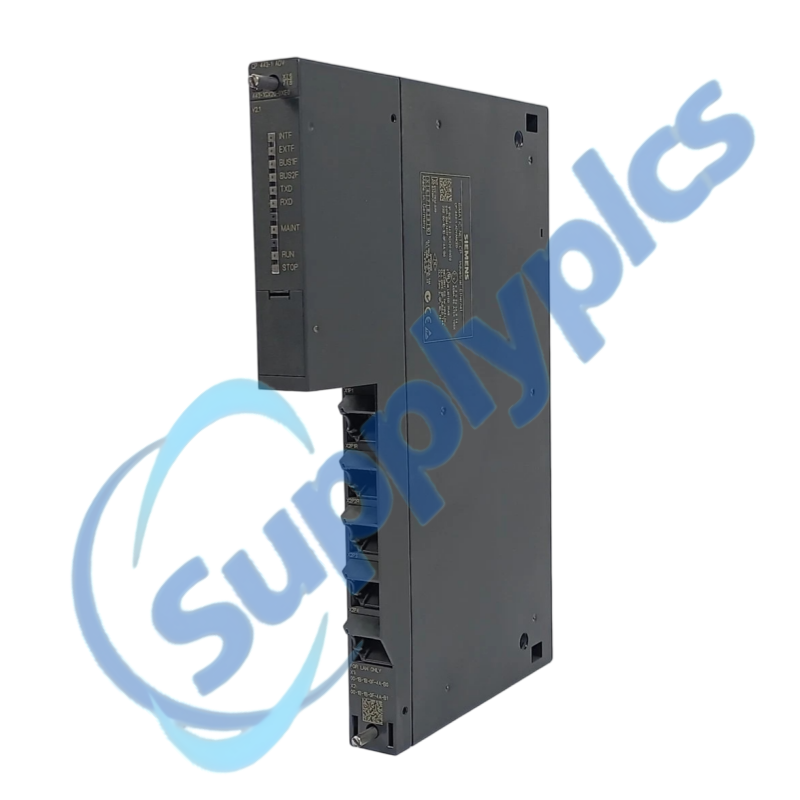
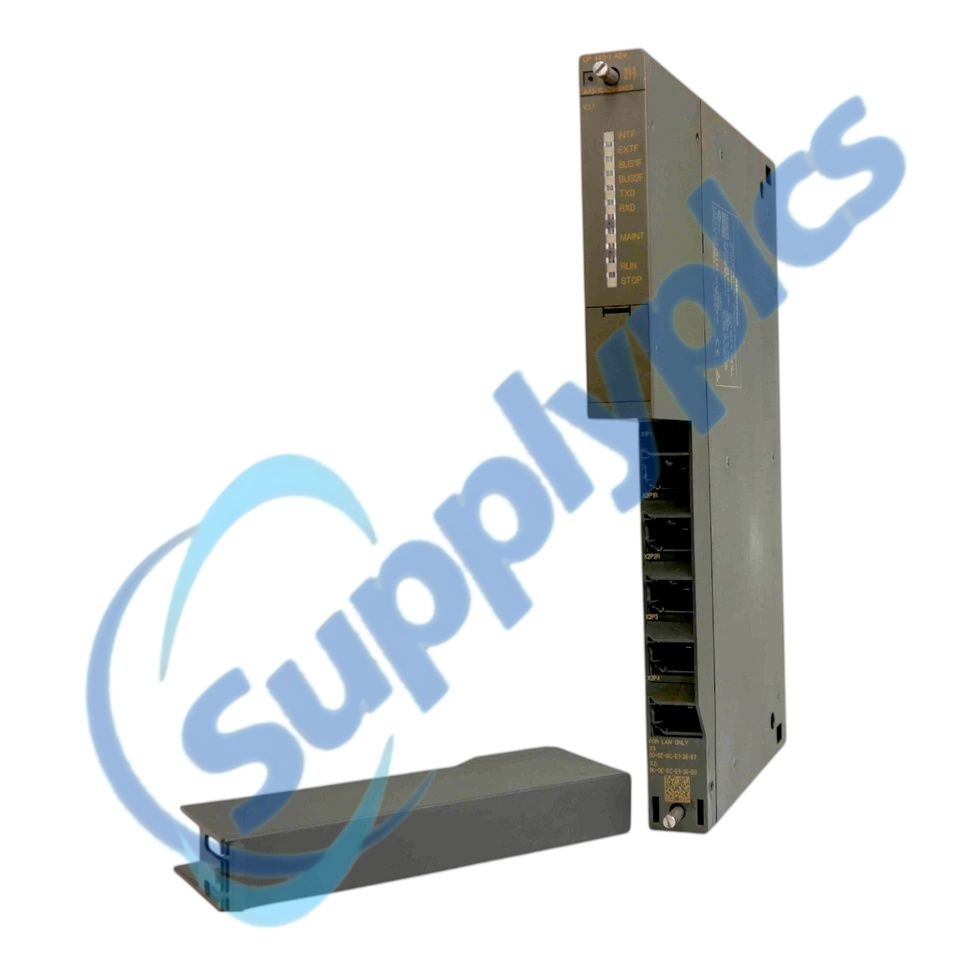
Advanced Industrial Ethernet communication for SIMATIC S7-400 systems
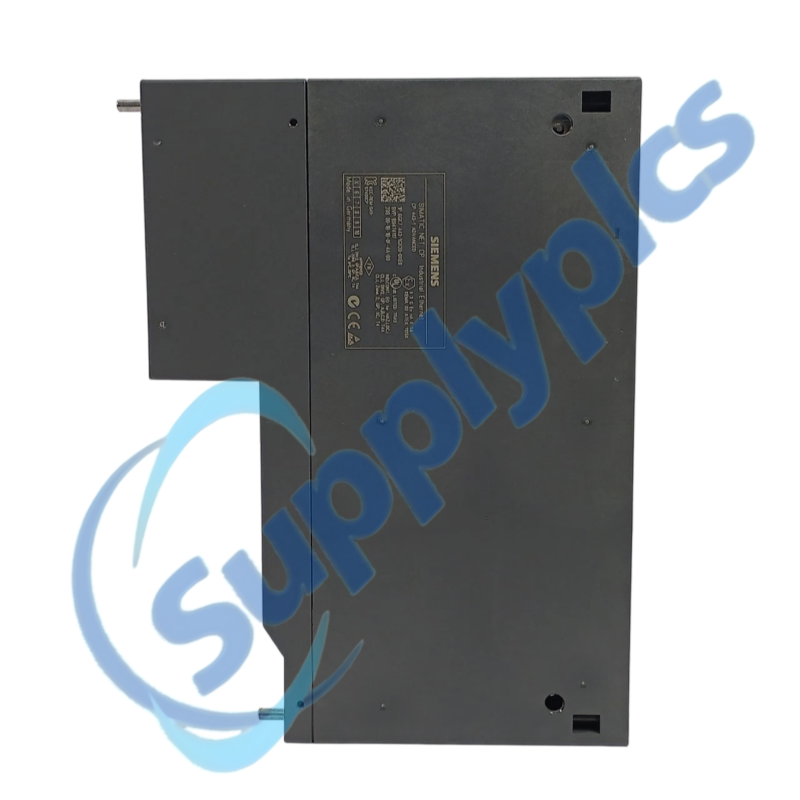
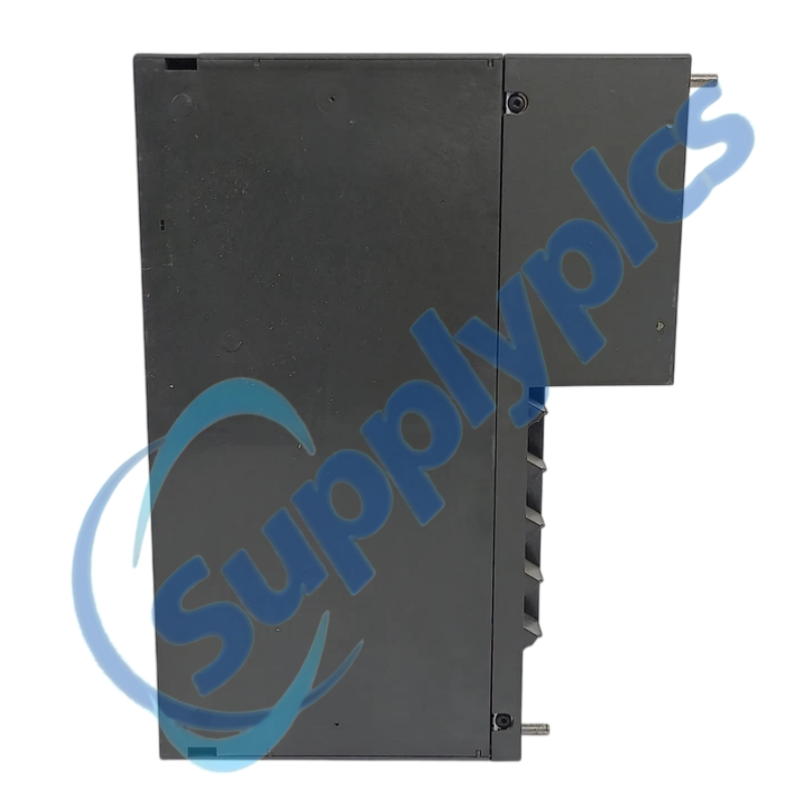
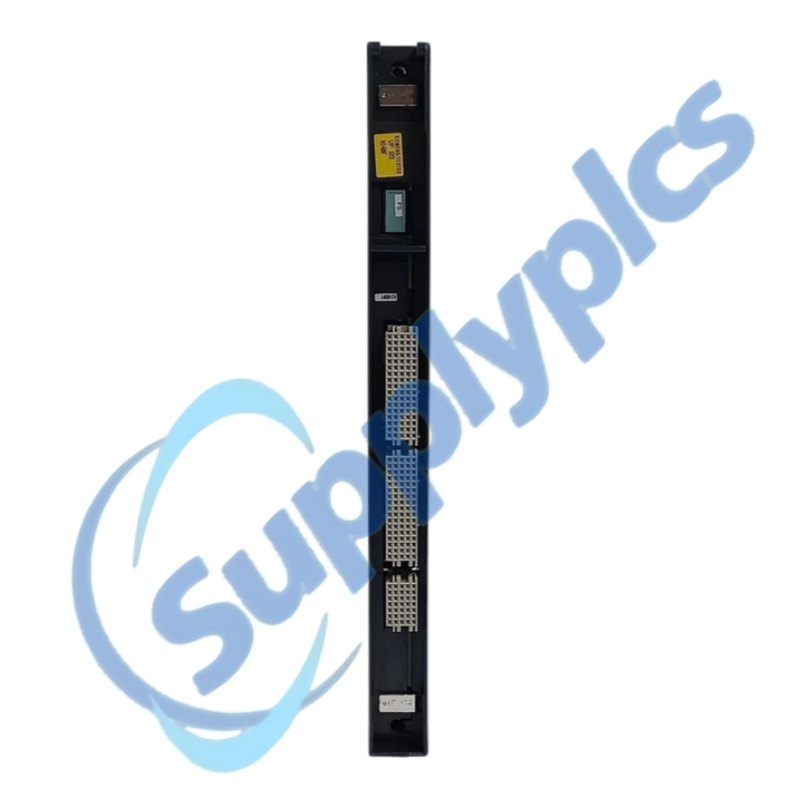
Siemens 6GK7443-1GX20-0XE0 is a SIMATIC NET CP 443-1 Advanced communication processor for integrating SIMATIC S7-400 stations into Industrial Ethernet networks.
Verify first: Confirm rack and CPU compatibility, CP firmware, IP configuration, communications project and any PRP requirement before replacing the module.
S7-400 Network Migration
01Archive the station
Save the STEP 7 project and online diagnostics.
02Map connections
Record IP settings, services, partners and physical ports.
03Check firmware
Verify CP hardware/firmware compatibility with the project and CPU.
04Commission in stages
Restore addressing, test each connection and review diagnostics.
Specifications
Product type
SIMATIC NET CP 443-1 Advanced
Article number
6GK7443-1GX20-0XE0
Automation platform
SIMATIC S7-400
Network type
Industrial Ethernet
Engineering context
STEP 7 hardware and connection configuration
PRP compatibility reference
Supported from firmware V2.1 in Siemens PRP documentation
Configuration checks
IP settings, services and connection resources
Replacement rule
Verify CPU, rack and firmware compatibility
Description
The CP 443-1 Advanced provides Ethernet communication for S7-400 systems and is referenced by Siemens as a compatible device for PRP applications from firmware V2.1.
A replacement must preserve the STEP 7 hardware configuration, communications connections, IP parameters and application services. Review the exact firmware and project support before transferring a configuration.
We review the complete order number and installed-system context before quotation.
Condition coordination
Availability and product condition are confirmed for the requested unit.
Global delivery support
Shipping options and available official documentation are coordinated with the destination.
FAQ
Q1
How should I verify that 6GK7443-1GX20-0XE0 matches the installed system before purchase?
Compare the full order number, S7-400 rack and CPU, CP hardware and firmware, required communications services and STEP 7 configuration. If PRP is used, verify the documented firmware and topology requirements.
Q2
What should I back up before replacing 6GK7443-1GX20-0XE0 in a working machine?
Archive the complete STEP 7 project, hardware configuration, connection table, IP parameters, routing settings and online diagnostic buffer. Label both the backplane position and every Ethernet cable before removal.
Q3
What should I check if 6GK7443-1GX20-0XE0 powers up but does not become operational?
Check module seating, rack power and CPU diagnostics, then verify the CP hardware configuration and firmware. Confirm the IP parameters and download path before reconnecting the production network.
Q4
How should I troubleshoot a communication or interface problem after installing 6GK7443-1GX20-0XE0?
Review the configured communications connections, partner addresses, subnet and routing information. Check port link status and duplicate IP risk, then test one service at a time from a controlled maintenance connection.
Q5
What should I inspect when 6GK7443-1GX20-0XE0 develops an intermittent fault?
Inspect link errors, cable shielding, switch-port negotiation, network load and diagnostic-buffer events. Correlate the loss with CPU state changes or redundant-network events before changing CP parameters.
Q6
Which details should I provide when requesting a quotation for 6GK7443-1GX20-0XE0?
Provide the exact CP order number, hardware and firmware version, S7-400 CPU and rack details, STEP 7 version, required services and PRP usage. Include the fault symptoms and destination.

 EN
EN