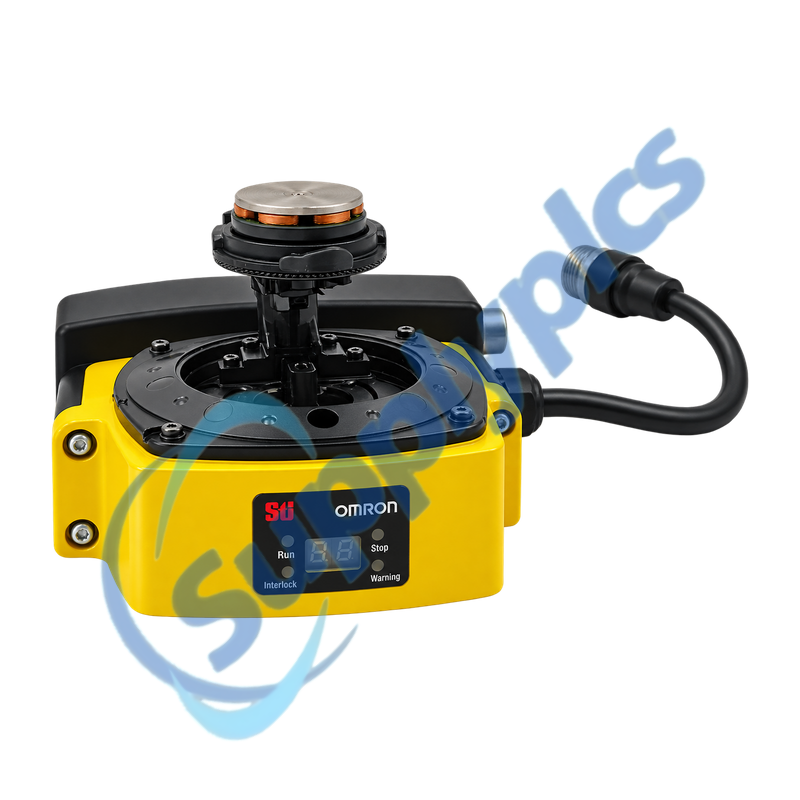
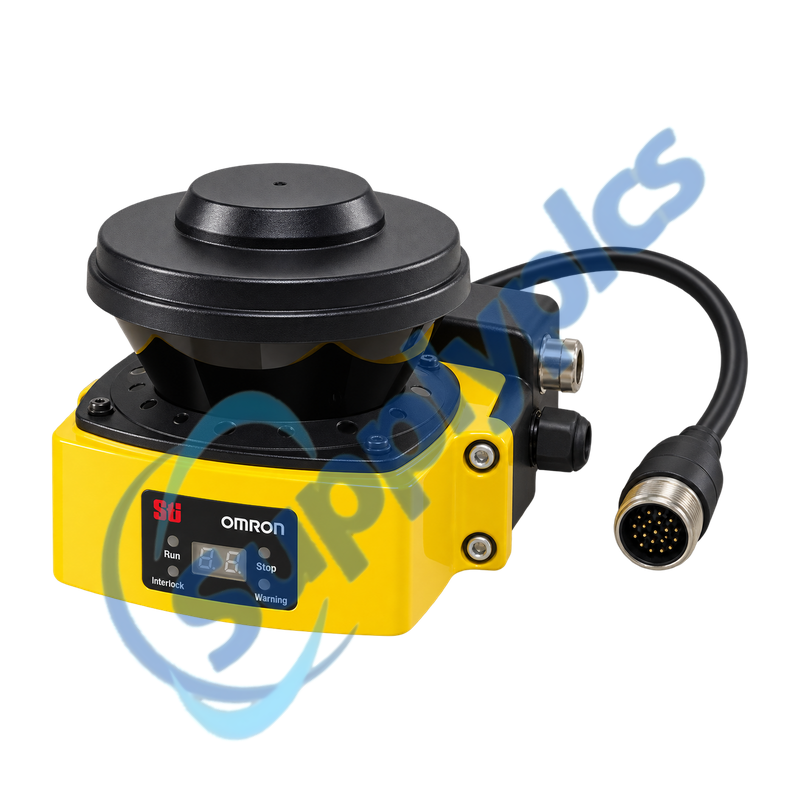
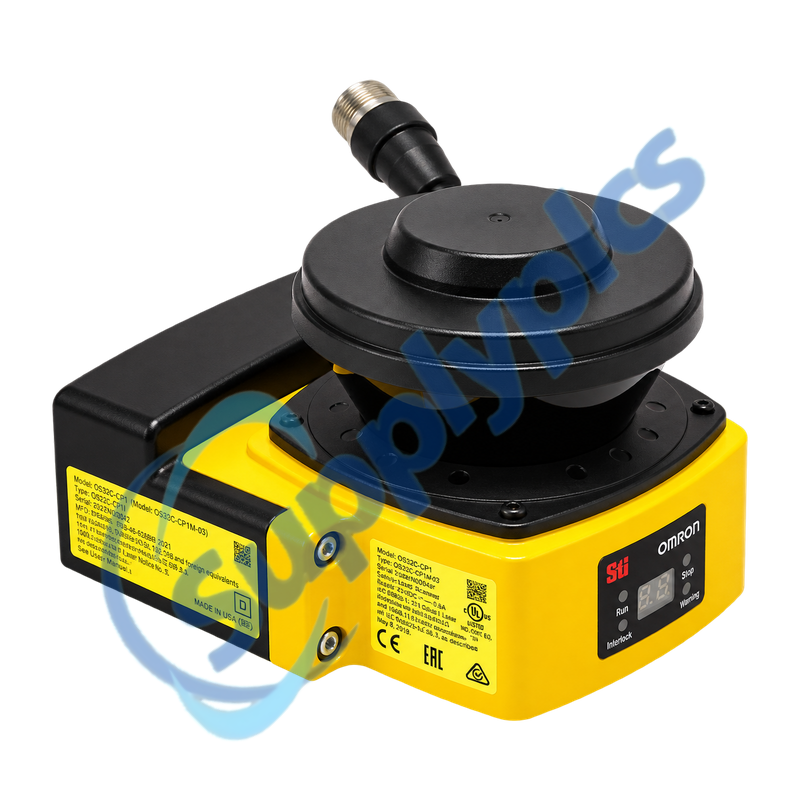
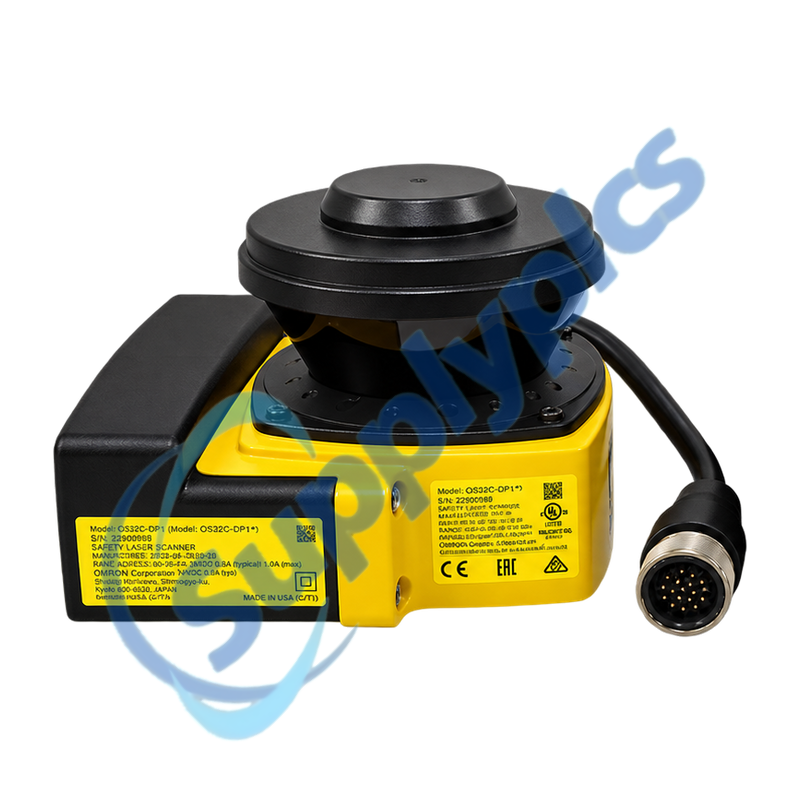
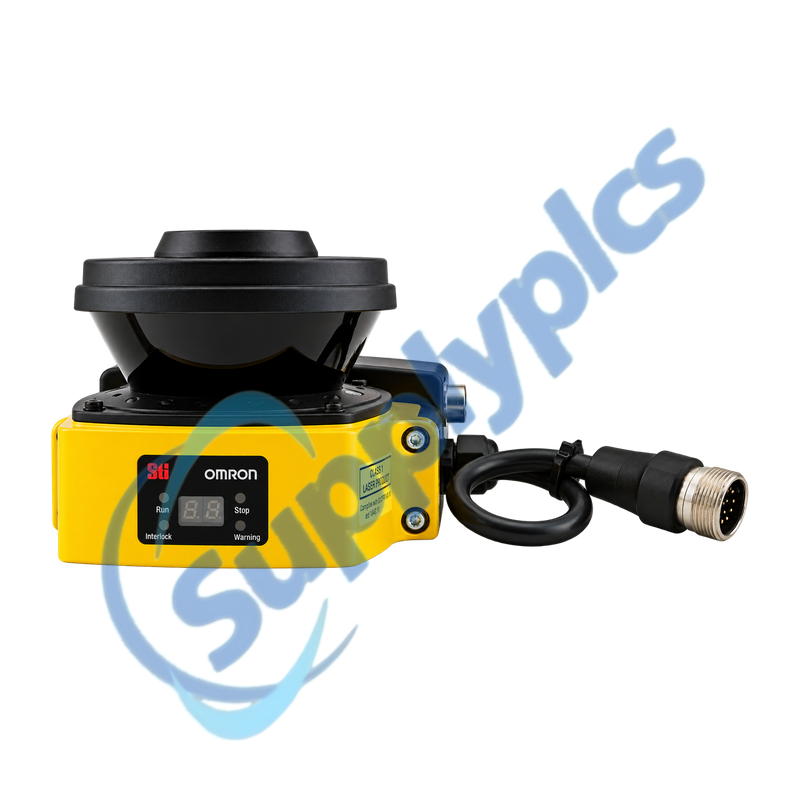
Matched service components for a side-entry OS32C 3 m safety laser scanner assembly
OS32C-CBSP1 is the replacement I/O block with cable access from the left side, and OS32C-SN is the 3 m sensor block supplied without an I/O block. Together they restore the principal blocks of a compatible OS32C scanner, but the installed configuration, safety validation, cables and mounting remain application-specific.
Component-set check: Confirm that the machine uses the 3 m side-entry OS32C version, identify the sensor-block version, export the configuration and safety checksum, and retain the correct power/I/O and Ethernet cables before ordering.
Block Compatibility
OS32C-CBSP1,OS32C-SN is a service combination rather than a separate scanner model. The I/O block stores the scanner configuration and provides left-side cable access; the replaceable sensor block performs the 270-degree scan and must be compatible with the installed OS32C version.
A block exchange is not complete until the OSSD outputs, zone inputs, restart and external-device-monitoring behavior, reference boundary, warning outputs and complete protected area have been validated under the machine risk-assessment procedure.
The two replacement blocks must match the cable-entry orientation, sensor generation and installed OS32C configuration.
Side entry
Use OS32C-CBSP1 only where the power, I/O and Ethernet connections are routed from the left side of the scanner.
Sensor version
Check the sensor-block label and configuration-tool compatibility; current OS32C-SN replacement listings identify the Version 2 block.
Stored settings
The validated zone configuration remains in the I/O block, so do not exchange or clear that block without an exported configuration and checksum.
Safety Validation
Every service exchange requires functional proof that the scanner still protects the intended hazard and stopping distance.
Optical window
Clean and inspect the scan window, confirm the mounting angle and ensure that no bracket or cable obstructs the 270-degree field.
Safety outputs
Test both OSSD channels, restart behavior, EDM feedback, zone switching and the response of the guarded machine to intrusion.
Configuration proof
Compare the safety checksum, zone map, minimum object resolution, response time and reference boundary with the approved machine record.
Can OS32C-CBSP1,OS32C-SN be installed as a complete standalone safety laser scanner?
They are replacement blocks for a compatible OS32C assembly, not a complete ready-to-run machine safety package. The correct power and I/O cable, Ethernet configuration cable, mounting, validated zone file and safety circuit are still required.
Q2
How should a technician confirm sensor-version compatibility for OS32C-CBSP1,OS32C-SN?
Read the sensor-block label and part-number revision, then compare it with the installed configuration-tool version and the approved scanner record. Current replacement information identifies OS32C-SN Version 2, so an older sensor generation should not be assumed interchangeable without verification.
Q3
Does OS32C-CBSP1,OS32C-SN require the protected zones to be programmed again after a sensor-only replacement?
Normally the configuration is stored in the I/O block, so a compatible sensor-block replacement can retain the zones. The technician must still verify the safety checksum, complete zone geometry, reference boundary and all safety functions before returning the machine to service.
Q4
Why can the OSSD outputs remain off after assembling OS32C-CBSP1,OS32C-SN?
Review the front error code and fault log, then check connector seating, supply voltage, scan-window condition, restart interlock, EDM feedback, zone-input state, configuration checksum and reference-boundary status. Do not bypass a safety input to force operation.
Q5
What installation details matter when OS32C-CBSP1,OS32C-SN is used on an AGV or mobile platform?
Confirm that left-side cable routing cannot be pinched, flexed below its radius or enter the scan plane. Secure the scanner against vibration, protect the optical window and validate every travel-direction zone at the measured stopping distance.
Q6
What evidence should be collected before replacing a faulty OS32C-CBSP1,OS32C-SN assembly?
Export the configuration and checksums, save the fault and monitoring logs, photograph the mounting and cable routing, record the sensor version, and document OSSD, warning-output, zone-input, restart and EDM behavior. This separates an optical or sensor fault from wiring or safety-control faults.

 EN