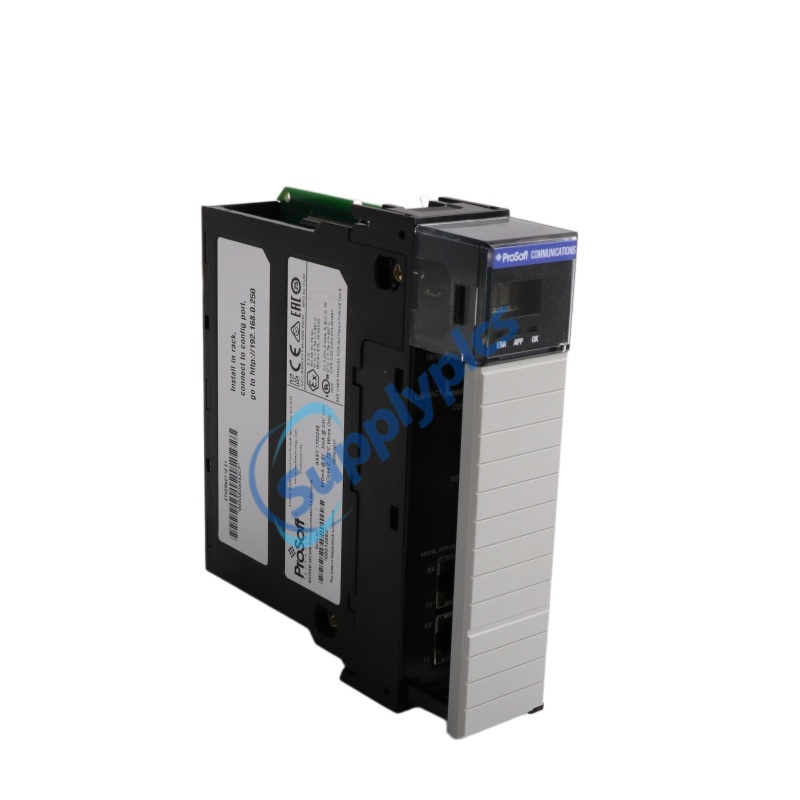
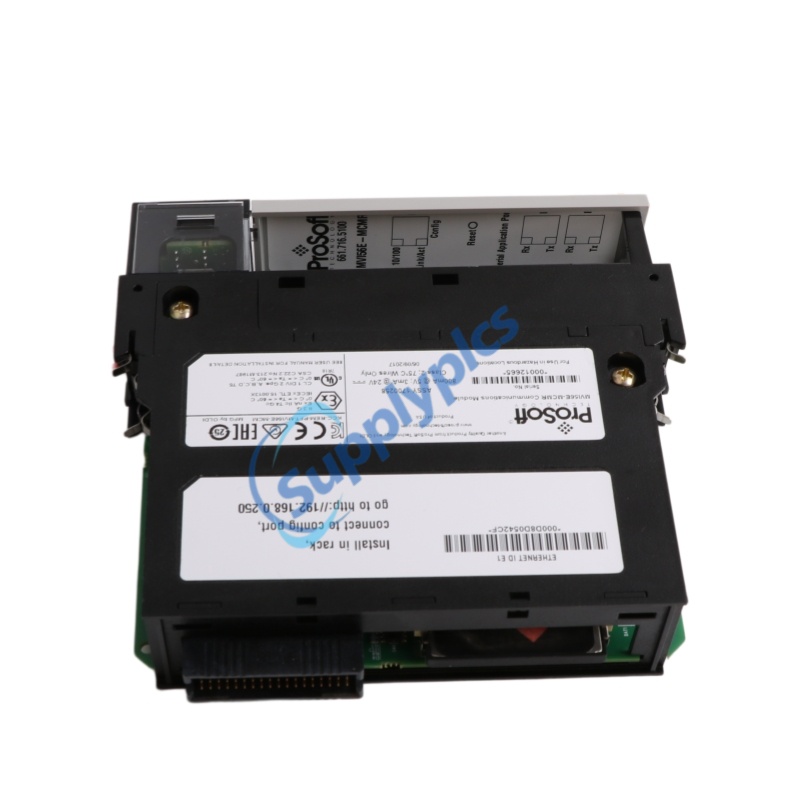
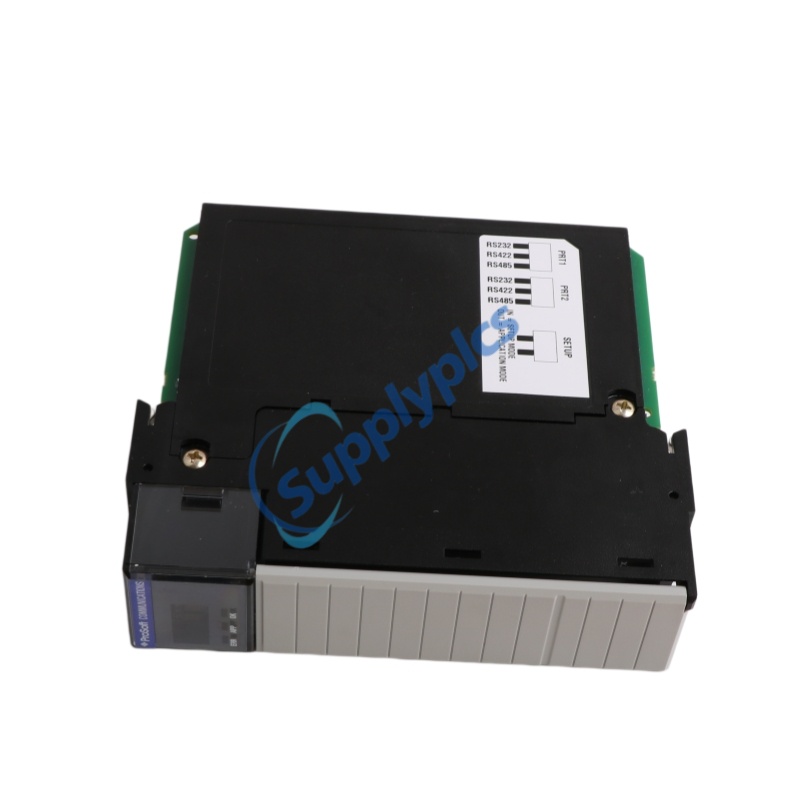
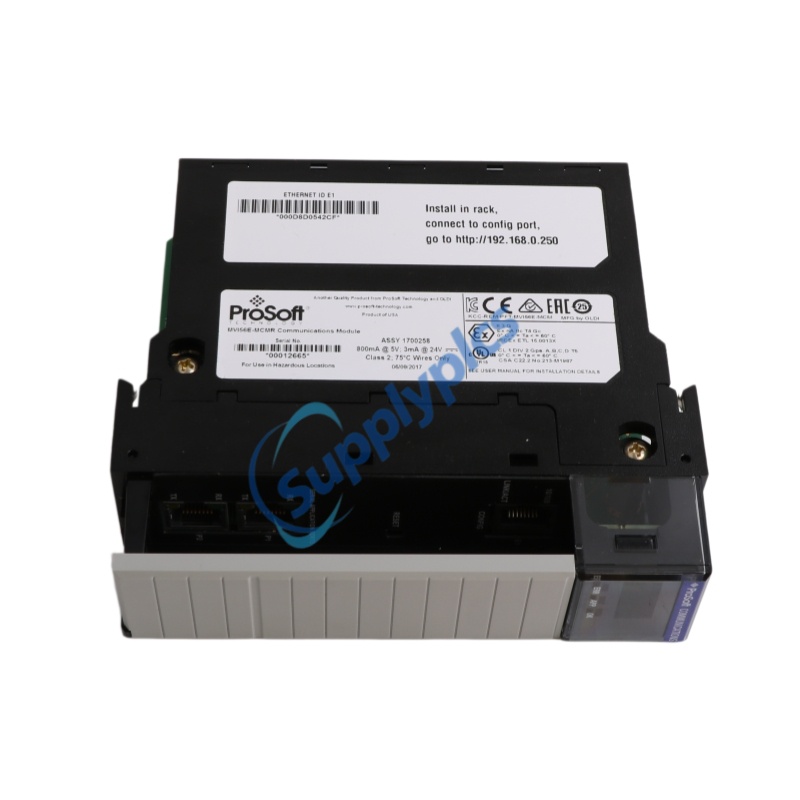
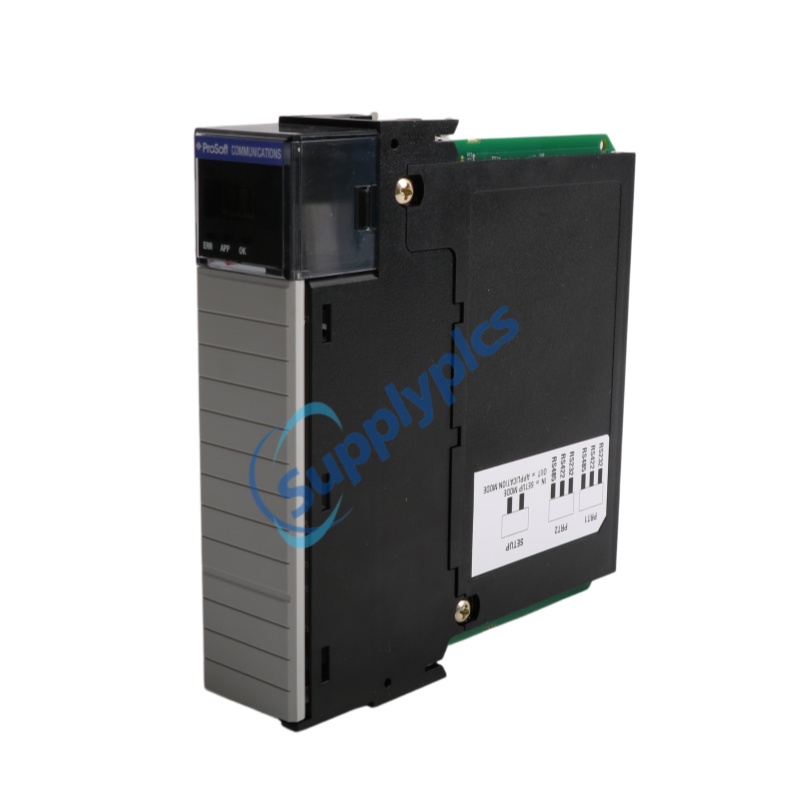
Product Name:Communication Module
Brand Name: PROSOFT
Model Number:MVI56E-MCM
Country of Origin:USA
Warranty: 12 Months
Whatsapp:+86 18159889985
Email:[email protected]

Brand Name: |
PROSOFT |
Model Number: |
MVI56E-MCM |
Country of Origin: |
USA |
Packaging Details: |
Original new Factory Sealed |
Delivery Time: |
Delivery time in stock |
Payment Terms: |
T/T |
|
Sales Manager: |
Stella |
|
Send an email: |
|
|
Contact in Whatsapp: |
The MVI56E-MCM is an enhanced Modbus Master/Slave communication module from ProSoft Technology, purpose-built for the Rockwell Automation ControlLogix platform. This MVI56E-MCM module acts as an input/output module on the ControlLogix backplane, making Modbus data appear as native I/O data to the processor. The MVI56E-MCM features two independently configurable serial ports, each capable of operating as a Modbus Master or Slave on the same or different networks. The MVI56E-MCM is fully backward-compatible with earlier MVI56 modules, allowing direct replacement without controller program changes. For extreme environments, the MVI56E-MCMXT variant offers conformal coating and extended temperature support
Backward Compatibility: Direct replacement for legacy MVI56 modules with no controller program modifications required
10,000-Word Database: Enhanced data capacity for improved operational performance
Add-On Instruction (AOI): Module configuration embedded within the RSLogix 5000 project (ACD file) – no additional software needed
CIPconnect® Enabled: Remote access, configuration, and diagnostics across the ControlLogix backplane via 1756-ENBT modules
Add-On Profile: Simplifies module addition in RSLogix 5000 projects
Scrolling LED Display: 4-character alphanumeric display showing status and diagnostic data in plain English
ProSoft Discovery Service (PDS): Automatically finds the module on the network and assigns a temporary IP address
RIUP Support: Remove and Insert Under Power capability for minimal downtime
The MVI56E-MCM bridges ControlLogix processors with Modbus RTU/ASCII devices. Each serial port can be independently configured as a Modbus Master (issuing commands to slaves) or Slave (responding to remote masters). As a Master, it supports up to 325 commands per port with optimized polling and comprehensive error monitoring. As a Slave, it provides full memory access to remote masters. The module supports 12 Modbus function codes including read/write coils, registers, and diagnostics. It also supports Enron Modbus for floating-point data and includes a built-in network analyzer. Configuration is managed via the Add-On Instruction within RSLogix 5000.
|
Parameter |
MVI56E-MCM (Standard) |
MVI56E-MCMXT (Extreme) |
|
Operating Temperature |
-25°C to 70°C (-13°F to 158°F) |
|
|
Storage Temperature |
-40°C to 85°C (-40°F to 185°F) |
|
|
Conformal Coating |
Not available |
|
|
Relative Humidity |
5% to 95% (non-condensing) |
|
|
Platform |
Standard ControlLogix |
|
|
Shock |
30 g operational; 50 g non-operational |
30 g operational; 50 g non-operational |
|
Vibration |
5 g from 10 to 150 Hz |
5 g from 10 to 150 Hz |
Q1: What is the primary function of the MVI56E-MCM?
A1: The MVI56E-MCM enables Modbus Master and/or Slave connectivity between Rockwell Automation ControlLogix processors and Modbus RTU/ASCII devices.
Q2: What is the difference between the MVI56E-MCM and MVI56E-MCMXT?
A2: Both modules are functionally identical. The MVI56E-MCMXT is designed for extreme environments with wider operating temperature (-25°C to 70°C) and conformal coating for harsh or caustic conditions.
Q3: How many Modbus commands can the MVI56E-MCM issue as a Master?
A3: Each Master port supports up to 325 fully configurable Modbus commands.
Q4: Is the MVI56E-MCM backward-compatible with older MVI56 modules?
A4: Yes, all MVI56E products are backward-compatible with earlier MVI56 modules, allowing direct replacement without changing existing controller programs.
Q5: What configuration software is required for the MVI56E-MCM?
A5: No additional software is required. Configuration is embedded within the RSLogix 5000 project using the Add-On Instruction (AOI), which includes user-defined data types, ladder rungs, and controller tags.
Inquiry Now :[email protected]
 EN
EN