Q1
How should I verify that 6AV2124-1GC01-0AX0 is the correct KP700 variant for my machine?
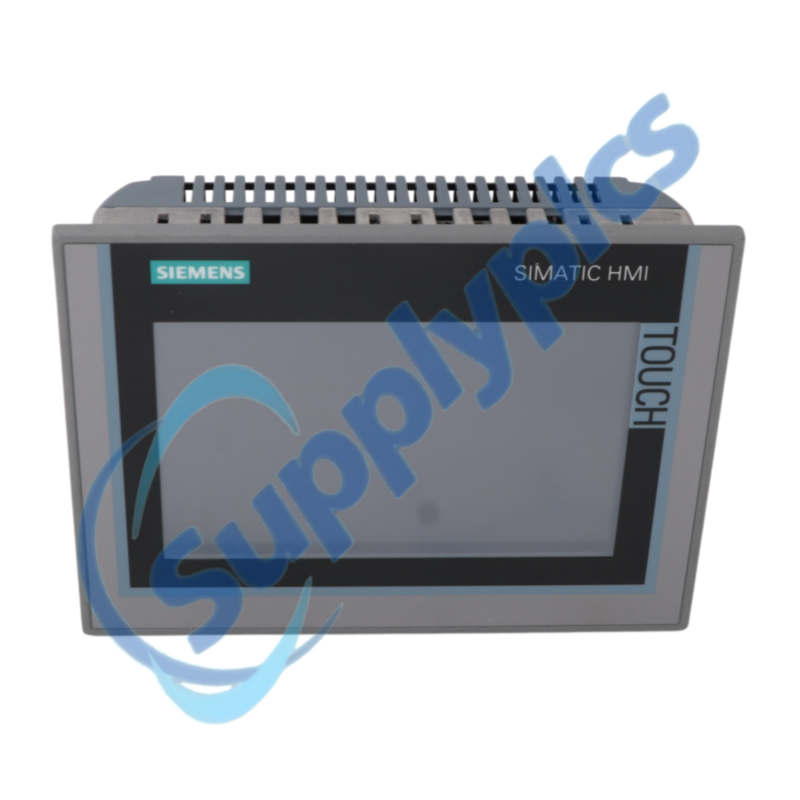
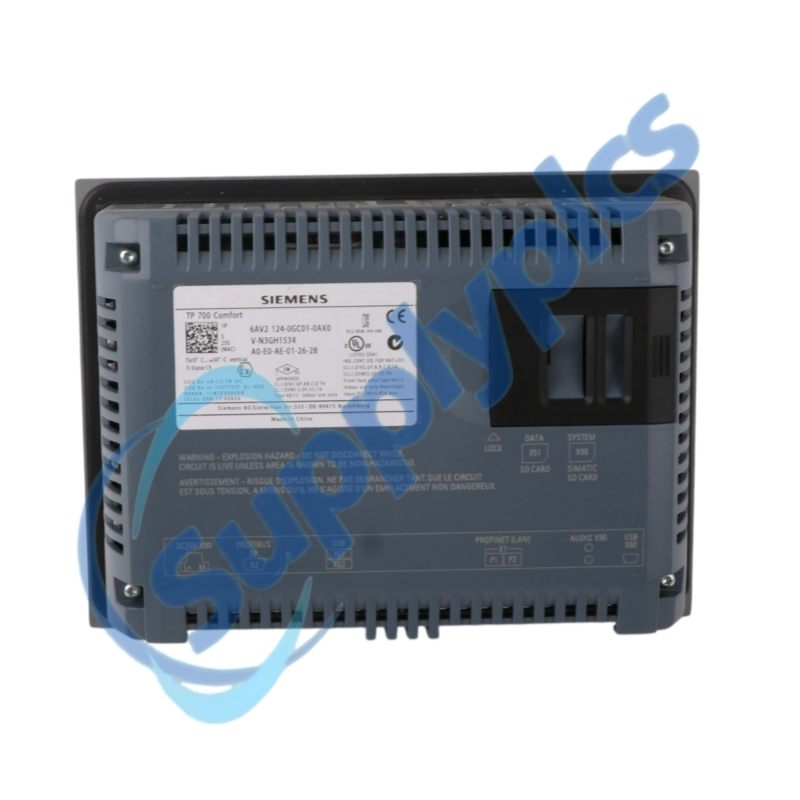
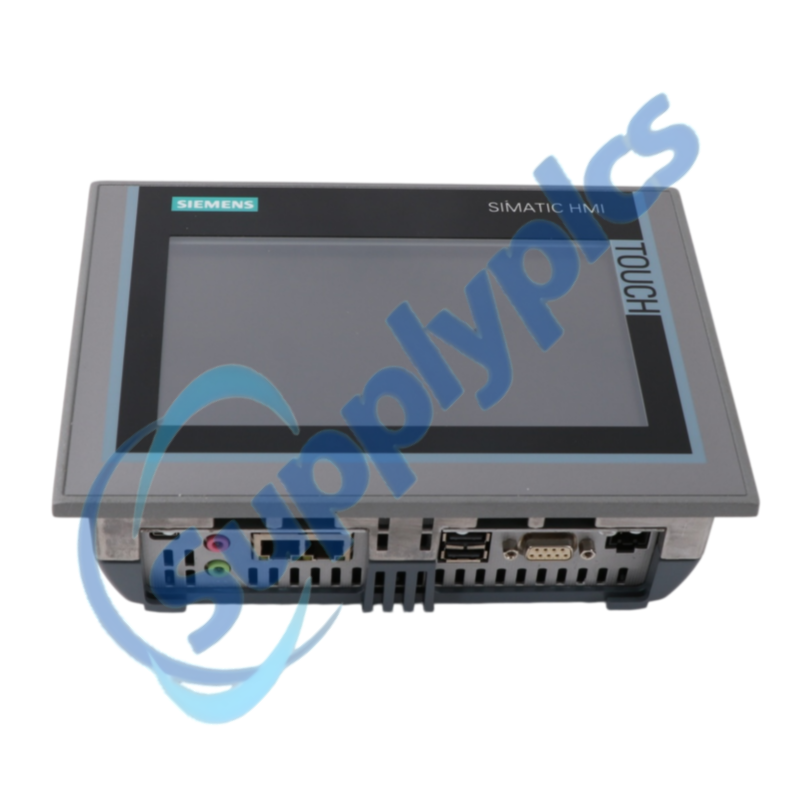
Do not order until the key-operated panel, mechanics, interface and project all match the installed machine. Compare the exact order number, key-operated front, panel cutout, 24 V DC wiring, PROFINET or MPI/PROFIBUS connection, function-key assignment and the available WinCC project before ordering.
Q2
What should I back up before replacing 6AV2124-1GC01-0AX0?
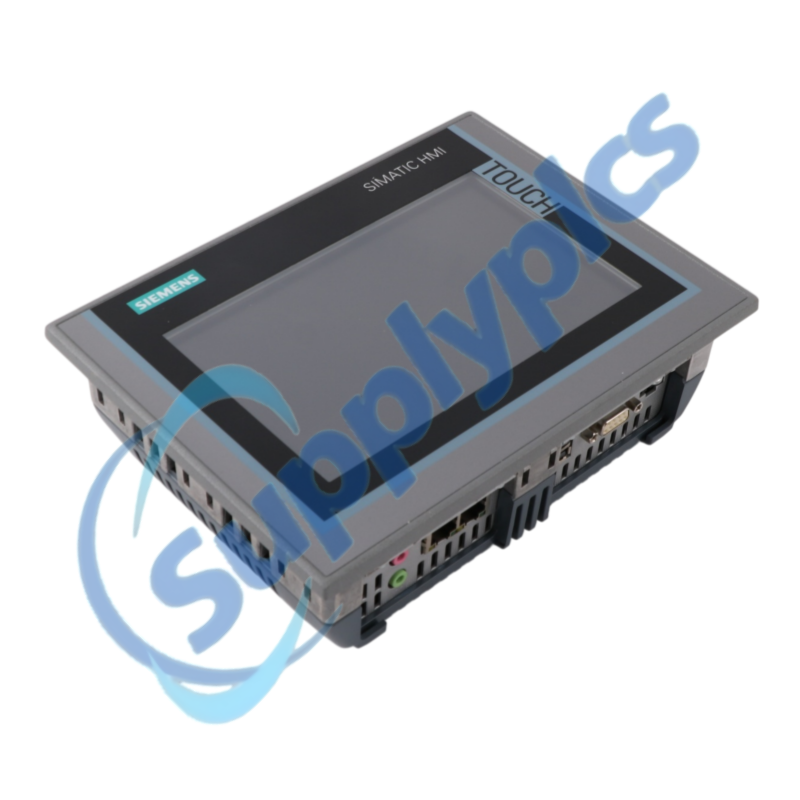
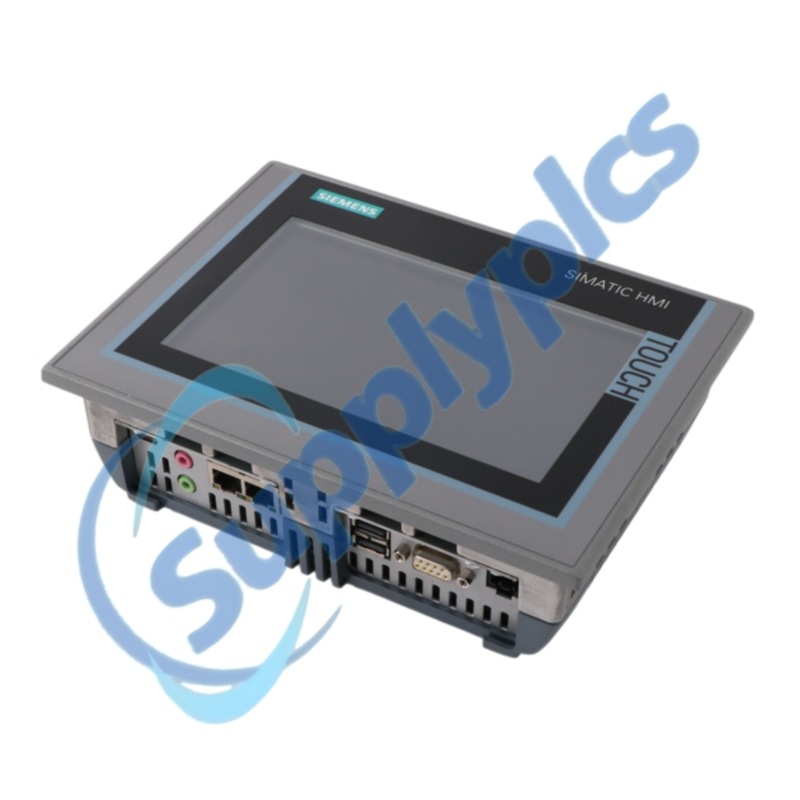
Stop the replacement if no editable WinCC project and validated runtime backup are available. Archive the editable WinCC project and a validated runtime backup, including recipes, users, certificates, scripts, network settings and every function-key and LED assignment. Photograph all connectors before disconnection.
Q3
Why can 6AV2124-1GC01-0AX0 start while the PLC values remain unavailable?
A normal startup with unavailable PLC values usually means the wrong project or communication parameters are loaded. Check that the correct project is loaded, then verify the selected controller connection, PROFINET device name or MPI/PROFIBUS address, cable termination, IP parameters and PLC diagnostics.
Q4
How should I test the function keys of 6AV2124-1GC01-0AX0 after project restoration?
Release the panel only after every key and LED passes a safe functional test. Place the machine in a safe maintenance state and test each key and LED against the approved sequence, including direct-key behavior, alarm acknowledgment and access-controlled functions. Record any mismatch before release.
Q5
What should I inspect if 6AV2124-1GC01-0AX0 restarts or loses communication intermittently?
Treat intermittent restarts or communication loss as a power, connection or environment fault first. Check the 24 V DC supply under load, grounding, connector seating, cabinet temperature, Ethernet or PROFIBUS diagnostics and event timing. Determine whether the fault follows vibration, heat or a specific machine action.
Q6
Which details should I provide when requesting a replacement 6AV2124-1GC01-0AX0?
A replacement request must include the engineering environment needed to restore the machine. Provide the exact order number, panel hardware revision, WinCC and TIA Portal versions, controller type, communication protocol, project backup status and clear photos of the front, nameplate and connectors.

 EN
EN